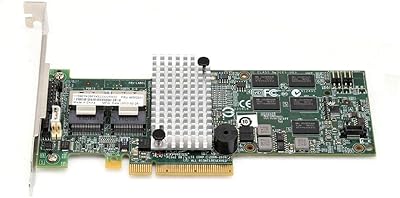
YBBOTT PCE 16SAT 16-Port SATA Expansion Card
Overview
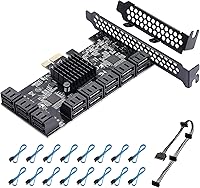
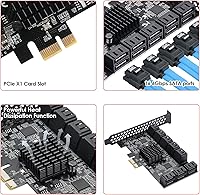
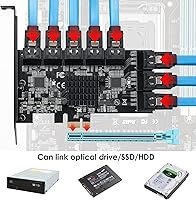
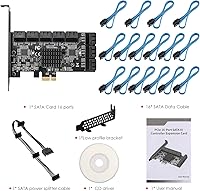
The YBBOTT PCE 16SAT 16-Port SATA Expansion Card solves a problem most storage-heavy builders eventually hit: running out of SATA ports without wanting to swap out an entire motherboard. What makes this card worth a closer look is its dual-chip architecture — two chips working in tandem to handle drive connections more reliably than a single-chip solution typically allows. It slots into any PCIe x1, x4, x8, or x16 opening, which means it works across a wide range of desktops without fuss. At its mid-range price point, it occupies a sensible middle ground, and the fact that all 16 SATA cables come included means you're not making a separate accessories run before you can get started.
Features & Benefits
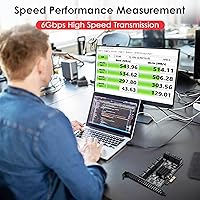
Each of the 16 ports runs SATA 3.0 at up to 6Gbps, meaning modern drives won't be bottlenecked by the card itself. The two-chip design — a bridge chip feeding a second controller — is worth understanding because it distributes the load across connections rather than funneling everything through one component, which is where cheaper single-chip cards often struggle under full load. Boot support is a feature many buyers specifically search for and don't always find; this card handles it. A low-profile bracket is included for compact builds, and plug-and-play functionality covers Windows 8 through 11 and most Linux kernels without requiring a driver disc.
Best For
This 16-port SATA card is an obvious fit for anyone building a home NAS or media server who needs to pile in a dozen or more drives without upgrading their motherboard. Video editors archiving raw footage across multiple spinning disks, IT staff standing up drive test benches, and small offices running local backup arrays will all find it practical. It's also a clean solution for users stuck with an older board that tops out at four or six native SATA connections. If you're already running enterprise-grade HBA hardware, the value proposition shifts — but for everyone else, this hits a useful spot in the market.
User Feedback
Across more than a hundred ratings, the expansion card holds a 4.4-star average, and the pattern in the reviews is fairly consistent. Most buyers report that all drives are detected reliably on first boot and that throughput stays steady under load. Linux users specifically mention working out of the box on common distros, which isn't guaranteed with every controller card. The cables get noted more than once as being actually usable rather than flimsy fillers. The two complaints worth taking seriously: heat buildup under sustained multi-drive workloads, and the fact that PCIe slot bandwidth on your specific board can affect real-world performance — so check your system specs before assuming maximum throughput.
Pros
- All 16 SATA cables are included in the box — no extra shopping trip needed before you can start building.
- Boot-drive support is functional and confirmed by users, a feature many cheaper cards simply skip.
- Plug-and-play on Windows 10 and 11 means most builders are up and running without touching a driver download.
- Linux users on common distros confirm out-of-the-box recognition without manual kernel configuration.
- The card slots into any PCIe size from x1 to x16, giving it broad compatibility across varied desktop builds.
- A low-profile bracket ships in the box, making this a genuine option for compact and slim-case builds.
- Drive detection across multiple simultaneously connected disks is consistent according to the majority of buyers.
- The dual-chip architecture distributes connection load more reliably than the single-chip cards it competes with at this price.
- At its price point, 16 ports with cables and multi-slot compatibility represents strong hardware value for home lab use.
Cons
- Real-world throughput is heavily dependent on which PCIe slot you use — x1 slots create a significant bandwidth ceiling.
- Heat buildup under sustained 16-drive workloads is a documented concern, and no heatsink is included to address it.
- Running a full array of spinning HDDs demands serious PSU headroom; underpowered systems will experience random drive dropouts.
- YBBOTT has a thin track record compared to established controller card brands, leaving long-term durability as an open question.
- Manufacturer documentation is minimal, and edge-case troubleshooting relies almost entirely on third-party community resources.
- Windows 7 compatibility is inconsistently reported despite appearing in product materials — legacy OS users should verify carefully first.
- Cable management with 16 simultaneous SATA connections in a single case quickly becomes unwieldy without careful planning.
- Boot-drive support on older BIOS-based motherboards requires additional BIOS configuration and is not guaranteed to work cleanly.
Ratings
The YBBOTT PCE 16SAT 16-Port SATA Expansion Card has been evaluated using AI-assisted analysis of verified global buyer reviews, with spam, bot-generated, and incentivized feedback actively filtered out before scoring. What emerges is a picture of a capable mid-range storage controller that earns genuine praise in the right builds — but comes with a few real-world caveats worth knowing before you commit. Scores below reflect both the strengths that keep buyers satisfied and the friction points that show up consistently across independent accounts.
Multi-Drive Detection Reliability
Data Throughput Stability
Chipset Stability & Architecture
Operating System Compatibility
Boot Drive Support
Thermal Management
PCIe Slot Versatility
Included Cable Quality
Low-Profile Bracket Inclusion
Value for Money
Installation Experience
Build & Component Quality
PSU & System Power Compatibility
Documentation & Support
Suitable for:
The YBBOTT PCE 16SAT 16-Port SATA Expansion Card is built for people who need to connect a lot of drives and need to do it without gutting their existing system. Home NAS builders stacking a dozen or more HDDs for a Plex server or personal cloud setup will find this card covers their needs cleanly and without drama. Video editors or content creators who keep large libraries of raw footage on local drives — rather than in the cloud — benefit from the ability to have all those disks live in one machine simultaneously. IT professionals running drive test labs or building redundant backup servers will appreciate both the port count and the boot-drive support, which eliminates the need for a separate system drive. Users on older boards that topped out at four or six native SATA connections get a meaningful upgrade path here without spending on a new motherboard. Small businesses that need on-site storage capacity but cannot justify enterprise HBA pricing will find the value proposition genuinely compelling at this tier.
Not suitable for:
The YBBOTT PCE 16SAT 16-Port SATA Expansion Card is not the right tool if you are running a production environment where sustained throughput across all 16 ports simultaneously is a hard requirement. The dual-chip design improves stability over single-chip alternatives, but the card is still constrained by the PCIe slot it occupies — and anyone plugging it into a shared-bandwidth x1 slot expecting full 6Gbps across every port will run into a ceiling that the spec sheet does not make obvious. Buyers with tight, poorly ventilated cases should also think twice, because the card generates real heat under heavy multi-drive workloads and ships with no heatsink. If your power supply is already near its limit, adding up to 16 spinning hard drives to the load is a recipe for instability that requires a PSU upgrade before this card will behave reliably. Users on older BIOS-based systems hoping to use boot-drive support may find the experience inconsistent and frustrating compared to modern UEFI boards. Anyone expecting robust manufacturer documentation or direct technical support from YBBOTT when things get complicated will likely be disappointed and end up relying on community forums instead.
Specifications
- SATA Ports: The card provides 16 independent SATA 3.0 ports, allowing simultaneous connection of up to 16 storage drives in a single system.
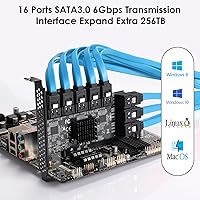
- Transfer Speed: Each port operates at up to 6Gbps, consistent with the SATA 3.0 standard and sufficient for both HDDs and SATA SSDs.
- Host Interface: The card connects to the motherboard via a PCI Express 3.0 interface, compatible with x1, x4, x8, and x16 PCIe slots.
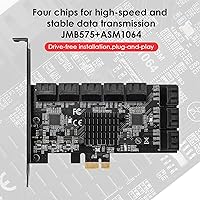
- Primary Chipset: The ASM1064 controller chip manages port allocation and is responsible for the card's core drive communication and stability.
- Bridge Chip: A JMB575 bridge chip is used in conjunction with the ASM1064 to extend port capacity and distribute connection load across the card.
- Max Storage: The card theoretically supports up to 256TB of total attached storage across all 16 connected drives.
- OS Compatibility: Supported operating systems include Windows 8, Windows 10, Windows 11, and Linux kernel 2.6.x and higher, with plug-and-play recognition on most modern installs.
- Boot Support: The card supports booting the operating system from a SATA drive connected to one of its ports, a capability verified on UEFI-based systems.
- Bracket Options: Both a standard full-height bracket and a low-profile bracket are included in the box, supporting installation in standard ATX and compact slim cases.
- Included Cables: Sixteen SATA data cables are bundled in the package, providing everything needed to connect a full array of drives immediately after installation.
- Item Weight: The card and included accessories weigh approximately 1.01 pounds (around 458 grams) as packaged.
- Package Dimensions: The retail package measures 8.39 x 6.42 x 1.73 inches, compact enough for standard shipping and easy storage.
- Brand & Model: Manufactured by YBBOTT under the model designation PCE 16SAT, first made available in March 2024.
- Market Rank: The card holds a top-five position in the Computer Internal SCSI Port Cards category on Amazon based on sales rank data.
- User Rating: Based on 112 verified ratings, the card carries an average score of 4.4 out of 5 stars across global buyers.
- Form Factor: The card is designed as a standard PCIe add-in card and does not require any external power connectors beyond the PCIe slot itself.
- RAID Support: This card functions as a simple SATA host controller and does not offer hardware RAID — software RAID configurations managed by the OS are possible but not hardware-accelerated.
Related Reviews
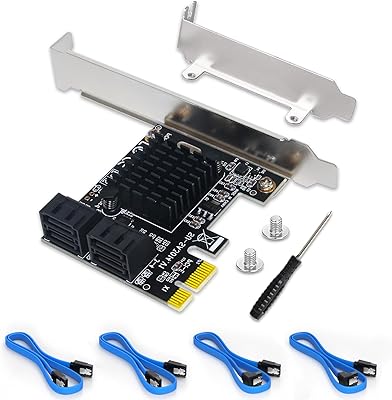
Moonqkuses 4-Port SATA 3.0 PCIe Expansion Card
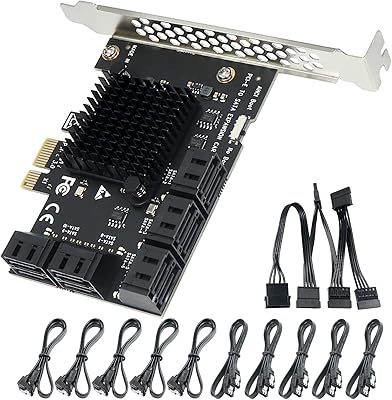
Trotwei Blue SSU-10P-SATA3 10-Port SATA PCIe Card
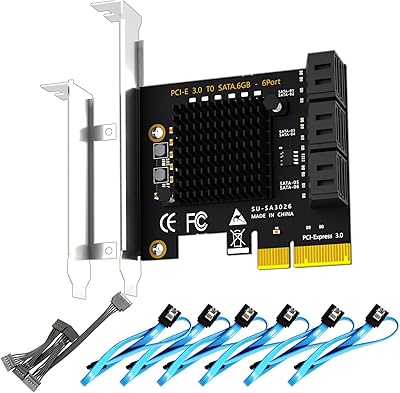
GLOTRENDS SA3026-C 6-Port PCIe SATA Card
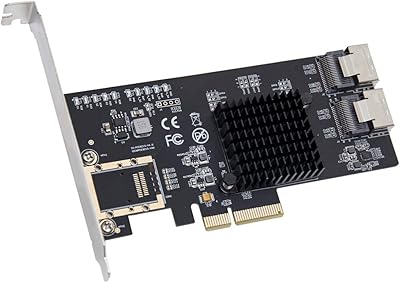
IO CREST SI-PEX40137 8-Port PCIe SATA Card
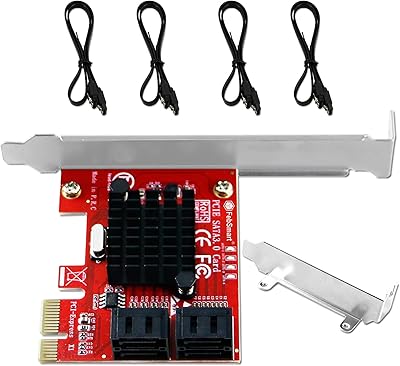
FebSmart FS-S4-Pro V2 PCIe SATA Expansion Card
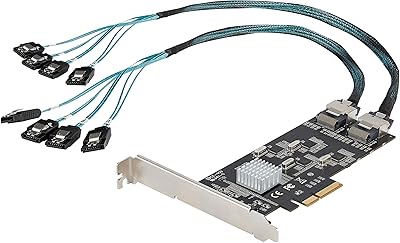
StarTech 8-Port SATA III PCIe Expansion Card
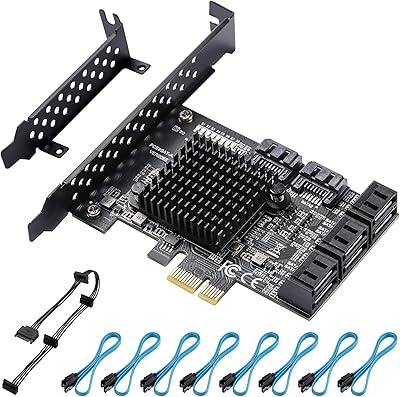
BEYIMEI 8-Port PCIe SATA Expansion Card
Cisco SG100-16 16-Port Gigabit Network Switch
Zyxel GS1100-16 16-Port Gigabit Ethernet Switch