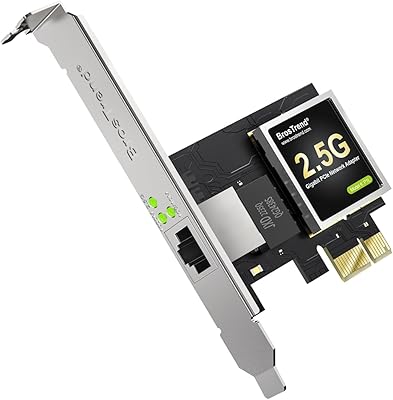
WAVLINK RTL8126 5Gbps PCIe Network Card

Overview
The WAVLINK RTL8126 5Gbps PCIe Network Card is a practical, no-nonsense way to bring 5-gigabit ethernet to a desktop that was never built with it in mind. Released in early 2024, it occupies an interesting spot: fast enough to make a real difference over standard gigabit, but priced well below the 10GbE tier that still commands a steep premium. The foundation here is the Realtek RTL8126 chipset, a controller with solid industry recognition and dependable long-term driver support. Just keep in mind that 5GbE only pays off if your router, switch, or NAS can also handle that speed — the card alone will not help on a purely gigabit network.
Features & Benefits
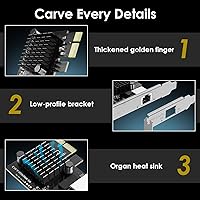
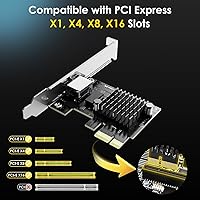
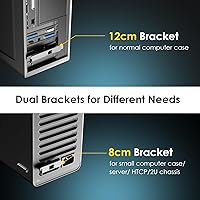
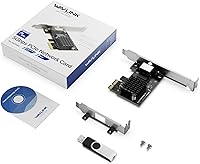
This 5GbE network card connects through a single RJ45 port and tops out at 5Gbps over standard Cat5e or Cat6 cabling — no need to rewire anything. One of its more practical details is broad PCIe slot support: it fits x1, x4, x8, and x16 slots, covering the vast majority of desktop motherboards without issue. The box includes both a standard and a low-profile bracket, which matters if you are working inside a compact or small form-factor case. A metal shield on the PCB reduces electromagnetic interference, and the passive cooling design keeps temperatures stable during sustained transfers without adding any fan noise to your system.
Best For
The WAVLINK 5-gigabit adapter makes the most sense for home lab and NAS users who regularly move large files across a local network and find gigabit increasingly limiting. It is also a solid pick for gamers or content creators who want more bandwidth without committing to the cost and complexity of 10GbE hardware. Linux users will generally find kernel-level support reliable, though some may need to verify their distro version for full out-of-the-box compatibility. For anyone building or upgrading a compact desktop, the included low-profile bracket makes this card genuinely usable in tight builds — not just theoretically compatible on paper.
User Feedback
This PCIe upgrade card holds a 4.3 out of 5 star rating, and the positive reviews are notably consistent: buyers report effortless Windows installation, with the OS detecting the card immediately and pulling drivers without any manual steps. Those running NAS setups confirm real throughput gains on local file transfers, which is the core reason most people buy into this tier. On the critical side, a handful of Linux users note that older kernel versions may require a manual driver build from Realtek's repository — not a dealbreaker, but worth knowing before you buy. Build quality feedback is generally positive, with no recurring complaints about bracket fitment or the shielding feeling cheap.
Pros
- Fits PCIe x1, x4, x8, and x16 slots, making it compatible with nearly any modern desktop motherboard.
- The Realtek RTL8126 chipset is well-established, ensuring reliable driver availability for years ahead.
- Windows 10 and Windows 11 users typically experience immediate OS recognition with no manual driver hunting.
- Both standard and low-profile brackets are included, so compact and tower builds are covered equally.
- Passive cooling keeps the card quiet and thermally stable during sustained high-throughput transfers.
- Real-world NAS transfer speeds confirm meaningful gains over gigabit when the network supports it.
- Metal PCB shielding reduces electromagnetic interference, which matters in crowded multi-card desktop builds.
- At its price point, this 5GbE network card delivers a performance tier that used to cost significantly more.
- Lightweight and compact packaging makes it easy to handle and install without crowding adjacent PCIe slots.
Cons
- Linux users on older kernel versions may need to manually compile and install drivers from Realtek's repository.
- Only one RJ45 port is included, so multi-port or link-aggregation setups require a different card entirely.
- The 5Gbps ceiling is already being approached by prosumer workloads, leaving less room for future-proofing than 10GbE.
- No macOS support is listed, ruling out Hackintosh builds or any Apple desktop use case entirely.
- Real-world gains are completely dependent on the rest of the network; a gigabit switch renders this card pointless.
- The card has only been on the market since early 2024, so long-term reliability data is still limited.
- No bundled ethernet cable is included, which can catch first-time upgraders off guard if they need Cat6 runs.
- Driver installation documentation is minimal, which can frustrate less experienced builders during initial setup.
Ratings
The WAVLINK RTL8126 5Gbps PCIe Network Card has been scored by our AI system after analyzing verified buyer reviews from multiple global markets, with spam, bot-generated, and incentivized feedback actively filtered out. The scores below reflect a balanced picture — where this PCIe upgrade card genuinely delivers, and where real users have run into frustration. Both the strengths and the recurring pain points are represented transparently in every category.
Value for Money
Ease of Installation
Linux Compatibility
Real-World Throughput
Build Quality
Thermal Performance
OS Compatibility Range
Bracket & Form Factor Flexibility
Driver Stability
PCIe Slot Versatility
Packaging & Accessories
Longevity & Reliability
Suitable for:
The WAVLINK RTL8126 5Gbps PCIe Network Card is a strong fit for anyone running a home lab or NAS setup who regularly transfers large files over a local network and has hit the ceiling of standard gigabit speeds. If you are copying multi-gigabyte video files or backups to a NAS several times a day, the jump from 1Gbps to 5Gbps is immediately felt in practice. It is equally well-suited to IT enthusiasts or tinkerers who want to squeeze more performance out of an older desktop without buying a new motherboard with onboard 2.5GbE or 5GbE. Gamers and streamers who want lower-latency, higher-bandwidth local connectivity will also find it a practical upgrade. The inclusion of a low-profile bracket makes it a legitimate option for small form-factor builders, not just standard tower owners. Linux users on reasonably current distributions should have a smooth experience thanks to the Realtek RTL8126 chipset's solid kernel support.
Not suitable for:
The WAVLINK RTL8126 5Gbps PCIe Network Card will not help you if the rest of your network — your router, switch, or NAS — tops out at gigabit; the card alone cannot create bandwidth that the other end of the cable cannot handle. Buyers expecting a plug-and-play experience on older Linux distributions or niche kernels may run into a driver build process that requires some command-line comfort. This card is also not a fit for laptop users or anyone without an available PCIe slot, and it is strictly incompatible with legacy PCI slots found in very old hardware. Users who need more than one ethernet port, or who are already running 10GbE infrastructure, will find this card underwhelming rather than useful. If your workflow does not involve frequent large local transfers, the real-world difference over a well-configured gigabit connection will likely be invisible.
Specifications
- Chipset: Powered by the Realtek RTL8126 controller, a widely supported chip with strong OS recognition across major platforms.
- Max Speed: Delivers up to 5 Gbps of network throughput over a single RJ45 port using standard Cat5e or Cat6 cabling.
- LAN Ports: Includes one RJ45 ethernet port, sufficient for single-connection desktop networking upgrades.
- PCIe Slots: Compatible with PCIe x1, x4, x8, and x16 slots, covering the majority of modern desktop motherboards.
- PCI Slots: Not compatible with legacy PCI slots; requires a PCIe slot for installation.
- Brackets: Ships with both a standard full-height bracket and a low-profile bracket to support compact and tower desktop builds.
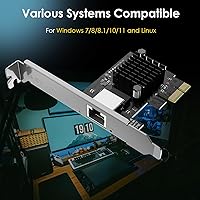
- OS Support: Officially supports Windows 10, Windows 11, and Linux operating systems without requiring third-party driver packages.
- Driver Source: Drivers are sourced directly from Realtek's official repository, ensuring long-term availability and update support.
- EMI Shielding: A metal shield on the PCB reduces electromagnetic interference from adjacent components in multi-card or densely packed builds.
- Cooling Design: Uses a passive heat dissipation design with no active fan, keeping thermals stable during sustained high-throughput transfers silently.
- Item Weight: The card weighs 2.4 ounces, making it lightweight and easy to handle during installation.
- Package Size: Retail packaging measures 5.91 x 4.92 x 1.06 inches, compact enough for standard shipping and storage.
- Data Protocol: Operates over the standard Ethernet data link protocol, ensuring broad compatibility with existing network infrastructure.
- Market Rank: Holds a Best Sellers Rank of #56 in the Internal Computer Networking Cards category on Amazon as of available data.
- Release Date: First became available in April 2024, making it a relatively recent product with limited long-term reliability history.
Related Reviews
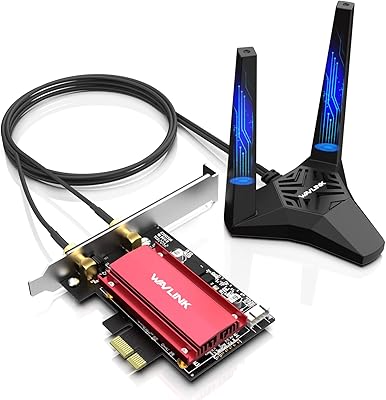
WAVLINK WL-WN675X3 WiFi 6E PCIe Network Card
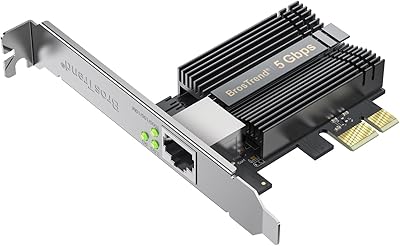
BrosTrend 5Gbps PCIe Network Card
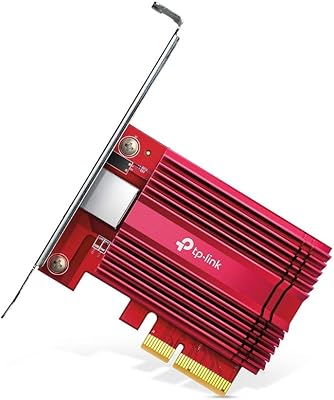
TP-Link TX401 10GbE PCIe Network Card
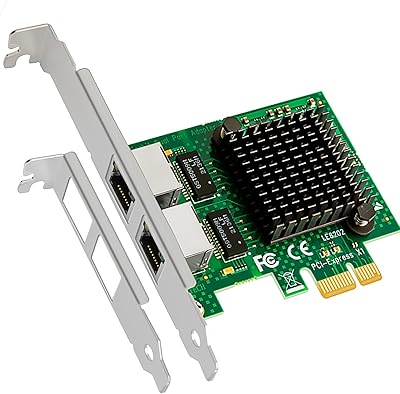
GLOTRENDS LE8202 2-Port Gigabit PCIe Network Card
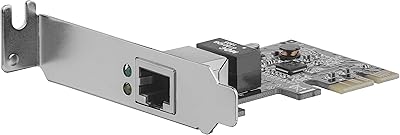
StarTech ST1000SPEX2L 1-Port PCIe Network Card
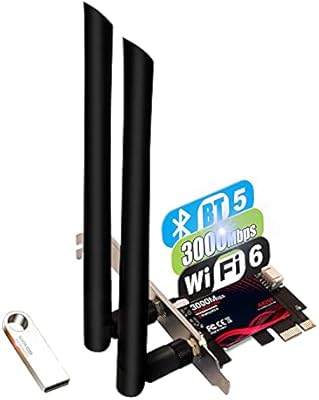
TEROW ROW076 WiFi 6 PCIe Network Card
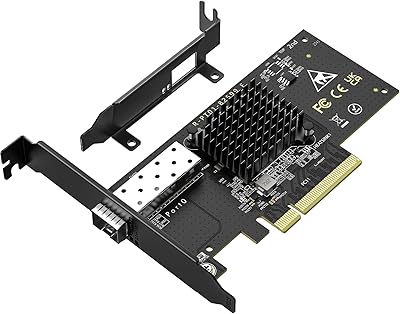
VIMIN X520-DA1 10GbE SFP+ PCIe Network Card
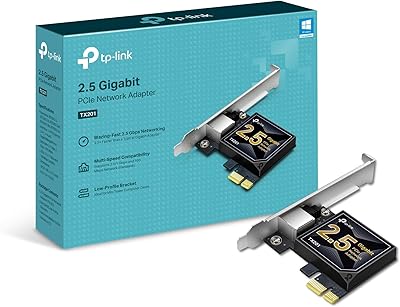
TP-Link TX201 2.5G PCIe Network Card
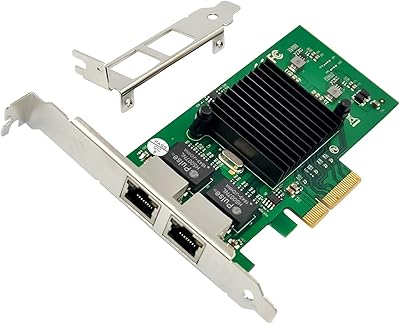
ULANSeN Intel 82576 Dual-Port Gigabit Network Card