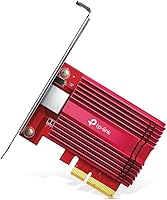
TP-Link TX401 10GbE PCIe Network Card

Overview
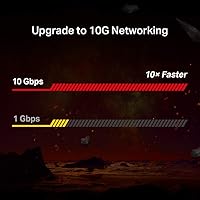
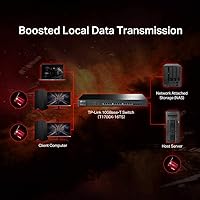
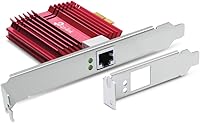
The TP-Link TX401 10GbE PCIe Network Card sits in a sweet spot for power users who want real 10Gbps throughput without paying enterprise prices. TP-Link has a solid reputation in consumer and prosumer networking, and this card reflects that — practical, well-supported, and sensibly specced. It uses a PCIe x4 interface, which provides the bandwidth headroom needed for stable 10GbE performance. A 1.5m CAT6A cable is included, which saves an immediate trip to the store. One thing worth setting straight upfront: the TX401 is only as fast as your network allows — you will need a compatible 10GbE switch or NAS to realize the full potential here.
Features & Benefits
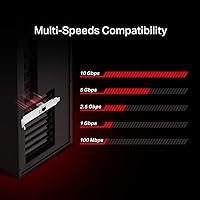
What makes this 10GbE card genuinely useful day-to-day is its auto-negotiating speed compatibility — it works at 100Mbps, 1Gbps, 2.5Gbps, 5Gbps, or full 10Gbps depending on what is connected at the other end, no manual configuration needed. Both full-height and low-profile brackets are included, a thoughtful touch that mini-tower users will appreciate without hunting for a separate part. QoS support helps manage traffic priority in mixed-use setups — handy when gaming and pushing large file transfers simultaneously. OS support spans Windows 7 through 11, major Windows Server versions, and Linux. The card is compact at under 5 inches long and light enough that it slots in without crowding adjacent PCIe cards.
Best For
This network upgrade card makes the most sense for home lab enthusiasts building fast local networks around a 10GbE NAS or managed switch. Video editors and content creators who routinely move multi-gigabyte files between machines will notice the speed difference immediately — 10x over standard gigabit is hard to argue with in those workflows. Gamers chasing lower latency on wired connections will appreciate it, though the gains are more marginal there. Small business users stepping desktop infrastructure up from gigabit will find the TX401 a cost-effective entry point. Mini-tower owners particularly benefit from the included low-profile bracket, which is not always a given at this price tier.
User Feedback
With over 14,000 ratings and a 4.4-star average, buyer satisfaction is notably strong for a PCIe network card. Windows 10 and 11 users consistently praise how straightforward installation is — slot it in, boot up, and it is recognized without manually hunting for drivers. Linux users have a more mixed experience; most modern distributions handle it fine, but older kernels or niche distros may require manual driver work, so verify compatibility before committing. A handful of buyers note the card runs warm under sustained load, though widespread thermal issues are not reported. The bundled CAT6A cable earns positive mentions as a practical freebie, and most buyers confirm real-world speeds matching expectations when paired with proper 10GbE infrastructure.
Pros
- True plug-and-play installation on Windows 10 and 11 — most users are up and running within minutes of booting.
- Auto-negotiation across five speed tiers means the TX401 works cleanly in mixed-speed network environments without manual tweaking.
- Both full-height and low-profile brackets are included, making it compatible with a wide range of desktop case sizes out of the box.
- The bundled CAT6A cable is a genuinely useful accessory, not a throwaway — rated for full 10Gbps and ready to use immediately.
- Buyers consistently rate this 10GbE card as one of the most cost-effective entry points into 10GbE networking at its price tier.
- Real-world file transfer speeds between a compatible NAS and desktop are dramatically faster than gigabit for large sequential workloads.
- QoS support helps reduce latency spikes when gaming and running background transfers simultaneously on the same machine.
- A two-year warranty and 24/7 technical support add meaningful reassurance for a prosumer-grade network component.
- The compact physical footprint keeps adjacent PCIe slots accessible in most standard ATX and mATX builds.
Cons
- Linux driver support is inconsistent — older kernels and niche distributions often require manual driver work before the card functions reliably.
- No onboard heatsink means sustained 10Gbps throughput can push temperatures uncomfortably high in poorly ventilated cases.
- The included CAT6A cable is only 1.5 meters, which limits placement flexibility for desks not immediately adjacent to a switch.
- Speed gains are entirely dependent on the rest of your network — a gigabit switch renders this card pointless.
- Driver update cadence from TP-Link lags behind kernel releases, leaving Linux users dependent on community-maintained sources.
- Official technical support can give surface-level responses to non-standard OS or configuration questions, frustrating advanced users.
- Some buyers report occasional auto-negotiation hiccups when connecting to certain third-party managed switches, requiring manual speed overrides.
- Power draw under full load contributes to heat buildup and may be a marginal concern in compact builds with tight power budgets.
Ratings
The TP-Link TX401 10GbE PCIe Network Card has been evaluated using AI-assisted analysis of verified global buyer reviews, with spam, bot activity, and incentivized feedback actively filtered out. Across more than 14,000 ratings, this 10GbE card draws a clear picture — strong performance fundamentals and easy Windows installation carry it far, while Linux compatibility and thermal behavior remain the most honest caveats. Both the strengths and the friction points are reflected transparently in the scores below.
Installation Ease
Data Transfer Performance
Linux Compatibility
Value for Money
Build Quality
OS Compatibility Breadth
Bracket & Case Compatibility
Thermal Management
Included CAT6A Cable
Driver Support & Updates
Speed Auto-Negotiation
QoS & Traffic Prioritization
Warranty & Support
Power Consumption
Suitable for:
The TP-Link TX401 10GbE PCIe Network Card is a strong fit for anyone building or expanding a fast local network around a 10GbE-capable NAS, managed switch, or second workstation. Home lab enthusiasts who regularly push large files across their network — think multi-gigabyte VM backups, RAW video archives, or disk images — will immediately feel the difference compared to a standard gigabit connection. Content creators and video editors working between a primary edit station and a storage server are probably the single best-matched audience here; the throughput improvement is practical and immediate in those workflows. Small business users making a deliberate move from gigabit to 10GbE infrastructure will appreciate both the price point and the broad Windows Server compatibility, which covers most common server OS versions without additional licensing headaches. Mini-tower builders benefit specifically from the included low-profile bracket, which removes a common compatibility obstacle. Windows users in general will find installation refreshingly uncomplicated, and the two-year warranty provides reasonable peace of mind for a component that is not trivially cheap.
Not suitable for:
The TP-Link TX401 10GbE PCIe Network Card is not the right choice if your router, switch, or NAS tops out at 1Gbps — the card itself cannot conjure speed from infrastructure that does not support it, and buyers who have overlooked this dependency have been consistently disappointed. Linux users, particularly those running older kernels, niche distributions, or production server environments where driver stability is non-negotiable, should approach with caution; the Linux experience is inconsistent enough that it warrants thorough pre-purchase research specific to your distribution and kernel version. This is also not a passive, set-and-forget card for compact, airflow-challenged builds — sustained 10Gbps loads generate real heat, and without a heatsink or onboard fan, case airflow does meaningful work here. Buyers expecting enterprise-grade QoS configuration depth will find the options fairly limited compared to dedicated hardware. If your primary use case is simply upgrading internet speeds rather than local network throughput, this card solves the wrong problem entirely — your ISP connection, not your LAN card, is almost certainly the bottleneck.
Specifications
- Brand: Manufactured and sold by TP-Link, a widely recognized networking hardware company with broad consumer and prosumer product lines.
- Model Number: The exact model identifier for this card is TX401, used for driver downloads, warranty claims, and support inquiries.
- Interface: The card uses a PCIe x4 slot interface, providing sufficient bandwidth headroom for stable 10Gbps throughput on compatible desktop motherboards.
- Max Data Rate: Maximum supported data transfer rate is 10 Gbps, achieved when connected to a 10GbE-capable switch, router, or NAS device.
- Protocol: Operates on the 10GBase-T standard, which transmits 10Gbps Ethernet over twisted-pair copper cabling such as CAT6A or better.
- Auto-Negotiation: Automatically negotiates connection speed across five supported rates: 100 Mbps, 1 Gbps, 2.5 Gbps, 5 Gbps, and 10 Gbps, depending on the connected device.
- OS Support: Officially compatible with Windows 7, 8, 8.1, 10, and 11, Windows Server 2012 R2, 2016, and 2019, as well as select Linux distributions.
- QoS Support: Includes Quality of Service functionality for traffic prioritization, allowing latency-sensitive applications like gaming to be favored during high-bandwidth transfers.
- Dimensions: Physical card dimensions measure 4.76″ in length, 3.87″ in width, and 0.85″ in height, fitting comfortably in standard and compact desktop cases.
- Weight: The card weighs 3.2 ounces, making it one of the lighter full-featured 10GbE PCIe adapters currently available for desktop installation.
- Bracket Options: Includes both a standard full-height bracket and a low-profile bracket, accommodating mini-tower and slim desktop cases without requiring separate accessories.
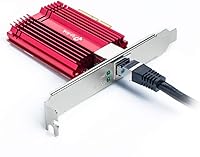
- Included Cable: A 1.5-meter CAT6A Ethernet cable is bundled in the box, rated for the full 10Gbps transfer rate required by the 10GBase-T standard.
- Power Connector: The card draws power directly through the PCIe slot and does not require a supplemental 6-pin or SATA power connector from the system PSU.
- Compatible Devices: Designed specifically for desktop PCs; not intended for laptops, all-in-one systems, or devices without an accessible PCIe x4 or larger expansion slot.
- Warranty: Covered by a two-year limited hardware warranty, which is above average for PCIe network adapters in this product category.
- Technical Support: TP-Link provides free 24/7 technical support for this card, accessible via phone, email, and live chat through the official TP-Link support portal.
- ASIN: The Amazon Standard Identification Number for this product is B08D71PVXG, useful for verifying the correct listing when purchasing.
- Availability Date: This card was first made available for purchase on July 27, 2020, and has since accumulated a substantial verified buyer review base.
Related Reviews
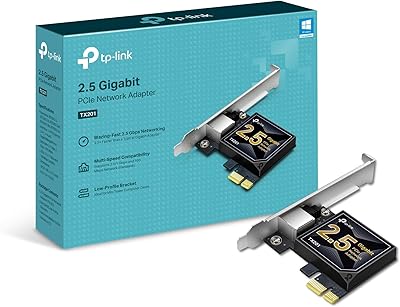
TP-Link TX201 2.5G PCIe Network Card
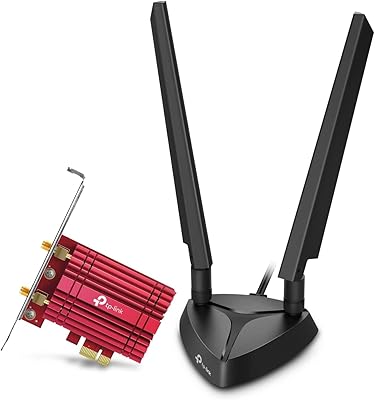
TP-Link Archer TXE75E WiFi 6E PCIe Card
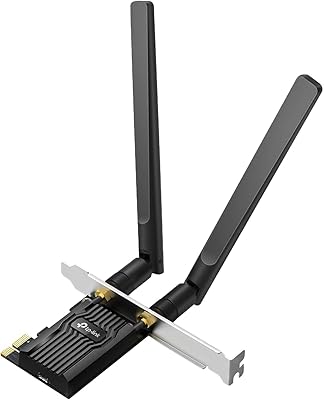
TP-Link Archer TX20E WiFi 6 PCIe Card
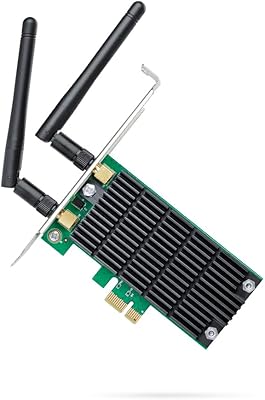
TP-Link Archer T4E AC1200 PCIe WiFi Card
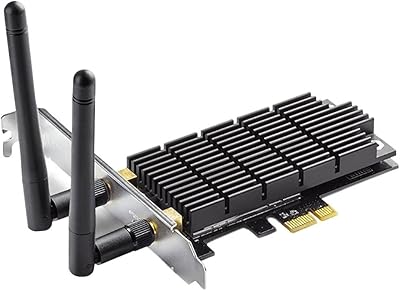
TP-Link Archer T6E AC1300 PCIe Wi-Fi Adapter
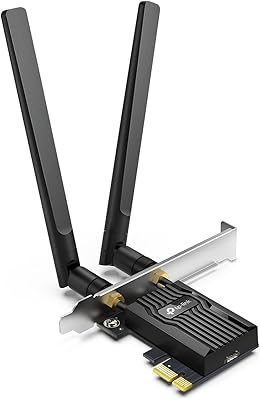
TP-Link Archer TX55E
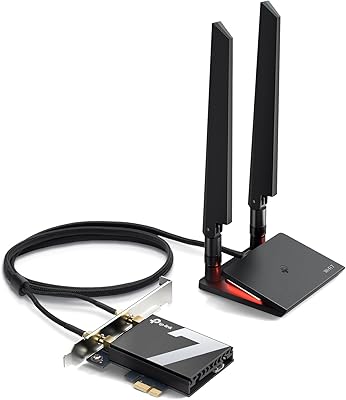
TP-Link Archer TBE550E
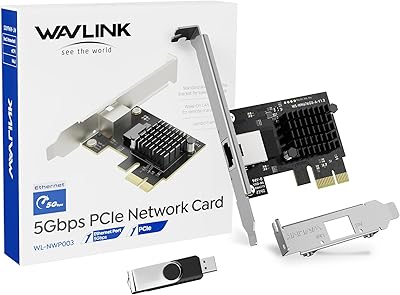
WAVLINK RTL8126 5Gbps PCIe Network Card
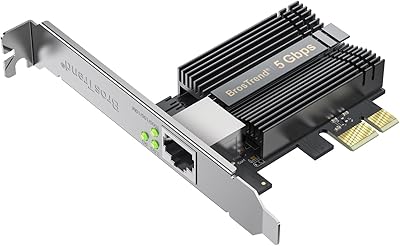
BrosTrend 5Gbps PCIe Network Card