Wacom One CTL-472 Small Pen Tablet


Overview
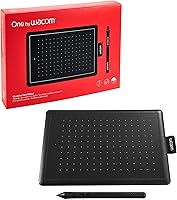
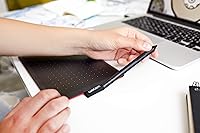
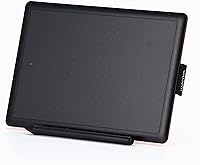
The Wacom One CTL-472 Small Pen Tablet is Wacom's answer to a simple question: what does a trustworthy, no-frills drawing tablet look like for someone just starting out? Wacom's reputation in graphics tablets spans decades, and that credibility carries real weight even at the entry level. This small Wacom tablet connects via USB and is genuinely plug-and-play on most systems — no lengthy driver setup before you can start drawing. The footprint is compact, roughly the size of a small paperback, which means it won't dominate a shared desk or a student's workstation. Don't expect pro-tier extras here; this is a focused tool built to do a specific job well.
Features & Benefits
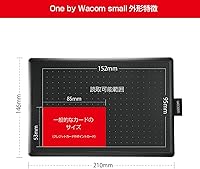
The 4096 levels of pressure sensitivity is the spec that actually matters day-to-day. In practice, it means your brush strokes respond directly to how hard you press — a light touch produces a thin line, heavier pressure creates a bolder stroke. That responsiveness is fundamental to any real illustration or handwriting work. The active area spans roughly 5.75 by 8.27 inches — workable for note-taking and casual sketching, though users accustomed to larger surfaces may feel the constraint. Chromebook compatibility is a genuine differentiator; few tablets at this price point explicitly support Chrome OS. At barely over a pound with a slim profile, the CTL-472 slides into any bag. Input is pen-only — no touch surface — which eliminates accidental gesture inputs entirely.
Best For
This entry-level drawing tablet is a strong fit for students doing digital note-taking on a Chromebook — a pairing where finding compatible hardware at a fair price can be genuinely tricky. Online teachers who annotate slides or write equations by hand will find the pen far more natural than a mouse. Beginner digital artists exploring illustration or character sketching can build real skills here without committing to a larger, more expensive setup they might quickly outgrow. It also functions as a solid secondary travel tablet for someone who already owns a bigger surface. Parents often pick up the CTL-472 as a gift for young creatives, and buyer feedback suggests it consistently lands well.
User Feedback
Across nearly 260 ratings, this small Wacom tablet holds a 4.4-star average — a sign of consistent buyer satisfaction rather than inflated scores. Positive reviews cluster around two things: how straightforward setup is and how good the pen actually feels in hand. That second point matters, because pen feel is notoriously hard to nail on budget hardware. The recurring criticism is the drawing surface size — buyers who have used larger tablets sometimes find this one cramped for detailed illustration work. A handful of users also flag driver or compatibility questions on systems beyond Chrome OS and Windows, so checking supported OS versions before purchasing is sensible. For first-time buyers and gift-givers, overall sentiment skews warmly positive.
Pros
- Setup is genuinely fast — plug in via USB and most systems recognize it within seconds.
- The pen feel is notably good for an entry-level tablet, with responsive, natural stroke variation.
- 4096 pressure levels give beginners real room to develop brushwork and line control.
- Chromebook compatibility is a rare and practical advantage in this price segment.
- At just over a pound and barely thicker than a few credit cards, the CTL-472 is easy to carry anywhere.
- Pen-only input keeps accidental touch interference out of the picture entirely.
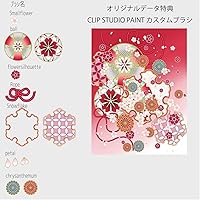
- The bundled custom paint brush set means new users can start experimenting right away.
- Wacom's brand reliability adds a layer of trust that many cheaper no-name tablets simply cannot match.
- The compact footprint works well on small desks, shared workspaces, or classroom tables.
Cons
- The active drawing area may feel cramped for users transitioning from a medium or large tablet.
- No express keys or shortcut buttons means more reliance on keyboard shortcuts during creative work.
- USB-only connectivity rules out wireless or Bluetooth use, which limits flexible placement.
- Driver compatibility on Linux and some non-standard OS setups has caused frustration for a minority of buyers.
- Pen-only input means no multi-touch gestures, which some workflows depend on heavily.
- The bundled brush set, while a nice touch, is limited and will not satisfy users wanting a full software suite.
- No tilt sensitivity on the pen, which matters to artists who rely on brush angle variation.
- Cord management can be awkward on tidy desks since there is no cable clip or routing solution included.
Ratings
The scores below for the Wacom One CTL-472 Small Pen Tablet were generated by our AI after analyzing verified buyer reviews from global markets, with spam, bot submissions, and incentivized feedback actively filtered out. Each category reflects what real users consistently praised or flagged across hundreds of documented ownership experiences. Both the strengths and the honest trade-offs are represented here so you can make a fully informed decision.
Pen Feel & Responsiveness
Pressure Sensitivity
Chromebook Compatibility
Ease of Setup
Active Area Size
Portability & Form Factor
Build Quality
Driver & Software Stability
Value for Money
Pen Accuracy & Cursor Tracking
Bundled Accessories
Suitability for Gifting
Touch & Gesture Support
Wireless & Connectivity Options
Suitable for:
The Wacom One CTL-472 Small Pen Tablet is a well-matched tool for students, educators, and creative beginners who want reliable pen input without the complexity or cost of a professional setup. Chromebook users in particular stand to benefit the most, since Chrome OS compatibility is genuinely rare at this price tier — if your school or workplace has standardized on Chromebooks, this small Wacom tablet removes a lot of friction. Online teachers who annotate lessons, write equations on screen, or mark up documents by hand will find the pen far more intuitive than a mouse ever could be. Beginner digital artists who want to try illustration or sketching before committing to a larger, pricier surface will get enough pressure sensitivity here to develop real technique. It also works well as a portable secondary tablet for someone who already owns a studio-sized device and needs something light enough to toss in a backpack without thinking twice.
Not suitable for:
The Wacom One CTL-472 Small Pen Tablet is not the right choice for professional illustrators or animators who depend on a large active area and multi-touch gestures to move efficiently through complex projects. The drawing surface, while functional, is closer in size to a small paperback than a full sketchpad — artists used to working with expansive canvases will find themselves constantly bumping up against the edges during detailed work. This entry-level drawing tablet also lacks touch input entirely, which rules it out for users who rely on pinch-to-zoom or swipe gestures as part of their workflow. If your primary operating system sits outside of Windows or Chrome OS, it is worth verifying compatibility carefully before purchasing, as driver support on other platforms is not guaranteed. Anyone expecting express keys, customizable shortcut buttons, or wireless freedom will need to look at higher-tier options in Wacom's lineup.
Specifications
- Brand: Manufactured by Wacom (ワコム), a Japanese company with decades of experience producing professional-grade pen input devices.
- Model Number: The exact model identifier is CTL-472/K1-C, which distinguishes this Chromebook-compatible S-size variant from other One by Wacom editions.
- Active Area: The drawing surface measures 5.75 x 8.27 inches, comparable in size to a small paperback book and sufficient for note-taking, casual illustration, and photo retouching.
- Device Thickness: At just 0.04 inches thin, the tablet has an exceptionally slim profile that makes it easy to slide into a laptop bag or backpack without adding noticeable bulk.
- Weight: The unit weighs 1.04 pounds, keeping it light enough for daily commutes or classroom use without becoming a burden in a bag.
- Pressure Levels: The pen supports 4096 levels of pressure sensitivity, allowing for nuanced line variation from the lightest feather stroke to a bold, heavy mark.
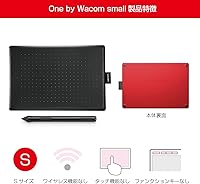
- Input Type: This tablet accepts pen input only and does not support finger touch, which eliminates accidental palm or gesture interference during drawing sessions.
- Connectivity: The tablet connects to a host device via USB, providing a stable, latency-free connection without the need for batteries or wireless pairing.
- OS Compatibility: The CTL-472/K1-C is explicitly compatible with Chromebook, and also supports Windows and macOS; users on other operating systems should verify driver availability before purchasing.
- Included Accessory: The package includes a custom paint brush set, giving new users a curated selection of digital brushes to start creating immediately after setup.
- Pen Technology: The bundled stylus is a battery-free electromagnetic resonance pen, meaning it never needs charging and maintains consistent responsiveness over time.
- Express Keys: This model does not include express keys or programmable shortcut buttons, so users will rely on keyboard shortcuts or on-screen controls during their workflow.
- Tilt Recognition: The pen does not support tilt sensitivity on this model, which is a consideration for artists who rely on brush-angle variation in their illustration technique.
- Star Rating: The CTL-472 holds a 4.4 out of 5 star average across 259 customer ratings on Amazon, reflecting broadly positive real-world reception.
- Market Rank: It holds a Best Sellers Rank of #299 in the Computer Graphics Tablets category, indicating steady and consistent demand within its segment.
- Availability Date: This specific model variant was first made available for purchase in September 2024, making it a relatively recent addition to Wacom's entry-level lineup.
- Cable Type: The tablet uses a USB cable for connection; the exact connector type on the tablet end should be confirmed in current product listing images before purchasing with an adapter in mind.
- Dimensions (Full Unit): The overall unit dimensions are 5.75 x 8.27 x 0.04 inches, covering both the active area and the surrounding frame of the device.
Related Reviews
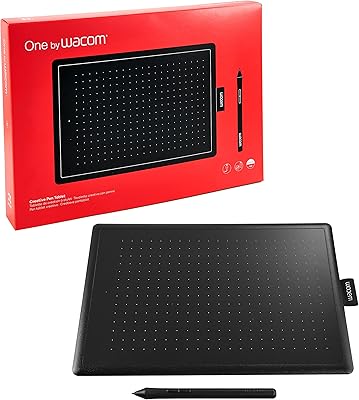
Wacom One CTL-672 Medium Pen Tablet
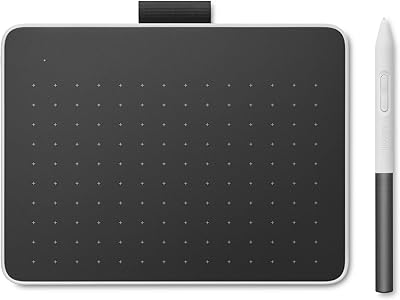
Wacom One Small Drawing Tablet
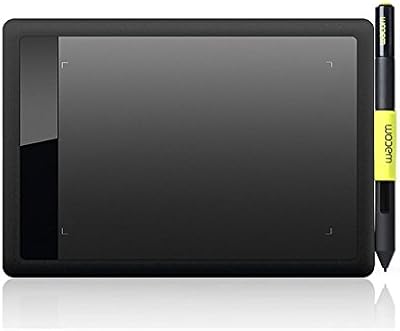
Wacom Bamboo Splash CTL471 Pen Tablet
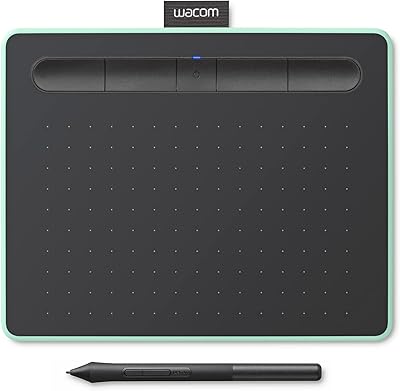
Wacom Intuos Small Bluetooth Graphics Tablet
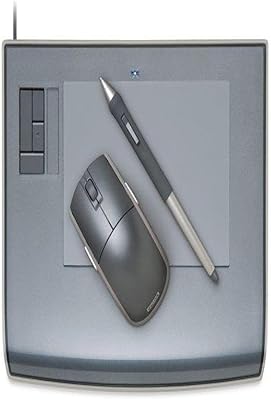
Wacom Intuos3 PTZ431W Wide Format Pen Tablet
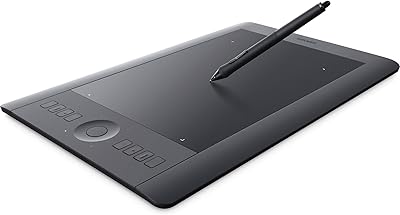
Wacom Intuos Pro Medium Pen Tablet
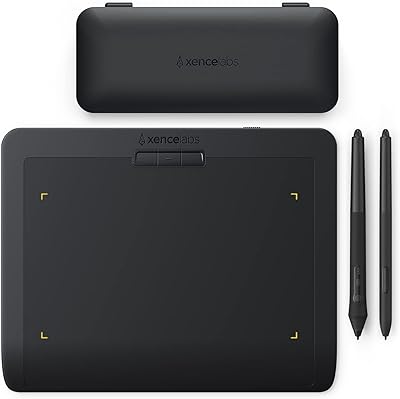
XENCELABS Pen Tablet Small Drawing Tablet
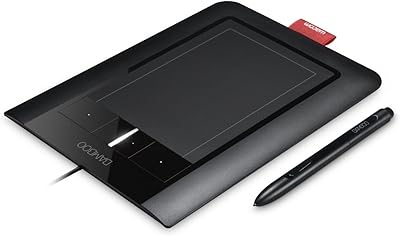
Wacom Bamboo CTH460 Pen and Touch Tablet

Kipling Seoul Small Tablet Backpack