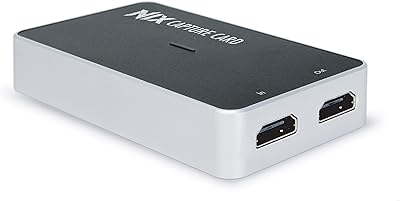
VIXLW Video Capture Card Pro+


Overview
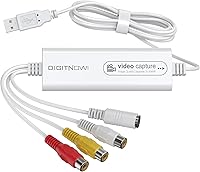
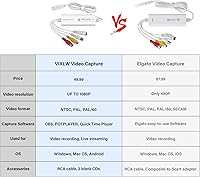
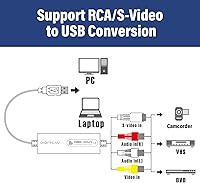
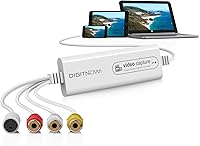
The VIXLW Video Capture Card Pro+ is a compact USB dongle built for one purpose: rescuing aging analog tapes from oblivion before they deteriorate beyond saving. This analog-to-digital converter connects via USB 2.0 with no driver installation needed, making setup genuinely painless on Windows, Mac, Linux, and even Android. It handles VHS, VCR, Hi8, Mini DV, and standard camcorder sources, auto-detecting NTSC and PAL signals without any manual toggling. That said, be upfront about what this is — a consumer archiving tool, not a professional capture card. If you're expecting broadcast-quality output, you'll need to adjust those expectations before buying.
Features & Benefits
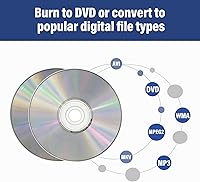
This USB capture dongle supports two output modes: up to 1920x1080 in MJPEG, or 720x576 in YUV — though your results will only look as good as the tape going in, full stop. It auto-detects signal formats across NTSC, PAL, and PAL/60, which saves real hassle when dealing with tapes recorded in different regions. The device pairs naturally with free tools like OBS, PotPlayer, or QuickTime Player. Skip the included CD entirely — the free software options work better and spare you the frustration. Captured footage saves to MP4 and other common formats, ready for basic editing or sharing without extra conversion steps.
Best For
This tape digitizer is a natural fit for families sitting on boxes of VHS tapes or Hi8 camcorder footage from the 1990s and early 2000s, especially those who want to preserve those memories without a steep investment. It works equally well for OBS streamers or educators needing a quick analog feed into a PC or Mac without buying dedicated hardware. Casual users digitizing a handful of tapes who don't need frame-by-frame control or professional audio management will find this analog-to-digital converter genuinely capable. Anyone who wants to plug something in and actually use it the same afternoon will appreciate how little friction is involved.
User Feedback
Across more than 2,500 ratings, this USB capture dongle holds a 4.2 out of 5 score — solid performance for a budget-tier device. Most buyers highlight easy first-time setup and reliable signal detection, with OBS compatibility frequently praised by name. On the downside, a notable number of users report audio sync drift during longer recordings — worth taking seriously if you're planning to digitize full-length VHS tapes in one pass. Output quality complaints surface occasionally too, but most trace back to worn tape stock rather than the device. Overall, satisfaction runs high among buyers who go in with realistic expectations about what a no-frills archiving dongle can actually deliver.
Pros
- Completely driverless setup means most users are capturing footage within minutes of unboxing.
- Works reliably with free software like OBS and QuickTime Player, skipping the dated bundled disc entirely.
- Auto-detects NTSC, PAL, and PAL/60 formats — useful when digitizing tapes recorded in different countries.
- Broad OS support covers Windows, Mac, Linux, and Android without separate driver packages.
- Included RCA cable means no additional accessories are needed to connect a VCR or camcorder.
- Captures directly to MP4, making files immediately usable for sharing, editing, or cloud backup.
- Compact dongle form factor stores easily and travels well to digitize tapes at a relative's home.
- Over 2,500 real-world ratings with a 4.2 average reflects genuinely strong satisfaction for the price tier.
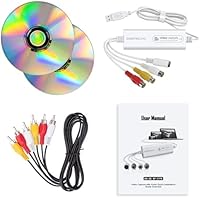
- Step-by-step manual provides enough guidance for first-time digitizers to get started without external help.
Cons
- Audio sync drift on recordings longer than 20 minutes is a documented and recurring issue for many buyers.
- Output quality is fully dependent on source tape condition — no enhancement or noise reduction is applied.
- The included CD software is largely outdated and incompatible with newer operating system versions.
- Windows 11 compatibility is not officially confirmed, and some users needed extra troubleshooting to get a stable signal.
- The USB connector can loosen over time with repeated use, raising durability concerns for extended archiving projects.
- No manufacturer-backed software, online knowledge base, or update path exists for troubleshooting edge cases.
- Real-time preview latency makes this USB capture dongle unsuitable for live streaming or latency-sensitive monitoring.
- The bundled RCA cable is short and thin, making neat desk setups difficult without a USB extension cord.
- Android support exists on paper but is poorly documented and inconsistently reported in user feedback.
Ratings
Our AI rating engine analyzed thousands of verified global purchases of the VIXLW Video Capture Card Pro+, actively filtering out incentivized reviews and bot activity to surface what real users actually experienced. The scores below reflect an honest cross-section of buyer satisfaction — the genuine highs and the frustrations that kept this tape digitizer from a perfect mark. You'll find both strengths and recurring pain points represented transparently across every category.
Ease of Setup
Video Capture Quality
Audio Sync Reliability
Software Compatibility
Signal Format Detection
Build Quality & Durability
Included Accessories
Cross-Platform Support
Value for Money
Documentation & Instructions
Portability & Form Factor
Output Format Flexibility
Capture Latency & Real-Time Preview
Suitable for:
The VIXLW Video Capture Card Pro+ is a practical choice for anyone sitting on a collection of aging VHS, Hi8, or Mini DV tapes and wanting to preserve those memories before the media degrades further. Families who recorded birthdays, holidays, and school events on camcorders throughout the 1990s and early 2000s will find this analog-to-digital converter hits a sweet spot between affordability and ease of use. It is particularly well-matched to non-technical users — the driverless USB setup and compatibility with free tools like OBS or QuickTime Player means most people can get their first capture done in under an hour without reading a manual cover-to-cover. Mac and Windows users alike will appreciate that broad OS support, and the included RCA cable means you can connect a VCR straight away without a separate accessories run. OBS streamers or educators who occasionally need to pull an analog video signal into a PC will also find this tape digitizer a low-friction solution for that specific, occasional need.
Not suitable for:
If you are planning to digitize a large library of full-length VHS tapes — think two-hour feature recordings or multi-tape event footage — the recurring audio sync drift reported by users on longer captures is a genuine obstacle you should weigh carefully before buying. This analog-to-digital converter is also not the right tool for anyone expecting the device to improve or upscale the quality of worn, degraded, or aging tape stock — what goes in is essentially what comes out, and no amount of resolution headroom changes that. Content creators or semi-professional videographers who need precise codec control, low-latency real-time monitoring, or reliable frame-accurate capture should look at dedicated capture cards in a higher price bracket. Android users hoping for a mobile digitizing workflow should also temper expectations, as real-world support on that platform is inconsistent at best. Finally, anyone who prefers manufacturer-backed software with ongoing updates and support will find the lack of any official software ecosystem here a meaningful gap.
Specifications
- Brand: Manufactured by VIXLW under the model designation Video Capture Card Pro+.
- Interface: Connects to computers via USB 2.0, compatible with standard USB-A ports.
- Max Resolution: Captures up to 1920x1080 pixels in MJPEG format, subject to source tape quality.
- Standard Resolution: Also supports 720x576 pixel capture in YUV format for standard-definition sources.
- Signal Detection: Automatically detects and switches between NTSC, PAL, and PAL/60 analog video standards.
- Tape Compatibility: Accepts analog video from VHS, VCR, Hi8, Mini DV, and standard camcorder sources.
- Output Format: Captures video to MP4 and other common digital formats depending on the software used.
- OS Support: Compatible with Windows XP, 7, 8, and 10, Mac OS, Linux, and Android operating systems.
- Driver Requirement: Fully driverless — no driver installation is required on any supported operating system.
- Recommended Software: Works with OBS and PotPlayer on Windows, and QuickTime Player on Mac; no paid software required.
- In-Box Contents: Package includes the capture device, one RCA cable, two CDs, and a printed user manual.
- Dimensions: Packaged unit measures 8.03 x 5.67 x 1.54 inches for storage and shipping purposes.
- Weight: Complete package weighs 9.2 oz, making the dongle itself notably compact and lightweight.
- Power Source: Bus-powered entirely through the USB 2.0 connection — no external power adapter is needed.
- Audio Capture: Captures stereo analog audio alongside video via the included RCA cable connection.
- RCA Cable: One composite RCA cable is included in the box for direct connection to VCRs and camcorders.
- Date Available: This product was first listed for sale on April 14, 2023.
Related Reviews

XIIXMASK MS2131 Video Capture Card
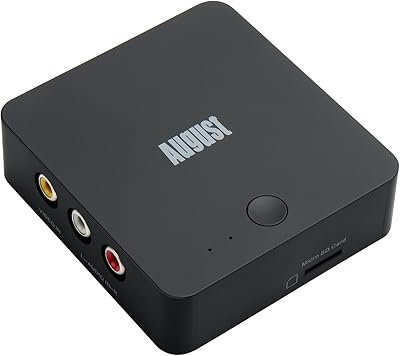
August VGB400 Video Capture Card
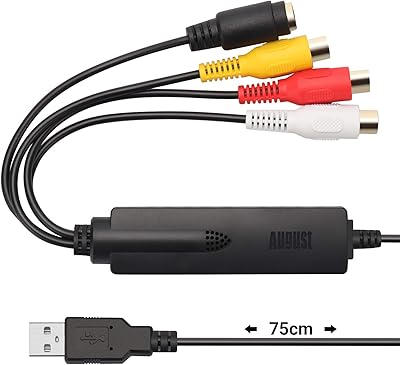
August VGB350 USB Video Capture Card

HeavenBird 4K HDMI Video Capture Card
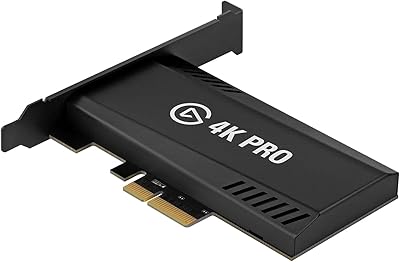
Elgato Game Capture 4K Pro
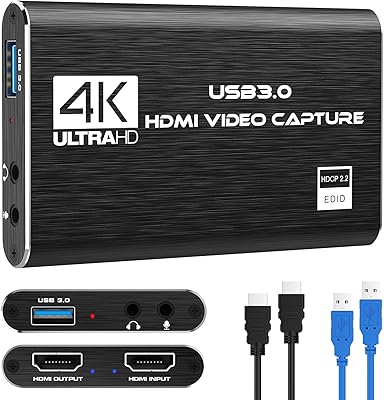
Rybozen V316B-FR Capture Card
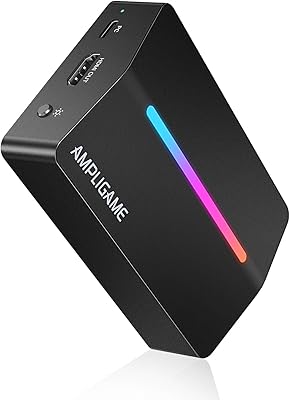
AmpliGame V3
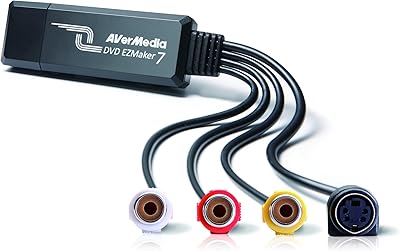
AVerMedia EZMaker 7 USB Video Capture Card
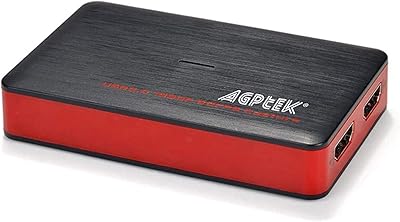
AGPTEK VG0061 HDMI Capture Card