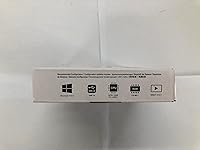
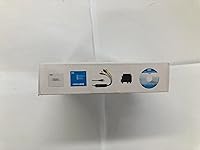
Overview
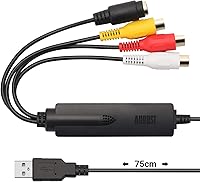
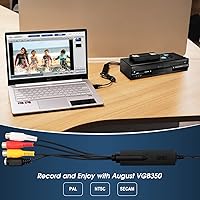
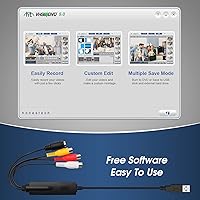
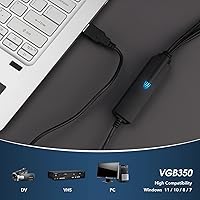
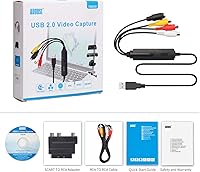
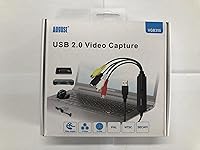
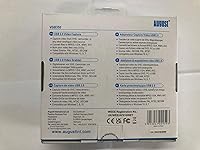
The August VGB350 USB Video Capture Card is a compact device built for one straightforward job: pulling analog video off aging tapes and getting it onto a Windows PC. It sits in the budget-friendly tier, making it a realistic option for everyday families wanting to rescue old home movies before those tapes deteriorate further. The box ships with an AV cable and a SCART adapter, so most people won't need to hunt for extra accessories. It also handles PAL, NTSC, and SECAM standards, meaning it works across different regions — useful if your tape collection spans multiple countries. Retro gaming capture is mentioned as a secondary use case, though that's more of a bonus than a core selling point.
Features & Benefits
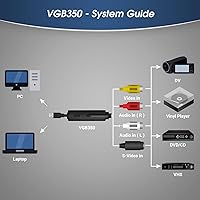
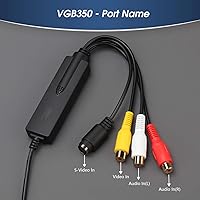
The VGB350 connects via USB 2.0 and accepts input through either Composite RCA or S-Video, covering the vast majority of VHS players, camcorders, and other legacy gear you're likely to dig out of storage. Captured footage tops out at 480p — that's the ceiling of the analog source, not a shortcut — and can be saved in MPEG 1/2/4, WMV, or MP4 formats. The bundled Honestech VHS to DVD 5.0 software handles basic trimming and DVD burning without requiring extra purchases. If you find it temperamental, OBS Studio works as a free alternative and is arguably more reliable for users comfortable with a slightly steeper learning curve. The whole unit weighs just over two ounces.
Best For
This VHS-to-digital converter is most at home in the hands of someone clearing out a closet full of old tapes — think birthday parties from the 1990s, family holidays on Hi8, or school plays shot on a camcorder. Windows-only households are the intended audience; Mac users should look elsewhere, full stop. It also suits retro gaming fans wanting to record footage from older consoles like the Xbox 360 or PS3, though that's a smaller secondary audience. Buyers in PAL regions across Europe and Australia will find the format compatibility reassuring. Just keep expectations grounded: output quality depends heavily on source tape condition, and no capture card can restore footage already degraded by age or poor storage.
User Feedback
Across roughly 715 reviews, this capture card holds a 3.9-star rating — solid enough for a budget tool, but not without caveats. Easy plug-and-play setup is the most consistent compliment; most buyers have it working within minutes. The bundled software also gets credit for being approachable, even if experienced users find it too limited. On the flip side, complaints about soft or washed-out video come up often, and a meaningful number of buyers ran into driver compatibility issues on Windows 10 and 11 that required digging through forums to fix. Some gave up on the included software entirely and switched to OBS. At this price, those trade-offs are manageable — but going in clear-eyed about the limitations will save real frustration.
Pros
- Plug-and-play USB setup means most users are capturing footage within minutes of unboxing.
- Ships with both an AV cable and SCART adapter, covering the most common analog connection types.
- Honestech VHS to DVD 5.0 software handles basic editing and DVD burning without extra cost.
- Compatible with OBS Studio, giving more confident users a free and reliable capture alternative.
- PAL, NTSC, and SECAM support makes this VHS-to-digital converter genuinely usable worldwide.
- Tiny and lightweight at just over two ounces, so it stores easily in a drawer between uses.
- Accepts both Composite RCA and S-Video input, covering the vast majority of legacy analog devices.
- At its price point, the all-in-one kit format offers real value for first-time digitizers.
Cons
- Output is capped at 480p — do not expect the captured footage to look sharp on a modern display.
- Windows-only compatibility is a hard wall; Mac users have no supported path forward with this device.
- Several buyers on Windows 10 and 11 have needed to manually troubleshoot driver installation issues.
- The bundled software is functional but unstable for some users, with occasional crashes during longer captures.
- No Mac support is listed anywhere, yet the listing language can mislead less technical shoppers.
- Heavily deteriorated tapes will still look poor after capture — this hardware cannot restore lost video data.
- The Honestech software lacks advanced features, frustrating users who want more control over output settings.
- Customer support documentation is sparse, leaving users to rely on community forums when problems arise.
Ratings
The scores below are generated by AI after analyzing thousands of verified global user reviews for the August VGB350 USB Video Capture Card, with spam, incentivized, and bot-detected submissions actively filtered out before scoring. Each category reflects what real buyers actually experienced — the wins and the frustrations alike — so the numbers tell the honest story rather than the marketing one.
Ease of Setup
Video Capture Quality
Software Quality
Compatibility Range
Value for Money
Build & Portability
Audio Capture
Driver Stability
Output Format Flexibility
Retro Gaming Capture
Included Accessories
Long-term Reliability
Suitable for:
The August VGB350 USB Video Capture Card was clearly designed with one type of buyer in mind: someone sitting on a box of old VHS tapes who wants to digitize them without spending a lot of money or learning complicated software. It's a practical fit for families preserving home movies from the 1980s and 90s, particularly those on Windows machines who just need something that works out of the box. The included AV cable and SCART adapter mean most people won't need to order anything extra before getting started. It also covers PAL, NTSC, and SECAM formats, which is genuinely useful for households with tapes recorded across different countries or decades. Retro gaming fans looking to capture SD footage from older consoles like the PS3 or Xbox 360 on a tight budget will also find it capable enough for that secondary use.
Not suitable for:
If you're a Mac user, stop here — the August VGB350 USB Video Capture Card does not support macOS at all, and no workaround is going to change that. Anyone expecting crisp, modern-looking output will also be disappointed; this converter captures at 480p, which is the native resolution of analog tape, so the footage will look exactly like it did on a CRT television in 1994. Buyers with heavily degraded tapes should also temper their expectations, because no capture device can recover detail that time has already erased from the magnetic coating. Power users or videographers wanting frame-accurate capture, advanced color correction tools, or a more stable software experience will quickly find the bundled Honestech software limiting. And if you're hoping to capture from HDMI sources or modern consoles, this hardware simply isn't built for that.
Specifications
- Brand: Manufactured by August, a UK-based consumer electronics brand specializing in audio and video accessories.
- Model: The VGB350 is the mid-tier model in August's analog capture card lineup, sitting between the basic VGB100 and the VGB300.
- Interface: Connects to a host PC via USB 2.0, requiring no internal PCIe slot or hardware installation.
- Input Types: Accepts analog video input through Composite RCA and S-Video connections, covering the most common legacy device output types.
- Capture Resolution: Maximum capture resolution is 480p, consistent with the native output ceiling of standard-definition analog video sources.
- Output Formats: Captured video can be saved in MPEG 1, MPEG 2, MPEG 4, WMV, MP4, and BMP formats depending on software settings.
- Video Standards: Compatible with PAL, NTSC, and SECAM broadcast standards, enabling use with tapes and devices from different world regions.
- Bundled Software: Includes Honestech VHS to DVD 5.0, a Windows-based application for video capture, basic editing, and DVD disc burning.
- OBS Support: The VGB350 is confirmed compatible with OBS Studio, a free open-source capture and streaming application for Windows.
- Included Accessories: Package contains one AV composite cable (red, white, yellow RCA) and one SCART adapter for connecting European analog devices.
- Operating System: Officially supported on Windows 7, Windows 8, and Windows 10 only; macOS is not supported.
- Console Support: Can capture SD video output from retro consoles including Xbox 360, PS3, and GameCube via their composite video connections.
- Dimensions: The device measures 3.46 × 0.91 × 0.55 inches, making it small enough to fit in a shirt pocket.
- Weight: Weighs approximately 2.19 ounces, making it one of the lightest capture dongles in its category.
- Power Source: Bus-powered entirely through the USB 2.0 connection; no external power adapter or separate cable is required.
- Availability: First listed for sale in November 2020 and has maintained consistent availability since launch.
Related Reviews
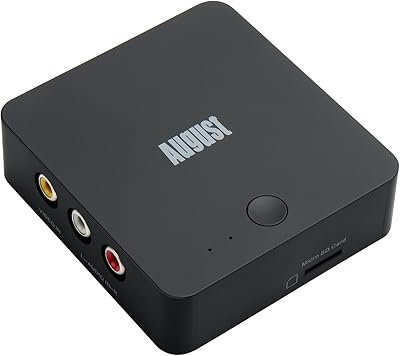
August VGB400 Video Capture Card
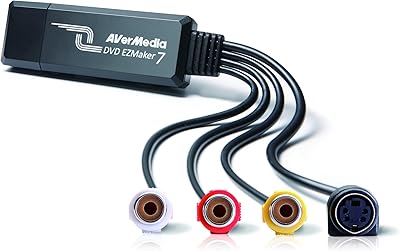
AVerMedia EZMaker 7 USB Video Capture Card

XIIXMASK MS2131 Video Capture Card
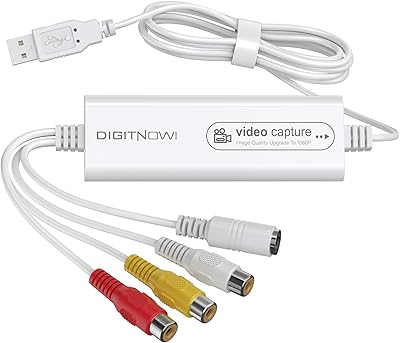
VIXLW Video Capture Card Pro+
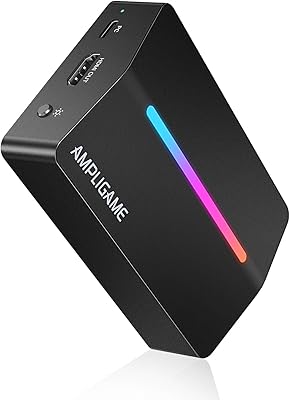
AmpliGame V3
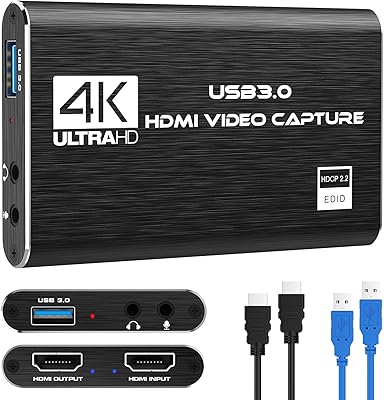
Rybozen V316B-FR Capture Card

HeavenBird 4K HDMI Video Capture Card
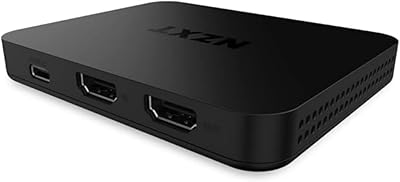
NZXT Signal HD60
AGPTEK VG0061 HDMI Capture Card