

Overview
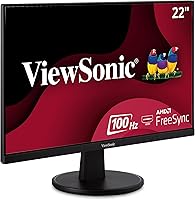
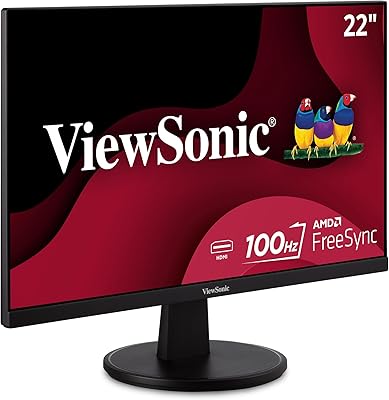
The ViewSonic VA2247-MH 22-inch Monitor is a straightforward, no-frills display that punches above its weight in the budget segment. For the price, getting a 100Hz refresh rate and AMD FreeSync support is genuinely unusual — most comparable options top out at 60Hz. The VA panel delivers decent contrast, and the matte screen finish keeps reflections manageable in typical room lighting. Thin bezels on three sides make it look tidier than its price tag suggests, and the compact footprint works well on crowded desks. Just be clear-eyed going in: this is not a color-grading tool or a pro-grade display. It is a solid everyday workhorse that covers productivity and light gaming without drama.
Features & Benefits
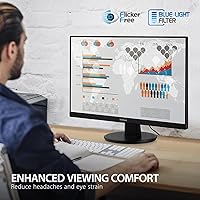
The jump from 60Hz to 100Hz is something you actually notice — scrolling feels crisper, and motion in videos or games looks less smeared. AMD FreeSync helps eliminate screen tearing, though it only kicks in if you are running a compatible AMD GPU, which is worth knowing before you buy. The built-in Flicker-Free and Blue Light Filter combination is a real benefit for anyone spending six or more hours daily in front of a screen; the effect is subtle but accumulates over time. Five preset modes let you switch quickly between tasks — the Text mode in particular sharpens readability nicely. Dual HDMI and VGA inputs mean you can connect older hardware without hunting for adapters, which is a small but practical convenience.
Best For
This ViewSonic display fits best into setups where budget matters and expectations are grounded. Students running dual screens on a tight desk will appreciate the thin bezels and compact dimensions. Remote workers logging long hours on documents or spreadsheets benefit from the eye care features over time. Casual gamers — particularly those on mid-range AMD rigs — will find the FreeSync plus 100Hz pairing noticeably better than a basic 60Hz panel without spending significantly more. It also works well for anyone upgrading from an old, low-resolution screen for the first time. The one group it is not right for is designers or photographers who require precise color accuracy, since VA panels at this tier are not calibrated for that level of work.
User Feedback
Across a wide range of buyer reviews, the most consistent praise focuses on out-of-box picture quality — most people find the image sharp and well-balanced for daily use without adjusting any settings. Setup is frequently described as quick and painless. Where opinions get more divided is the stand: the tilt range is limited and there is no height adjustment, which genuinely frustrates buyers who prioritize ergonomics. A few users mention the overall build feels slightly light, though it stays stable on a desk. Long-term owners tend to confirm that the eye strain reduction is real, especially after several weeks of consistent daily use. No widespread reliability issues surfaced in the feedback, which speaks well for the VA2247-MH as a dependable entry-level pick.
Pros
- 100Hz refresh rate delivers noticeably smoother motion compared to standard 60Hz budget monitors.
- AMD FreeSync reduces screen tearing effectively for casual gaming on compatible AMD GPUs.
- Flicker-Free and Blue Light Filter genuinely reduce eye fatigue during extended daily use.
- Matte screen coating handles ambient light well, minimizing distracting reflections.
- Both HDMI and VGA inputs offer broad compatibility with older and newer devices alike.
- Slim bezels on three sides give the display a cleaner, more modern look than the price suggests.
- Five display presets make it easy to switch between tasks without digging into settings.
- Out-of-box picture quality consistently earns praise from buyers across a wide range of uses.
- Setup is quick and plug-and-play for most common devices, with no technical hassle reported.
- Compact footprint makes it a practical fit for smaller desks and shared workspaces.
Cons
- The stand offers only limited tilt adjustment and no height or swivel control whatsoever.
- No USB-C input limits connectivity options for modern laptops and single-cable desk setups.
- VA panel viewing angles are narrower than IPS alternatives, causing color shift when viewed off-axis.
- Build quality feels lightweight, and the stand base lacks the sturdiness of pricier competitors.
- 100Hz ceiling is a noticeable constraint for competitive gamers accustomed to higher refresh rates.
- Color accuracy is not calibrated for professional creative work, making it unsuitable for design tasks.
- No VESA mount compatibility information is prominently listed, complicating monitor arm setups.
- The 22-inch size can feel limiting when managing multiple windows or applications side by side.
Ratings
The scores below for the ViewSonic VA2247-MH 22-inch Monitor were generated by our AI system after analyzing thousands of verified global buyer reviews, with spam, bot activity, and incentivized submissions actively filtered out. The ratings reflect an honest cross-section of real-world experience — strengths and frustrations weighted equally — so you get a clear picture of where this display genuinely delivers and where it falls short.
Value for Money
Image Clarity
Refresh Rate & Smoothness
Eye Comfort
Gaming Performance
Build Quality
Ergonomics & Adjustability
Connectivity
Anti-Glare Performance
Setup & Installation
Color Accuracy
Viewing Angles
Display Presets
Suitable for:
The ViewSonic VA2247-MH 22-inch Monitor is a strong fit for buyers who need a dependable, no-fuss display without stretching their budget. Students setting up a dorm or apartment workspace will find the compact size and thin bezels ideal for tight desks, while the eye care features hold real value for anyone reading or writing for hours at a stretch. Remote workers who primarily handle documents, spreadsheets, email, and video calls will get everything they need from the 1080p resolution at this screen size. Casual gamers — particularly those already running an AMD graphics card — will notice a genuine improvement from the 100Hz refresh rate and FreeSync support compared to a typical 60Hz budget panel. It also works well as a secondary monitor for users expanding their workspace on a limited budget, and for first-time buyers upgrading from an old or low-resolution screen, the image quality out of the box will feel like a meaningful step up.
Not suitable for:
The ViewSonic VA2247-MH 22-inch Monitor is not the right choice for buyers whose work depends on accurate color representation. Graphic designers, photo editors, and video colorists will find the VA panel at this price tier falls short of the color fidelity and wide viewing angles available on better-calibrated IPS displays. The stand is another real limitation — there is no height adjustment and the tilt range is narrow, which will frustrate ergonomics-conscious users who spend long sessions at a fixed desk setup. There is no USB-C input, so creative professionals or MacBook users hoping to connect with a single cable will need to look elsewhere. Competitive gamers chasing high frame rates will also find 100Hz limiting compared to 144Hz or 165Hz panels available at slightly higher price points. If your workflow demands a larger canvas, the 22-inch size may feel restrictive for side-by-side window management.
Specifications
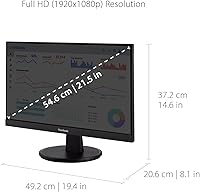
- Screen Size: The display measures 22 inches diagonally, offering a compact footprint well-suited for standard desk setups.
- Resolution: Native resolution is 1920x1080 Full HD, delivering clear and sharp imagery for everyday productivity and casual media consumption.
- Refresh Rate: The panel runs at a maximum refresh rate of 100Hz, providing noticeably smoother motion than conventional 60Hz displays.
- Panel Type: Uses a VA (Vertical Alignment) panel, which offers stronger contrast ratios than IPS but with narrower off-axis viewing angles.
- Adaptive Sync: AMD FreeSync is supported, reducing screen tearing and stuttering during gaming when paired with a compatible AMD GPU.
- Screen Surface: The matte anti-glare coating reduces reflections from ambient light sources, making it comfortable to use in well-lit rooms.
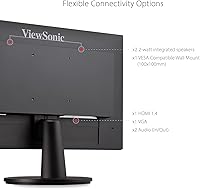
- Inputs: Connectivity includes one HDMI port and one VGA port, supporting a broad range of modern and legacy devices.
- Eye Care: Flicker-Free backlight technology and a built-in Blue Light Filter work together to reduce eye fatigue during extended screen sessions.
- Display Presets: Five preset viewing modes — Game, Movie, Web, Text, and Mono — allow quick adjustments based on the current task.
- Aspect Ratio: Standard 16:9 widescreen aspect ratio is used, compatible with virtually all modern content formats and operating systems.
- Bezel Design: Three-sided ultra-thin bezels give the monitor a cleaner look and make it practical for side-by-side dual-monitor configurations.
- Dimensions: The monitor measures 21 x 5 x 14.5 inches with the stand attached, keeping the overall desk footprint compact and manageable.
- Weight: Total weight with stand is 8.55 pounds, making it easy to reposition or transport without assistance.
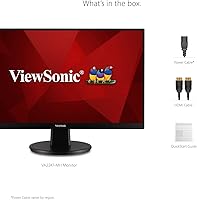
- Power Input: The display operates at 12 volts and includes an external power adapter in the box.
- Color: Available in black with a neutral finish that blends into most home office and workspace environments without drawing attention.
- Tilt Adjustment: The included stand supports a limited tilt range only; there is no height adjustment, swivel, or pivot functionality built in.
Related Reviews
ViewSonic VS2247-MH 22-Inch Monitor
ViewSonic TD2220 22-Inch Touchscreen Monitor
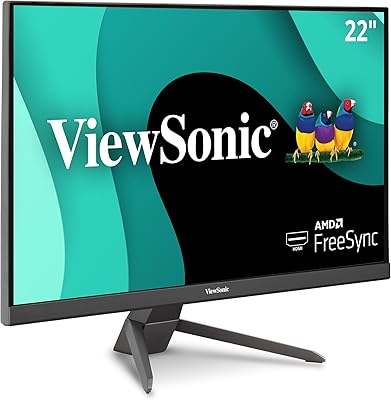
ViewSonic VX2267-MHD 22-Inch 1080p Gaming Monitor
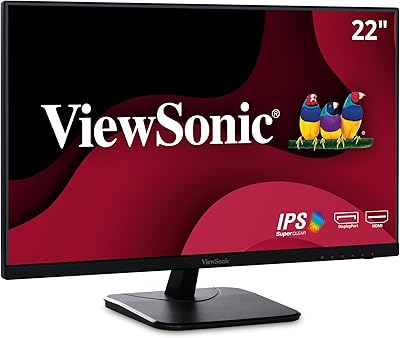
ViewSonic VA2256-MHD 22-inch IPS 1080p Monitor
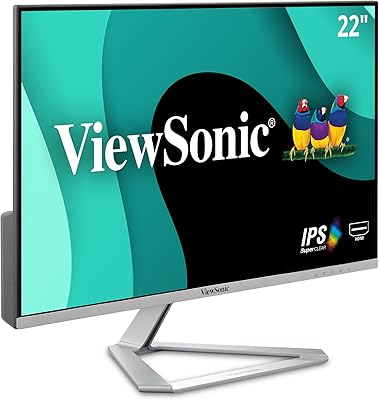
ViewSonic VX2276-SMHD 22-Inch IPS Monitor
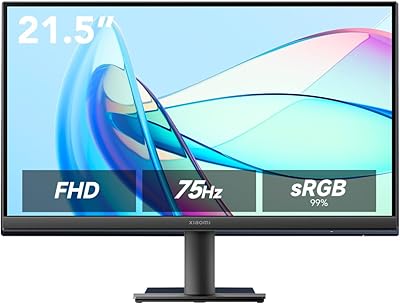
Xiaomi A22i 22-Inch FHD Monitor
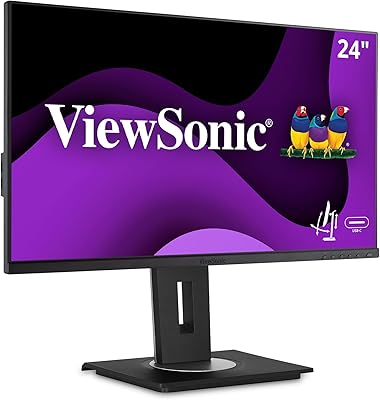
ViewSonic VG2455 24-inch Monitor
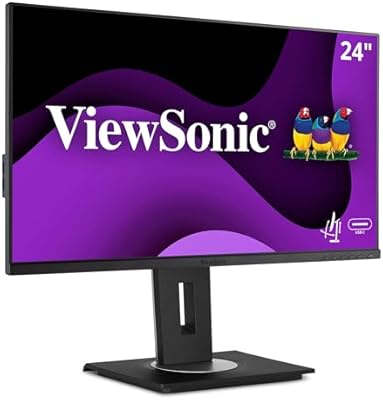
ViewSonic VG2456A 24-inch IPS Monitor
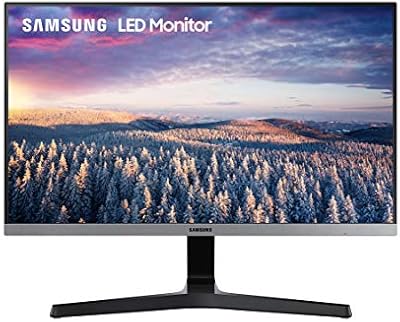
Samsung S22R350FHN 22-inch IPS Monitor