ViewSonic VX2276-SMHD 22-Inch IPS Monitor

Overview
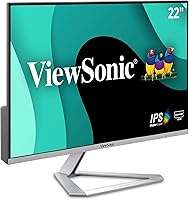
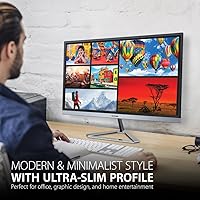
The ViewSonic VX2276-SMHD 22-Inch IPS Monitor has been a fixture in budget computing setups since 2016, and it's easy to see why it has stuck around this long. At its core, you're getting a 22-inch Full HD panel with a matte coating that cuts down on glare without giving the image a washed-out look. The thin bezels stand out for a monitor in this price range, helping it blend in nicely whether you're running it solo or pairing it with a second screen. Wrapped in a simple black and silver shell, it doesn't take up much desk space, and the overall footprint feels right for a home office or a tucked-away corner setup.
Features & Benefits
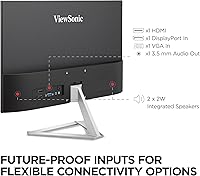
Where this monitor earns its keep is in the panel technology. Since it's an IPS display rather than a typical TN screen, colors stay consistent and viewing angles hold up even if you're not sitting dead-center, which matters more than people expect on a budget-friendly screen. ViewSonic also built in Flicker-Free technology alongside a blue light filter, and together they noticeably reduce that gritty, tired feeling after a long stretch at the screen. Five presets — Game, Movie, Web, Text, and Mono — let you quickly retune the picture depending on what you're doing, rather than digging through menus. On the connection side, HDMI, DisplayPort, and VGA cover any laptop, desktop, or Mac you'd want to hook up, and the VESA mount support means you're not stuck with the included stand if you'd rather wall-mount it or use an arm.
Best For
This IPS display makes the most sense if you want a no-fuss screen for a home office, whether it's your main monitor or a second one bolted onto an arm next to your laptop. It's also a smart pick if you're upgrading from an old, blurry TN panel and don't want to spend a lot to notice a real difference in clarity. Students writing papers or remote workers buried in spreadsheets will appreciate how crisp small text looks, and the Text preset specifically caters to that. If you occasionally game or want to binge a show after work, the Game and Movie modes give you a quick, reasonable boost without needing a dedicated entertainment monitor. It's less suited to competitive gamers chasing the fastest possible response times, but for general productivity and casual use, it covers the bases well.
User Feedback
Owners who've had this budget-friendly screen for a while tend to rate it highly, and that holds up across a large number of reviews rather than just a handful of early ones. A common thread is that the color and clarity feel better than the price tag suggests, especially for basic office work and web browsing. The blue light filter also gets singled out by people who spend long hours at their desk, with several noting noticeably less eye strain by the end of the day. On the downside, the included stand is fairly basic, offering tilt but not much in the way of height adjustment, which is worth knowing if ergonomics matter to you. Overall, though, the value-for-money angle comes up again and again as the main reason people would recommend it to others.
Pros
- Color accuracy and viewing angles feel noticeably better than typical budget TN monitors.
- Thin bezels make it easy to pair two or three screens without a distracting gap.
- Flicker-free backlight and a blue light filter genuinely ease eye strain during long sessions.
- Five picture presets let you switch between work, gaming, and movies in seconds.
- HDMI, DisplayPort, and VGA inputs mean it connects to almost any laptop or desktop.
- VESA mount compatibility opens up wall-mount and monitor-arm options beyond the stock stand.
- Strong, consistent ratings over several years suggest reliable long-term performance.
- Many owners feel the picture quality outperforms what the price would suggest.
Cons
- The included stand offers tilt only, with no height or swivel adjustment.
- Refresh rate details are inconsistent across the listing, so gamers should verify before buying.
- No USB-C or built-in speakers, so you will need separate cables and audio.
- At 22 inches, the screen may feel small next to newer 27-inch standards.
- Color calibration is good for general use but not precise enough for professional photo editing.
- The design is fairly plain, without the slim, modern aesthetic of pricier models.
- Limited ergonomic adjustment can be a dealbreaker for anyone with specific desk height needs.
Ratings
These ratings for the ViewSonic VX2276-SMHD 22-Inch IPS Monitor are generated by AI after analyzing thousands of verified buyer reviews from marketplaces worldwide, with spam, bot activity, and incentivized feedback filtered out before any score is calculated. The goal is an honest snapshot of how this monitor actually performs in real homes and offices, not a polished marketing summary. Both the standout strengths and the recurring pain points are reflected transparently below.
Picture Quality & Color Accuracy
Value for Money
Eye Comfort
Stand & Ergonomics
Connectivity & Compatibility
Viewing Angles
Bezel Design & Multi-Monitor Setup
Text & Office Clarity
Gaming Performance
Build Quality & Durability
Brightness & Glare Handling
Audio Output
Setup Ease
Long-Term Reliability
Suitable for:
The ViewSonic VX2276-SMHD 22-Inch IPS Monitor makes the most sense for anyone setting up a home office on a tight budget who still wants a screen that looks sharp for everyday tasks. It's a strong fit for students and remote workers who spend hours reading documents, browsing, or working in spreadsheets, since the IPS panel keeps text legible and color consistent even when viewed from an angle. People upgrading from an aging TN monitor will likely notice the difference immediately, particularly in how natural skin tones and photos look. It also suits anyone building a multi-monitor setup, thanks to slim bezels that let two or three screens sit side by side without a distracting gap. Casual gamers and movie watchers benefit from the built-in presets, which adjust the picture without requiring any real calibration knowledge. Buyers who plan long work sessions at a desk will appreciate the flicker-free backlight and blue light filter, both of which genuinely help with end-of-day eye fatigue.
Not suitable for:
Competitive or fast-paced gamers should look elsewhere, since the conflicting refresh rate information in the official specs makes it hard to confidently promise the kind of high-refresh performance that genre demands. Anyone who wants a fully adjustable stand, including height and swivel, will find the basic mount frustrating, as it offers tilt but little else. Buyers focused on color-critical work like photo editing or design may also want a higher-end panel with factory calibration, since this one is built for general use rather than precision. If you need a larger canvas for spreadsheets or creative software, the 22-inch size will likely feel cramped compared to today's 27-inch standards. The ViewSonic VX2276-SMHD 22-Inch IPS Monitor also isn't the right pick for anyone wanting built-in speakers or USB-C connectivity, since neither is included. Shoppers chasing the latest design trends, like ultra-slim profiles or RGB lighting, won't find that here either.
Specifications
- Screen Size: The display measures 22 inches diagonally, sized for both single and multi-monitor desks.
- Panel Type: An IPS panel is used, which delivers wider viewing angles and steadier color than a typical TN panel.
- Resolution: Native resolution is 1920 x 1080 pixels, commonly referred to as Full HD.
- Aspect Ratio: The screen uses a standard 16:9 widescreen aspect ratio.
- Screen Surface: A matte, anti-glare coating helps cut down on reflections from windows or overhead lighting.
- Bezel Design: The monitor features ultra-thin bezels designed to minimize visual gaps in multi-screen setups.
- Eye Comfort: Flicker-Free backlight technology is paired with a Blue Light Filter to reduce eye fatigue during extended use.
- Picture Presets: Five built-in viewing presets are included: Game, Movie, Web, Text, and Mono.
- Video Inputs: Connectivity includes HDMI, DisplayPort, and VGA inputs for laptops, desktops, and Macs.
- Mount Compatibility: The monitor supports a 75 x 75 mm VESA mounting pattern for wall mounts or monitor arms.
- Color: The unit is finished in a black and silver color scheme.
- Weight: The monitor weighs 5.28 lbs.
- Dimensions: Overall product dimensions are 7.1 x 19.4 x 14.6 inches (L x W x H).
- Power Input: The monitor operates on a 110-volt power supply.
- Manufacturer: It is manufactured by ViewSonic under model number VX2276-SMHD.
Related Reviews
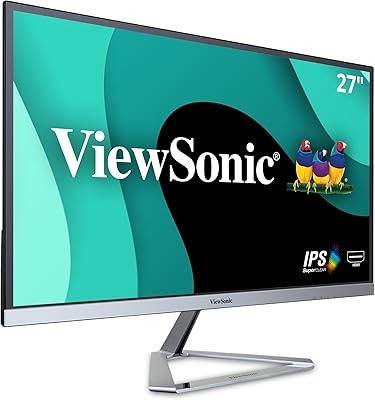
ViewSonic VX2776-SMHD 27-inch 1080p IPS Monitor
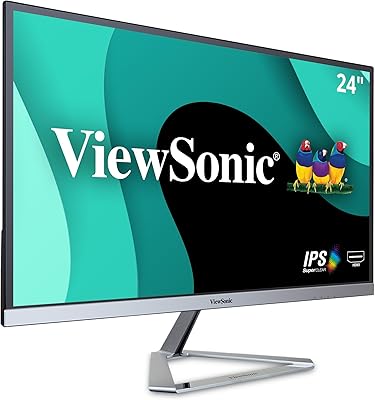
ViewSonic VX2476-SMHD 24-inch IPS Monitor
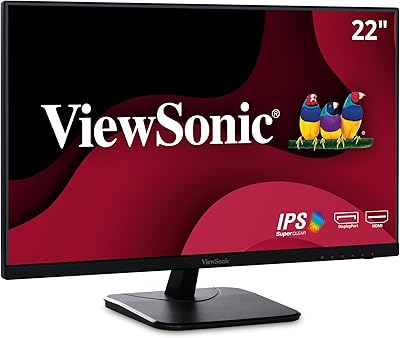
ViewSonic VA2256-MHD 22-inch IPS 1080p Monitor
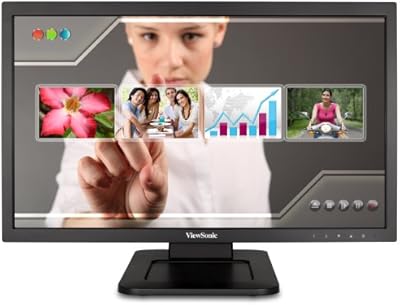
ViewSonic TD2220 22-Inch Touchscreen Monitor

ViewSonic VG2448A 24-inch IPS Monitor
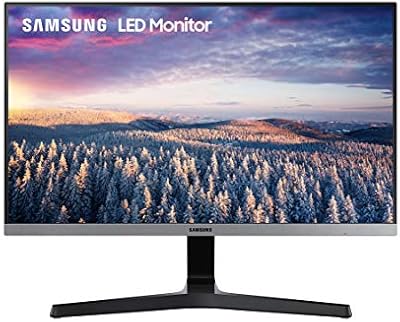
Samsung S22R350FHN 22-inch IPS Monitor
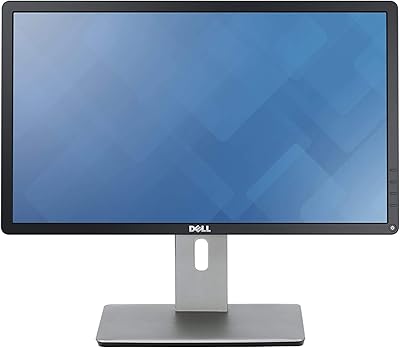
Dell P2214H 22-Inch IPS Monitor
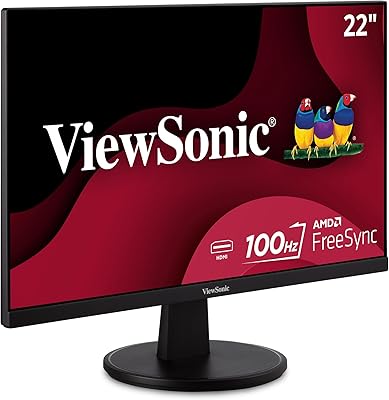
ViewSonic VS2247-MH 22-Inch Monitor

ViewSonic VP2468a 24-Inch IPS Monitor