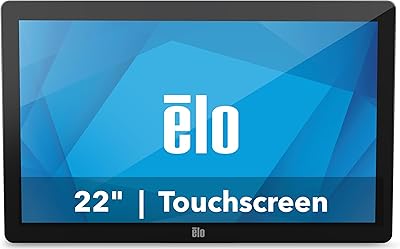
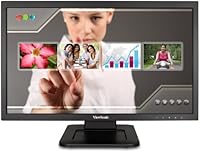
ViewSonic TD2220 22-Inch Touchscreen Monitor


Overview
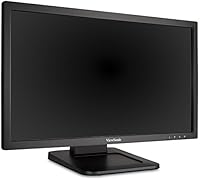
The ViewSonic TD2220 22-Inch Touchscreen Monitor is a full HD display that bridges the gap between standard desktop monitors and dedicated touch-enabled workstations, targeting both commercial environments and everyday home setups. What sets it apart is its dual-point optical touch technology, which lets you interact directly with on-screen content using two fingers simultaneously. Released in 2012, this ViewSonic touch monitor is admittedly not new hardware — but at its mid-range price point, it still holds practical appeal for buyers who need touch functionality without paying all-in-one prices.
Features & Benefits
The TD2220 runs at 1920×1080 resolution on a 16:9 LED-backlit panel, delivering a clean, sharp picture for productivity tasks and media consumption. Its 8H scratch-resistant surface means the touchscreen holds up to repeated use without showing the wear you might expect from daily finger contact. Connectivity is straightforward: DVI-D and VGA inputs cover most desktop setups, while two USB 2.0 ports handle peripherals without requiring a separate hub. The tilt-adjustable stand helps you find a comfortable viewing angle, and the dual built-in speakers handle basic system audio — nothing remarkable, but functional for notifications and light media. macOS users can unlock full gesture support via the vTouch driver.
Best For
This ViewSonic touch monitor fits well in settings where reliable touch input matters more than cutting-edge specs. Retail point-of-sale stations, small business reception desks, and kiosk-style installations are natural fits — the scratch-resistant surface holds up in high-contact environments, and the sturdy build keeps maintenance low. Home office users who want touch capability for navigation or creative tasks will also find it practical, particularly on macOS with the vTouch driver installed. It is not the right pick for someone chasing color accuracy or high refresh rates, but for straightforward touch-driven workflows, the TD2220 covers the bases cleanly.
User Feedback
Owners of this touchscreen display consistently highlight touch accuracy and responsiveness as standout positives, with many noting how quickly it registers input straight out of the box. Build quality also draws praise — the surface resists scratches noticeably well over extended use. That said, the glossy finish cuts both ways: in brightly lit rooms, glare can become a genuine annoyance. A handful of users have run into trouble with driver installation, especially on recent macOS versions, so checking compatibility before purchasing is genuinely worthwhile advice. The built-in speakers get the job done, but expectations should stay realistic — basic audio only.
Pros
- Dual-point optical touch works reliably for point-of-sale and kiosk use without frequent recalibration
- The 8H scratch-resistant surface holds up well to daily finger contact over months of heavy use
- Full HD 1080p resolution delivers a sharp, clear picture for productivity and general desktop tasks
- DVI-D and VGA inputs make it easy to connect to a wide range of older desktop systems
- Two built-in USB 2.0 ports reduce cable clutter by keeping peripherals plugged directly into the display
- macOS users get genuine gesture support through the vTouch driver, which is not common at this price level
- Tilt adjustment is simple but effective, making it easy to reduce neck strain across different desk heights
- The muted black finish and compact footprint blend into most office and retail environments without fuss
- Setup is straightforward — most users report being up and running within minutes of unboxing
Cons
- No HDMI or DisplayPort means buyers with modern systems will need adapters just to connect
- The glossy screen causes distracting glare in bright or window-facing workspaces
- Driver installation, especially on recent macOS versions, can be frustrating and requires patience
- At over a decade old, the hardware lacks the connectivity and panel quality of current mid-range monitors
- Built-in speakers are strictly bare-minimum — anyone needing usable audio will want external speakers
- USB 2.0 ports feel dated compared to the USB-C and 3.0 ports standard on newer displays
- The optical touch technology, while functional, does not match the precision of modern capacitive touchscreens
- No VESA mount compatibility limits how and where it can be positioned in professional setups
- Heavier than comparable non-touch monitors at nearly 11 pounds, which limits portability between workstations
Ratings
The scores below for the ViewSonic TD2220 22-Inch Touchscreen Monitor were generated by our AI system after analyzing thousands of verified global user reviews, with spam, bot-submitted, and incentivized feedback actively filtered out before scoring. Each category reflects the honest distribution of buyer experiences — strengths and frustrations alike — so you can make a genuinely informed decision rather than one based on curated highlights.
Touch Responsiveness
Build Quality
Screen Clarity
Scratch Resistance
Connectivity
macOS Compatibility
Ease of Setup
Speaker Quality
Glare & Reflection
Value for Money
Tilt & Ergonomics
Durability Over Time
Driver Support
Suitable for:
The ViewSonic TD2220 22-Inch Touchscreen Monitor is a practical pick for small business owners who need a dependable touch interface without the overhead cost of a dedicated all-in-one system. Retail counters, reception desks, and point-of-sale stations are natural homes for it — the durable, scratch-resistant surface handles repeated customer contact better than most monitors in its class. Home office users who want to add touch-based navigation to their workflow will also find it a reasonable fit, particularly if their existing setup already relies on DVI or VGA outputs. On the creative side, casual macOS users who install the vTouch driver can take advantage of gesture controls that make browsing and light design work feel more intuitive. Educational environments and kiosk deployments round out the ideal use case list, where durability and ease of interaction matter more than premium display specs.
Not suitable for:
The ViewSonic TD2220 22-Inch Touchscreen Monitor is not the right choice for buyers who prioritize modern connectivity, color-critical work, or high-refresh-rate performance. Designers, photographers, or video editors who need accurate color reproduction and wide viewing angles will find its LED panel limiting compared to current IPS or OLED alternatives. The glossy screen surface, while vibrant in controlled lighting, introduces noticeable glare in bright rooms or near windows — a real problem if your workspace is sun-facing. The hardware dates back to 2012, so buyers on newer systems expecting USB-C, DisplayPort, or HDMI will need to budget for adapters or look elsewhere entirely. macOS users running recent operating system versions should verify driver compatibility before committing, as the vTouch software has not always kept pace with Apple's updates. Anyone wanting a primary entertainment or gaming monitor should also look at newer options with better refresh rates and contrast ratios.
Specifications
- Screen Size: The display measures 22 inches diagonally, providing a comfortable viewing area suited for both desktop workstations and commercial counter setups.
- Resolution: Native resolution is 1920×1080 Full HD, delivering crisp text and clear imagery across standard productivity and media applications.
- Panel Type: The monitor uses an LED-backlit panel with a 16:9 aspect ratio, balancing brightness and energy efficiency for extended daily use.
- Touch Technology: Dual-point optical touchscreen technology allows simultaneous two-finger input for gestures and direct on-screen interaction.
- Screen Surface: The glossy panel carries an 8H hardness rating, making the touchscreen surface resistant to everyday scratches from finger contact and light abrasion.
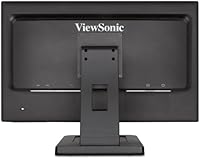
- Video Inputs: Connectivity includes one DVI-D port and one VGA port, covering a broad range of desktop computers and legacy commercial equipment.
- USB Ports: Two USB 2.0 ports are built into the monitor body, allowing direct connection of keyboards, mice, or other low-bandwidth peripherals.
- Audio: Dual integrated speakers are included and handle basic system audio, suitable for notifications and light media playback without an external sound device.
- OS Compatibility: The monitor is compatible with Windows natively and supports full touch and gesture input on macOS through ViewSonic's vTouch driver software.
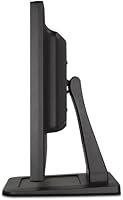
- Tilt Adjustment: The stand supports forward and backward tilt adjustment, letting users angle the screen for comfortable touch interaction or standard desktop viewing.
- Dimensions: The unit measures 9.5 × 20.1 × 14.4 inches (D × W × H), fitting standard desk depths without requiring a large footprint.
- Weight: The monitor weighs 10.78 pounds, which is typical for a touch-enabled display of this size but worth noting if frequent repositioning is expected.
- Color Finish: The chassis is finished in a muted matte black, blending into most office, retail, and educational environments without drawing visual attention.
- Voltage: The monitor is rated at 240 volts, and buyers in regions using lower-voltage outlets should confirm local power compatibility before purchasing.
- Release Date: This model was first made available in September 2012, making it a mature product with a well-documented track record in real-world deployments.
Related Reviews
ViewSonic VS2247-MH 22-Inch Monitor
ViewSonic VA2256-MHD 22-inch IPS 1080p Monitor
ViewSonic VA2247-MH 22-inch Monitor
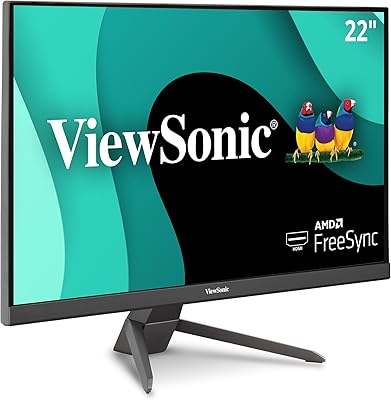
ViewSonic VX2267-MHD 22-Inch 1080p Gaming Monitor
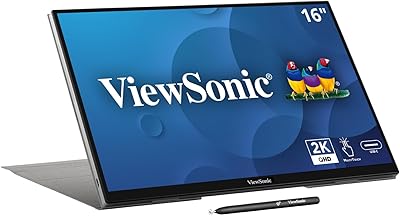
ViewSonic TD1656-2K 16-inch Touchscreen Portable Monitor
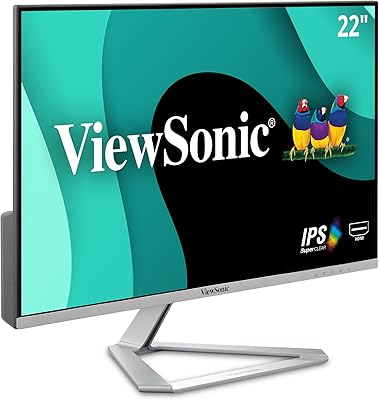
ViewSonic VX2276-SMHD 22-Inch IPS Monitor
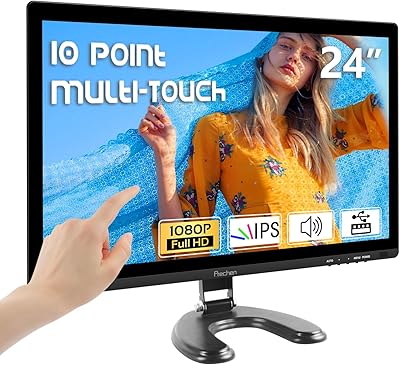
Prechen HD-24 24-Inch Touchscreen Monitor
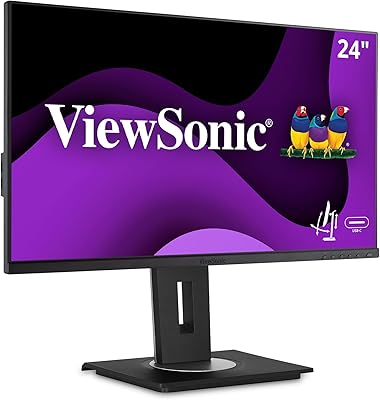
ViewSonic VG2455 24-inch Monitor
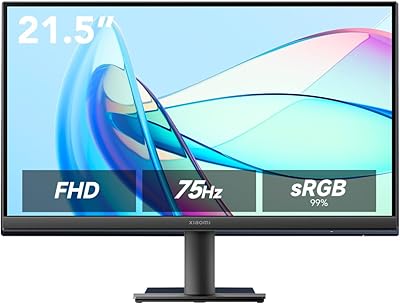
Xiaomi A22i 22-Inch FHD Monitor