
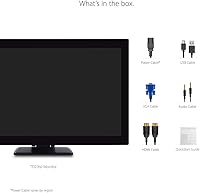
Overview
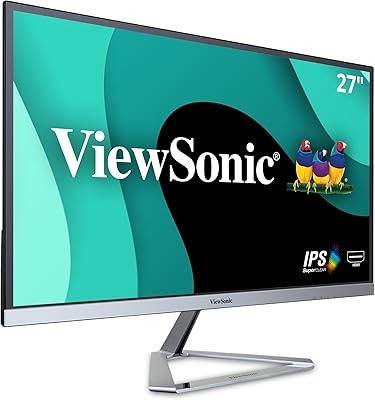
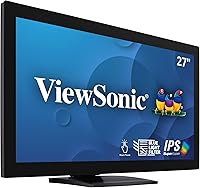
The ViewSonic TD2760 27-inch Touch Monitor sits in a practical middle ground — built for professionals who need reliable touch interaction without paying enterprise prices. The 27-inch matte panel keeps glare manageable in bright office or retail environments, and the dual-hinge ergonomic stand is genuinely useful for anyone spending hours at a counter or desk. Mac users get a rare bonus: ViewSonic's vTouch driver enables gesture support on macOS, which most competing displays simply don't offer. One honest caveat — Full HD at this screen size means pixel density isn't razor-sharp, so if you're doing heavy typography or fine illustration work, that softness may bother you.
Features & Benefits
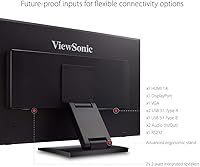
The 10-point multi-touch panel is where this ViewSonic touch monitor earns its keep. Touch registration is accurate and responsive — fast enough for quick POS transactions and precise enough for annotating documents or navigating kiosk menus. Connectivity is genuinely broad: HDMI, DisplayPort, USB, VGA, and RS232 mean you can hook it up to modern laptops as easily as older legacy hardware. The dynamic contrast ratio delivers punchy, readable visuals in varied lighting, though keep realistic expectations — that advertised figure is a peak spec, not a guarantee. At 60Hz, this is clearly a business-use display, not something you'd pick for video editing or fast-paced content.
Best For
If you run a retail counter or POS setup, the TD2760 is hard to argue with — the RS232 port alone makes it compatible with older point-of-sale hardware that most modern monitors have abandoned. Small offices building interactive kiosks or shared workstations will appreciate the durability and touch reliability. It's also a credible option for Mac users looking for a touch-enabled external display without needing to patch together third-party drivers. Educators and presenters working in front of an audience get real value from a large touch surface. That said, if your priority is pixel-perfect visuals or color accuracy, this 27-inch touchscreen display will leave you wanting more.
User Feedback
Across roughly 267 ratings, the TD2760 holds a 4.2-star average — respectable, but with enough critical reviews to paint an honest picture. Buyers in retail and POS environments tend to be the most satisfied, praising the consistent touch accuracy and the sturdiness of the build over extended daily use. Where opinions split is around the 1080p resolution: at 27 inches, some users find text rendering noticeably soft, particularly in spreadsheet-heavy or design-adjacent workflows. A smaller number have flagged calibration drift over time, requiring recalibration after heavy use. Mac users generally report a smooth experience once the vTouch driver is installed, though a few mention the setup process isn't immediately intuitive.
Pros
- Accurate 10-point multi-touch handles fast inputs reliably, even under heavy daily use.
- RS232 connectivity is a genuine advantage for businesses still running older POS hardware.
- The dual-hinge ergonomic stand offers real tilt and height flexibility for long counter or desk sessions.
- Matte screen surface keeps reflections under control in bright retail and office lighting.
- Broad port selection — HDMI, DisplayPort, VGA, USB, and RS232 — covers an unusually wide range of devices.
- Mac gesture support via the vTouch driver works without needing third-party software patches.
- Build quality feels solid and durable enough for shared or high-traffic kiosk environments.
- The 27-inch screen size gives presenters and educators a large interactive surface to work with.
- Setup is straightforward for Windows users, with most configurations ready out of the box.
Cons
- Full HD resolution at 27 inches produces noticeably soft text, a real drawback for detail-heavy tasks.
- Some users report touch calibration drift over extended use, requiring periodic recalibration.
- The vTouch driver installation on macOS can be unintuitive and frustrating for less technical users.
- At 60Hz with no adaptive sync, this display is a poor fit for anyone doing fast-moving visual work.
- The TD2760 is heavier than average for its class, making repositioning or mounting more cumbersome.
- Dynamic contrast figures are highly inflated relative to what you experience in real working conditions.
- No built-in speaker system, which can be inconvenient for kiosk or presentation setups.
- Buyers focused purely on visual quality will find better pixel density and color performance elsewhere at this price point.
Ratings
The scores below for the ViewSonic TD2760 27-inch Touch Monitor were generated by AI after analyzing verified purchase reviews from buyers worldwide, with spam, bot-submitted, and incentivized feedback actively filtered out before scoring. Each category reflects both what users genuinely praised and the friction points they reported in real working environments — retail counters, office kiosks, Mac desks, and beyond. Nothing has been softened: where the TD2760 earns high marks, the scores show it, and where it falls short of expectations, that is reflected just as transparently.
Touch Responsiveness
Image Sharpness
Build Quality
Ergonomics & Stand
Connectivity
Mac Compatibility
Glare & Screen Surface
Setup & Installation
Value for Money
Color Accuracy
Long-Term Durability
Overall Satisfaction
Suitable for:
The ViewSonic TD2760 27-inch Touch Monitor is a strong fit for small business owners and retail operators who need a dependable, large-format touch display without the complexity of enterprise-grade hardware. Its RS232 port makes it uniquely practical for environments still running legacy POS equipment — a real-world consideration that most modern monitors simply ignore. Kiosk builders and office managers setting up shared interactive stations will find the 10-point multi-touch accurate and durable enough for sustained daily use by multiple users. Mac users searching for a touch-enabled external monitor with native gesture support via ViewSonic's vTouch driver will also find this a rare, workable solution in a category that usually forces them into awkward workarounds. Educators and trainers who present to groups and want the ability to annotate or interact directly on screen will get genuine value from the large touch surface and flexible ergonomic stand.
Not suitable for:
The ViewSonic TD2760 27-inch Touch Monitor is not the right call for anyone who spends long hours working with dense text, detailed spreadsheets, or fine graphic design work — at this screen size, the Full HD resolution starts to show its limits, and the softness becomes noticeable quickly. Photographers, video editors, or anyone who depends on color accuracy and sharpness should look elsewhere; this panel is built for interactivity and durability, not color-critical output. Gamers will find the 60Hz refresh rate underwhelming, and there is no variable refresh rate support to speak of. If your workspace already runs entirely on modern hardware with no legacy devices, the RS232 port adds no value and the price may feel harder to justify against sharper, higher-resolution alternatives in a similar range. Anyone hoping to use touch functionality with an iPhone or iPad will also be disappointed — the vTouch driver is a macOS-only feature, and mobile Apple devices are not supported.
Specifications
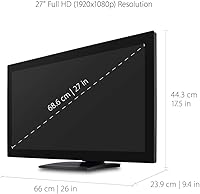
- Screen Size: The display measures 27 inches diagonally, providing a large interactive surface suited to POS counters, kiosks, and presentation environments.
- Resolution: Native resolution is 1920x1080 (Full HD), delivering standard 1080p output across a 16:9 aspect ratio panel.
- Touch Technology: Uses 10-point capacitive multi-touch with pressure sensing, allowing simultaneous multi-finger input for gestures, navigation, and collaborative interaction.
- Refresh Rate: The panel runs at a fixed 60Hz refresh rate, appropriate for business applications, interactive kiosks, and general office use.
- Contrast Ratio: Rated at a 50,000,000:1 dynamic contrast ratio, though real-world static contrast will be considerably lower under typical operating conditions.
- Screen Surface: The matte anti-glare coating reduces reflections from overhead lighting and windows, making it more practical in bright retail or office spaces.
- Connectivity: Input options include HDMI, DisplayPort, VGA, USB, and RS232, covering both modern laptops and legacy hardware such as older POS terminals.
- Mac Compatibility: ViewSonic's vTouch driver enables multi-touch gesture support on macOS-connected machines; this feature is not available for iPhone or iPad.
- Ergonomic Stand: The dual-hinge stand supports tilt and height adjustment, allowing users to reposition the screen for comfortable use during extended sessions.
- Dimensions: The monitor measures 9.4 x 17.5 x 26 inches (L x W x H) including the stand assembly.
- Weight: The unit weighs 17.4 pounds, which is on the heavier side for a 27-inch display and worth considering for wall-mount or repositioning needs.
- Power Input: The display operates at up to 240 volts and requires a single lithium-ion battery for internal clock or settings retention.
- Color & Finish: Available in a matte black finish that blends into most professional and retail environments without drawing visual attention.
- Brand & Model: Manufactured by ViewSonic under the TD series, with the specific model designation TD2760.
- Availability: The TD2760 was first listed in May 2019 and has not been discontinued by ViewSonic as of the most recent product data available.
Related Reviews
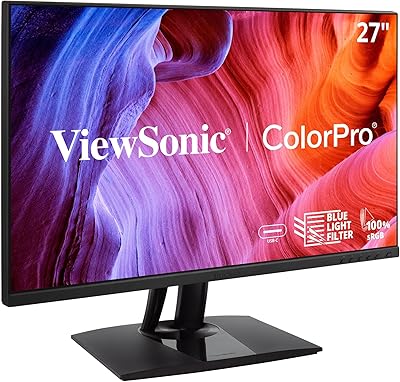
ViewSonic VP2756-2K 27-inch QHD IPS Monitor
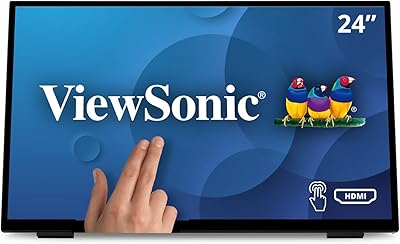
ViewSonic TD2465 24-Inch Touch Screen Monitor
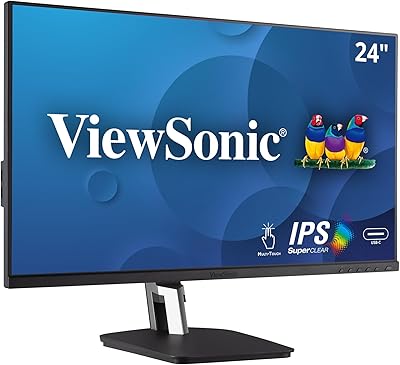
ViewSonic TD2455 24-inch Touch Monitor
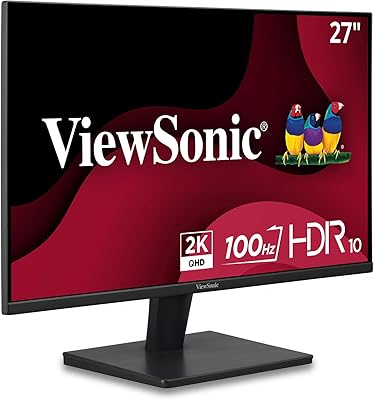
ViewSonic VS2725-2K 27-inch QHD Monitor

ViewSonic VP2768a-4K 27-Inch 4K Monitor
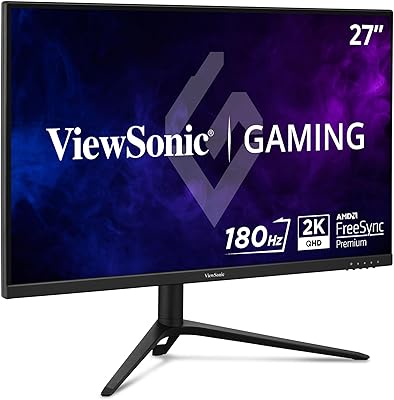
ViewSonic VX2728J-2K 27-inch Gaming Monitor
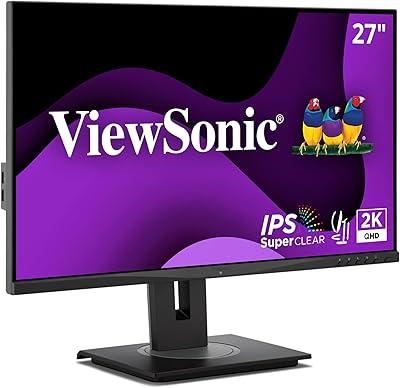
ViewSonic VG2748A-2K 27-inch QHD Monitor
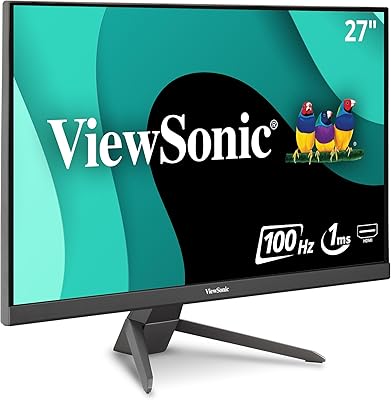
ViewSonic VX2767-MHD 27-inch Gaming Monitor

ViewSonic VG2756-4K 27-Inch 4K Docking Monitor