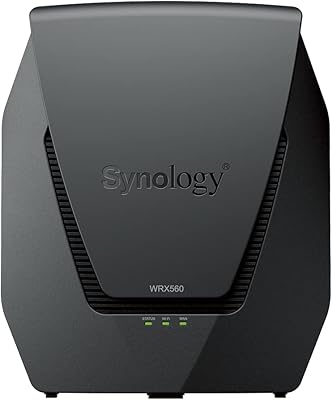
Verizon G3100 Wi-Fi 6 Tri-Band Router

Overview
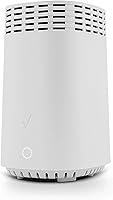
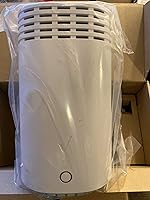
The Verizon G3100 Wi-Fi 6 Tri-Band Router is Verizon's premium home networking hardware, built around the 802.11ax standard and designed to handle the demands of modern, device-heavy households. While it integrates tightly with Fios fiber service, it's worth stating upfront that this Wi-Fi 6 gateway works with other broadband providers too — so non-Fios users shouldn't tune out. Physically, the G3100 is a compact white tower, roughly 9 by 5 inches, with all antennas tucked internally. It won't dominate a shelf or clash with your setup. For a carrier-branded router, the build feels purposeful rather than cheap.
Features & Benefits
The tri-band configuration — one 2.4 GHz network plus two separate 5 GHz bands — is where this Verizon router starts earning its keep. Instead of all your devices fighting over a single channel, traffic gets distributed intelligently, keeping a laptop video call from competing with a gaming console or a cluster of smart-home devices. Wi-Fi 6's OFDMA and MU-MIMO technologies reduce real-world congestion noticeably when dozens of devices are active at once. The 2.5 GbE multi-gig port and MoCA 2.5 backhaul are forward-looking additions — especially useful for coax-based mesh expansion without new wiring. Four Gigabit Ethernet ports handle wired connections, and WPA3 security keeps the network properly locked down.
Best For
This Wi-Fi 6 gateway is a natural fit for Fios subscribers tired of paying monthly rental fees on older ISP hardware. But the use case stretches further. Homes with 20 or more connected devices — smart TVs, security cameras, thermostats, phones, laptops — will genuinely benefit from the tri-band load balancing in daily use. Gamers and heavy streamers will appreciate the low-latency headroom Wi-Fi 6 provides when multiple users are online simultaneously. The MoCA 2.5 support is also a standout for anyone wanting to extend their network over existing coaxial cable rather than running new Ethernet through walls.
User Feedback
Buyers consistently praise the G3100 for its strong signal consistency and how smoothly it pairs with Fios — setup is reportedly fast, even for less technical users. Long-term reliability earns generally positive marks, with most owners reporting stable uptime across firmware update cycles. That said, the admin interface is a recurring sticking point. Power users accustomed to third-party hardware often find the configuration options limited, and some raise fair concerns about ecosystem lock-in. For non-Fios households, opinions on value are genuinely divided — the hardware is capable, but it trades away some flexibility you'd get from an open-platform alternative. Capable router, with real trade-offs worth considering.
Pros
- Tri-band Wi-Fi 6 handles 20-plus simultaneous devices without noticeable slowdowns during peak hours.
- MoCA 2.5 coax backhaul lets you extend the network over existing coaxial cable — no new wiring needed.
- The 2.5 GbE multi-gig port future-proofs wired connections for next-generation broadband plan speeds.
- WPA3 security and an integrated firewall provide a meaningfully stronger baseline than older router standards.
- Setup with Fios fiber is fast and straightforward, even for users with limited networking experience.
- Four Gigabit Ethernet ports cover wired gaming consoles, PCs, NAS devices, and smart home hubs comfortably.
- Signal consistency across a larger home is a recurring positive in long-term owner reports.
- Guest network mode and parental controls add practical household management without needing third-party apps.
- Owning the G3100 outright eliminates ongoing ISP equipment rental fees, improving long-term value.
- Compact tower footprint fits neatly on a shelf without dominating the room or requiring external antennas.
Cons
- The admin interface is stripped down — power users will miss the granular controls found on open-platform routers.
- No support for custom or third-party firmware limits advanced configuration and long-term community support.
- Non-Fios users get a capable router but lose the tight ISP integration that justifies much of the price premium.
- Firmware update control rests with Verizon, meaning feature changes and timing are outside the owner's hands.
- No dedicated backhaul band for mesh use means MoCA 2.5 is the primary mesh option — not ideal for all setups.
- Smaller households with few devices will find the hardware significantly over-specified for their actual needs.
- Some owners report occasional reboots required after firmware pushes to restore full stability.
- The simplified app-based management, while accessible, frustrates users who prefer a full browser-based dashboard.
- Carrier branding means the device is tied to Verizon's support ecosystem, which can complicate independent troubleshooting.
Ratings
The Verizon G3100 Wi-Fi 6 Tri-Band Router scores below are generated by AI after analyzing thousands of verified global user reviews, with spam, bot activity, and incentivized feedback actively filtered out. The results reflect honest buyer experiences across a range of household sizes, use cases, and ISP setups — both the strengths and the recurring frustrations are transparently represented.
Wi-Fi Performance
Fios Integration
Multi-Device Handling
Admin Interface
Build Quality
Setup Experience
MoCA 2.5 Backhaul
Security Features
Long-Term Reliability
Value for Money
Coverage Range
Wired Connectivity
App & Remote Management
Firmware & Update Control
Suitable for:
The Verizon G3100 Wi-Fi 6 Tri-Band Router is the right call for Fios subscribers who want to stop paying monthly rental fees on aging ISP hardware and actually own a capable, modern gateway. Beyond Fios, it suits any broadband household where device count has quietly crept past 20 — think smart TVs, security cameras, voice assistants, phones, laptops, and gaming consoles all running simultaneously. The MoCA 2.5 backhaul support makes it especially practical for homeowners who already have coaxial cable runs and want to extend their network without tearing into walls. Gamers and heavy streamers sharing bandwidth with remote workers in the same home will find the tri-band load distribution does genuine work during peak hours. It also makes sense for anyone whose current internet plan is approaching or exceeding 1 Gbps and wants hardware that won't bottleneck those speeds today or after a future upgrade.
Not suitable for:
The Verizon G3100 Wi-Fi 6 Tri-Band Router is a harder sell for buyers who prize deep network customization — the admin interface is deliberately simplified, and enthusiasts who expect granular VLAN control, advanced DNS settings, or custom firmware support will find it frustrating. If you run a non-Fios connection and already own a solid Wi-Fi 6 router from an open-platform brand, the case for switching is thin. Small apartments or single-person households with a handful of devices are overpaying for capacity they will never realistically use. Privacy-conscious users wary of carrier-ecosystem lock-in should weigh that concern carefully, since this is fundamentally ISP-branded hardware with a correspondingly closed software stack. Budget-focused shoppers can find capable Wi-Fi 6 routers at lower price points if raw performance per dollar is the priority over Fios integration.
Specifications
- Wi-Fi Standard: The router operates on 802.11ax (Wi-Fi 6), the current-generation wireless standard offering improved throughput and reduced network congestion compared to Wi-Fi 5.
- Frequency Bands: Tri-band configuration includes one 2.4 GHz band and two separate 5 GHz bands, allowing devices to be distributed across three independent wireless channels.
- MU-MIMO & OFDMA: Supports MU-MIMO and OFDMA technologies, enabling simultaneous data transmission to multiple devices rather than serving them sequentially.
- LAN Ports: Equipped with four Gigabit Ethernet LAN ports for reliable wired connections to desktops, gaming consoles, smart TVs, and NAS devices.
- WAN Port: Includes one standard Gigabit WAN port plus one dedicated 2.5 GbE multi-gig WAN/LAN port for households with high-speed broadband plans exceeding 1 Gbps.
- MoCA Version: Built-in MoCA 2.5 support allows high-bandwidth network backhaul over existing coaxial cable, enabling mesh expansion without additional Ethernet wiring.
- Security: Uses WPA3 encryption alongside an integrated firewall, providing stronger baseline network protection than the older WPA2 standard.
- Parental Controls: Includes built-in parental control settings manageable through the router admin interface, allowing per-device scheduling and content filtering.
- Special Features: Supports Guest Mode, QoS (Quality of Service) prioritization, WPS pairing, remote access management, and an LED status indicator.
- Antenna Type: All antennas are internal, keeping the exterior profile clean and eliminating the external antenna array typical of many competing routers.
- Dimensions: The unit measures 9 x 5 x 5 inches, a compact upright tower footprint suitable for placement on a shelf or desktop.
- Weight: Weighs 4.02 pounds, making it straightforward to reposition during initial installation without requiring a fixed mounting solution.
- Color: Available in a single White finish designed to blend into typical home and office environments without drawing visual attention.
- ISP Compatibility: Designed for Verizon Fios fiber service but also compatible with other major broadband providers using standard WAN connectivity.
- Manufacturer: Manufactured by Arcadyan Technology Corporation, a major OEM supplier of broadband networking hardware for global telecommunications carriers.
- Model Number: Official model designation is G3100, as referenced on the device label, packaging, and Verizon's hardware support documentation.
- Release Date: First made available in November 2019, placing it in the early wave of consumer Wi-Fi 6 routers to reach the retail market.
- Wireless Rating: The G3100 carries a combined theoretical wireless throughput across all three bands, with the two 5 GHz bands handling the bulk of high-demand traffic.
Related Reviews
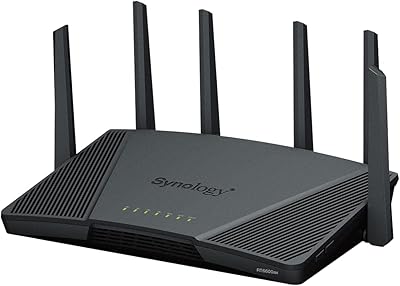
Synology RT6600ax Wi-Fi 6 Tri-Band Router
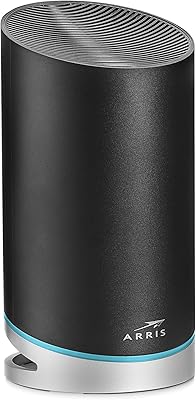
ARRIS SURFboard mAX W30 Wi-Fi 6 Router
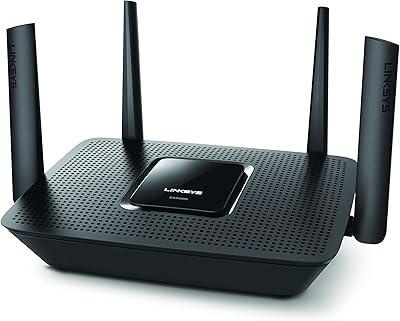
Linksys EA8300 Tri-Band Wi-Fi Router
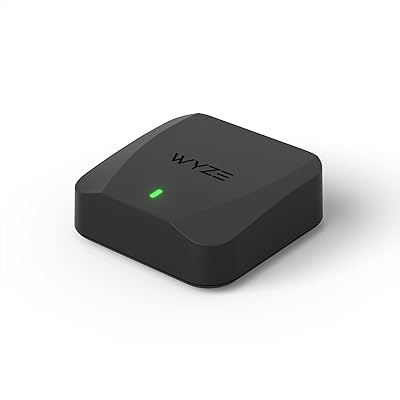
Wyze Mesh Router Pro Wi-Fi 6E Router
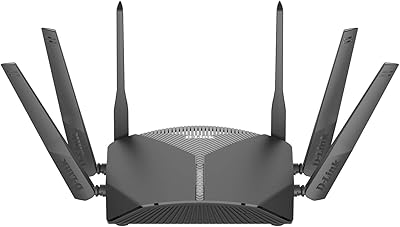
D-Link DIR-3040 AC3000 Tri-Band Router
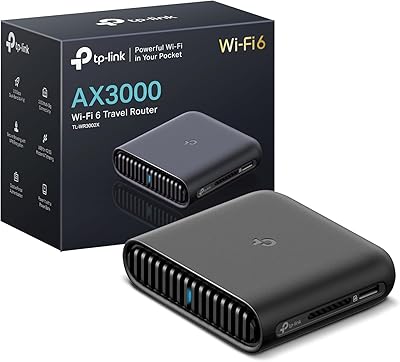
TP-Link TL-WR3002X AX3000 Wi-Fi 6 Travel Router
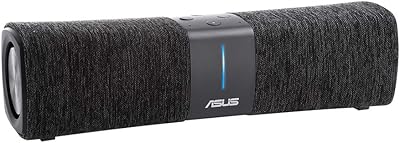
ASUS Lyra Voice Mesh Router Smart Speaker
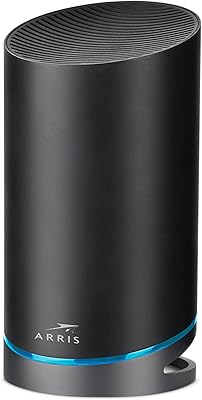
ARRIS SURFboard mAX Pro W133 Mesh Router
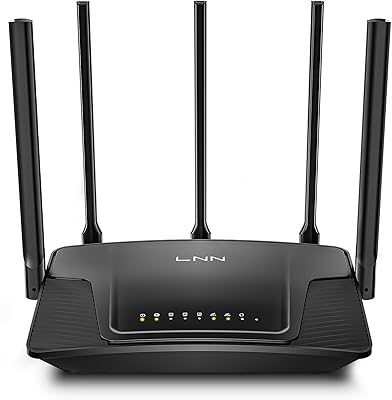
LNN 788 Wi-Fi 6 Router