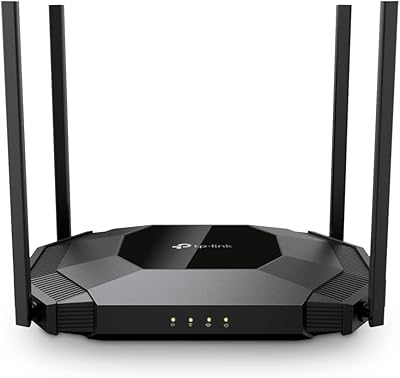
TP-Link Omada EAP720 WiFi 7 Access Point


Overview
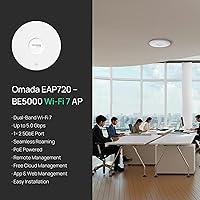
The TP-Link Omada EAP720 WiFi 7 Access Point lands in a genuinely interesting spot — bringing a new wireless standard to home power users and small businesses without demanding a premium price. WiFi 7 (802.11be) is not just a marketing refresh; Multi-Link Operation and 4K-QAM represent real architectural changes that improve throughput and reduce congestion across busy networks. This ceiling-mount access point also ships with a DC adapter included, so you can mount and test it immediately without tracking down a PoE switch first. That said, getting the most from it means understanding Omada — TP-Link's SDN ecosystem. Used standalone it works fine, but inside the Omada platform it becomes considerably more capable.
Features & Benefits
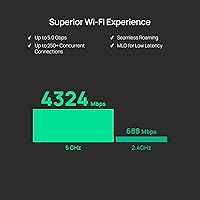
The 5 GHz band can push up to 4324 Mbps, but the detail that matters more long-term is the 2.5G Ethernet uplink — this WiFi 7 AP simply will not become your network bottleneck when multi-gig internet plans roll into your area. Power options are genuinely flexible: PoE works with any 802.3at-compatible switch, and the included adapter means you are not waiting on hardware. Through the Omada cloud dashboard — free, no ongoing subscription — you get remote management, VLAN segmentation, bandwidth controls, and Zero Touch Provisioning for multi-site rollouts. Handling 250-plus concurrent clients also makes this credible for busy small offices, not just home setups.
Best For
This WiFi 7 AP makes the most sense for specific types of buyers. If you are building a multi-AP home mesh and want enterprise-grade controls — band steering, PPSK, scheduled access restrictions — without paying for enterprise software, the EAP720 is a strong candidate. Small business owners who need to manage a network remotely without keeping someone on-site will find the Omada cloud dashboard genuinely practical. IT administrators rolling out several access points across locations will appreciate Zero Touch Provisioning. And if your ISP already offers — or soon will offer — multi-gig speeds, the 2.5G uplink port means this hardware stays relevant well into the upgrade cycle.
User Feedback
Across a wide pool of buyer reviews, a few consistent patterns emerge. Owners frequently praise quick app-based setup, stable throughput in mixed-device homes, and dependable PoE operation when paired with a compatible switch. The five-year warranty comes up regularly as a meaningful trust factor that competitors at this tier rarely match. Criticism tends to cluster around the Omada ecosystem's learning curve — buyers expecting a fully plug-and-play experience sometimes hit friction with controller-based configuration. A smaller group notes that 2.4 GHz performance feels modest relative to the 5 GHz headline, which is a fair observation given the spec gap. Real-world WiFi 7 speed gains over WiFi 6E are also rated as incremental until client devices fully catch up.
Pros
- The 2.5G uplink port means your access point hardware stays relevant as multi-gig internet plans become mainstream.
- Free Omada cloud management delivers remote monitoring, VLAN segmentation, and bandwidth controls with zero subscription fees.
- Ships with a DC power adapter, so you can install and test it immediately without a PoE switch.
- Handles 250-plus concurrent clients without meaningful performance degradation in typical small-office environments.
- The five-year warranty is genuinely competitive and reduces long-term hardware risk compared to most rivals at this price.
- WiFi 7 Multi-Link Operation improves reliability in congested environments, not just raw speed on paper.
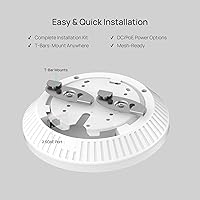
- Ceiling, wall, and junction box mounting options covered by hardware included in the box — no extra purchases needed.
- The EAP720 supports PoE+ and DC power simultaneously, giving you real installation flexibility across varied building types.
- Omada mesh and roaming work well in multi-AP deployments once properly configured through the controller.
- Airtime fairness keeps older devices from dragging down performance for newer hardware on the same network.
Cons
- Standalone mode works, but the most useful features require committing to the Omada controller or cloud platform.
- The printed quick-start guide does not adequately explain the difference between standalone and controller-managed operation.
- 2.4 GHz throughput is modest and unlikely to impress anyone using it as their primary band for demanding tasks.
- Requires 802.3at PoE+ — older 802.3af-only switches will not power it without an additional injector.
- Real-world WiFi 7 speed gains are minimal today, since most client devices still lack full 802.11be support.
- Firmware updates have occasionally caused temporary instability or required controller re-pairing to resolve.
- Technical support is limited to weekday business hours in Pacific time, which is inconvenient for international buyers or weekend outages.
- Advanced configuration through the Omada dashboard has a steeper learning curve than most consumer-grade alternatives.
- Cloud portal can feel sluggish when applying configuration changes remotely, particularly across multiple managed sites.
- Users in high-density or multi-story concrete buildings may need more than one unit sooner than the coverage specs suggest.
Ratings
The TP-Link Omada EAP720 WiFi 7 Access Point scores below are generated by AI after analyzing thousands of verified global buyer reviews, with spam, bot-submitted, and incentivized feedback actively filtered out. Ratings reflect the full picture — what buyers genuinely love and where real frustrations surfaced — so you can make a confident, informed decision before purchasing.
Wireless Performance
Value for Money
Setup & Installation
Build Quality & Design
Omada Ecosystem Integration
Range & Coverage
Multi-Device Handling
PoE Compatibility
Remote Management
Firmware & Software Stability
Roaming & Mesh Performance
Warranty & Support
WiFi 7 Future-Readiness
Documentation & Onboarding
Thermal Management
Suitable for:
The TP-Link Omada EAP720 WiFi 7 Access Point is a strong fit for anyone who thinks about their network infrastructure the way a professional would, even if they are not one. Home power users building a multi-AP mesh across a larger property will find the Omada ecosystem rewarding once past the initial setup learning curve — the level of control available without a paid subscription is genuinely unusual at this price tier. Small business owners who need to manage a network remotely, whether a retail location, a small office, or a client site, will appreciate being able to push configuration changes from anywhere without dispatching someone on-site. IT administrators handling multi-location rollouts will find Zero Touch Provisioning and VLAN support meaningfully reduce deployment overhead. And if your ISP already offers multi-gig speeds — or you expect to upgrade within the next few years — the 2.5G uplink port means this ceiling-mount access point will not be the hardware holding your network back when that day comes.
Not suitable for:
The TP-Link Omada EAP720 WiFi 7 Access Point is not the right choice for every buyer, and it is worth being honest about where it falls short. If you are looking for a true plug-and-play experience — something you unbox, plug into a router, and forget about — the Omada ecosystem will likely frustrate you, particularly if you want to use features beyond basic connectivity. Buyers who already own a mixed fleet of access points from other vendors will find that Omada management only extends to TP-Link hardware, so centralized control is off the table in a hybrid setup. Those expecting an immediate and dramatic real-world speed improvement over their existing WiFi 6E hardware may be disappointed right now — most consumer devices do not yet take full advantage of WiFi 7 capabilities, so the tangible day-to-day difference is incremental for the average household. Users in very large properties, multi-story buildings with thick concrete construction, or high-density commercial environments with hundreds of simultaneous active users may also find that a single unit does not stretch as far as hoped, and the cost of deploying multiple units adds up quickly.
Specifications
- WiFi Standard: Operates on IEEE 802.11be (WiFi 7), with backward compatibility for 802.11ac, 802.11ax, 802.11g, and 802.11n devices.
- Frequency Bands: Dual-band design covering both 2.4 GHz and 5 GHz simultaneously for flexible device distribution across the network.
- Max Throughput: Combined theoretical maximum of up to 5.0 Gbps, split across 4324 Mbps on 5 GHz and 688 Mbps on 2.4 GHz.
- Uplink Port: Single 2.5 Gigabit Ethernet port supports high-speed wired backhaul and accommodates future multi-gig internet service plans.
- Power Options: Compatible with 802.3at PoE+ switches and DC power input; a DC power adapter is included in the box.
- PoE Consumption: When powered via PoE, the unit draws a maximum of 17.83W under full operating load.
- Concurrent Clients: Supports more than 250 simultaneously connected client devices, making it viable for dense home and small commercial environments.
- Antenna System: Internal antennas with beamforming technology focus signal toward active devices rather than broadcasting uniformly in all directions.
- Mounting Options: Can be installed on a ceiling, flat wall surface, or directly onto a standard electrical junction box using the included mounting kit.
- Management Platform: Compatible with the Omada Cloud Management Platform, which offers remote configuration, network monitoring, and Zero Touch Provisioning at no subscription cost.
- Key Technologies: Supports Multi-Link Operation (MLO), 4K-QAM, Multi-RU, Private Pre-Shared Key (PPSK), VLAN segmentation, and QoS bandwidth controls.
- Roaming Support: Enables seamless client roaming and mesh networking across multiple Omada access points deployed in the same network.
- Operating System: Runs TP-Link OS, managed either through the local Omada app in standalone mode or via the Omada SDN controller and cloud portal.
- Warranty: Backed by a five-year limited hardware warranty with free technical support available Monday through Friday, 6am to 6pm PST.
- Item Weight: The unit weighs 14.4 oz, making ceiling installation manageable as a single-person task in most standard mounting scenarios.
- Package Dimensions: Retail packaging measures 9.61 x 9.02 x 2.56 inches and includes the AP unit, mounting kit, power adapter, and installation guide.
- Color & Finish: Ships in a matte white finish designed to blend unobtrusively into standard commercial and residential ceiling environments.
- Model Number: Manufactured by TP-Link under model designation EAP720, part of the Omada WiFi 7 access point product line.
Related Reviews
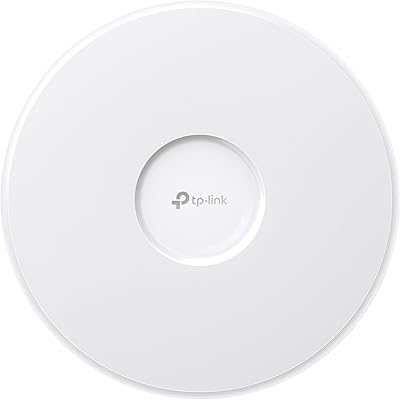
TP-Link EAP770 WiFi 7 Wireless Access Point
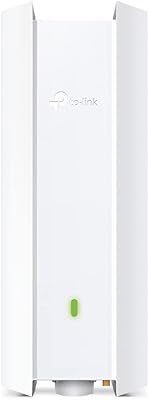
TP-Link EAP650-Outdoor WiFi 6 Outdoor Access Point
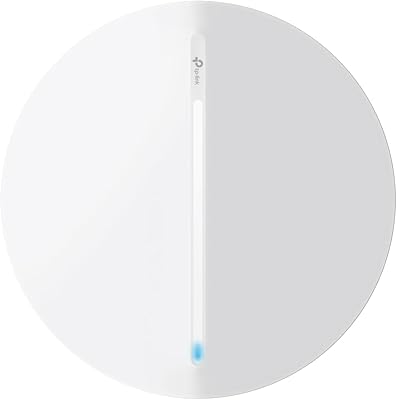
TP-Link Festa F76 WiFi 7 Access Point

TP-Link Omada EAP225-Outdoor
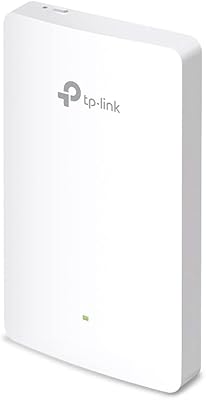
TP-Link EAP615-Wall AX1800 In-Wall Access Point
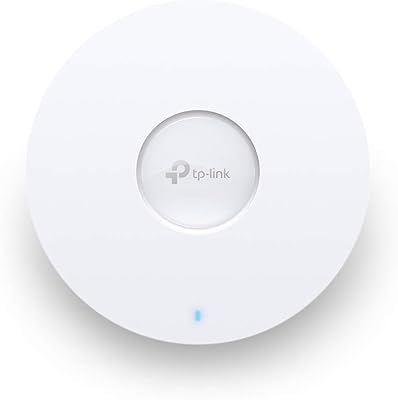
TP-Link EAP660 HD WiFi 6 Access Point
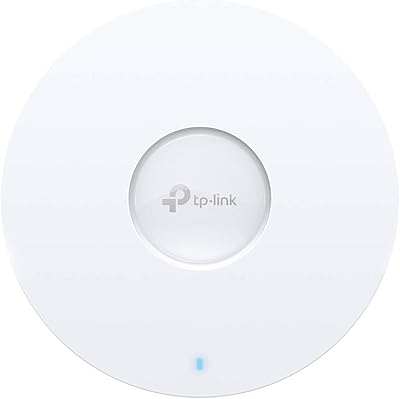
TP-Link EAP620 HD V3 Wireless Access Point
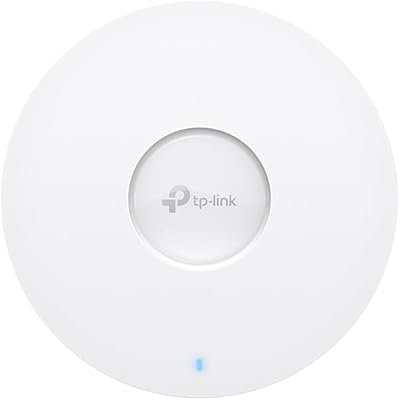
TP-Link EAP673 AX5400 Wi-Fi 6 Access Point
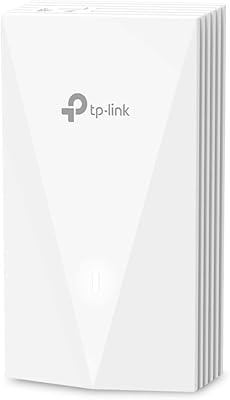
TP-Link EAP655-Wall WiFi 6 AX3000 Wall Plate Access Point