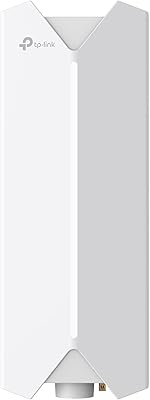
TP-Link EAP670 V2 WiFi 6 Access Point


Overview
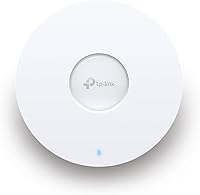
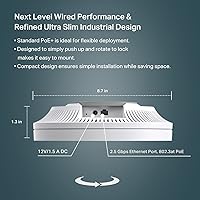
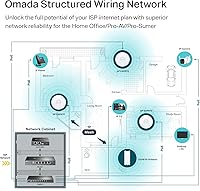
The TP-Link EAP670 V2 WiFi 6 Access Point is a refined ceiling-mount AP targeting small businesses, cafes, classrooms, and serious home network builds. Released in early 2024, the V2 badge marks it as a current-generation device rather than a refreshed holdover. At barely 1.28 inches thick, it disappears into a drop ceiling without looking clinical or obtrusive. One honest caveat upfront: this is not a consumer router you unbox and forget. The EAP670 V2 sits inside the Omada SDN ecosystem and needs an upstream router or gateway already handling DHCP. Get that right, and it scales across multiple floors or buildings without extra controller hardware.
Features & Benefits
Wi-Fi 6 is the headline, but the spec that truly separates this ceiling-mount access point from cheaper alternatives is the 2.5 Gigabit Ethernet uplink. Most access points top out at a single gigabit, which becomes a bottleneck the moment your internet connection or managed switch can push more. The dual-band AX5400 radio uses HE160 channel widths and OFDMA to handle many clients simultaneously without the slowdowns common in crowded offices or dense apartment buildings. Power arrives through a standard PoE+ switch or the included 12V adapter — no proprietary cabling needed. Cloud management through the Omada app is genuinely free with no recurring subscription. The five-year warranty is a quiet but meaningful confidence signal in a category where one to two years is the norm.
Best For
This Wi-Fi 6 AP makes the most sense for people who have outgrown consumer mesh kits and want proper network segmentation, VLAN support, and centralized visibility without hiring a consultant. Small business owners running a cafe, boutique hotel, or medical office will find the Omada management interface surprisingly approachable once the initial setup clicks. IT managers overseeing multi-site deployments get genuine remote monitoring from a single cloud dashboard — no VPN tunnels required. It also suits the home lab crowd who already run a TP-Link gateway or switch and want consistent roaming across floors. If you just want a simple router to plug in and walk away from, this is the wrong category of device entirely.
User Feedback
With over 300 ratings averaging 4.6 stars and a top-15 ranking in its category, the EAP670 V2 has earned solid standing on consistent real-world performance rather than marketing momentum. Buyers frequently highlight reliable signal coverage and how well the Omada app holds up across firmware updates — not a given at this price tier. The most candid criticism centers on the learning curve for first-time managed AP users: those expecting plug-and-play simplicity sometimes hit a wall during initial configuration. A handful of reviewers also flag that squeezing full performance out of it does require a PoE+ capable switch. For users deploying it in a multi-AP setup, though, the roaming and load-balancing behavior draws consistent, specific praise.
Pros
- The 2.5 Gigabit Ethernet uplink prevents the port itself from becoming a bottleneck on fast multi-gigabit connections.
- Free Omada cloud management requires no subscription and no dedicated hardware controller for basic deployments.
- Wi-Fi 6 with HE160 channel support delivers noticeably better throughput in environments with many simultaneous devices.
- PoE+ support means a single Ethernet cable handles both data and power, keeping ceiling installs clean and simple.
- The ultra-slim 1.28-inch profile blends into commercial ceilings without drawing attention.
- A five-year warranty significantly outlasts the one-to-two year coverage common among competing access points.
- Band steering and load balancing reduce dead zones and client congestion without manual intervention.
- Bluetooth-assisted onboarding through the Omada app speeds up initial setup compared to browser-only configuration.
- The EAP670 V2 ranks in the top 15 of its Amazon category, reflecting sustained buyer confidence across hundreds of real-world installs.
- Standalone mode is available for single-AP deployments where a full SDN setup is unnecessary.
Cons
- Requires an existing upstream router or gateway — this AP cannot manage a network connection on its own.
- First-time managed AP users often face a steep learning curve with the Omada SDN interface and networking concepts.
- Getting the most out of the 2.5G uplink port requires a PoE+ switch that also supports 2.5G, which adds extra cost.
- The included 12V DC power adapter works but limits cable routing flexibility compared to a proper PoE+ switch deployment.
- Cloud-based management ties part of your network reliability to TP-Link infrastructure and internet availability.
- No built-in DHCP or routing means buyers new to managed networking may need to budget for an additional gateway device.
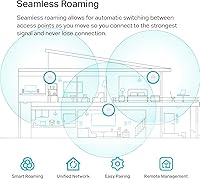
- Omada Mesh and seamless roaming require an SDN controller to function, so standalone mode loses those capabilities.
- Some users report that firmware updates occasionally require manual intervention rather than applying cleanly in the background.
Ratings
The TP-Link EAP670 V2 WiFi 6 Access Point scores here reflect AI analysis of verified global buyer reviews, with spam, bot activity, and incentivized feedback actively filtered out before any scoring was applied. Across hundreds of real-world deployments — from small retail shops to multi-floor home offices — both the standout strengths and the honest friction points are represented in these ratings. No category has been softened to protect the product's image.
Wireless Performance
Setup & Onboarding
Build Quality
Omada App & Cloud Management
Multi-Device Handling
2.5G Uplink Value
PoE+ & Power Flexibility
Roaming & Handoff
Value for Money
Documentation & Support
Physical Installation
Firmware Stability
Ecosystem Compatibility
Warranty & Longevity
Suitable for:
The TP-Link EAP670 V2 WiFi 6 Access Point is built for anyone who has hit the ceiling of what a consumer router can do and needs something more structured and scalable. Small business owners running a cafe, boutique hotel, dental office, or retail shop will find it handles a mix of staff devices, point-of-sale terminals, and guest networks without the instability that plagues cheaper gear. IT managers overseeing multiple locations benefit directly from the free Omada cloud dashboard, which lets them monitor and configure sites remotely without deploying a physical controller at each one. Home network enthusiasts who already own a TP-Link managed switch or gateway will slot this in naturally and get proper VLAN support and roaming across floors. Anyone deploying two or more access points across a larger space will appreciate how the Omada ecosystem ties everything together under one interface.
Not suitable for:
The TP-Link EAP670 V2 WiFi 6 Access Point is a poor fit for anyone expecting a simple, standalone router they can plug into a modem and forget about. It is purely an access point — it needs an upstream router or gateway to handle DHCP and internet routing, which is a genuine additional cost and complexity if you do not already have one. Users who have never worked with managed networking gear should know the Omada SDN interface, while cleaner than most enterprise tools, still has a real learning curve that can frustrate those unfamiliar with concepts like SSIDs, VLANs, and network segmentation. Budget-focused buyers also need a PoE+ capable switch to take full advantage of the single-cable ceiling installation, which adds to the total deployment cost. If your goal is a quick Wi-Fi upgrade for a single-room apartment or a small household with modest needs, a consumer mesh kit will likely serve you better at lower cost and with far less configuration overhead.
Specifications
- Wi-Fi Standard: Supports 802.11ax (Wi-Fi 6) along with backward-compatible 802.11a/b/g/n/ac across both bands.
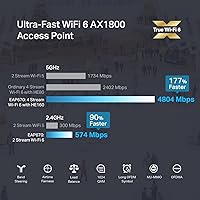
- Max Speed: Dual-band AX5400 with up to 574 Mbps on the 2.4 GHz band and up to 4804 Mbps on the 5 GHz band.
- Channel Width: Supports HE160 on the 5 GHz band, enabling wider channels for higher throughput on compatible clients.
- Uplink Port: Equipped with a single 2.5 Gigabit Ethernet port for multi-gigabit backhaul to a switch or router.
- Power Input: Accepts 802.3at PoE+ from a compatible switch or a 12V/1.5A DC adapter included in the box.
- Dimensions: Measures 8.66 x 8.66 x 1.28 inches, making it one of the slimmer ceiling-mount APs in its class.
- Weight: Weighs 1.52 pounds, light enough for standard ceiling tile mounts without reinforcement in most installations.
- Mounting: Ships with ceiling and wall mounting kits; installation guide covers both T-bar ceiling and flat surface setups.
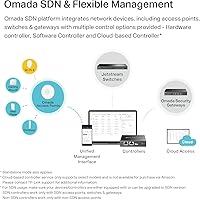
- Management: Can be managed via the Omada app, a cloud-based controller, a hardware controller, a software controller, or in standalone mode.
- Key Technologies: Incorporates OFDMA, MU-MIMO, HE160, beamforming, band steering, load balancing, and client roaming support.
- Bluetooth: Includes Bluetooth for accelerated initial device onboarding through the Omada mobile app.
- Wireless Security: Supports WPA3, WPA2, WPA, and WEP encryption standards for flexible client compatibility and modern security.
- SSID Support: Supports up to 16 SSIDs (8 per band), useful for separating guest, staff, and IoT device traffic.
- Operating Temp: Rated for operation between 0°C and 40°C (32°F to 104°F), suitable for standard indoor commercial environments.
- Warranty: Backed by a five-year limited warranty with free technical support available Monday through Friday, 6 am to 6 pm PST.
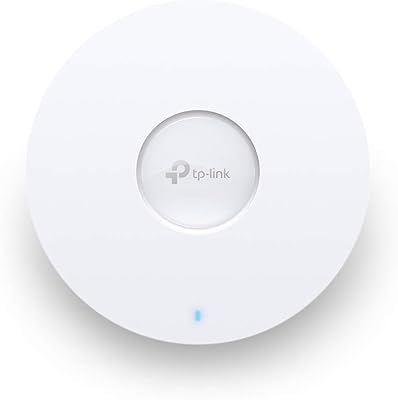
- Color & Finish: Ships in white with a smooth finish designed to blend unobtrusively into commercial and residential ceiling environments.
- Release Date: The V2 variant became available in February 2024, representing the current production revision of the EAP670 line.
- Compatibility: Fully integrated into the TP-Link Omada SDN platform and compatible with Omada switches, gateways, and controllers.
Related Reviews
TP-Link EAP660 HD WiFi 6 Access Point
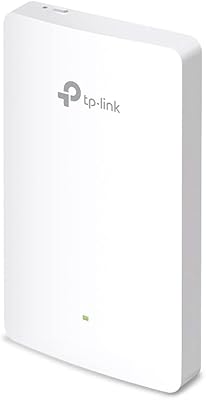
TP-Link EAP615-Wall AX1800 In-Wall Access Point
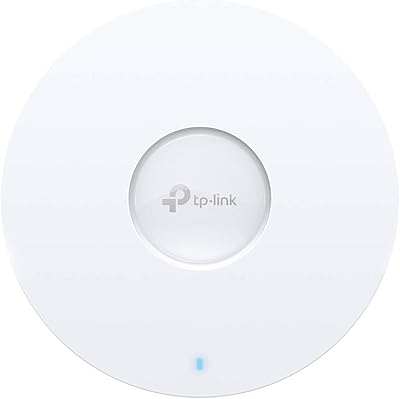
TP-Link EAP620 HD V3 Wireless Access Point
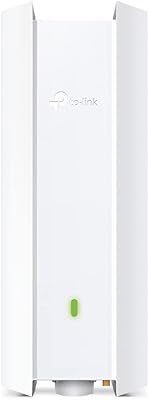
TP-Link EAP650-Outdoor WiFi 6 Outdoor Access Point
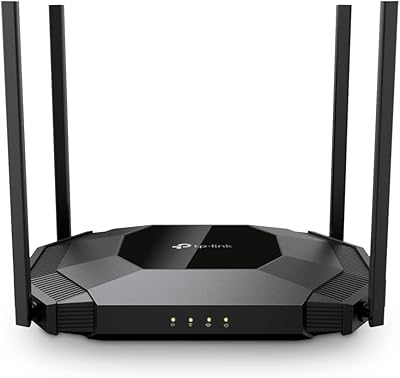
TP-Link TL-WA3001 AX3000 WiFi 6 Access Point
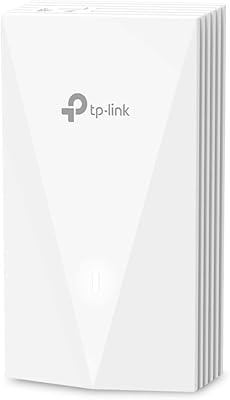
TP-Link EAP655-Wall WiFi 6 AX3000 Wall Plate Access Point
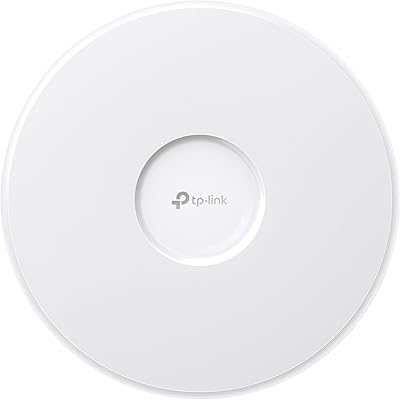
TP-Link EAP770 WiFi 7 Wireless Access Point

TP-Link Omada EAP720 WiFi 7 Access Point
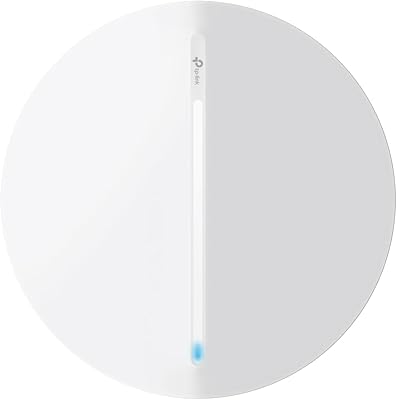
TP-Link Festa F76 WiFi 7 Access Point
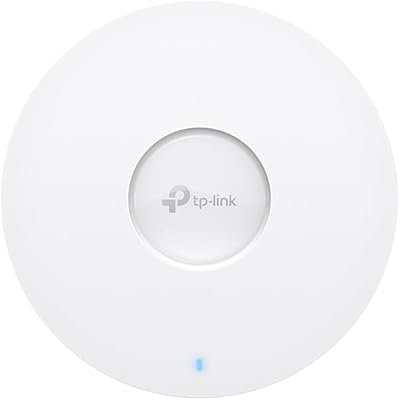
TP-Link EAP673 AX5400 Wi-Fi 6 Access Point