Overview
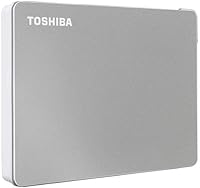
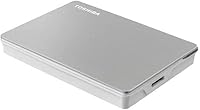
The Toshiba Canvio Flex 2TB arrived in late 2020 as a practical answer to a problem a lot of people actually have: too many devices, too many port types, and not enough storage that works across all of them. It packs 2TB of mechanical storage into a slim 2.5-inch enclosure with a clean silver satin finish — understated enough to slip into a laptop bag without drawing attention. With a ranking of #19 in External Hard Drives on Amazon and over 8,000 ratings, it has clearly found its audience among people who need cross-platform reliability without a lot of fuss or extra adapters.
Features & Benefits
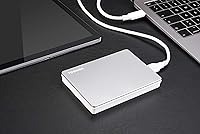
What makes the Canvio Flex stand out from a crowded shelf of similar drives is the practical thinking behind the packaging. It ships with both a USB-C and USB-A cable, so you are not hunting for an adapter on day one. The drive comes pre-formatted in exFAT, meaning it works across Windows, macOS, and most tablets right out of the box — no reformatting required. At 5.3 oz and barely half an inch thick, it is genuinely easy to carry. It draws power through the USB connection itself, so there is no power adapter to lose track of. Transfer speeds are solid for a mechanical drive, though not SSD territory.
Best For
This portable hard drive is a natural fit for people who live across multiple computing environments. If you regularly work on a Mac at home and a Windows machine at the office — or hand files off to collaborators on different systems — the pre-formatted exFAT setup removes a real friction point. Photographers and videographers moving large files between a tablet on location and a desktop back at the studio will find 2TB of space goes a long way. It also suits students and remote workers who want a reliable backup drive that just works, without needing to configure anything or carry extra gear.
User Feedback
Across thousands of reviews, the overall picture of this Toshiba drive is positive, with most buyers highlighting how well it holds up in mixed-device environments. The dual-cable inclusion gets a lot of appreciation — it is a small detail that other brands often skip. That said, a few users have noticed the drive runs noticeably warm during long transfer sessions, which is worth keeping in mind if you plan to run extended backups regularly. There are also occasional mentions of durability concerns over time, though these represent a minority view rather than a clear pattern. On balance, the satisfaction rate is high for what it offers at this price tier.
Pros
- Ships with both USB-C and USB-A cables, so you are ready to connect from day one without hunting for adapters.
- exFAT formatting means plug-and-play use across Windows, Mac, and tablets right out of the box.
- At 5.3 oz and half an inch thin, the Canvio Flex is easy to carry without noticing the extra weight.
- No power adapter needed — it draws power through the USB connection, keeping your setup clean.
- 2TB of storage is genuinely roomy for photo libraries, video projects, and full system backups.
- Transfer speeds are consistent and reliable for a mechanical drive, with no erratic throttling reported.
- The satin silver finish looks professional alongside modern laptops and does not show scuffs easily.
- Setup takes under two minutes — unbox, plug in, and start transferring with no software installation required.
- Competitive pricing for the capacity and cross-device flexibility on offer, especially with both cables included.
Cons
- Transfer speeds are noticeably slower than portable SSDs — not ideal if you move very large files regularly.
- The drive runs warm during long, continuous transfer sessions, which may be a concern for heavy users.
- No bundled backup or password protection software, which competing drives at similar prices sometimes include.
- A subset of long-term owners report recognition failures and unusual noises after extended use periods.
- The included cables are short and basic — no braiding, and the length can feel limiting in desktop setups.
- Only available in silver, so buyers who prefer darker finishes to hide fingerprints have no option here.
- Mechanical drive technology means it is more vulnerable to damage from drops or bumps than SSD alternatives.
- No hardware encryption support makes it a weak choice for storing genuinely sensitive or confidential data.
Ratings
The Toshiba Canvio Flex 2TB has been evaluated by our AI rating system after analyzing thousands of verified global buyer reviews, with spam, bot-generated, and incentivized submissions actively filtered out. The scores below reflect a honest cross-section of real ownership experiences — where this portable hard drive genuinely excels and where it falls short compared to buyer expectations.
Cross-Platform Compatibility
Included Accessories
Portability & Form Factor
Transfer Speed
Build Quality & Durability
Heat Management
Setup Experience
Value for Money
Cable Quality
Noise Level
Weight for Travel
Long-Term Reliability
Design & Aesthetics
Suitable for:
The Toshiba Canvio Flex 2TB was clearly designed with a specific kind of user in mind, and for that user it delivers well. If you regularly work across both Mac and Windows machines — whether that is a home iMac paired with a work PC laptop, or a MacBook alongside a Windows desktop at the office — the pre-formatted exFAT setup means you can move files between them without ever touching Disk Utility or reformatting anything. Creative freelancers like photographers and videographers who fill up memory cards on location and need a reliable place to offload RAW files or 4K footage will find 2TB of portable storage a genuinely practical companion. Students and remote workers who carry a laptop bag daily will appreciate how little space and weight this drive adds to what they are already hauling. It is also a smart pick for anyone who recently upgraded to a USB-C laptop but still needs to plug into older USB-A ports on shared or legacy machines, since both cables are included from day one — no adapter shopping required.
Not suitable for:
There are real scenarios where the Toshiba Canvio Flex 2TB is simply not the right tool, and it is worth being direct about that. If speed is a priority — say, you are editing video directly from an external drive or running large database operations off it — a mechanical 5400 RPM drive will frustrate you, and a portable SSD would serve you far better despite the higher cost per terabyte. Power users who need to run the drive continuously for hours at a time should also take note: the drive runs warm under sustained load, which is not ideal for a device that will rarely get a break. If you are hoping for built-in backup software or hardware encryption for sensitive files, this drive ships with none of that, so you will need to source those solutions separately. And if long-term durability over several years of heavy daily use is your primary concern, the pattern of reliability reports from longer-term owners suggests you might be better served by drives with stronger track records in that department.
Specifications
- Storage Capacity: The drive offers 2TB of total storage capacity, suitable for large media libraries, full system backups, and extensive file archives.
- Drive Type: It uses a mechanical hard disk (HDD) with a 5400 RPM rotational speed, which is standard for portable bus-powered drives in this category.
- Form Factor: The drive uses a 2.5-inch form factor, which is the industry standard for portable external hard drives that require no external power.
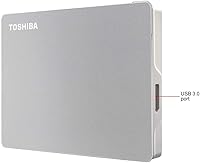
- Interface: It connects via USB 3.0, offering backward compatibility with USB 2.0 ports while supporting faster transfer rates on USB 3.0 and USB-C enabled machines.
- Connector Types: The drive is compatible with both USB-C and USB-A connections, with both cable types included in the box.
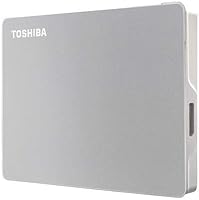
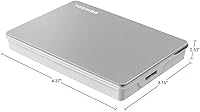
- Dimensions: The enclosure measures 4.37 x 3.15 x 0.53 inches, making it slim enough to slide into most laptop sleeve pockets or jacket pockets.
- Weight: The drive weighs 5.3 oz, keeping it light enough for daily carry without adding meaningful bulk to a laptop bag.
- File System: It comes pre-formatted in exFAT, a file system natively readable and writable by Windows, macOS, and most modern tablets without any reformatting.
- Power Source: The drive is entirely bus-powered through its USB connection, requiring no external power adapter or wall outlet.
- Compatibility: It is designed for use with PC, Mac, and tablets; users should verify specific tablet compatibility via Toshiba's Consumer HDD website before purchasing.
- Color & Finish: The enclosure features a satin silver finish that resists minor surface marks and presents a clean, professional appearance alongside modern devices.
- Cables Included: The package includes one USB-C to USB-C cable and one USB-C to USB-A cable, covering the two most common port configurations in use today.
- Model Number: The exact model identifier is HDTX120XSCAA, which can be used to verify compatibility documentation and locate official support resources.
- Product Series: This drive belongs to Toshiba's Canvio Flex series, which is positioned as the brand's cross-platform portable storage line within the Canvio family.
- Backup Software: No bundled backup software is included with this drive; users who require automated backup functionality will need to source a third-party solution separately.
- Encryption Software: No hardware or software-based password protection is included out of the box, making additional security tools necessary for users handling sensitive data.
- Release Date: The drive was first made available in October 2020 and has not been discontinued by the manufacturer as of the latest available product information.
- Warranty: Toshiba provides a standard two-year limited warranty on the Canvio Flex series, covering manufacturing defects under normal usage conditions.
Related Reviews
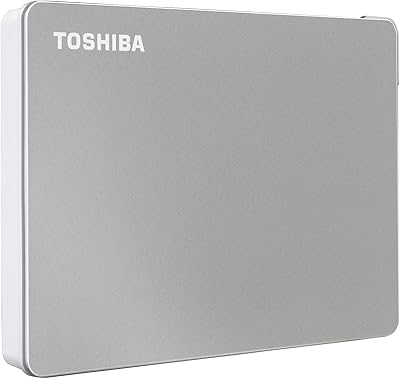
Toshiba Canvio Flex 1TB External Hard Drive
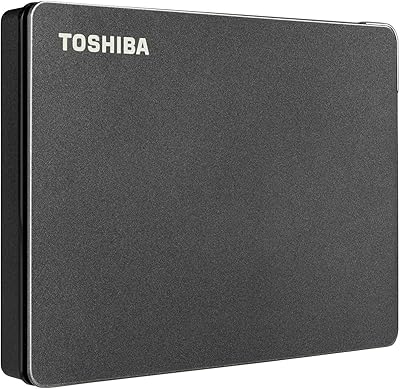
Toshiba Canvio Gaming 2TB Portable Hard Drive
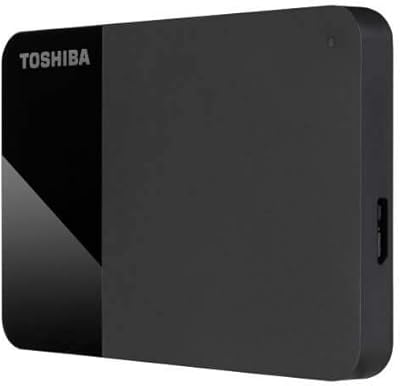
Toshiba Canvio Ready B3 1TB Hard Drive
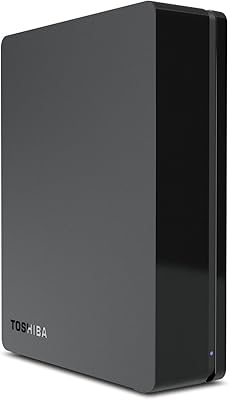
Toshiba Canvio 3TB Desktop External Hard Drive
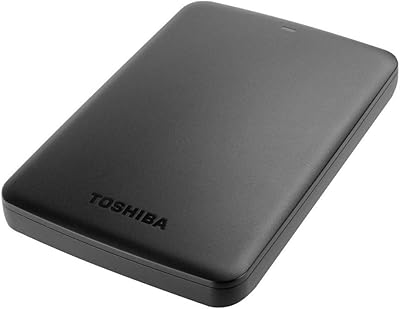
Toshiba Canvio Basics 500GB Portable Hard Drive
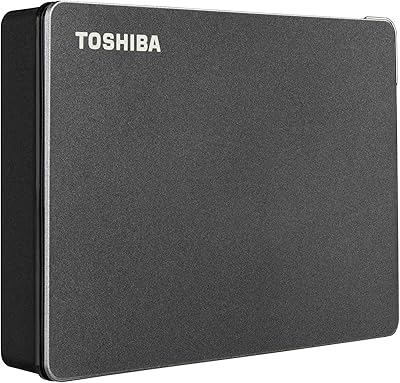
Toshiba Canvio Gaming 4TB Portable External Hard Drive
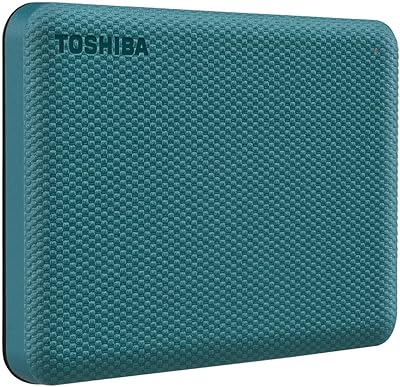
Toshiba Canvio Advance 1TB
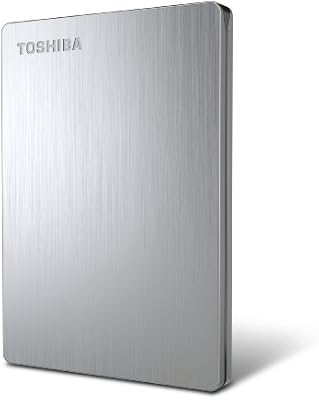
Toshiba Canvio 500GB Portable Hard Drive
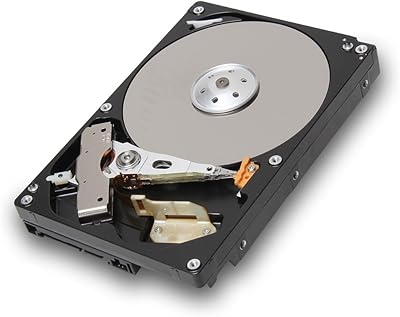
Toshiba DT01ACA200 2TB 7200 RPM Internal Hard Drive