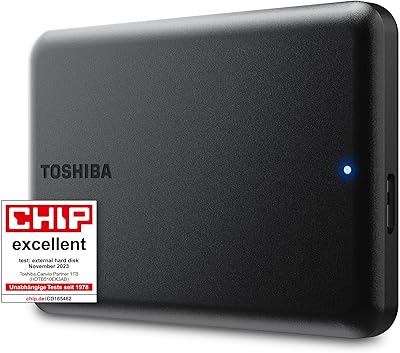
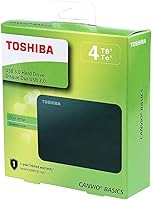
Toshiba Canvio Basics 4TB External Hard Drive
Overview
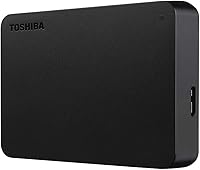
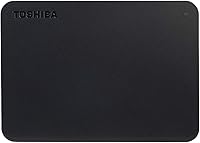
The Toshiba Canvio Basics 4TB External Hard Drive has been a steady fixture in the portable storage market since late 2018, and its staying power says something real about what it gets right. Plug it in, and it just works — no software to install, no power brick to hunt for. The matte, smudge-resistant finish is a small but genuinely appreciated detail that keeps the drive looking clean in a bag or on a desk. That said, this is a mechanical hard disk, not an SSD, and anyone expecting flash-drive responsiveness will be disappointed. It is built for reliable, uncomplicated storage — nothing more, nothing less.
Features & Benefits
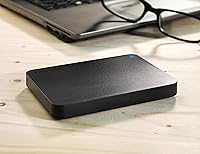
Four terabytes is the headline, and it is a lot — enough to hold a sprawling photo library, years of project files, or a sizeable video collection without breaking a sweat. The USB 3.0 interface handles the heavy lifting on modern machines, while USB 2.0 backward compatibility means older hardware is not left out. Crucially, this Toshiba drive draws power directly from the USB port, so there is no wall adapter rattling around in your bag. At 7.7 ounces and barely three-quarters of an inch thick, it genuinely fits in a coat pocket. Mac users, take note: the drive ships formatted for Windows, so reformatting is required before it will work on macOS.
Best For
The Canvio Basics 4TB is a natural fit for anyone who wants a large, reliable backup drive without any technical fuss. Home users archiving family photos, students shuttling project files between campus and home, remote workers carrying documents across offices — this portable hard drive handles all of it confidently. It also works well as a dedicated backup destination before a PC migration or OS reinstall, where simply plugging in and dragging files over is genuinely useful. Where it falls short is for creative professionals who need fast sustained transfer speeds for video editing. Bulk archival storage is its wheelhouse, not high-performance workflows.
User Feedback
With over 72,000 ratings and a 4.7-star average, the pattern in user reviews is hard to dismiss — though the numbers alone do not tell the full story. Most buyers highlight how effortless setup is and appreciate that the drive works reliably for months without incident. The compact form factor comes up repeatedly as a practical win. On the other side, some users report frustration with speeds on large file batches, which is expected behavior from a 5400 RPM mechanical disk and not a flaw. Drop damage is another recurring concern, and Mac users who missed the reformatting requirement have left negative reviews that really belong on the listing page rather than the drive itself.
Pros
- Plug-and-play on Windows — no drivers, no software, no setup steps whatsoever.
- Four terabytes of capacity handles even sprawling media libraries and years of backups without filling up fast.
- Bus-powered via USB means zero reliance on a wall adapter, making it genuinely travel-ready.
- At 7.7 ounces, the Canvio Basics 4TB is light enough to forget it is in your bag.
- The matte finish resists fingerprints and looks far more polished than bare-plastic budget alternatives.
- USB 3.0 with USB 2.0 backward compatibility covers virtually every laptop and desktop on the market.
- No bundled bloatware means your system stays clean after connecting this portable hard drive.
- Long market presence since 2018 and a massive user base give it a credible reliability track record.
- Compact 2.5-inch form factor fits in a coat pocket without any awkward bulk.
Cons
- Transfer speeds are modest — large file batches take noticeably longer than any SSD alternative at a comparable price.
- Ships formatted for Windows only; Mac users must reformat before the drive is usable, with no clear warning at purchase.
- Mechanical spinning platters make this drive far more vulnerable to drop damage than solid-state options.
- No USB-C connector, which creates an immediate compatibility gap with modern ultrabooks and tablets.
- No bundled backup software for users who want automated or scheduled backups without third-party tools.
- Audible disk hum and seek clicks can be noticeable in quiet rooms during heavy transfers.
- Long-term reliability decreases when used as a continuously running primary drive rather than an occasional backup destination.
- No hardware encryption or password protection built in, which matters if the drive carries sensitive personal data.
- Available only in black, with no size or color variety within the Canvio Basics line for buyers who want options.
Ratings
The Toshiba Canvio Basics 4TB External Hard Drive has been rated across more than 72,000 verified global purchases, and the scores below reflect AI-driven analysis of that feedback — actively filtered to remove incentivized, spam, and bot-generated reviews. What you see here captures both where this portable hard drive genuinely earns its reputation and where real buyers have hit friction, so you can make an informed call before purchasing.
Ease of Setup
Storage Capacity & Value
Portability & Form Factor
Transfer Speed
Build Quality & Durability
Mac Compatibility
Reliability & Longevity
Software & Driver Requirements
Noise & Heat
Cable & Port Compatibility
Aesthetics & Finish
Packaging & Unboxing
Value for Money
Suitable for:
The Toshiba Canvio Basics 4TB External Hard Drive is an excellent match for anyone whose primary need is straightforward, high-capacity backup storage without any technical overhead. Home users who want to offload years of family photos, home videos, and documents onto a single reliable drive will find it covers virtually everything in one shot. Students shuttling large project files, presentations, or media between home and campus benefit from the bus-powered design — no adapter to forget, no separate cable bag to manage. Remote workers who move between offices or workspaces will appreciate how little space it takes in a laptop bag while still holding a substantial amount of data. It also makes a dependable one-time solution for anyone doing a PC migration or pre-reinstall backup, where you need bulk space quickly and reliably without setting up anything complicated. PC users on Windows get the most frictionless experience, as the drive works immediately upon connection.
Not suitable for:
The Toshiba Canvio Basics 4TB External Hard Drive is not the right tool for buyers who need speed. Video editors working with 4K footage, photographers batch-processing large RAW files, or anyone moving hundreds of gigabytes regularly will find the 5400 RPM mechanical disk a genuine bottleneck — transfers that take minutes on an SSD can stretch into an hour or more here. The drive is also a poor fit for anyone who plans to drop it in a bag and use it in high-motion environments without a protective case; as a mechanical hard disk with spinning platters, it is substantially more vulnerable to impact damage than any SSD alternative. Mac users who are not prepared to reformat the drive before first use will hit an immediate compatibility wall — this is not a plug-and-play experience on macOS out of the box, and that detail has surprised enough buyers to be worth treating as a real dealbreaker if reformatting sounds unfamiliar. Finally, anyone expecting this Toshiba drive to serve as a fast external working drive for active daily read/write use should look elsewhere; it is built for archival and backup duty, not for running applications or editing files directly from the disk.
Specifications
- Storage Capacity: This drive offers 4TB of total storage capacity, suitable for large photo libraries, video collections, and extensive document archives.
- Drive Type: It uses a traditional mechanical hard disk (HDD) with spinning platters, as opposed to flash-based solid-state storage.
- Rotational Speed: The internal disk spins at 5400 RPM, which is standard for portable backup HDDs and prioritizes power efficiency over peak transfer speed.
- Interface: Connectivity is handled via USB 3.0, with full backward compatibility to USB 2.0 ports on older host devices.
- Connector Type: The drive uses a Micro-USB 3.0 connector on the drive end; a USB-C adapter is not included and must be sourced separately for USB-C-only machines.
- Power Source: The drive is entirely bus-powered through its USB connection, requiring no external AC power adapter or separate power cable.
- Form Factor: At 2.5 inches, the drive uses the standard slim portable hard disk form factor common to laptop-class storage devices.
- Dimensions: Physical dimensions measure 4.3 x 3.1 x 0.77 inches (approximately 109 x 79 x 20 mm), keeping it compact enough for pocket or bag carry.
- Weight: The drive weighs 7.7 ounces (approximately 218g), which is light enough for daily portable use without adding meaningful bag weight.
- Finish & Color: The outer casing features a matte black finish with smudge-resistant properties, reducing visible fingerprints during handling.
- PC Compatibility: The drive works plug-and-play with Windows PCs without any driver or software installation required.
- Mac Compatibility: The drive is compatible with macOS but ships pre-formatted for Windows (NTFS) and must be reformatted to exFAT or HFS+ before use on a Mac.
- Software Included: No software is bundled or required; the drive functions as a standard external storage device recognized natively by the operating system.
- Model Number: The official model number for this variant is HDTB440XK3CA, specific to the 4TB black configuration in the Canvio Basics series.
- Brand & Series: Manufactured by Toshiba America Electronic Components Inc., this drive belongs to the entry-level Canvio Basics product line.
- Warranty: Toshiba typically covers Canvio Basics drives with a 2-year limited warranty; buyers should verify current terms at time of purchase directly with Toshiba.
- Encryption Support: The drive does not include built-in hardware encryption or bundled password-protection software.
- Operating Shock: As a mechanical HDD, the drive is sensitive to physical shocks and drops, particularly while in operation; it does not carry a rated drop-resistance specification.
Related Reviews
Toshiba Canvio Gaming 4TB Portable External Hard Drive
Toshiba Canvio Basics 1TB Portable External Hard Drive
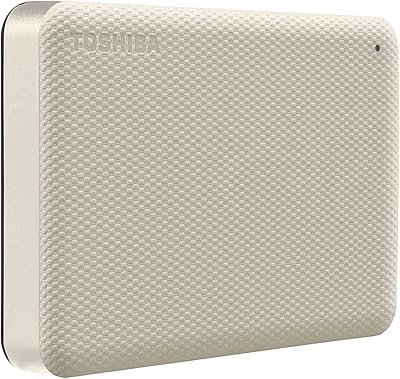
Toshiba Canvio Advance 4TB Portable External Hard Drive
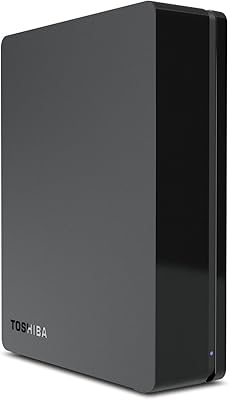
Toshiba Canvio 3TB Desktop External Hard Drive
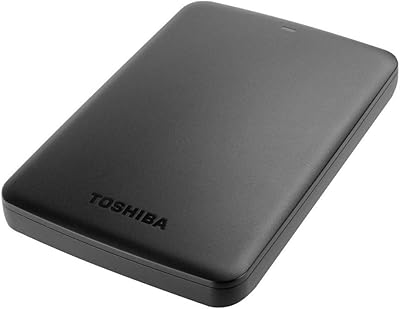
Toshiba Canvio Basics 500GB Portable Hard Drive
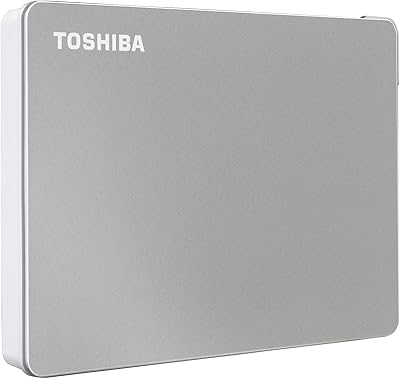
Toshiba Canvio Flex 1TB External Hard Drive
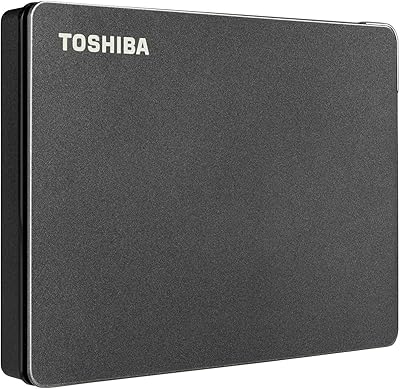
Toshiba Canvio Gaming 2TB Portable Hard Drive
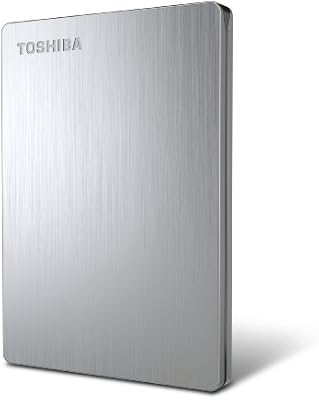
Toshiba Canvio 500GB Portable Hard Drive
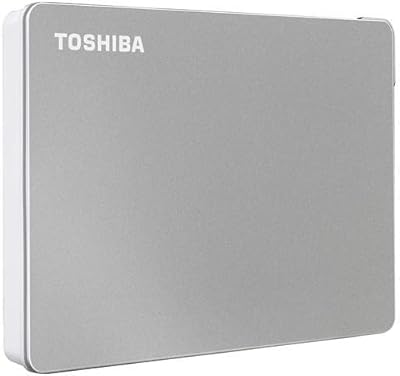
Toshiba Canvio Flex 2TB