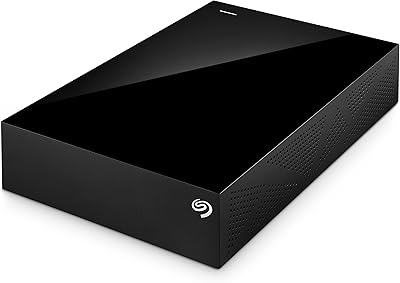
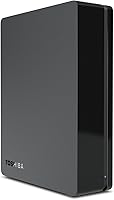
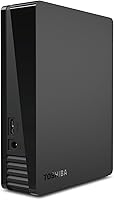
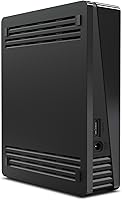
Toshiba Canvio 3TB Desktop External Hard Drive
Overview
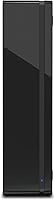
The Toshiba Canvio 3TB Desktop External Hard Drive has been on the market since 2012, and that staying power means something — this isn't a drive that quietly faded after a lukewarm launch. It's a mature, reliable workhorse built for Windows users who need bulk storage without complexity. Plug it in via USB 3.0 and it's ready to use immediately. The 3.5-inch desktop footprint is compact enough to sit beside a monitor without demanding much space. At its price point, buyers should expect solid, dependable performance — not the fastest drive available, not a feature-packed multimedia hub. Just straightforward, high-capacity backup storage that does exactly what it promises.
Features & Benefits
Three terabytes goes further than most people expect — enough room for full system backups, years of photos, or an extensive video project archive without constantly juggling free space. The USB 3.0 interface handles transfers efficiently and stays backward compatible with USB 2.0 ports, so older machines aren't excluded. That said, the 5700 RPM spindle speed deserves an honest mention: it handles everyday sequential transfers adequately, but users who regularly move large files will notice it trails faster 7200 RPM alternatives. The bundled backup software with password protection is a real convenience — no need to source a third-party tool. Windows users get an NTFS-formatted drive straight out of the box, with zero configuration required.
Best For
This Toshiba desktop drive fits naturally with Windows PC users who want a straightforward backup solution they can set up in minutes and largely forget about. Home office workers and small business owners storing documents, client files, or video footage will find the 3TB capacity genuinely practical for day-to-day archiving needs. It also suits anyone upgrading from an older USB 2.0 drive who wants improved transfer speeds without paying for features they will never use. Mac users, however, should proceed carefully — the drive ships formatted for Windows only and requires reformatting before it functions on macOS. That is a known compatibility constraint, not a defect, but it is easy to miss before buying.
User Feedback
Across more than 1,100 ratings, the Canvio 3TB carries a 4.3-star average — a strong result for a drive that has been available for well over a decade. Most buyers single out how effortlessly it sets up on Windows and how consistently it holds up over months or years of regular use. On the downside, a recurring theme in negative reviews involves audible noise during heavy read and write activity, and some users feel the transfer speeds underwhelm next to faster competitors. A smaller but real portion of reviewers report unit failures after extended use — uncommon, but worth considering for anyone planning long-term storage. Mac users who missed the reformatting requirement account for a meaningful slice of lower ratings, which adds useful context to the overall score.
Pros
- Three terabytes of storage handles full system backups, photo libraries, and video archives without running out of room quickly.
- Works immediately on Windows with no formatting or driver installation required.
- USB 3.0 delivers noticeably faster transfers than older USB 2.0 drives, while remaining backward compatible.
- Bundled backup software with password protection saves buyers from sourcing or paying for a separate utility.
- Over a decade on the market with 1,100-plus ratings suggests a product that has proven itself across diverse real-world use cases.
- The compact 3.5-inch desktop build fits easily on a desk without taking up meaningful workspace.
- A 4.3-star average across a large reviewer base reflects broadly consistent satisfaction among Windows users.
- No external power brick is required for many setups, keeping the desk cleaner and the configuration simple.
Cons
- The 5700 RPM spindle speed trails faster competitors and will feel sluggish for users regularly transferring large files.
- Mac users must reformat the drive before use, which erases it and adds friction that undercuts the plug-and-play appeal.
- A notable subset of long-term users report drive failures after extended use, raising questions about durability over several years.
- Audible noise during heavy read and write activity is a recurring complaint and may be distracting in quiet work environments.
- No USB-C connectivity, which limits forward compatibility as newer desktops and laptops shift away from standard USB-A ports.
- The drive has no hardware encryption beyond the bundled software, which may be insufficient for users handling sensitive data.
- Backup software is Windows-only, leaving Mac users who do reformat without any of the included utility benefits.
- At its price point, buyers can find newer drives with faster spindle speeds or even entry-level external SSDs worth comparing.
Ratings
Our AI-generated scores for the Toshiba Canvio 3TB Desktop External Hard Drive are based on deep analysis of verified global user reviews, with spam, bot-submitted, and incentivized feedback actively filtered out to ensure accuracy. Each category reflects patterns drawn from thousands of real ownership experiences, capturing both what buyers consistently praised and where frustrations repeatedly surfaced. Nothing has been smoothed over — the scores reflect the full picture, strengths and shortcomings alike.
Ease of Setup
Windows Compatibility
Transfer Speed
Long-term Reliability
Mac Compatibility
Storage Value
Build Quality
Noise Level
Software & Bundled Tools
Port & Connectivity
Power & Stability
File System Flexibility
Value for Money
Suitable for:
The Toshiba Canvio 3TB Desktop External Hard Drive is a practical choice for Windows PC users who want a large-capacity backup drive that requires no technical setup — plug it in and it works. Home office professionals and small business owners who routinely archive documents, spreadsheets, client files, or photo and video projects will find 3TB of storage genuinely useful without constantly managing space. It also makes good sense for households running regular system backups, where reliability over time matters more than raw transfer speed. Buyers who prefer an all-in-one solution will appreciate that the bundled backup software with password protection removes the need to source or pay for a separate utility. Anyone upgrading from an older USB 2.0 drive will notice the speed improvement without needing to spend on a higher-end model.
Not suitable for:
Buyers who need fast, high-throughput storage for demanding workflows — think 4K video editing, large database transfers, or intensive media production — will likely find this external hard drive frustrating, as the 5700 RPM spindle speed consistently underperforms compared to 7200 RPM alternatives. Mac users should also approach with clear eyes: the Toshiba Canvio 3TB Desktop External Hard Drive ships formatted for Windows only, and while reformatting for macOS is possible, it requires erasing the drive and voids the out-of-the-box convenience that makes this product appealing in the first place. Those looking for portable storage they can carry between locations will want a different form factor entirely, since this is a desktop drive designed to stay put. Buyers prioritizing long-term archival reliability above all else should also weigh the minority-but-real pattern of unit failures reported after extended use, and consider pairing this drive with a backup strategy rather than treating it as a sole repository.
Specifications
- Storage Capacity: Offers 3TB (3,000 GB) of total storage space, suitable for large system backups, photo libraries, and video archives.
- Form Factor: Built around a 3.5-inch desktop form factor, designed for stationary use on a desk, shelf, or home office surface.
- Interface: Uses a USB 3.0 connection for faster data transfers and is fully backward compatible with USB 2.0 ports.
- Rotational Speed: Spins at 5700 RPM, which handles sequential file transfers adequately but falls short of the throughput offered by 7200 RPM drives.
- Cache Buffer: Equipped with a 32 MB cache buffer to support smoother read and write operations during sequential data access.
- File System: Ships pre-formatted as NTFS, making it immediately usable on Windows PCs without any additional setup or formatting steps.
- Mac Compatibility: Requires manual reformatting to exFAT or HFS+ before it can be used on a macOS system, as NTFS is not natively writable on Mac.
- Bundled Software: Comes with Toshiba-provided backup software that includes password protection for basic data security without requiring third-party utilities.
- Dimensions: Measures 5.08 x 1.65 x 6.57 inches (L x W x H), keeping the desktop footprint small relative to its storage capacity.
- Weight: Weighs 2.2 pounds, giving it a solid, stable feel on a desk without being cumbersome to reposition when needed.
- Power Source: Requires an external AC power adapter for operation, as the 3.5-inch desktop design draws more power than a USB port alone can supply.
- Color: Available in a matte Black finish that blends into most desktop setups without drawing attention.
- Model Number: Identified by model number HDWC130XK3J1, which can be used to verify compatibility or locate manufacturer support resources.
- Compatible Devices: Designed primarily for use with desktop PCs running Windows, though it can be used with other systems after appropriate reformatting.
- Installation Type: External installation only — no tools, brackets, or internal mounting are required to begin using the drive.
Related Reviews
WD My Book 3TB Desktop External Hard Drive
Toshiba Canvio Advance 1TB
Toshiba Canvio Basics 4TB External Hard Drive
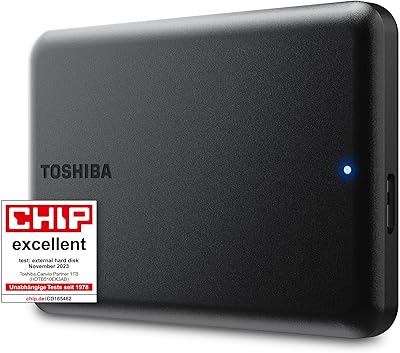
Toshiba Canvio Partner 1TB Portable Hard Drive
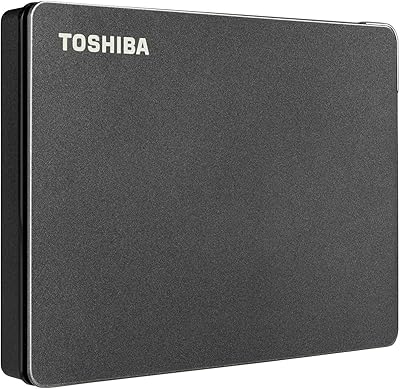
Toshiba Canvio Gaming 2TB Portable Hard Drive
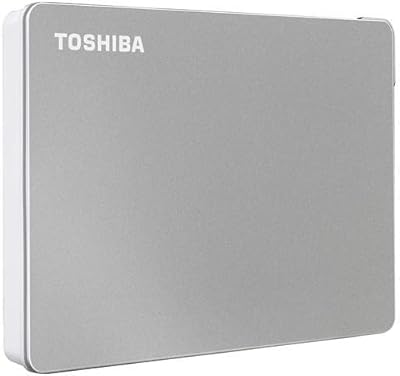
Toshiba Canvio Flex 2TB
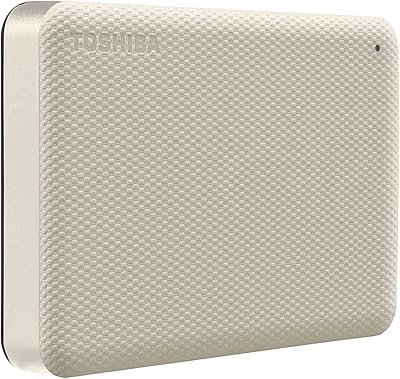
Toshiba Canvio Advance 4TB Portable External Hard Drive
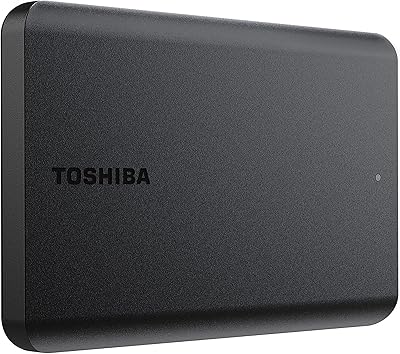
Toshiba Canvio Basics 1TB Portable External Hard Drive
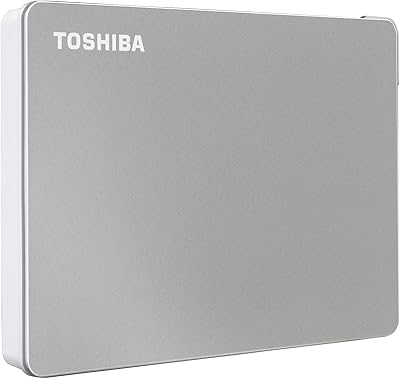
Toshiba Canvio Flex 1TB External Hard Drive