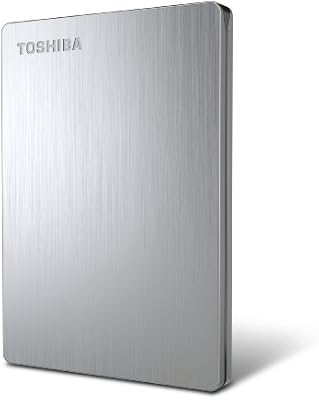
Toshiba Canvio Basics 1TB Portable External Hard Drive

Overview
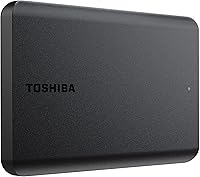
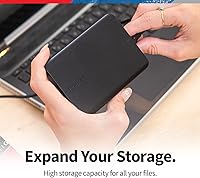
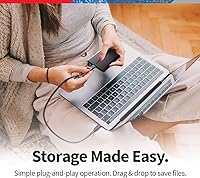
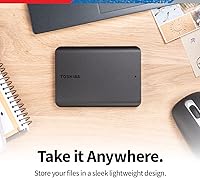
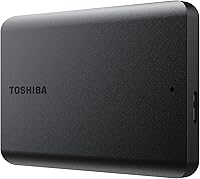
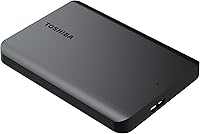
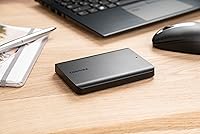
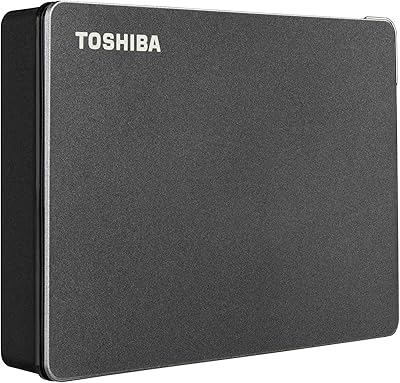
The Toshiba Canvio Basics 1TB Portable External Hard Drive is one of those rare products that does exactly what it promises without asking much of you. Plug it in, and it shows up on your PC — no drivers to hunt down, no software to install, no account to create. The slim 2.5-inch chassis fits easily in a jacket pocket or laptop bag, and the matte black finish looks clean without attracting fingerprints. It holds the #4 spot in External Hard Drives on Amazon, which reflects genuine popularity. Just know upfront: this is a mechanical hard drive, not an SSD, so manage expectations around speed and drop resistance accordingly.
Features & Benefits
The Canvio Basics 1TB connects via USB 3.0 and also works fine with older USB 2.0 ports, so compatibility is essentially a non-issue across laptops old and new. There is no external power brick — the drive draws everything it needs directly from your USB port, which matters when you are working from a coffee shop or an airport. Windows users can start dropping files onto it the moment it arrives; it comes pre-formatted for PC use. Mac owners, take note: you will need to reformat it before it works reliably, which takes a few minutes but trips people up if they are not expecting it. At 5.3 ounces and under an inch thick, it barely registers in a bag.
Best For
This portable hard drive fits best into the hands of people who need practical, everyday storage without paying a premium for speed. Students who want a dedicated backup drive for coursework and project files, remote workers juggling large documents or presentation assets, anyone building a personal photo or video archive — this Toshiba drive covers all of those cases well. It also makes a solid companion to a cloud backup strategy; use it for local copies of files you cannot afford to lose, so you are not entirely dependent on an internet connection or a subscription. If you are coming from an old USB 2.0 drive, the speed improvement will be noticeable without any extra cost.
User Feedback
With over 16,000 ratings averaging 4.6 out of 5 stars, buyer sentiment leans strongly positive, and that volume makes the score credible rather than inflated. The most consistent praise centers on easy setup and reliable day-to-day use — people appreciate that it just works without fuss. On the critical side, a recurring theme in lower-star reviews involves physical fragility: mechanical drives are sensitive to drops and bumps in a way SSDs simply are not, and some users learned that the hard way. Mac users occasionally surface frustration around reformatting, especially those who did not read the box. Long-term reliability reviews are mixed enough to suggest this is a drive worth backing up, not one to rely on as a sole archive.
Pros
- Plug-and-play setup on Windows — no drivers, no software, just connect and use.
- Bus-powered via USB means no separate power adapter to carry around.
- At 5.3 ounces and under an inch thick, this portable hard drive fits in a coat pocket.
- USB 3.0 interface works with older USB 2.0 ports too, so compatibility is rarely an issue.
- 1TB gives plenty of room for documents, photos, music libraries, and video collections.
- Matte finish resists smudges and keeps the drive looking tidy with daily handling.
- Comes pre-formatted for Windows PCs, so there is zero setup time for most buyers.
- Strong track record backed by tens of thousands of verified buyer ratings.
- A practical, low-cost alternative to ongoing cloud storage subscription fees.
- Compact enough to slip into any laptop bag without adding noticeable bulk or weight.
Cons
- Mechanical HDD internals make this Toshiba drive vulnerable to damage from drops or sharp impacts.
- 5400 RPM speed is adequate for file storage but noticeably slow for anything data-intensive.
- Mac users must reformat the drive before use — this step is not optional and is easy to overlook.
- No hardware encryption or password protection built in, which matters for sensitive data.
- Long-term reliability can vary; like all spinning drives, it has more failure points than an SSD.
- No USB-C connector, which is increasingly the standard port on newer laptops.
- The Canvio Basics 1TB ships with no carrying case or pouch, leaving the drive unprotected in a bag.
- Transfer speeds, while USB 3.0-rated, are bottlenecked by the mechanical disk and feel dated compared to modern SSDs.
Ratings
The scores below for the Toshiba Canvio Basics 1TB Portable External Hard Drive were generated by our AI system after analyzing thousands of verified global buyer reviews, with spam, bot activity, and incentivized feedback actively filtered out. The ratings reflect a balanced picture — genuine strengths are acknowledged, but real frustrations from everyday users are given equal weight. Where buyers consistently agreed, the scores reflect that consensus; where opinions split, that tension shows up too.
Ease of Setup
Portability
Transfer Speed
Build Quality
Value for Money
Mac Compatibility
Long-Term Reliability
Noise & Heat
Cable & Connectivity
Design & Aesthetics
Drop & Shock Resistance
Plug & Play Consistency
Storage Capacity
Suitable for:
The Toshiba Canvio Basics 1TB Portable External Hard Drive is a strong pick for anyone who needs reliable, no-fuss extra storage without overthinking the purchase. Students carrying a laptop between classes and dorms will appreciate how little space it takes up and how nothing about the setup requires technical know-how. Remote workers who want a local backup of client files or project folders — without committing to a monthly cloud subscription — will find it does that job quietly and consistently. It also works well for households building a shared media archive: family photos, home videos, downloaded movies — content that accumulates fast but does not need to be accessed at high speed. If you are a Windows user especially, this drive is about as friction-free as external storage gets.
Not suitable for:
The Toshiba Canvio Basics 1TB Portable External Hard Drive is not the right tool for every situation, and it is worth being clear about that. Anyone who needs to run software or virtual machines directly off an external drive will find the 5400 RPM mechanical internals frustratingly slow — that workload really demands an SSD. Photographers, video editors, or anyone regularly transferring large batches of RAW files will also hit the speed ceiling quickly and should consider a faster alternative. Mac users are not shut out, but they will need to reformat the drive before it works properly, which catches a surprising number of people off guard. And if your workflow involves tossing a bag into the back of a car or working in physically demanding environments, the fragility inherent to any spinning-disk drive is a genuine risk that a ruggedized or solid-state option would handle much better.
Specifications
- Storage Capacity: This drive offers 1TB of total storage capacity, suitable for documents, photos, videos, and music libraries.
- Drive Type: It uses a traditional mechanical hard disk drive (HDD) with spinning platters, not flash-based solid-state storage.
- Rotational Speed: The internal disk spins at 5400 RPM, which is standard for portable backup drives in this class.
- Interface: Connects via USB 3.0 and is fully backward compatible with USB 2.0 ports on older computers.
- Form Factor: 2.5-inch laptop-style drive housed in a slim external enclosure designed for portability.
- Dimensions: The enclosure measures 4.3 x 3.1 x 0.55 inches, making it small enough to fit in a shirt or jacket pocket.
- Weight: Weighs 5.3 ounces, light enough to carry daily without adding meaningful bulk to a bag.
- Power Source: Bus-powered entirely through the USB connection — no external AC adapter or separate power cable is required.
- Pre-Formatting: Ships pre-formatted as NTFS, which is natively compatible with Windows PCs and readable on most modern operating systems.
- Mac Compatibility: Works with Mac computers after reformatting to exFAT or HFS+; out-of-the-box Mac write access requires this additional step.
- Finish & Color: Features a matte black finish with a smudge-resistant coating that reduces visible fingerprints during regular handling.
- Model Number: The official Toshiba model number for this drive is HDTB510XK3AA.
- Brand & Series: Manufactured by Toshiba under the Canvio Basics product line, which is designed for straightforward, budget-friendly storage.
- Compatible Devices: Compatible with laptops and desktop PCs; can also connect to smart TVs and gaming consoles that support USB storage, depending on the device.
- Encryption: No hardware encryption or bundled password protection software is included with this drive.
- Bundled Software: No software is included in the package; the drive is designed to work as a plug-and-play device without any installation.
- Cable Included: Ships with a USB 3.0 Micro-B cable included in the box for immediate use.
- Best Seller Rank: Ranked #4 in the External Hard Drives category on Amazon at time of review, based on over 16,000 verified ratings.
Related Reviews
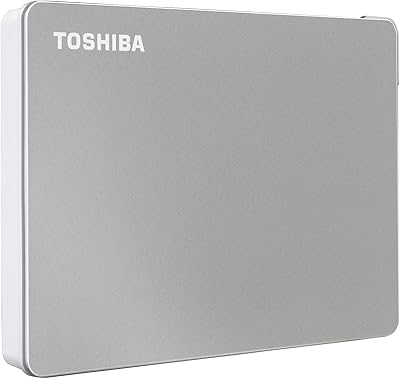
Toshiba Canvio Flex 1TB External Hard Drive
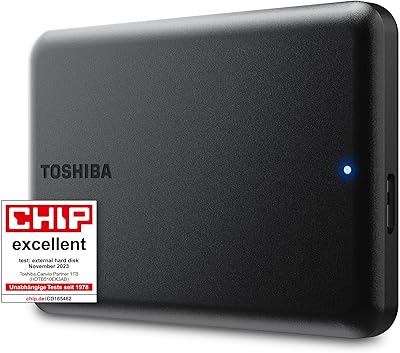
Toshiba Canvio Partner 1TB Portable Hard Drive
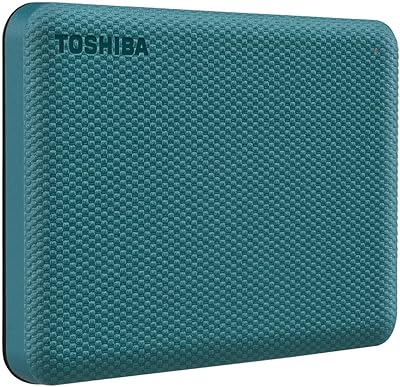
Toshiba Canvio Advance 1TB
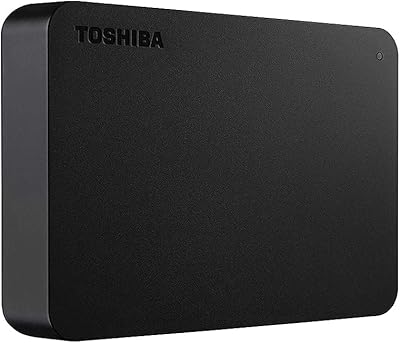
Toshiba Canvio Basics 4TB External Hard Drive
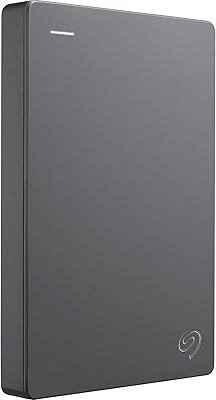
Seagate Basic 1TB Portable External Hard Drive
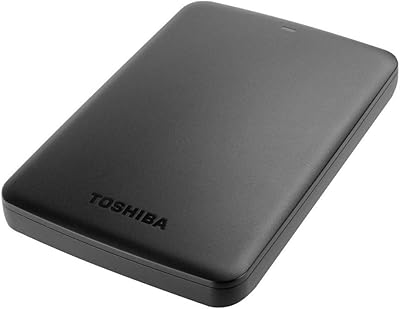
Toshiba Canvio Basics 500GB Portable Hard Drive
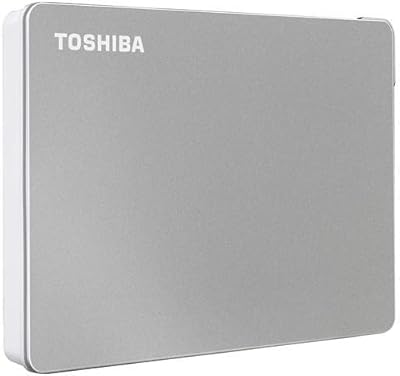
Toshiba Canvio Flex 2TB
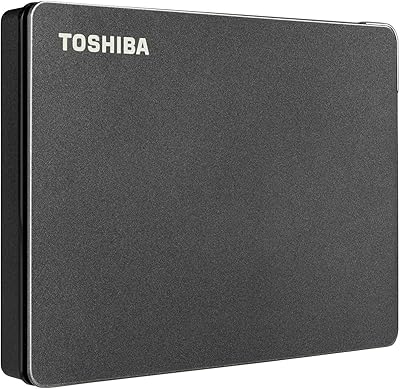
Toshiba Canvio Gaming 2TB Portable Hard Drive
Toshiba Canvio Gaming 4TB Portable External Hard Drive