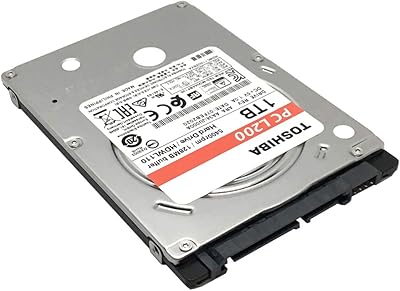
Toshiba Canvio Advance 1TB

Overview
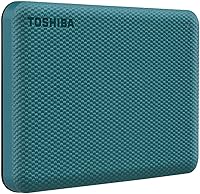
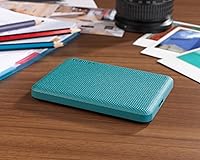
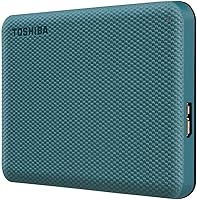
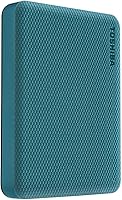
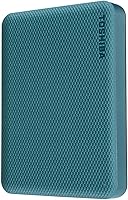
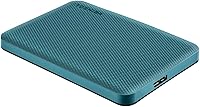
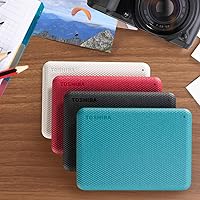
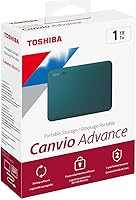
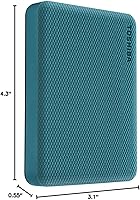
The Toshiba Canvio Advance 1TB is a straightforward, no-fuss portable hard drive aimed at anyone who needs reliable everyday backup without spending a fortune. Measuring 4.3 x 3.1 x 0.55 inches and weighing just 5.3 ounces, this Toshiba portable drive genuinely fits in a jacket pocket with no bag required. The textured finish gives it a slightly premium feel, and it comes in several colors if green is not your thing. It runs entirely off USB power, so there is no adapter to forget when you travel. That said, this is a traditional spinning HDD, not a solid-state drive, which means it is more vulnerable to bumps and will not match SSD transfer speeds.
Features & Benefits
The USB 3.0 interface handles the heavy lifting here, with backward compatibility for USB 2.0 ports making it usable on older machines without any fuss. At just over five ounces and less than an inch thick, the Canvio Advance 1TB slips into a bag without adding noticeable bulk. Windows users can download free automatic backup and password protection software from Toshiba — worth noting these are not pre-installed and offer nothing to Mac users. Mac owners will need to reformat the drive before first use, which takes only a few minutes but is a step many buyers overlook. No power brick is ever needed; the drive draws everything it requires directly from the USB connection.
Best For
This external hard drive is a natural fit for Windows PC users who want a simple backup solution without configuring anything complicated. Students moving between classes or remote workers shuttling files between home and office will appreciate the compact size and the plug-and-go convenience. It also suits anyone who needs a generous 1TB at a price that does not require much deliberation. Mac users can still get good use out of it after a quick reformat, though none of the bundled software will be available to them. Those chasing SSD-level performance should look elsewhere — this drive is built around affordable, reliable capacity, not raw speed.
User Feedback
With over 40,000 ratings and a 4.6-star average, the reception for this Toshiba portable drive is genuinely difficult to dismiss. Buyers consistently praise the easy setup, the compact build, and the way it keeps performing reliably over months of regular use. The critical reviews are worth reading too: Mac users who missed the reformat requirement frequently express frustration, and a handful of long-term owners mention drive failures after a year or two — not unusual for portable HDDs but something to weigh. Speed comparisons to SSDs also surface in negative feedback, though that is an unfair benchmark for a drive at this price point. The overall value and reliability consensus remains strong.
Pros
- Plug-and-play setup on Windows PCs — recognized instantly, no driver installation needed.
- At 5.3 ounces and 0.55 inches thick, this Toshiba portable drive fits in a jacket pocket without bulk.
- 1TB of capacity handles years of documents, photos, and media for most everyday users.
- Bus-powered via USB — no wall adapter to carry, forget, or replace.
- Free automatic backup and password protection software add real utility for Windows users.
- Available in multiple colors, making it easy to distinguish from other drives at a glance.
- USB 3.0 speeds are noticeably faster than USB 2.0 for day-to-day backup tasks.
- Over 40,000 verified reviews back up its reputation for consistent, reliable everyday performance.
- Works with Mac after a quick reformat — a minor one-time step for broader compatibility.
Cons
- No USB-C cable or adapter included — an extra purchase for owners of modern ultrabooks and MacBooks.
- The bundled backup and password software are Windows-only and require a separate download to activate.
- Mac users receive no software benefits whatsoever out of the box.
- Spinning-disk construction makes the drive more vulnerable to bumps and drops than portable SSDs.
- Some buyers report drive failures appearing in the 12-to-24-month range under regular daily use.
- Password protection is software-based, not hardware-encrypted — a meaningful gap for security-sensitive users.
- Sustained transfers of large video files reveal the real-world speed ceiling of a traditional HDD.
- No protective pouch or sleeve is included, leaving the drive exposed during pocket or bag carry.
- Low-power USB hubs and some older machines can cause intermittent mounting issues due to insufficient bus power.
Ratings
The Toshiba Canvio Advance 1TB earns its place as one of the most-reviewed portable hard drives on the market, and our AI has processed thousands of verified global buyer experiences — actively filtering out incentivized and bot-generated feedback — to produce the scores below. Strengths like plug-and-play convenience and compact portability come through clearly, but so do recurring frustrations around Mac compatibility and software limitations. The result is an honest, balanced picture of exactly what this external hard drive delivers in real daily use.
Value for Money
Portability
Ease of Setup
Transfer Speed
Build Quality
Software — Backup Utility
Software — Password Protection
Mac Compatibility
Storage Capacity
Design & Aesthetics
Reliability Over Time
Power & Cable Convenience
Cross-Device Compatibility
Noise & Heat During Use
Suitable for:
The Toshiba Canvio Advance 1TB is a practical, no-stress choice for Windows PC users who want a reliable backup routine without learning any complicated software or spending a significant amount of money. Students carrying it between home and campus will appreciate that it weighs next to nothing and runs entirely off the laptop's USB port — no hunting for a power outlet involved. Remote workers who need to shuttle project files, presentations, or media archives between locations will find the 1TB capacity more than sufficient for years of typical use. It also works well as a household backup drive for photos, home videos, and important documents, sitting quietly on a desk and doing its job without demanding attention. Mac users are not excluded, but they should be prepared to spend five minutes reformatting the drive before first use — those comfortable with that one-time step will find this external hard drive performs reliably afterward.
Not suitable for:
The Toshiba Canvio Advance 1TB is not the right tool for anyone whose workflow depends on fast, sustained transfer speeds — videographers moving large 4K project files, or creative professionals doing regular full-drive backups, will find the spinning-disk performance a genuine bottleneck compared to portable SSDs. It is also a poor fit for buyers who need hardware-level encryption, since the password protection bundled with the drive is software-based, Windows-only, and provides a weaker security guarantee than AES-encrypted alternatives. Mac users who expect a fully ready-to-go experience out of the box — backup software included, no setup required — will be disappointed, as none of the bundled utilities function on macOS. Anyone who regularly carries a drive loose in a bag without a protective sleeve should think carefully, since spinning-disk drives are meaningfully more vulnerable to shock and drops than SSDs. If you need to connect to a modern laptop with only USB-C ports, plan for an adapter purchase, as no USB-C cable is included.
Specifications
- Storage Capacity: The drive provides 1TB of formatted storage capacity for files, backups, photos, and media.
- Drive Type: This is a traditional spinning hard disk drive (HDD), not a solid-state drive, housed in a 2.5-inch form factor.
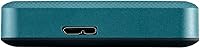
- Interface: Connects via USB 3.0 and is fully backward compatible with USB 2.0 ports on older devices.
- Dimensions: The drive measures 4.3 x 3.1 x 0.55 inches, making it genuinely slim enough for a shirt or jacket pocket.
- Weight: At 5.3 ounces, the drive adds negligible weight to a laptop bag, backpack, or travel kit.
- Power Source: Bus-powered entirely through the USB connection — no external power adapter or separate cable is required.
- PC Compatibility: Works natively with Windows PCs straight out of the box, with no driver installation required.
- Mac Compatibility: Compatible with macOS after a one-time reformat using Disk Utility; no Mac-specific software is included.
- Backup Software: A free automatic backup utility for Windows is available as a downloadable install, not pre-loaded on the drive.
- Security Software: A free password protection utility for Windows is available via download, offering software-level (not hardware-encrypted) access control.
- Color Options: Available in multiple colors including green, black, red, and white, allowing buyers to match personal accessories or workstations.
- Model Number: The official Toshiba model identifier for the 1TB green variant is HDTCA10XG3AA.
- Brand & Series: Manufactured by Toshiba under the Canvio Advance product line, which sits above the entry-level Canvio Basics in the brand hierarchy.
- Installation Type: External installation only — the drive is not designed for internal mounting and requires no tools or technical setup.
- Capacity Variants: The Canvio Advance series is also available in 2TB and 4TB capacities for users who need more headroom.
- Casing Finish: The outer shell features a textured matte finish that provides a slightly premium grip compared to plain gloss plastic alternatives.
- BSR Ranking: At time of evaluation, this drive held a Best Sellers Rank of number 16 in the External Hard Drives category on Amazon.
- First Available: This specific model was first listed for sale in October 2020 and has accumulated a substantial verified review base since then.
Related Reviews
Toshiba Canvio Ready B3 1TB Hard Drive
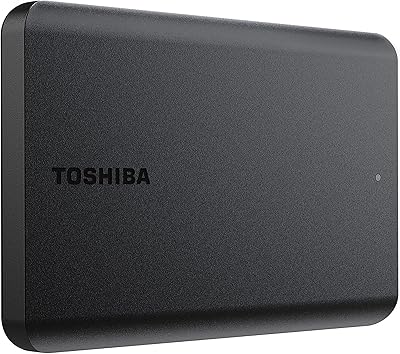
Toshiba Canvio Basics 1TB Portable External Hard Drive
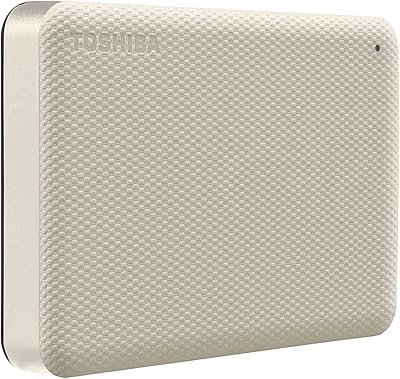
Toshiba Canvio Advance 4TB Portable External Hard Drive
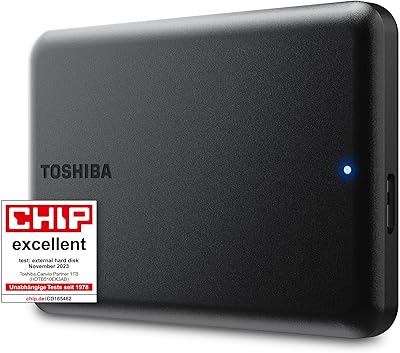
Toshiba Canvio Partner 1TB Portable Hard Drive
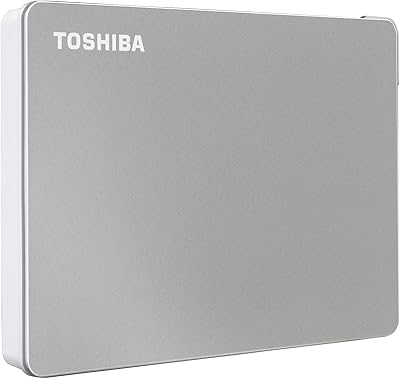
Toshiba Canvio Flex 1TB External Hard Drive
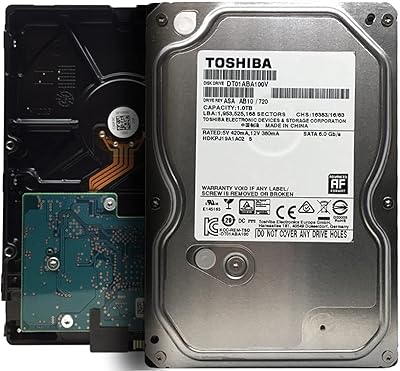
Toshiba DT01ABA100V 1TB Surveillance Internal Hard Drive
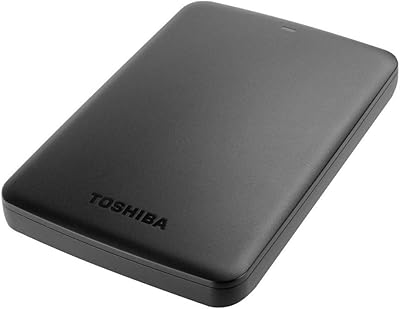
Toshiba Canvio Basics 500GB Portable Hard Drive
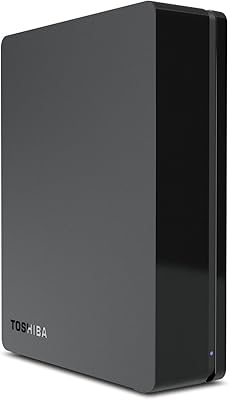
Toshiba Canvio 3TB Desktop External Hard Drive
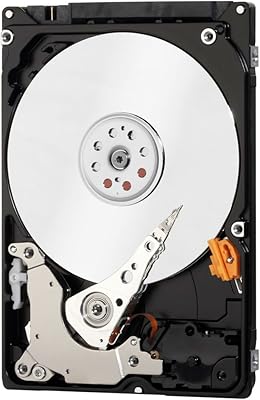
Toshiba MQ01ABD100 1TB 2.5″ Internal Hard Drive