Overview
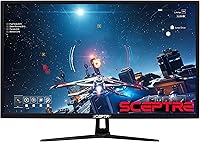
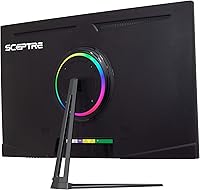
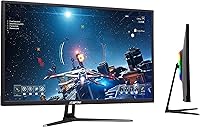
The Sceptre 32″ QHD 1440p LED Monitor enters a crowded budget segment with a straightforward pitch: a large, sharp screen without a painful price tag. At 2560x1440, the jump from standard 1080p is genuinely noticeable on a panel this size — text gets crisper, images gain definition, and you stop feeling like you're squinting at details. The machine black chassis is understated and reasonably compact for its footprint, though you'll want to measure your desk before committing. Sceptre has a reputation for value-tier builds, and that context matters here. The specs look strong on paper, but real-world buyer experiences are decidedly mixed, so tempered expectations are warranted going in.
Features & Benefits
The QHD resolution is the headline feature, and it delivers where it counts most — reading long documents or working across multiple windows becomes noticeably more comfortable than on a 1080p screen this size. The refresh rate story requires a bit of care: connect via DisplayPort and you get up to 85Hz, which adds genuine smoothness to everyday motion; stick with HDMI and you're capped at 60Hz, so the cable you choose actually matters. Built-in speakers handle light office use without embarrassing themselves — adequate for calls, unremarkable for music. The Blue Light Shift function and headphone jack round out a feature set that punches reasonably well for this price tier.
Best For
This 32-inch Sceptre makes the most sense for remote workers, students, or anyone who needs a large, sharp workspace without spending serious money. If you're editing spreadsheets, attending video calls, or streaming content for hours at a stretch, the 1440p resolution genuinely pays off in reduced eye strain and better visual clarity. Casual gamers will find it acceptable — the 85Hz ceiling won't satisfy competitive players, but it's a reasonable step up from a standard office panel. It also works well as a secondary display in a multi-monitor setup, where built-in speakers add everyday convenience without requiring an extra audio device cluttering the desk.
User Feedback
With a 3.6-star average across 53 ratings, the Sceptre QHD panel sits in genuinely ambiguous territory — not bad enough to dismiss outright, not consistent enough to recommend without hesitation. Satisfied buyers tend to highlight the value for money and the visual improvement over 1080p. Recurring complaints, though, point to color accuracy falling short of even modest expectations and build quality that feels fragile at this price. The glossy screen surface is a legitimate concern in brighter rooms — reflections can undercut the resolution advantage entirely. It's also worth noting that 53 reviews is a thin sample, so the overall picture here may shift considerably as more buyers weigh in.
Pros
- Sharp 1440p resolution makes a real, visible difference over 1080p on a 32-inch screen.
- Large 32-inch panel gives you generous workspace for multitasking or immersive viewing.
- Connecting via DisplayPort unlocks 85Hz for noticeably smoother everyday motion.
- Dual HDMI ports make it easy to switch between two devices without unplugging cables.
- Built-in speakers are good enough for calls and casual listening without extra hardware.
- Blue Light Shift helps reduce eye fatigue during long work or study sessions.
- The headphone jack is a small but genuinely useful addition for shared spaces.
- At this price point, the Sceptre QHD panel delivers a competitive feature set for productivity use.
- Machine black finish is neutral and fits most desk setups without drawing attention.
- Works well as a secondary monitor where absolute color precision is not required.
Cons
- Color accuracy falls short of expectations, even by budget monitor standards.
- HDMI ports are capped at 60Hz — buyers expecting 85Hz over HDMI will be disappointed.
- Glossy panel coating causes distracting reflections in any room with natural or overhead light.
- Build quality feels fragile; some buyers report concerns about long-term durability.
- The 3.6-star average across only 53 ratings signals inconsistent quality control.
- Speaker output is purely functional — do not expect anything beyond bare-minimum audio.
- No ergonomic adjustability is mentioned, limiting posture-friendly positioning options.
- At 16.5 pounds, the monitor is heavier than expected for its class, complicating setup.
- Sceptre's customer support and warranty experience gets mixed marks from real buyers.
- The relatively thin review base makes it harder to gauge long-term reliability with confidence.
Ratings
The scores below reflect our AI-driven analysis of verified global buyer reviews for the Sceptre 32″ QHD 1440p LED Monitor, with spam, incentivized submissions, and bot activity actively filtered out to surface what real users actually experience. Each category captures both the genuine strengths that keep buyers satisfied and the recurring pain points that lead to frustration — nothing is glossed over. The result is a transparent, balanced picture designed to help you decide whether this budget QHD display fits your specific needs.
Value for Money
Image Clarity
Color Accuracy
Refresh Rate Performance
Build Quality
Screen Glare & Reflection
Connectivity & Ports
Built-in Speakers
Eye Comfort
Setup & Installation
Ergonomics & Adjustability
Gaming Suitability
Consistency & Quality Control
Suitable for:
The Sceptre 32″ QHD 1440p LED Monitor is a practical fit for budget-conscious buyers who want a noticeably sharper screen without crossing into premium price territory. Remote workers and students will get the most out of it — reading documents, managing multiple browser tabs, and sitting through long video calls all benefit from the 1440p clarity that a 1080p panel at this size simply cannot match. Casual gamers who care more about screen real estate and resolution than chasing ultra-high frame rates will find it a reasonable option, especially when connected via DisplayPort for the 85Hz refresh rate. It also makes sense as a secondary or third monitor in a multi-screen setup, where the built-in speakers and headphone jack add practical convenience without demanding extra desk space or accessories. Anyone working in a dim or controlled-light environment will also sidestep the glossy surface drawback that trips up some buyers.
Not suitable for:
The Sceptre 32″ QHD 1440p LED Monitor has real limitations that make it a poor match for a meaningful segment of buyers, and it is worth being direct about them. Competitive or serious gamers who depend on fast response times and high refresh rates will find the 85Hz ceiling and budget panel performance underwhelming compared to dedicated gaming monitors in a similar or slightly higher price range. Color-critical users — photographers, video editors, or designers who rely on accurate color reproduction — should look elsewhere entirely, as buyer feedback consistently flags color accuracy as a weak point. Anyone working in a bright room with overhead lighting or windows facing the screen will likely find the glossy surface a persistent source of frustration, reducing the visual advantage the 1440p resolution is supposed to deliver. Finally, buyers who prioritize long-term build durability or reliable brand support may want to weigh the mixed track record that comes with Sceptre's value-tier positioning before committing.
Specifications
- Screen Size: The panel measures 32 inches diagonally, providing a wide viewing area well-suited to productivity and media consumption.
- Resolution: Native resolution is 2560x1440 (QHD 1440p), delivering four times the pixel density of standard HD and noticeably sharper detail than 1080p at this screen size.
- Refresh Rate: Maximum refresh rate is 85Hz when connected via DisplayPort, while both HDMI ports are capped at 60Hz.
- Aspect Ratio: The display uses a standard 16:9 widescreen aspect ratio, compatible with the vast majority of content and operating system layouts.
- Panel Surface: The screen surface is glossy, which can enhance color vibrancy in dim environments but may produce noticeable reflections under bright or overhead lighting.
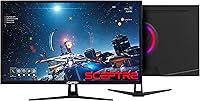
- Connectivity: The monitor includes two HDMI ports, one DisplayPort input, and one 3.5mm headphone jack for flexible device and audio connections.
- Built-in Audio: Integrated speakers are included and provide basic audio output suitable for voice calls, video conferencing, and light media playback.
- Blue Light Shift: A Blue Light Shift mode is built in to reduce high-frequency blue light emission, intended to lessen eye strain during extended use.
- Dimensions: The full unit with stand measures 29.08 x 8.69 x 20.37 inches, so desk depth and width clearance should be confirmed before purchase.
- Weight: The monitor weighs 16.5 pounds with its stand, which is on the heavier side for this screen class and worth noting for installation or repositioning.
- Color: The chassis is finished in machine black, a neutral matte tone that suits most desk environments without drawing visual attention.
- Brand: Sceptre is a US-based value-tier monitor brand known for offering competitive specifications at lower price points, with a mixed but established track record.
- Availability: This model was first made available in April 2020 and represents Sceptre's QHD entry in the 32-inch large-format monitor category.
- Amazon Rating: The monitor holds an aggregate rating of 3.6 out of 5 stars based on 53 customer ratings on Amazon, reflecting a mixed but not uniformly negative buyer experience.
- Pixel Density: At 2560x1440 on a 32-inch panel, the pixel density is approximately 92 PPI, which produces noticeably sharper text and image detail compared to 1080p at the same size.
Related Reviews
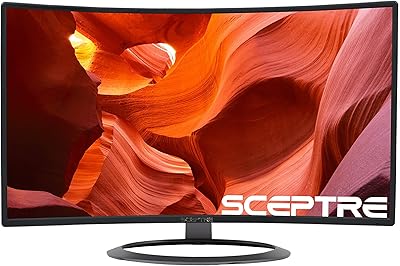
Sceptre C328W-1920R 32″ Curved Gaming Monitor
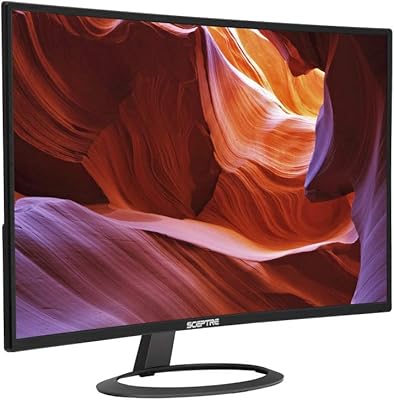
Sceptre C325W-1920R 32-inch Curved Monitor
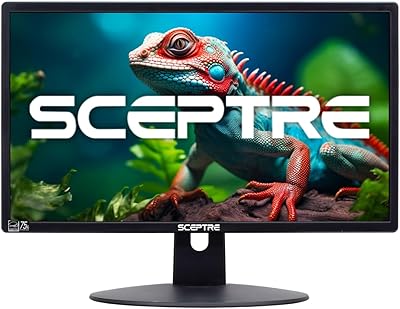
Sceptre E205W-16003R 20″ LED Monitor
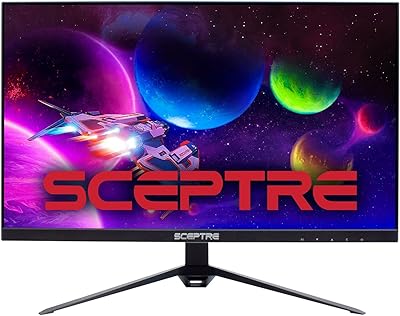
Sceptre E275B-QPT168 27″ QHD Monitor
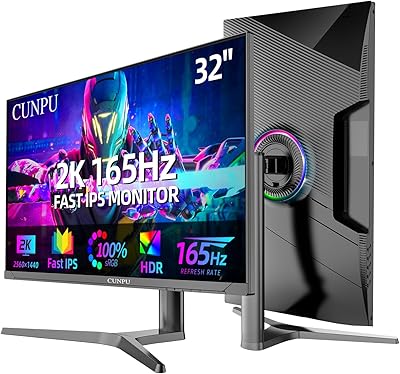
CUNPU 32-Inch Gaming Monitor QHD 165Hz
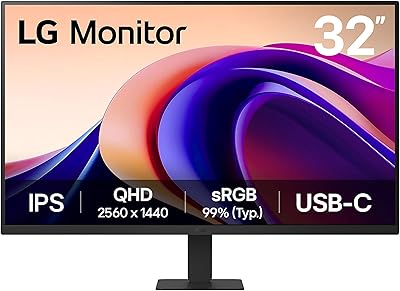
LG 32U631A-B 32-inch QHD Monitor
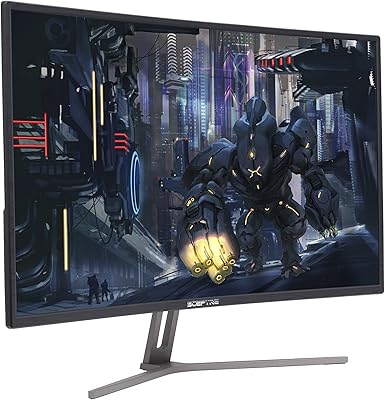
Sceptre C325B-144R 32″ Curved Gaming Monitor
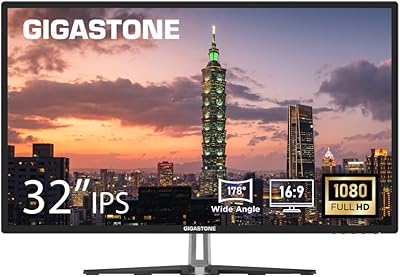
Gigastone LM-32FA51 32-inch FHD Monitor
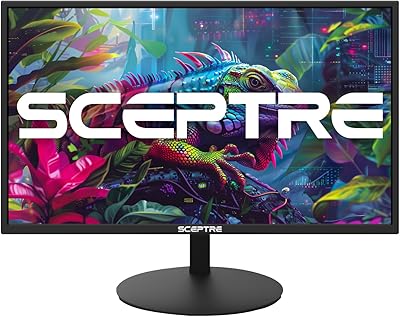
Sceptre E275W-19203R 27-inch 1080p LED Monitor