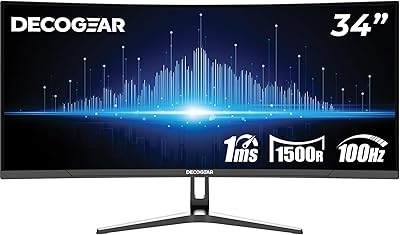
Samsung S34J552 34″ Ultrawide Curved Monitor
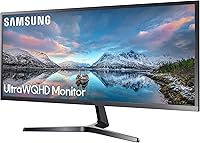
Overview
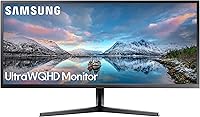
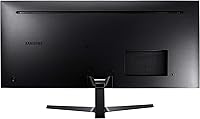
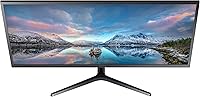
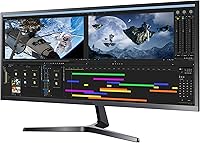
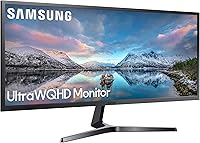
The Samsung S34J552 34″ Ultrawide Curved Monitor sits comfortably in the mid-range of the ultrawide market, targeting users who want more screen real estate without paying flagship prices. Its 34-inch VA panel with a 21:9 aspect ratio is the headline feature — that wide canvas genuinely changes how you interact with your desktop. Competing against similarly priced displays from LG and AOC, this ultrawide curved monitor holds its own on image quality and build. Released in late 2018, it still makes sense as a purchase today, though buyers should know upfront: refresh rate and HDR are not its strengths. What it does well, it does consistently.
Features & Benefits
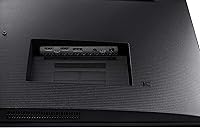
At 3440x1440, the resolution on this Samsung 34-inch display is sharp enough that you rarely notice individual pixels during normal use — text is crisp, images have real depth. The 21:9 wide canvas means you can keep a browser, a document, and a messaging window open side by side without feeling cramped. The VA panel's curvature draws your peripheral vision in naturally, reducing eye fatigue during long work sessions. Connectivity is functional: HDMI and DisplayPort inputs cover most setups, and two USB ports handle basic peripherals. AMD FreeSync keeps gameplay smooth enough for casual gaming, and Picture-in-Picture and Picture-by-Picture modes add genuine flexibility for multi-source workflows.
Best For
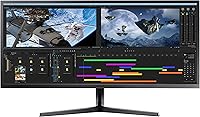
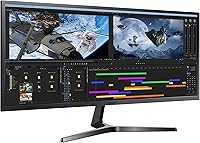
The S34J552 makes the strongest case for people whose work involves juggling many windows at once — writers, coders, analysts, and remote workers who have been tolerating the cable clutter of a dual-monitor setup. The productivity gains from a single ultrawide are real and immediate. Video editors and content creators will appreciate the extended timeline view and room to keep reference panels visible simultaneously. It also works well for anyone who watches a lot of ultrawide-native film content, since the 21:9 format fills the screen without black bars. If you are new to ultrawides and want to try the format without overcommitting financially, this is a solid entry point.
User Feedback
Owners of this ultrawide curved monitor consistently praise its visual impact and how quickly they adapted to the wider format. Build quality earns positive mentions too — it feels sturdy and well-assembled. The criticisms, though, are pointed. The stand's limited adjustability is the most common complaint: you get tilt, and nothing else — no height adjustment, no swivel. In rooms with strong ambient light, some users find the glossy panel surface works against them. A handful of longer-term owners have flagged minor backlight uniformity concerns over time. Setup is generally straightforward and documentation adequate, though not exceptional. Buyers who go in with realistic expectations tend to come away satisfied.
Pros
- The 34-inch ultrawide canvas dramatically reduces the need for a second monitor on a cluttered desk.
- QHD resolution keeps text sharp and images detailed during long work sessions.
- The curved VA panel reduces eye strain across extended viewing periods.
- AMD FreeSync provides noticeably smoother gameplay for casual gaming without tearing.
- Picture-in-Picture and Picture-by-Picture modes allow two input sources to display at once.
- Build quality feels solid and well-finished for its price tier.
- The 21:9 format is ideal for watching widescreen films without black bars.
- Universal voltage support makes it compatible with international power setups.
- Setup is straightforward, with most buyers up and running quickly out of the box.
Cons
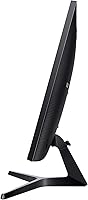
- The stand only tilts — no height adjustment, swivel, or pivot, which frustrates ergonomic setups.
- The glossy screen surface causes significant reflections in bright or naturally lit rooms.
- Some long-term owners have reported uneven backlight uniformity appearing over time.
- Only two USB ports on the monitor, which fills up fast in a multi-device workspace.
- Peak brightness may feel insufficient for users coming from high-luminance displays.
- Not ideal for color-critical professional work due to VA panel color accuracy limits.
- The S34J552 lacks HDR support, which is increasingly common on newer competing displays.
- Refresh rate is standard, making it a poor choice for fast-paced competitive gaming.
- A third-party monitor arm is almost essential if ergonomics matter, adding to overall cost.
Ratings
The scores below reflect an AI-driven analysis of verified global user reviews for the Samsung S34J552 34″ Ultrawide Curved Monitor, with spam, bot-generated, and incentivized submissions actively filtered out before scoring. Each category is weighted against real ownership experiences — not manufacturer claims — so both the genuine strengths and the recurring frustrations are represented as honestly as possible. Buyers considering this ultrawide will find a transparent picture of where it earns its praise and where it falls short.
Screen Real Estate
Image Clarity
Color Accuracy
Contrast & Blacks
Ergonomics & Stand
Productivity Performance
Gaming Experience
Build Quality
Brightness & Glare
Connectivity
Multi-Source Modes
Setup & Out-of-Box Experience
Long-Term Reliability
Value for Money
Suitable for:
The Samsung S34J552 34″ Ultrawide Curved Monitor is purpose-built for people who spend long hours at a desk and need genuine workspace — not just more pixels. Remote workers and home office users will find that the 21:9 format effectively replaces the need for two separate monitors, cutting down on cable clutter and the cognitive friction of switching between screens. Coders, spreadsheet-heavy analysts, and writers will immediately appreciate how much horizontal room they have to keep multiple windows open at a useful size simultaneously. Content creators who edit video or audio will benefit from the extended timeline view, while anyone who watches a lot of film in native widescreen format will find the screen fills beautifully without letterboxing. Casual gamers who care more about immersion than chasing high frame rates will also find this a comfortable fit, particularly with AMD FreeSync smoothing things out.
Not suitable for:
The Samsung S34J552 34″ Ultrawide Curved Monitor is not the right call for competitive gamers who prioritize high refresh rates and fast pixel response above all else — this display was built for productivity, and its specs reflect that. Professional photographers or graphic designers who require precise color accuracy and wide color gamut coverage will likely find the VA panel limiting compared to IPS alternatives in a similar price range. Anyone working in a bright, sun-lit room should be cautious: the glossy screen surface picks up reflections and can make the display harder to use comfortably during daylight hours. Buyers who rely on ergonomic positioning — whether due to physical needs or preference — will quickly discover the stand is a frustration; it tilts and nothing more, so if you need height adjustment or swivel, budget for a third-party arm from the start. Users who need more than two peripherals connected directly to the monitor will also find the port selection stretched thin.
Specifications
- Screen Size: The display measures 34.1 inches diagonally, providing a wide working area suited to side-by-side application layouts.
- Resolution: Native resolution is 3440 x 1440 pixels, delivering sharp detail across the full ultrawide canvas at a comfortable pixel density for a 34-inch panel.
- Aspect Ratio: The 21:9 aspect ratio offers significantly more horizontal space than a standard 16:9 monitor of similar height.
- Panel Type: Uses a VA (Vertical Alignment) curved panel, which provides stronger contrast ratios and deeper blacks compared to typical TN panels.
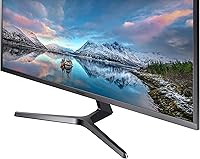
- Screen Surface: The panel has a glossy surface finish, which enhances color vibrancy but can introduce reflections in bright ambient lighting conditions.
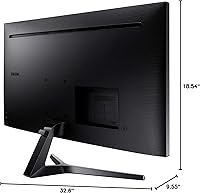
- Dimensions: With stand attached, the monitor measures approximately 32.6 inches wide, 18.54 inches tall, and 9.55 inches deep.
- Weight: The unit weighs 15.18 pounds with stand included, which is typical for a display of this size and panel type.
- Voltage: Supports universal input voltage ranging from 100 to 240V, making it compatible with power standards in most countries.
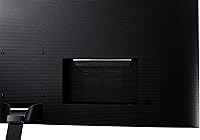
- USB Ports: Includes 2 USB ports built into the monitor for connecting peripherals directly to the display.
- Adaptive Sync: AMD FreeSync is supported, which reduces screen tearing during gaming by synchronizing the display refresh rate with the GPU output.
- Multi-Input Modes: Supports both Picture-in-Picture and Picture-by-Picture modes, allowing two separate video sources to be displayed simultaneously.
- Model Number: The official Samsung model identifier for this unit is LS34J552WQNXZA.
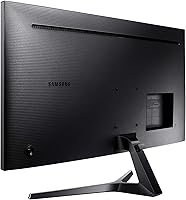
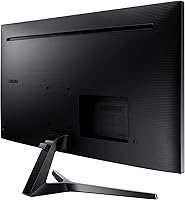
- Stand Adjustment: The included stand supports tilt adjustment only; height, swivel, and pivot adjustments are not available without a third-party arm.
- Manufacturer: Designed and manufactured by Samsung, a major global electronics brand with an established monitor product line.
- Availability: This monitor was first made available for purchase in November 2018 and remains available through major electronics retailers.
- Video Inputs: The monitor includes HDMI and DisplayPort inputs, covering connectivity for most modern computers, laptops, and gaming consoles.
- HDR Support: This display does not support HDR (High Dynamic Range), which is a consideration for buyers seeking expanded luminance and color volume.
Related Reviews
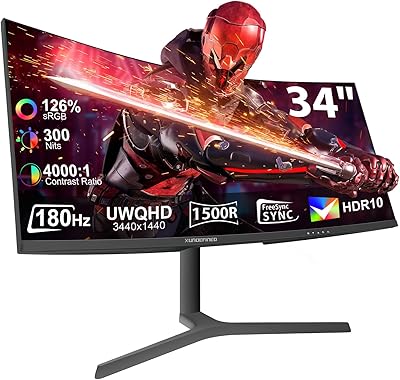
XUNDEFINED X34U180A 34-inch Curved Ultrawide Gaming Monitor
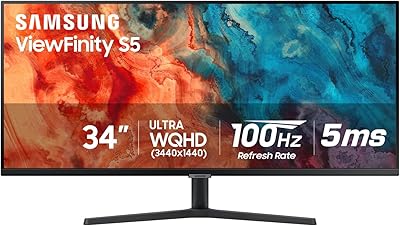
Samsung S50GC 34″ Ultrawide QHD Monitor
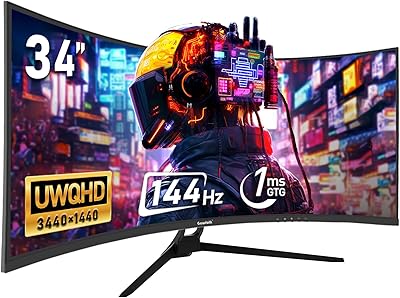
Gawfolk GF340A 34″ Ultrawide Curved Monitor
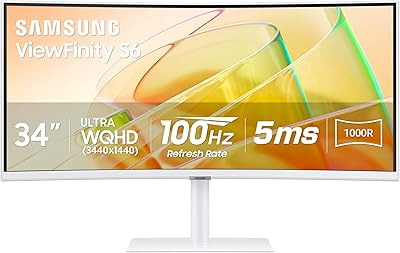
Samsung ViewFinity S65TC 34″ Curved Monitor
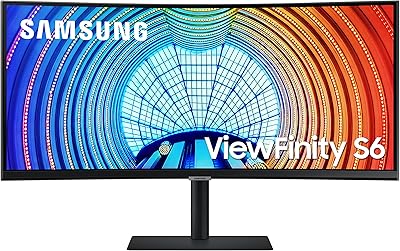
Samsung ViewFinity S65UA 34″ Ultrawide Curved Monitor

Westinghouse 34-Inch Curved Ultrawide Gaming Monitor
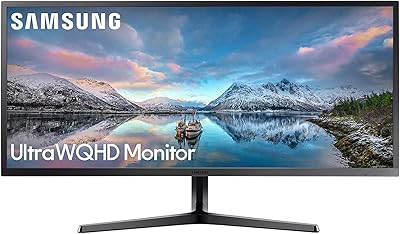
Samsung 34-Inch SJ55W Ultrawide Monitor

Raywego Q34DB45-1 34-inch Curved Gaming Monitor
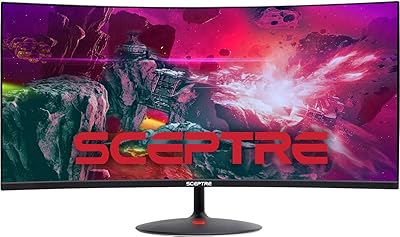
Sceptre 34-inch Curved UltraWide Monitor C345W-2560UN