Overview
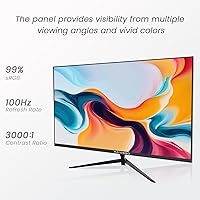
The Raywego Z270B13 27-inch Gaming Monitor is a straightforward entry into the budget monitor space, aimed squarely at casual gamers and home office users who want more screen without spending a lot. What sets it apart from the usual 60Hz crowd is its 100Hz refresh rate, which is a meaningful upgrade for anyone tired of sluggish motion on older panels. The VA panel is the real quiet strength here — a 4000:1 contrast ratio puts it ahead of many IPS alternatives at this price point, delivering noticeably deeper blacks. Raywego is a newer brand from Shenzhen, so long-term reliability data is limited, but the specs on paper are hard to argue with.
Features & Benefits
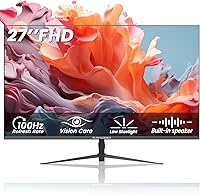
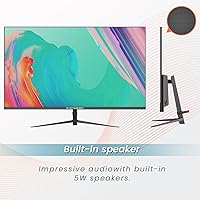
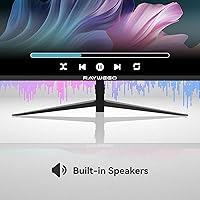
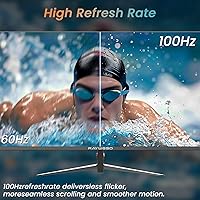
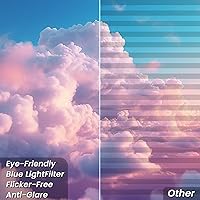
At 100Hz refresh rate and a 1ms response time, this budget gaming monitor handles fast-paced titles without the ghosting you would expect at this price. The VA panel's deep contrast is genuinely noticeable when playing darker games or watching movies — shadows have real definition rather than blending into muddy grey. Built-in speakers are a welcome convenience for desk tidiness, though be realistic: they work fine for background audio or video calls, but won't satisfy anyone who cares about sound quality. Flicker-free technology and a low blue light mode make longer sessions more comfortable. VESA mounting support and a modest tilt range round out a surprisingly capable feature set.
Best For
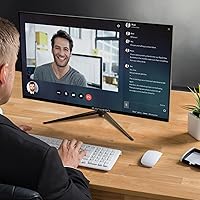
This entry-level display is a strong match for students and remote workers who need a generously sized screen for spreadsheets, documents, or video calls without overspending. Entry-level PC gamers moving up from 60Hz will notice the difference immediately, especially in fast-moving games. Console users connecting via HDMI will appreciate the clean setup — an HDMI cable is even included. If you are running a dual-monitor configuration or simply want a clutter-free desk aesthetic, the borderless three-side frame works well. Worth noting: if you are already accustomed to a 1440p display, the 1080p resolution may feel like a step back at 27 inches.
User Feedback
Early buyers of the Raywego 27-inch screen tend to praise the picture quality relative to price and the clean, borderless look that makes it feel more premium than expected. Setup is generally described as quick and straightforward. On the flip side, some users report that the stand feels less sturdy than they would like, and the built-in speakers — while handy — draw mixed reactions for audio quality. A few buyers note that colors can look slightly washed out straight out of the box before any calibration. Customer support responses appear prompt based on early feedback, and the two-year warranty gives some reassurance for a newer brand.
Pros
- VA panel delivers genuinely deep blacks and strong contrast that outperforms most IPS monitors at this price point.
- 100Hz refresh rate provides a real, noticeable improvement over standard 60Hz entry-level monitors.
- Three-side borderless design looks cleaner and more premium than the price suggests.
- Low blue light mode and flicker-free technology make extended work or study sessions easier on the eyes.
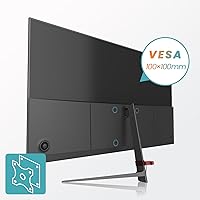
- VESA 100x100mm compatibility gives you wall mount or monitor arm options right out of the box.
- An HDMI cable is included, so you can plug in and get started without hunting for accessories.
- Built-in speakers handle casual video calls and background audio without needing a separate device.
- Two-year warranty offers reasonable peace of mind for a newer brand entering the market.
- Tilt adjustment covers a practical range, making it easier to find a comfortable viewing angle.
- Setup is straightforward and quick, which early buyers consistently mention as a positive experience.
Cons
- The stand feels less sturdy than expected and may wobble with minor desk movement.
- Colors can appear slightly washed out or inaccurate before manual calibration in the monitor settings.
- No height adjustment on the stand limits ergonomic flexibility for taller users or standing desk setups.
- Built-in speaker audio quality is mediocre and unsuitable for music, movies, or immersive gaming audio.
- Brightness level is not officially specified, which makes it hard to assess performance in brightly lit rooms.
- No adaptive sync support means screen tearing can occur during fast-paced gaming sessions.
- As a newly launched brand with limited buyer history, long-term reliability remains an open question.
- 1080p resolution at 27 inches results in lower pixel density, which can make text and fine details look softer.
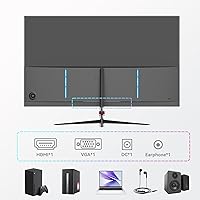
- No USB hub or additional connectivity beyond HDMI, VGA, and a headphone jack limits desk setup flexibility.
- HDR10 support at this brightness and price tier is unlikely to deliver a meaningful HDR viewing experience.
Ratings
The scores below for the Raywego Z270B13 27-inch Gaming Monitor were generated by our AI system after analyzing verified buyer reviews from multiple global markets, with spam, bot activity, and incentivized feedback actively filtered out. Each category reflects both the genuine praise and the real frustrations that came up repeatedly across thousands of honest user experiences. Nothing has been softened or inflated — if buyers found a weakness, it shows up in the numbers.
Value for Money
Picture Quality
Refresh Rate Performance
Build Quality
Eye Comfort
Built-in Speakers
Ease of Setup
Connectivity
Ergonomics
Gaming Performance
HDR Experience
Brand Confidence
Aesthetic Design
Warranty & Support
Suitable for:
The Raywego Z270B13 27-inch Gaming Monitor is a practical choice for anyone who wants a noticeable upgrade over a basic 60Hz display without committing to a high-budget purchase. Students juggling coursework, video calls, and casual gaming will find the screen size and eye care features genuinely useful during long sessions. Remote workers who need a roomy primary or secondary monitor for productivity tasks will appreciate the borderless design and comfortable viewing experience. Entry-level PC and console gamers who mostly play slower-paced titles, platformers, or RPGs will get real value from the VA panel's contrast depth and the smoother motion that 100Hz provides. If you are building a clean, minimal desk setup on a tight budget, the three-side borderless frame and VESA mounting support give you more flexibility than most monitors in this price range offer.
Not suitable for:
Buyers who prioritize color accuracy for photo editing, graphic design, or professional creative work should look elsewhere, as VA panels at this price tier typically struggle with color consistency and may require calibration out of the box. The Raywego Z270B13 27-inch Gaming Monitor also falls short for competitive gamers who demand high refresh rates above 144Hz or adaptive sync technology to eliminate screen tearing in fast-paced titles. At 27 inches, a 1080p resolution means pixel density is lower than ideal, so anyone coming from a 1440p or 4K display may find the image noticeably softer up close. The built-in speakers are a convenience feature at best, so audiophiles or anyone who relies on their monitor for quality audio output will want a separate solution. Lastly, buyers who value established brand track records and long-term durability assurances may feel uncertain given how recently this brand entered the market.
Specifications
- Screen Size: The display measures 27 inches diagonally, offering a spacious viewing area suitable for both gaming and productivity tasks.
- Resolution: Native resolution is 1920x1080 pixels (Full HD), delivering standard 1080p image quality across the panel.
- Panel Type: Uses a VA (Vertical Alignment) panel, which provides stronger contrast and deeper blacks compared to typical IPS panels at this price tier.
- Refresh Rate: Supports a maximum refresh rate of 100Hz, providing smoother motion than standard 60Hz monitors.
- Response Time: Rated at 1ms response time, which helps reduce motion blur and ghosting during fast-moving on-screen content.
- Contrast Ratio: Static contrast ratio is 4000:1, enabling noticeable depth between dark shadows and bright highlights.
- HDR Support: Compatible with HDR10 content, though peak brightness is not officially specified by the manufacturer.
- Connectivity: Includes one HDMI port, one VGA port, and one 3.5mm headphone jack for flexible device connectivity.
- Built-in Speakers: Equipped with integrated speakers designed for casual audio needs such as video calls and background media playback.
- VESA Mount: Supports standard VESA 100x100mm mounting pattern, compatible with most third-party monitor arms and wall mounts.
- Tilt Range: The stand allows tilt adjustment between -5° and +20°, providing basic ergonomic positioning flexibility.
- Bezel Design: Features a virtually borderless design on three sides, reducing visual distractions and suiting multi-monitor configurations.
- Eye Care: Includes both a low blue light mode and flicker-free backlight technology to reduce eye fatigue during extended use.
- Dimensions: Physical dimensions are 24.2 x 17.1 x 1.7 inches, making it a compact fit for most standard desk setups.
- Weight: The monitor weighs approximately 8 pounds, which is typical for a 27-inch flat panel in this category.
- In-Box Cable: An HDMI cable is included in the packaging, allowing immediate connection to compatible devices without additional purchases.
- Warranty: Covered by a 2-year manufacturer warranty from Raywego, with customer support available for defects and missing accessories.
- Manufacturer: Produced by Shenzhen Yundacheng Technology Co., Ltd, operating under the Raywego brand name.
- Model Number: The official model identifier for this unit is Z270B13, as listed by the manufacturer.
- Power Input: The monitor operates at 12 volts DC input, consistent with standard external adapter-powered displays in this segment.
Related Reviews

Skytech Gaming Moonshadow 27-inch Curved Gaming Monitor
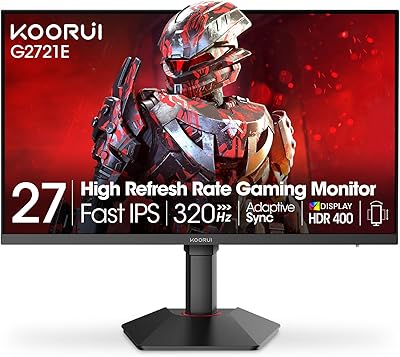
KOORUI G2721E 27-inch Gaming Monitor
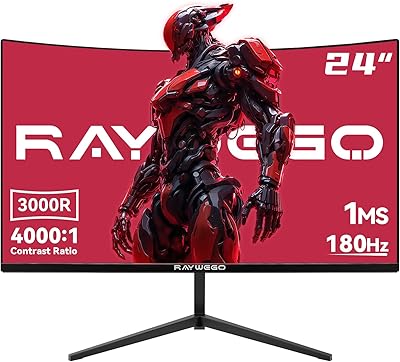
Raywego Q24B16 24-inch Curved Gaming Monitor

memzuoix 27-inch QHD 165Hz Gaming Monitor
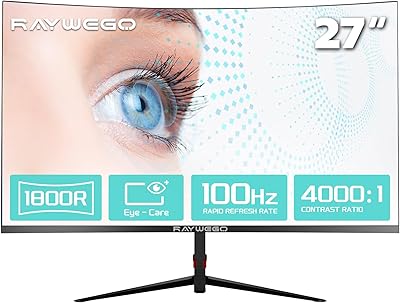
Raywego Q270B13 27-inch Curved Monitor
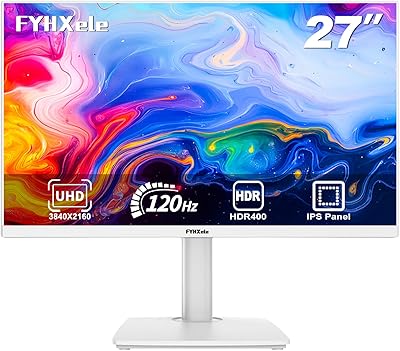
FYHXele 27-inch 4K 120Hz Gaming Monitor
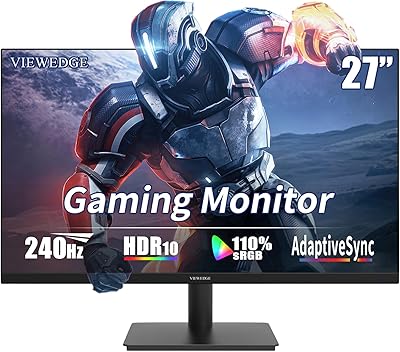
Viewedge CS27FM 27-inch Gaming Monitor
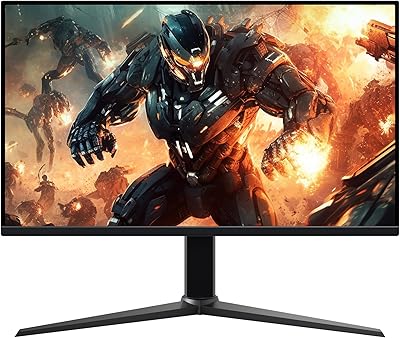
Amazon Basics 27-inch 1080p Gaming Monitor
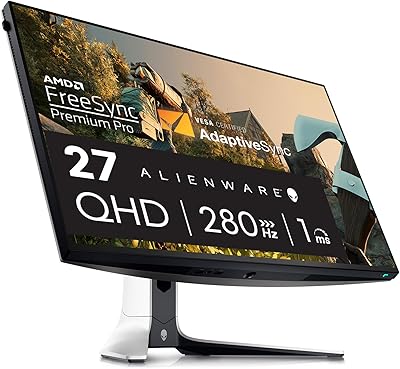
Alienware AW2723DF 27-inch Gaming Monitor