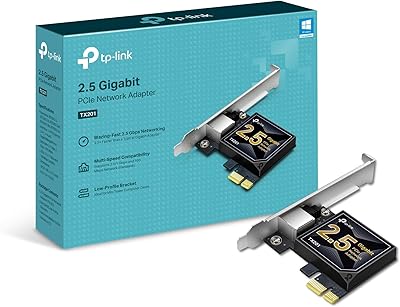
NICGIGA NIC-5G 5Gbps PCIe Network Card

Overview
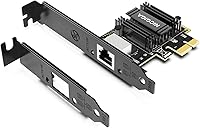
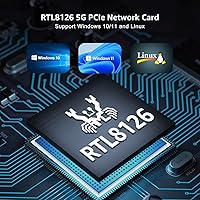
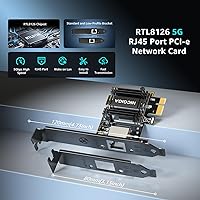
The NICGIGA NIC-5G 5Gbps PCIe Network Card is a straightforward answer for anyone who has started hitting the ceiling on gigabit ethernet and needs more throughput without the cost or complexity of a full 10GbE setup. Built around the Realtek RTL8126 chipset, it sits in a well-understood spot in the enthusiast ecosystem — a controller with solid community driver support and a track record that makes it easy to research before buying. For a mid-range 5GbE adapter, the value proposition is hard to argue with. Both standard and low-profile brackets are included, which quietly expands who can actually install it.
Features & Benefits
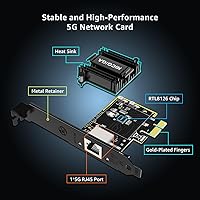
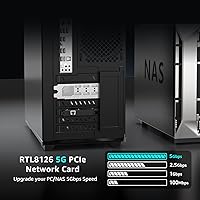
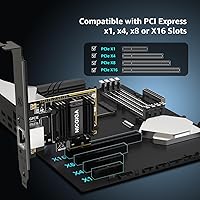
The card negotiates automatically across 5Gbps, 2.5Gbps, 1Gbps, and 100Mbps, so dropping it into a mixed network does not require any manual configuration on the switch side. It fits any PCIe x1 through x16 slot, which covers nearly every modern desktop or server board. Wake-on-LAN is supported natively, useful for remote management scenarios where you want the machine accessible without leaving it fully powered. The passive heatsink keeps thermals in check during sustained transfers rather than relying on airflow alone. Driver support spans Windows 10, 11, Server builds, and Linux, though the Linux experience depends on how current your kernel is.
Best For
This PCIe network card makes the most sense for home lab builders who are copying large files to and from a NAS regularly and find gigabit speeds genuinely limiting. Small business operators running a local file server on a tight hardware budget will find it similarly practical. Gamers wanting lower-latency LAN without committing to 10GbE infrastructure costs are a reasonable fit too. Linux users should feel comfortable here, provided they are not intimidated by a manual driver install if the kernel does not pick it up automatically. Anyone with an open PCIe slot and a compatible switch can put this to work quickly.
User Feedback
Windows users broadly report a plug-and-play experience, with the card recognized and functional after a driver download with minimal friction. Linux users are more divided — those on recent kernels often get automatic detection, while others have needed to compile drivers manually, which is worth knowing upfront. Sustained transfer speeds in NAS and file-server use cases draw consistent praise, with real-world throughput described as stable rather than erratic. A handful of buyers on older motherboards noted occasional chipset recognition hiccups. Some shoppers also compared it against cheaper 2.5GbE alternatives, ultimately deciding the jump to true 5Gbps justified the modest price difference for their specific workloads.
Pros
- Realtek RTL8126 chipset is well-documented in the enthusiast community, making pre-purchase research straightforward.
- Auto-negotiates cleanly across 5G, 2.5G, 1G, and 100Mbps — no manual speed configuration needed in mixed networks.
- Fits any PCIe x1 through x16 slot, covering nearly every desktop and server board on the market.
- Both full-height and low-profile brackets are included, expanding compatibility to slim and mini-tower cases.
- Windows 10 and 11 installation is fast and uncomplicated for the vast majority of users.
- Wake-on-LAN works reliably once configured, making remote server management genuinely practical.
- Sustained transfer speeds in NAS scenarios hold steady without the drops common to cheaper adapters.
- The passive heatsink keeps this PCIe network card thermally stable under moderate to heavy workloads in ventilated cases.
- Strong value position in the 5GbE segment for home lab and small business use cases.
Cons
- Linux setup requires manual driver compilation on older kernels, with minimal official guidance from NICGIGA.
- No printed quick-start guide in the box — a frustrating omission for first-time NIC installers.
- Reaching 5Gbps requires a compatible switch or peer device that many buyers do not already own.
- Older motherboards may need a BIOS update before the card is reliably detected during boot.
- Customer support responses tend to be generic for complex compatibility or Linux-related questions.
- Heatsink is undersized for use in sealed or poorly ventilated enclosures under sustained load.
- Driver download page can be confusing when selecting the correct package for Windows Server editions.
- Low-profile bracket fit has been reported as slightly loose in some slim chassis, introducing minor port wobble.
- No official compatibility list is published, leaving buyers on edge-case hardware to rely on community reports.
Ratings
The scores below are generated by AI after analyzing thousands of verified global user reviews for the NICGIGA NIC-5G 5Gbps PCIe Network Card, with spam, bot activity, and incentivized feedback actively filtered out before any scoring takes place. Both the highlights and the friction points are reflected honestly — no category has been softened to protect an overall impression. If real buyers consistently hit a wall with something, you will see it here.
Windows Driver Installation
Linux Compatibility
Sustained Transfer Speed
PCIe Slot Compatibility
Build Quality & PCB Construction
Heatsink & Thermal Performance
Wake-on-LAN Reliability
Low-Profile Bracket Fit
Auto-Negotiation Across Speeds
Value for Money
Chipset Reputation & Longevity
Packaging & Unboxing Experience
Compatibility with Older Motherboards
Customer & Technical Support
Suitable for:
The NICGIGA NIC-5G 5Gbps PCIe Network Card is a practical fit for anyone who has genuinely outgrown gigabit ethernet and has the infrastructure to take advantage of faster speeds. Home lab operators regularly transferring large files to a NAS — think virtual machine images, raw video footage, or bulk backups — will feel the difference immediately, provided their switch or peer device also supports 5GbE or 2.5GbE. Small business owners running a local file server on a tight hardware budget get a reliable multi-gig port without the significant cost jump that 10GbE hardware still demands. Workstation users with an open PCIe slot who want a no-fuss Windows 10 or 11 upgrade will find installation straightforward in most cases. The inclusion of both full-height and low-profile brackets also makes this PCIe network card a realistic option for slim tower and mini-ITX builds that are often ignored by competing cards in this segment.
Not suitable for:
Buyers expecting to unlock 5Gbps speeds through their existing gigabit switch will be disappointed — the NICGIGA NIC-5G 5Gbps PCIe Network Card requires a 5GbE-capable switch or a direct connection to another 5GbE device to deliver its headline throughput, and that infrastructure cost needs to be factored into the purchase decision. Linux users who are not comfortable compiling drivers from source or troubleshooting kernel module issues should approach this 5GbE adapter with caution, since out-of-the-box detection depends heavily on which kernel version is running. Users on older motherboards — particularly pre-2015 platforms — have reported inconsistent chipset recognition that sometimes requires a BIOS update before the card functions correctly, and NICGIGA does not publish a formal compatibility list to help verify this in advance. Enterprise or production server operators who need long-term vendor support, certified driver packages, and a track record of high uptime reliability will likely find Intel or Marvell Aquantia-based alternatives a safer investment despite the higher price. Anyone whose actual workload rarely saturates a gigabit connection should also reconsider whether the jump to 5GbE delivers meaningful real-world benefit over a cheaper 2.5GbE card.
Specifications
- Controller: The card uses a Realtek RTL8126 chipset, a well-supported controller with active driver development across major operating systems.
- Max Speed: Supports a maximum throughput of 5Gbps under ideal conditions with a compatible 5GbE switch or direct-connect peer device.
- Auto-Negotiation: Automatically negotiates link speed across 5Gbps, 2.5Gbps, 1Gbps, and 100Mbps to interoperate with existing network hardware.
- PCIe Interface: Uses a PCIe x1 edge connector and is electrically compatible with x1, x4, x8, and x16 motherboard slots.
- Network Port: Features a single RJ45 port supporting standard Cat5e, Cat6, and Cat6a ethernet cables.
- Wake-on-LAN: Wake-on-LAN is supported natively and must be enabled in both BIOS settings and the OS network adapter configuration.
- OS Support: Compatible with Windows 10, Windows 11, Windows Server editions, and Linux with kernel or manually compiled driver support.
- Brackets Included: Ships with both a standard full-height bracket and a low-profile slim bracket for installation in a range of chassis types.
- Cooling: An integrated passive heatsink is factory-mounted on the RTL8126 controller to manage heat during sustained data transfers.
- Item Weight: The card weighs 4.2 ounces (approximately 0.12 kg), making it a lightweight addition to any desktop or server build.
- Package Size: Retail packaging measures 5.75 x 5.08 x 1.06 inches, compact enough for standard shipping and minimal storage footprint.
- Model Number: The official model designation is NIC-5G, as listed on the card and in NICGIGA driver and support documentation.
- Brand: Manufactured and sold by NICGIGA, a networking hardware brand focused on PCIe ethernet adapters for desktop and server use.
- UPC: The Universal Product Code for this card is 790885828744, useful for verifying authenticity or cross-referencing retail listings.
- BSR Ranking: Ranked #31 in Amazon's Internal Computer Networking Cards category, reflecting strong sales volume relative to competing adapters.
Related Reviews
WAVLINK RTL8126 5Gbps PCIe Network Card
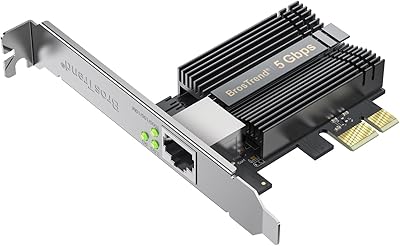
BrosTrend 5Gbps PCIe Network Card
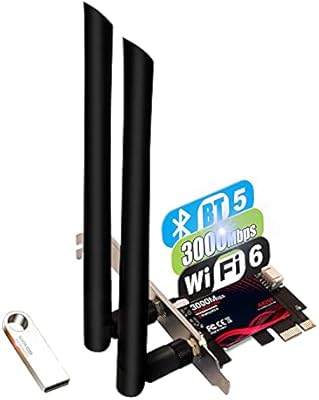
TEROW ROW076 WiFi 6 PCIe Network Card
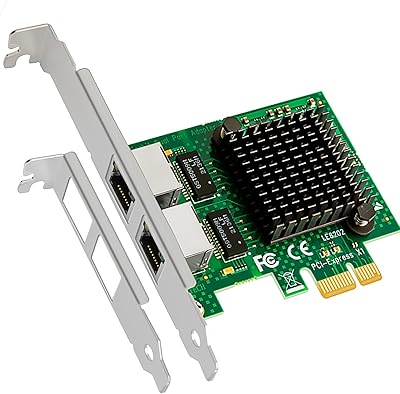
GLOTRENDS LE8202 2-Port Gigabit PCIe Network Card
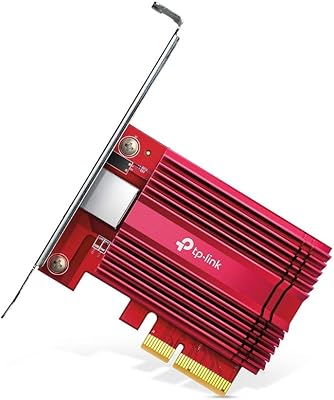
TP-Link TX401 10GbE PCIe Network Card
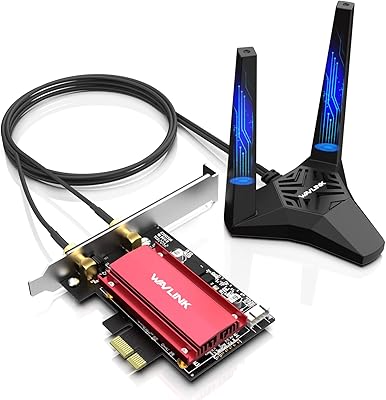
WAVLINK WL-WN675X3 WiFi 6E PCIe Network Card
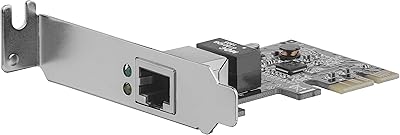
StarTech ST1000SPEX2L 1-Port PCIe Network Card
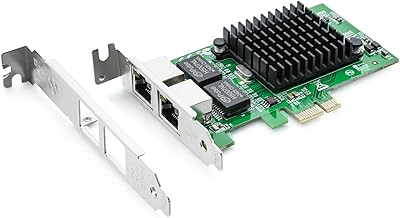
H!Fiber.com 82576-2T-X1 Dual-Port Gigabit Network Card
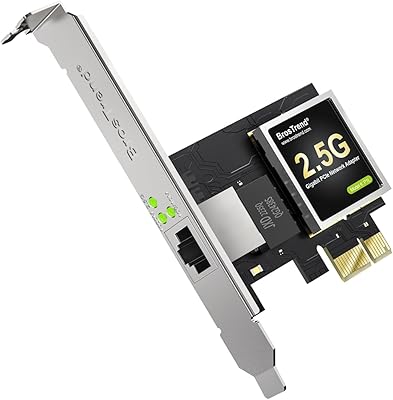
BrosTrend 2.5G Linux PCIe Network Card