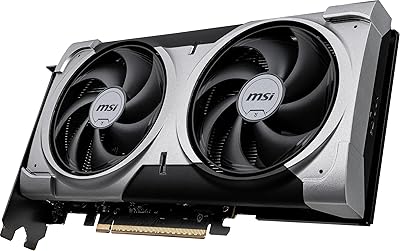
MSI RTX 4060 Ti Ventus 3X GPU


Overview
The MSI RTX 4060 Ti Ventus 3X GPU is MSI's workmanlike answer to NVIDIA's mid-range Ada Lovelace generation — no RGB flourishes, no flashy branding, just a triple-fan cooler and a focus on getting the job done. It slots comfortably between entry-level and enthusiast cards, making it a realistic option for anyone targeting 1080p or 1440p gaming without spending flagship money. The 8GB GDDR6 frame buffer draws its share of skepticism, but for the majority of mainstream titles at those resolutions, it rarely becomes a hard ceiling. Expect strong rasterization performance, ray tracing that works without wrecking frame rates, and no real pretense of being a 4K card.
Features & Benefits
Ada Lovelace brings meaningful architectural upgrades over the 30 series, most notably DLSS 3 Frame Generation, which can effectively double perceived frame rates in supported titles — an advantage older-gen cards simply cannot access. The factory overclock nudges the boost clock to 2580 MHz, a modest but tangible step above reference. Cooling comes from MSI's TORX 4.0 triple-fan setup, which manages thermals without the fans climbing to audible nuisance levels under typical gaming loads. The 128-bit memory bus does constrain bandwidth compared to wider-bus competitors, worth factoring in if you push high-resolution texture packs. Four display outputs — three DisplayPort 1.4a and one HDMI 2.1 — handle multi-monitor setups without any adapters needed.
Best For
This Ventus 3X card hits its stride at 1080p, where it comfortably pushes 144 fps and beyond in most competitive and AAA titles without straining. Step up to 1440p and the experience holds on medium-to-high settings, though demanding titles will ask you to dial back a texture option or two. Streamers and light video editors will appreciate what NVENC offers for encoding workloads without tapping the gaming cores. It is also a logical upgrade for anyone still running a 20- or 30-series card — the generational leap in performance and feature support is real. At roughly 12 inches long and triple-slot wide, it fits standard ATX mid-towers without issue.
User Feedback
With a 4.6-star average across 122 ratings, the MSI 4060 Ti earns broadly positive marks from buyers, not just enthusiasts who got lucky. Praise clusters around quiet fan operation, stable out-of-box performance, and the clean, understated look — the absence of RGB is genuinely appreciated by that segment of builders. On the critical side, some users report hitting the 8GB VRAM ceiling in newer open-world titles at higher texture settings, and the price-to-performance comparison against AMD's RX 7700 XT surfaces periodically. Installation is largely reported as straightforward, though a few buyers flagged questions around power connector compatibility. Driver stability draws minimal complaints overall.
Pros
- DLSS 3 Frame Generation support gives a substantial boost in compatible titles that older-generation cards cannot access.
- The triple-fan TORX 4.0 cooler manages thermals quietly, without the fan noise climbing to distracting levels under gaming loads.
- Factory overclock at 2580 MHz offers a genuine, if modest, edge over stock-clocked variants out of the box.
- Four display outputs, including HDMI 2.1, make multi-monitor and high-refresh-rate setups easy without extra adapters.
- Ada Lovelace architecture delivers noticeably better power efficiency compared to the previous generation.
- At roughly 12 inches long, the card fits standard ATX mid-towers without the clearance headaches some larger GPUs cause.
- NVENC encoding is a practical asset for streamers who want to broadcast without sacrificing in-game performance.
- The clean, RGB-free design suits builders who prefer a workmanlike aesthetic over flashy lighting.
- A 4.6-star average across over 100 real buyer ratings reflects consistent, broad satisfaction rather than a handful of outlier reviews.
Cons
- The 8GB VRAM ceiling is already a limiting factor in some newer titles at higher texture settings, and this will likely worsen over time.
- The 128-bit memory bus constrains bandwidth in ways that show up when compared directly to AMD alternatives with wider bus designs.
- Buyers considering the AMD RX 7700 XT get more VRAM at a similar price, which is a trade-off worth examining carefully before committing.
- DLSS 3 Frame Generation only works in a limited catalog of supported titles, so its value depends heavily on what you actually play.
- Ray tracing performance, while capable, involves meaningful frame rate trade-offs in demanding titles without DLSS assistance.
- Some buyers have flagged questions around power connector compatibility during installation, which may require double-checking your PSU setup.
- The performance uplift over a high-end 30-series card like an RTX 3080 may not feel substantial enough to justify the upgrade cost.
- No RGB means buyers who want a visually expressive build will need to look at other SKUs or other brands entirely.
Ratings
The scores below reflect an AI-driven analysis of verified global buyer reviews for the MSI RTX 4060 Ti Ventus 3X GPU, with spam, bot-submitted, and incentivized feedback actively filtered out before scoring. This Ventus 3X card earned broad satisfaction across most categories, but the analysis does not smooth over the friction points that real users ran into — both strengths and legitimate frustrations are reflected as-is.
Gaming Performance
VRAM Adequacy
Thermal Management
Noise Level
Value for Money
Build Quality
Installation Ease
Ray Tracing Performance
Driver Stability
DLSS & AI Features
Streaming & Content Creation
Display Connectivity
Power Efficiency
Aesthetic Design
Upgrade Value from Prior Gen
Suitable for:
The MSI RTX 4060 Ti Ventus 3X GPU is a strong match for PC gamers who play at 1080p and want consistently high frame rates without paying flagship prices. It also handles 1440p gaming well on medium-to-high settings, making it a practical step up for anyone who has outgrown a 1080p monitor but is not ready to invest in a top-tier card. Streamers and light content creators will find real value in the NVENC encoder, which handles video output efficiently without borrowing headroom from the gaming cores. Builders upgrading from a 20- or 30-series card get a meaningful generational jump — DLSS 3 Frame Generation alone is a feature the older hardware simply cannot replicate. The clean, no-RGB aesthetic and compact 12-inch length also make it a sensible pick for anyone building a subdued, professional-looking rig in a standard ATX mid-tower.
Not suitable for:
The MSI RTX 4060 Ti Ventus 3X GPU is not the right card for buyers who primarily game at 4K or expect to do so within the next year or two. The 8GB GDDR6 frame buffer, while adequate for most current titles at 1080p and 1440p, is already showing strain in a handful of texture-heavy open-world games at higher settings — a trend that is unlikely to reverse as games become more demanding. The 128-bit memory bus also limits raw bandwidth compared to wider-bus alternatives like the AMD RX 7700 XT, which offers more VRAM at a comparable price point and deserves serious consideration if memory headroom matters to you. Serious 3D rendering or machine learning workloads that benefit from larger VRAM pools will also find this card limiting. If your existing GPU is already a high-end 30-series card like an RTX 3080, the performance delta here may not justify the cost of switching.
Specifications
- GPU Architecture: Built on NVIDIA's Ada Lovelace architecture, which introduced third-generation RT cores and fourth-generation Tensor cores for improved ray tracing and AI-assisted rendering.
- Chipset: Powered by the NVIDIA GeForce RTX 4060 Ti, a mid-range chip targeting 1080p and 1440p gaming workloads.
- VRAM: Equipped with 8GB of GDDR6 memory, sufficient for the majority of current titles at 1080p and 1440p on high settings.
- Memory Interface: Uses a 128-bit memory bus, which is narrower than some competing cards at this tier and affects peak memory bandwidth.
- Boost Clock: Factory overclocked to a boost clock of 2580 MHz, slightly above the reference specification for this chip.
- Memory Speed: GDDR6 memory operates at 2535 MHz, contributing to an effective bandwidth suited to mainstream gaming resolutions.
- Display Outputs: Provides three DisplayPort 1.4a ports and one HDMI 2.1 port, supporting up to four simultaneous displays.
- Max Resolution: Capable of driving displays at up to 7680x4320 (8K) resolution, though gaming performance at that scale is not the card's intended use case.
- Card Length: Measures 12.1 inches in length, fitting comfortably in standard ATX mid-tower cases without requiring special clearance accommodations.
- Slot Width: Occupies three expansion slots, so builders should verify adjacent slot availability before installing in tighter motherboard layouts.
- Cooling System: Uses MSI's TORX Fan 4.0 triple-fan cooling design, which pairs dispersion and traditional fan blade types to improve airflow efficiency.
- DLSS Support: Supports DLSS 3, including Frame Generation, which is exclusive to Ada Lovelace hardware and can significantly increase frame rates in supported titles.
- NVLink: Includes NVLink support, enabling multi-GPU configurations in workstation or compute environments where supported.
- Card Weight: Weighs 1.57 pounds, which is moderate for a triple-fan card and unlikely to cause motherboard sag issues in most standard builds.
- Series: Part of MSI's Ventus 3X OC lineup, which prioritizes thermal performance and clean aesthetics over RGB lighting or premium shroud materials.
- RT Core Generation: Features third-generation RT cores that deliver meaningfully faster ray tracing calculations compared to the 20- and 30-series predecessors.
- Encoder: Includes NVIDIA's eighth-generation NVENC hardware encoder, offering efficient H.264 and HEVC encoding with minimal impact on gaming performance.
- Power Connector: Requires a 16-pin (12VHPWR) power connector; users with older PSUs will need an adapter, which is typically included in the box.
- Brand: Manufactured by MSI, a Taiwanese hardware company with an established track record in discrete graphics card design and production.
- Release Date: First made available in May 2023, coinciding with the broader RTX 4060 Ti launch window.
Related Reviews
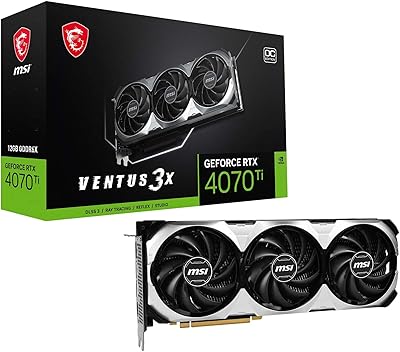
MSI RTX 4070 Ti VENTUS 3X GPU
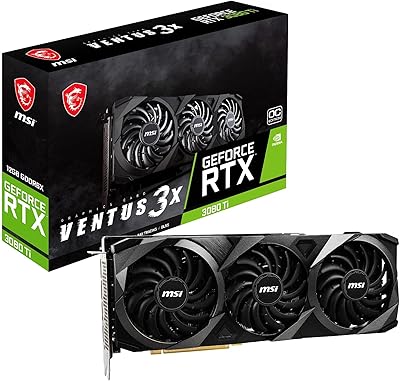
MSI RTX 3080 Ti Ventus 3X GPU
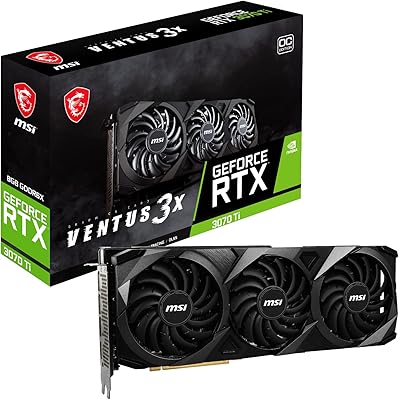
MSI RTX 3070 Ti Ventus 3X GPU
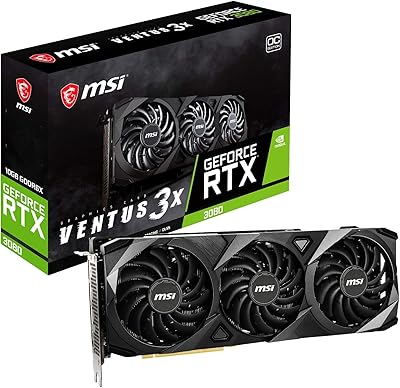
MSI RTX 3080 VENTUS 3X Graphics Card
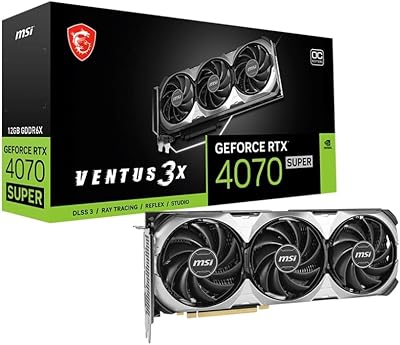
MSI RTX 4070 Super 12GB Graphics Card
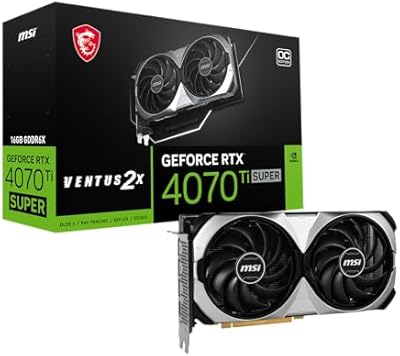
MSI RTX 4070 Ti Super 16G GPU
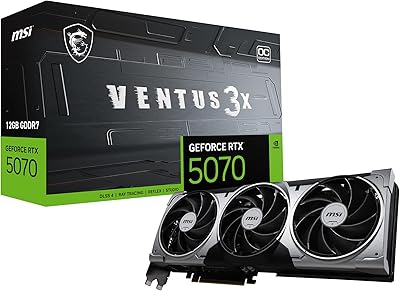
MSI RTX 5070 Ventus 3X OC 12GB
MSI RTX 4060 Ventus 2X Graphics Card
MSI GeForce RTX 4080 SUPER 16GB VENTUS 3X OC Graphics Card