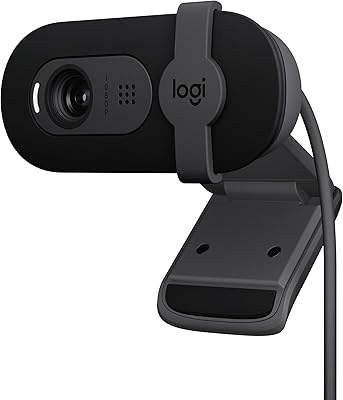
Logitech C920x HD Pro Webcam


Overview
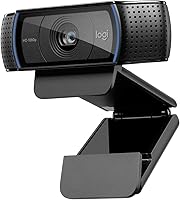
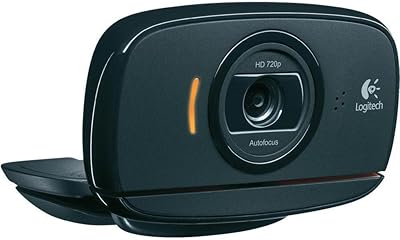
The Logitech C920x HD Pro Webcam arrived at exactly the right moment — late 2020, when millions of people discovered their laptop's built-in lens simply wasn't cutting it for daily calls. This webcam sits squarely in the mid-range tier, built around a five-element glass lens that puts it well ahead of budget plastic alternatives without crossing into professional broadcast territory. The clip-on mount attaches to most monitors and laptops in seconds, and the USB-A plug-and-play connection means it works immediately — no drivers, no setup menus to navigate before your 9am meeting.
Features & Benefits
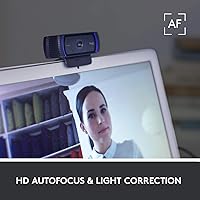
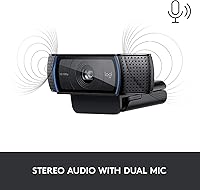
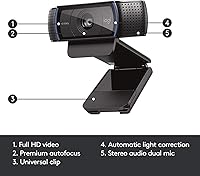
What makes the C920x genuinely useful day-to-day is how well it handles automatic light correction — if your desk faces a bright window or sits in a dim corner, the camera adjusts on its own without you touching a setting. The autofocus is quick and tracks movement without hunting or stuttering, which matters more than you'd expect when you shift position mid-call. Dual built-in microphones handle voice pickup well enough for everyday video calls, and broad platform compatibility means it works straight away with Zoom, Teams, Google Meet, and most streaming tools without extra configuration.
Best For
This webcam makes the most sense for remote workers and video callers who spend significant time on-screen and are tired of the soft, washed-out look from a laptop camera. Students who need reliable audio and video without buying multiple accessories will find it a solid fit. Budget-conscious streamers wanting a real quality step up from entry-level options will appreciate the glass lens and responsive autofocus. Where it performs best is in rooms with inconsistent lighting — near windows or in darker spaces where cheaper cameras struggle. It is not the right pick if ultra-wide framing or broadcast-quality audio is a priority.
User Feedback
Owners of this Logitech camera are largely satisfied, with low-light performance drawing the most consistent praise — buyers coming from laptop cameras frequently describe the difference as immediately noticeable. Autofocus responsiveness is another commonly highlighted benefit. That said, real-world feedback surfaces some clear limitations. The built-in microphones are adequate for casual calls but are not a replacement for a dedicated USB mic if audio quality is important to you. A handful of buyers find the field of view narrow for wider desk setups. One recurring frustration: some listings display 720p, which contradicts the actual 1080p capability and causes confusion before purchase.
Pros
- Automatic exposure compensation handles backlit windows and dim rooms without any manual adjustment.
- The five-element glass lens produces noticeably sharper, more color-accurate images than plastic-lens competitors.
- Plug-and-play USB setup works immediately on both Mac and PC — no driver installation required.
- Autofocus responds quickly when you shift position during a call, keeping you sharp without hunting.
- The clip mount fits most monitors and laptop screens and repositions in seconds without tools.
- Works out of the box with Zoom, Teams, Google Meet, OBS, and most major platforms.
- Compact size keeps the desk footprint minimal without sacrificing performance for everyday video calls.
- Logitech Capture software adds optional manual controls for users who want to fine-tune their image output.
- Strong overall buyer satisfaction rating backed by a broad base of verified real-world reviews.
- Represents a meaningful, immediately noticeable upgrade for anyone replacing a built-in laptop camera.
Cons
- Built-in microphones struggle with background noise and fall short for anyone recording audio seriously.
- No lens cover is included, and the exposed glass attracts dust and smudges quickly.
- Field of view is too narrow for wider setups, whiteboard sharing, or multi-person framing.
- The clip mechanism can lose tension over time, causing the camera to droop on thinner laptop lids.
- Some product listings incorrectly display 720p as the headline resolution, creating confusion before purchase.
- No tripod thread or advanced mounting options included — unconventional setups require a separate accessory.
- Newer webcams at a comparable price have closed the image quality gap noticeably since this model launched.
- In near-dark conditions, image noise becomes visible — adequate ambient light is still necessary for clean output.
- The Logitech Capture software, while optional, receives mixed standalone reviews and can feel unstable for some users.
Ratings
The Logitech C920x HD Pro Webcam scores here reflect an AI-driven analysis of verified global buyer reviews, with spam, bot activity, and incentivized feedback actively filtered out before scoring. The result is an honest breakdown of where this webcam genuinely delivers for remote workers, streamers, and students — and where real users have run into friction. Both standout strengths and consistent complaints are reflected transparently in every category below.
Video Quality
Low-Light Performance
Autofocus Accuracy
Built-in Microphone Quality
Ease of Setup
Build Quality & Durability
Field of View
Compatibility & Platform Support
Value for Money
Mounting & Positioning
Packaging & First Impressions
Spec Listing Accuracy
Software & App Integration
Suitable for:
The Logitech C920x HD Pro Webcam is a strong fit for anyone who spends a meaningful portion of their workday on video calls and is tired of the soft, inconsistent output from a built-in laptop camera. Remote professionals attending back-to-back meetings will appreciate the automatic light compensation, which quietly handles the kind of variable home office lighting — bright windows, dim evenings, mixed overhead fixtures — that makes cheaper cameras look unreliable. Students attending virtual classes benefit from the plug-and-play setup, since there is genuinely nothing to configure before it works. Budget-conscious content creators and part-time streamers who want a clear, color-accurate image without investing in a full broadcast rig will find this webcam hits a practical sweet spot. It also suits anyone who moves between a desktop and a laptop regularly, since the clip-on mount takes seconds to reposition without tools or adapters.
Not suitable for:
The Logitech C920x HD Pro Webcam is not the right choice for buyers who need high-quality audio as part of a single-device solution — the built-in microphones are functional but will disappoint podcasters, online tutors, or anyone recording content where voice clarity matters seriously. Users who need to capture a wide workspace, a whiteboard, or two people side by side will find the field of view too narrow for those scenarios. Professional streamers or video producers who compare output at a technical level will find the image quality does not keep pace with more recent competitors that have entered the market since this camera launched. Anyone expecting a lens cover or meaningful accessories in the box will be disappointed — the exposed glass collects dust and fingerprints, and nothing is included to protect it. If your primary concern is raw image sharpness at 1080p rather than reliable everyday usability, there are newer options worth evaluating before committing here.
Specifications
- Resolution: Records and streams video at up to 1080p Full HD, with 720p available at higher frame rates depending on the platform and settings.
- Sensor Type: Uses a CMOS image sensor to capture light and convert it into digital video with natural color reproduction.
- Lens Construction: Five-element glass lens delivers sharper image clarity and more accurate color rendition compared to standard plastic lens webcams.
- Autofocus: Automatic autofocus with face-tracking adjusts continuously to keep subjects sharp, even when moving or leaning during calls.
- Low-Light Correction: Automatic light correction adjusts exposure in real time to compensate for dim environments or strong backlighting such as window glare.
- Microphones: Dual built-in stereo microphones provide centered voice pickup for everyday calls without requiring a separate external microphone.
- Connectivity: Connects via a standard USB-A cable, which is permanently attached to the camera body with no wireless or Bluetooth option.
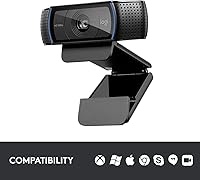
- Compatibility: Works natively with Mac and PC operating systems using plug-and-play recognition, requiring no driver installation on most modern systems.
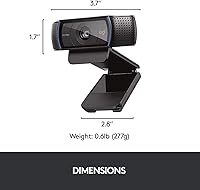
- Dimensions: Measures 2.8 x 3.7 x 1.7 inches, making it compact enough to sit unobtrusively on top of most monitors or laptop screens.
- Weight: Weighs 5.7 ounces including the attached clip mount, keeping the overall setup lightweight and easy to reposition.
- Mounting: Includes a universal clip that adjusts to fit most flat-panel monitors and laptop lids without additional adapters or mounting hardware.
- Video Format: Recorded video is saved in MP4 format when captured locally through Logitech Capture or compatible recording software.
- Audio Format: Audio is recorded in AAC format, providing reasonable voice quality for standard call and recording scenarios.
- Platform Support: Compatible out of the box with major video platforms including Zoom, Microsoft Teams, Google Meet, Webex, and OBS Studio.
- Software: Optionally works with Logitech Capture software, which provides manual controls for white balance, field of view cropping, and HDR settings.
- Color: Available in Black only as a standard consumer configuration, with no official alternative color variants for this model.
- Power Source: Draws power directly from the USB connection with no external power supply, batteries, or charging required during operation.
Related Reviews
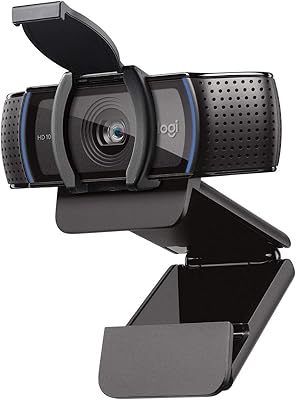
Logitech C920S HD Pro Webcam
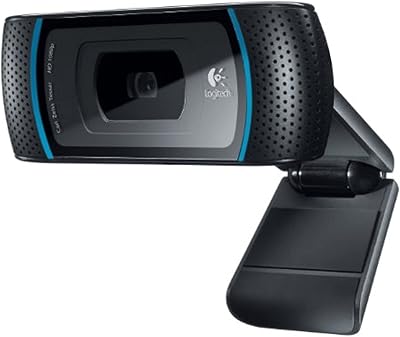
Logitech C910 HD Pro Webcam
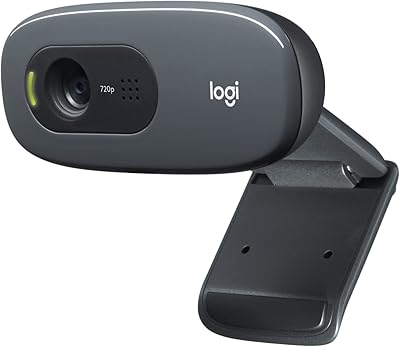
Logitech C270 HD Webcam
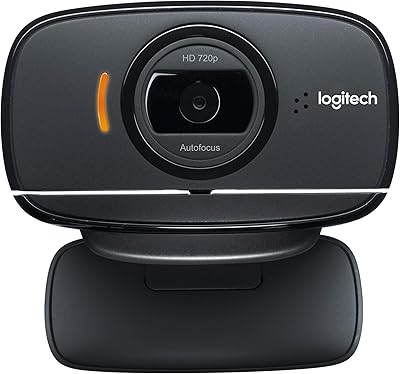
Logitech B525 HD Webcam
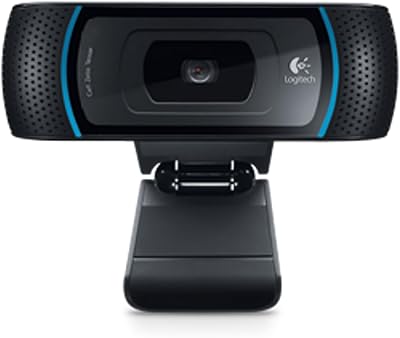
Logitech B910 HD Webcam
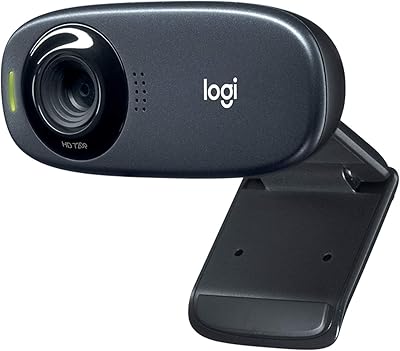
Logitech C310 HD Webcam
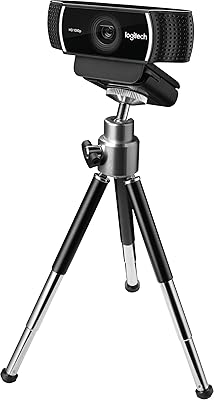
Logitech C922 Pro Stream Webcam
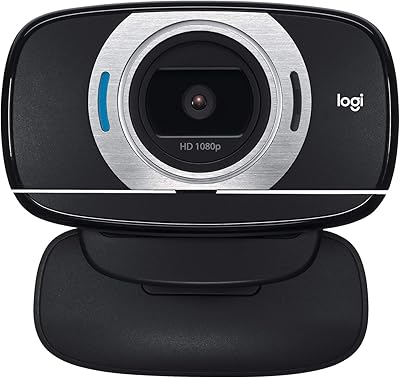
Logitech C615 HD Webcam
Logitech C525 USB HD Webcam