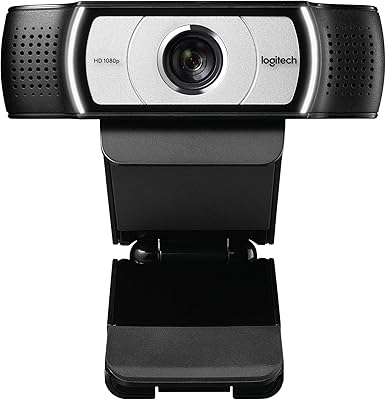
Overview
The Logitech B910 HD Webcam is a business-focused 720p camera that launched back in 2010, when it sat comfortably in the upper tier of consumer webcams. That context matters. Buying this today means considering a device that is well over a decade old, competing in a market where 1080p has become the baseline expectation. What kept the B910 relevant longer than most of its peers was its Carl Zeiss lens — a genuine optical pedigree that most webcams at any price point couldn't match at the time. Setup is straightforward: a universal monitor clip and USB plug-and-play mean you're up and running in minutes, on both Windows and Mac.
Features & Benefits
The standout feature here has always been the Carl Zeiss optics. Compared to the cheap plastic lenses crammed into most webcams of its generation, the B910 produced noticeably sharper, more natural-looking images — the kind of clarity you'd actually notice on the other end of a video call. The built-in microphone with AAC audio support adds another layer of usability; it's not studio-quality, but it handles voice clearly enough for meetings without a headset. At 7 x 5.5 x 3 inches, it doesn't crowd your monitor, and the USB connection works without any driver installation — just plug it in and it's recognized. That kind of simplicity still counts for something.
Best For
This business webcam makes most sense for someone stepping up from an integrated laptop camera — the optical difference is immediately obvious, even at 720p. If you're a remote worker or professional who spends hours in video meetings and wants better image quality without dealing with software installations, the B910 delivers on that front. It's also a solid pick for mixed Mac and PC environments, since cross-platform compatibility is built in with no fuss. That said, buyers who need future-proof specs or expect 1080p quality should look elsewhere. This one rewards people who value lens quality and reliability over raw resolution numbers.
User Feedback
With a 3.5-star average across 118 ratings, the reception for this Logitech webcam is mixed but telling. Buyers who appreciate the optics tend to stick around — image sharpness repeatedly comes up as a genuine positive, especially among users comparing it to their laptop's built-in camera. The criticism, though, is hard to ignore: many reviewers point to the 720p resolution cap as the primary frustration, particularly now that affordable 1080p alternatives are everywhere. A handful also mention driver compatibility issues on newer operating systems — a real concern for a product this old. Satisfied owners tend to have modest, specific needs; disappointed ones expected more for the price.
Pros
- Carl Zeiss optics deliver image sharpness that still outperforms many cheap webcams available today.
- Plug-and-play USB setup works on both Mac and PC with no software installation required.
- The universal monitor clip fits a wide range of monitor sizes and bezel thicknesses without hassle.
- Built-in microphone with AAC audio handles voice clearly enough for everyday video calls.
- Compact physical footprint means it sits on your monitor without blocking your view or cluttering your desk.
- For buyers upgrading from a laptop's built-in camera, the optical quality difference is immediately noticeable.
- The B910 has proven durable for many long-term owners, with units still functioning reliably years after purchase.
- Simple, no-frills design means there is very little to configure, adjust, or troubleshoot on a daily basis.
Cons
- 720p resolution is below the 1080p baseline most buyers and video platforms now expect as standard.
- Driver and compatibility issues have been reported on newer versions of Windows and macOS.
- Low-light performance is limited — calls or recordings in dim environments will look noticeably grainy.
- At its price point, newer webcams offer 1080p and better autofocus for the same or less money.
- With only 118 reviews and a 3.5-star average, the ownership base is too small to paint a fully confident picture.
- No advanced features like background blur, autofocus tracking, or HDR that modern webcams routinely include.
- The product dates from 2010, meaning long-term software support and future compatibility are genuine question marks.
- Buyers needing strong performance in video content creation or streaming will find this camera underpowered for the task.
Ratings
The Logitech B910 HD Webcam scores below reflect AI-driven analysis of verified global buyer reviews, with spam, bot activity, and incentivized feedback actively filtered out to surface what real users actually experienced. The results are honest — where this business webcam genuinely impressed, the scores show it; where it fell short of modern expectations or frustrated buyers, that's reflected too.
Image Sharpness
Video Resolution
Ease of Setup
Microphone Quality
Build Quality
Monitor Clip & Mount
Low-Light Performance
Compatibility
Value for Money
Autofocus Performance
Software & Companion App
Camera Angle & FOV
Suitable for:
The Logitech B910 HD Webcam makes the most sense for a specific type of buyer: someone who needs a dependable, no-fuss video conferencing tool and isn't chasing the latest specs. Remote workers and small business professionals who spend most of their day on calls — not recording high-production video — will find it more than capable for that purpose. It's particularly well-suited to anyone still rocking an older desktop or laptop with a weak built-in camera, where even a 720p Carl Zeiss lens represents a dramatic visible upgrade. Cross-platform households or mixed Mac and PC office environments will appreciate that there's genuinely no setup friction — plug it in and it works. If you're the kind of person who just wants a camera that does its job quietly without driver drama or configuration headaches, this business webcam still delivers on that promise.
Not suitable for:
The Logitech B910 HD Webcam is a poor fit for buyers who expect modern standards, and there's no way around that reality. Anyone shopping for a webcam to use in 2024 and beyond will find that 720p puts them at an immediate disadvantage — most video platforms and colleagues are operating at 1080p or higher, and the gap is visible. Content creators, streamers, or anyone producing video for an audience should look elsewhere entirely; this camera was never built for that use case, and its age shows in low-light performance and feature depth. Buyers on newer operating systems should also proceed with caution, since driver compatibility on recent Windows and Mac versions can be inconsistent for a product this old. If you're comparing options side by side at similar price points, current-generation webcams from Logitech and other brands will outperform the B910 on almost every measurable spec.
Specifications
- Brand: Manufactured by Logitech, a Swiss-American company with a long track record in peripheral devices for business and consumer use.
- Model: The B910 is part of Logitech's business webcam lineup, identified by model number 960-000683.
- Video Resolution: Captures video at 720p HD, which was a competitive standard at launch but sits below the 1080p baseline common in modern webcams.
- Lens: Equipped with a Carl Zeiss lens, which provides above-average optical clarity and sharpness compared to standard plastic webcam lenses.
- Connectivity: Connects via USB and operates as a plug-and-play device, requiring no additional driver installation for basic functionality.
- Audio: Features a built-in microphone that records and outputs audio in AAC format, suitable for clear voice capture in video calls.
- Video Format: Records and outputs video in MP4 format, a widely compatible container supported across most operating systems and platforms.
- Platform Support: Compatible with both Windows and Mac operating systems, making it usable across mixed desktop and laptop environments.
- Dimensions: Measures 7 x 5.5 x 3 inches, giving it a compact physical profile that sits unobtrusively on top of most monitors.
- Weight: Extremely lightweight at approximately 0.01 ounces as listed, making it easy to reposition or transport between workstations.
- Color: Available in black, with a straightforward matte finish designed to blend into typical office or home desk setups.
- Mount Type: Includes a universal monitor clip designed to accommodate a range of monitor thicknesses and bezel widths without additional hardware.
- Max Aperture: Features a maximum aperture of f/1, which influences light intake and contributes to the image quality produced by the Carl Zeiss lens.
- In the Box: Package includes the webcam unit, a universal monitor clip, an installation CD, and standard user documentation.
- Release Date: First made available in August 2010, making this a product now well over a decade old relative to current market offerings.
- User Rating: Holds an aggregate rating of 3.5 out of 5 stars based on 118 customer reviews on Amazon as of the time of writing.
- BSR Ranking: Ranked #1,974 in the Webcams category on Amazon, reflecting modest but ongoing sales activity for an older product.
Related Reviews
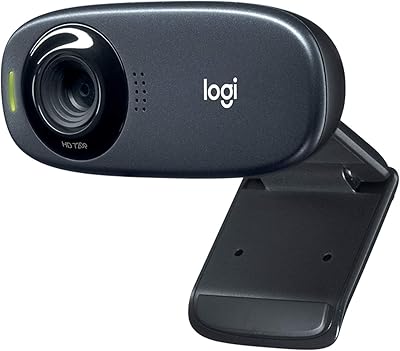
Logitech C310 HD Webcam
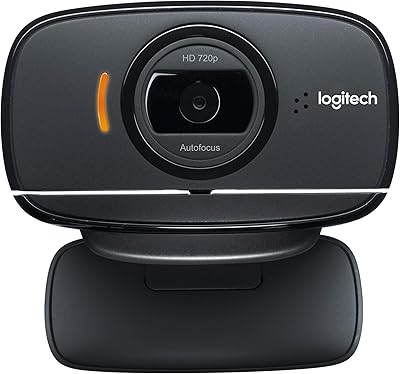
Logitech B525 HD Webcam
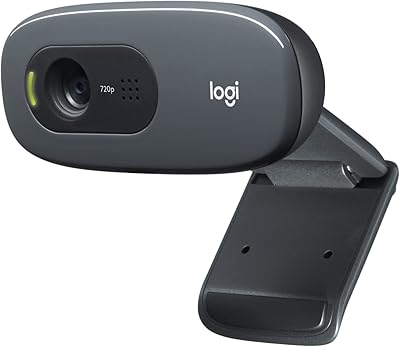
Logitech C270 HD Webcam
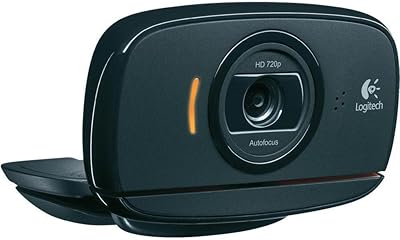
Logitech C525 USB HD Webcam
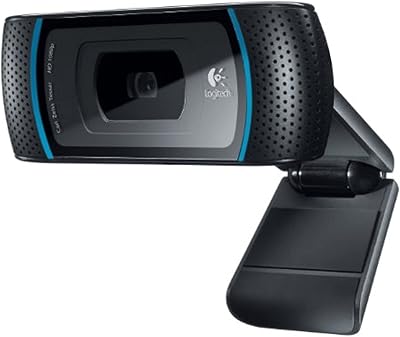
Logitech C910 HD Pro Webcam
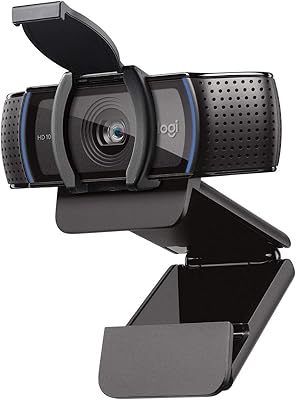
Logitech C920S HD Pro Webcam
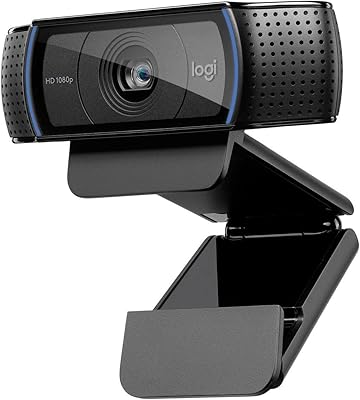
Logitech C920x HD Pro Webcam
Logitech C615 HD Webcam
Logitech Brio 500 Full HD Webcam