




Overview
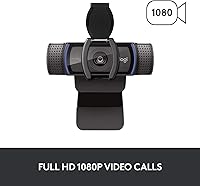
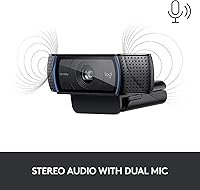
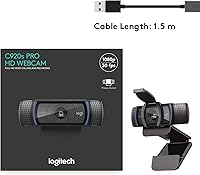
The Logitech C920S HD Pro Webcam is a reliable, full-featured webcam designed to deliver high-quality video and audio for both personal and professional use. This webcam offers Full HD 1080p resolution for sharp, vibrant images, ensuring that your video calls and recordings look crisp and clear. It includes built-in stereo microphones to capture natural sound, along with a privacy shutter for added security when not in use. Setup is simple with the plug-and-play USB connectivity, making it easy to get started right out of the box.
Features & Benefits
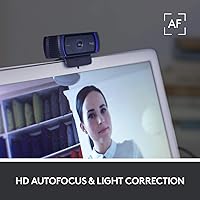
The Logitech C920S provides a host of features that enhance both video quality and user experience. With its Full HD 1080p video quality, you can enjoy sharp and vibrant images during video calls or while recording. The auto-focus and light correction ensure consistent, clear visuals even in challenging lighting. Additionally, the dual stereo microphones capture clear, natural sound for a more professional audio experience. The built-in privacy shutter is a useful addition, offering peace of mind when the webcam is not in use.
Best For
This webcam is perfect for remote workers and professionals who need reliable, high-quality video calls. It's also an excellent choice for content creators and streamers who require a webcam that provides both clear video and audio. Students who attend online classes or participate in video conferencing will benefit from its sharp visuals and ease of use. Additionally, anyone who values privacy will appreciate the simple and secure lens cover that this webcam provides.
User Feedback
Users are generally impressed with the video and audio quality of the Logitech C920S, especially during calls. The autofocus and light correction features are frequently praised for maintaining clarity in various lighting environments. However, some users have noted that the webcam doesn’t support 60fps video, which can be limiting for fast-paced content like gaming or high-motion streaming. On the positive side, the privacy shutter has been highlighted as a much-appreciated feature, offering added security for privacy-conscious users. Overall, feedback consistently highlights its easy setup and broad compatibility with popular software like Zoom and Skype.
Pros
- This webcam delivers crisp 1080p video quality, making it ideal for professional video calls and streaming.
- Built-in stereo microphones capture clear and natural audio, ensuring good sound quality during meetings.
- The privacy shutter adds a layer of security, allowing users to easily block the lens when not in use.
- Setup is quick and straightforward with plug-and-play USB connectivity, requiring no extra drivers or complicated steps.
- Compatible with major video conferencing platforms like Skype, Zoom, and Teams, making it versatile for various uses.
- The autofocus and light correction features provide clear and consistent video even in suboptimal lighting conditions.
Cons
- Some users noted that the webcam lacks 60fps support, which could be a drawback for fast-paced video or gaming streams.
- While the 1080p video quality is good, some users wished for higher frame rates for smoother motion capture.
- The field of view may feel narrow for those who need to capture wider areas during video calls or streaming.
- A few buyers mentioned the build quality feels a bit plasticky, which might not appeal to those expecting a more premium feel.
- The stereo microphones do a decent job, but they might not satisfy users who need higher-end sound recording for professional use.
- It’s not the most portable webcam for users who frequently travel or need something more compact and lightweight.
Ratings
The ratings for the Logitech C920S HD Pro Webcam were generated by analyzing verified user reviews from across multiple platforms and languages. All reviews considered were filtered for authenticity, with spam, bot-generated, and incentivized content removed. The feedback reflects both strengths and areas for improvement, giving potential buyers a balanced and reliable overview of this webcam's performance and user experience.
Video Quality
Audio Quality
Ease of Setup
Privacy Features
Autofocus Performance
Light Correction
Compatibility with Software
Build Quality
Field of View
Value for Money
Support & Warranty
User-Friendliness
Suitable for:
The Logitech C920S HD Pro Webcam is ideal for remote workers, content creators, and students who need reliable video quality for calls and streaming. With its Full HD 1080p resolution, clear stereo audio, and wide compatibility with software like Zoom and Skype, this webcam is an excellent choice for professionals who want high-quality video for meetings or webinars. It is also perfect for streamers or vloggers who are looking for an affordable webcam with good performance for both video and audio. Additionally, its simple plug-and-play setup and privacy shutter make it a convenient and secure option for anyone who values ease of use and security.
Not suitable for:
This webcam may not be the best option for users who require ultra-smooth video at higher frame rates, such as gamers or live streamers who need 60fps for fast-paced motion. While the 1080p resolution is excellent for static or moderate movement, some users have noted limitations in high-speed video recording. Additionally, those looking for a premium build or more advanced features, such as better noise cancellation for the microphones or a wider field of view, might find this device lacking. If you are looking for professional-grade equipment or more versatile features, there may be better options available.
Specifications
- Video Resolution: Captures video in Full HD 1080p for clear and detailed image quality during calls and recordings.
- Microphone Type: Equipped with dual stereo microphones for high-quality, clear audio capture.
- Autofocus: Features autofocus technology that ensures sharp and clear video even when moving or adjusting your position.
- Light Correction: Automatic light correction adjusts brightness for optimal video quality in various lighting conditions.
- Privacy Shutter: Includes an integrated privacy shutter for easy lens cover when not in use, enhancing security.
- Connectivity: Uses USB 2.0 for simple plug-and-play connectivity with no drivers needed.
- Compatibility: Compatible with Windows, macOS, Chrome OS, and works with popular video calling platforms like Zoom and Skype.
- Field of View: Offers a 78-degree field of view for capturing a clear view of your surroundings during video calls.
- Mounting Type: Has a tripod-ready clip, allowing easy attachment to most monitors, laptops, or tripods.
- Weight: Weighs 5.8 ounces, making it lightweight and portable for on-the-go use.
- Dimensions: Compact dimensions suitable for both desk setups and portable use in a variety of environments.
- Supported Operating Systems: Supports Windows, macOS, and Chrome OS, ensuring wide compatibility with most modern devices.
- Mounting Flexibility: Features a versatile clip that supports mounting on both thin and thick screens or stands.
- Frame Rate: Supports up to 30fps at 1080p resolution for smooth video performance, but does not support 60fps.
- Audio Performance: Stereo dual microphones provide clear and balanced audio without the need for external microphones.
- Privacy Feature: The privacy shutter offers an added layer of security, ensuring the camera is fully covered when not in use.
Related Reviews
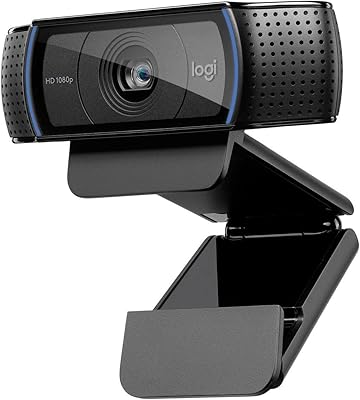
Logitech C920x HD Pro Webcam
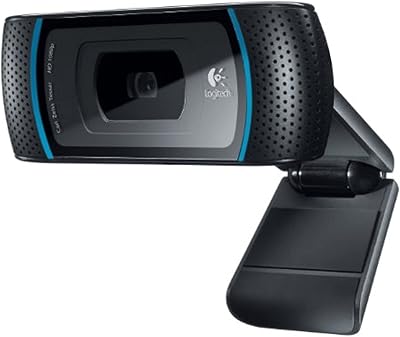
Logitech C910 HD Pro Webcam
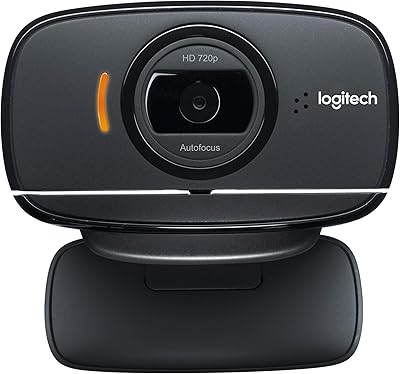
Logitech B525 HD Webcam
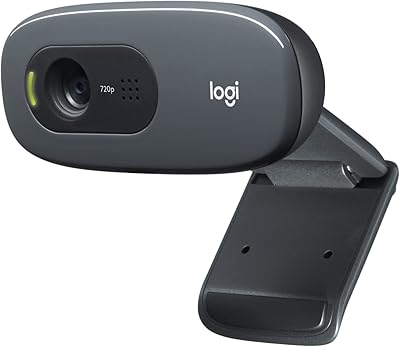
Logitech C270 HD Webcam
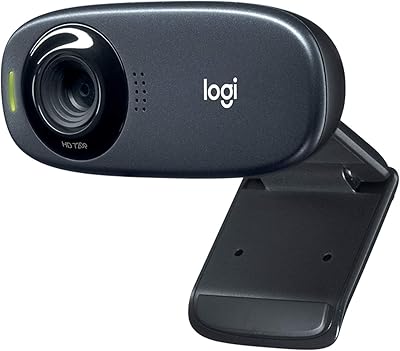
Logitech C310 HD Webcam
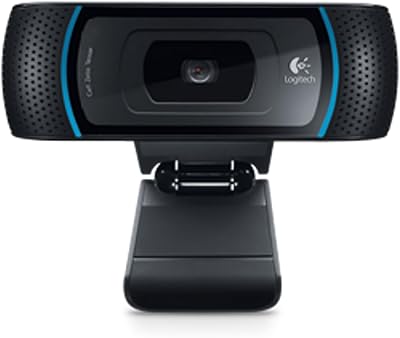
Logitech B910 HD Webcam
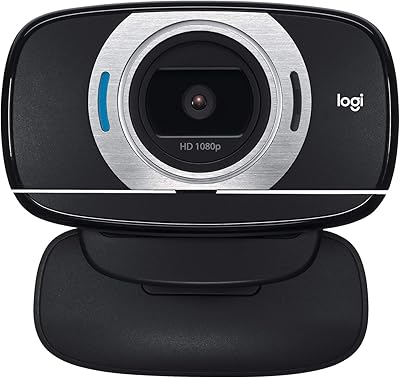
Logitech C615 HD Webcam
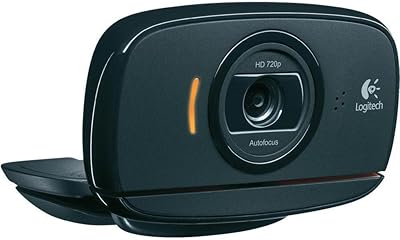
Logitech C525 USB HD Webcam
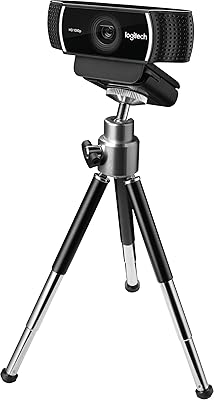
Logitech C922 Pro Stream Webcam