Logitech C615 HD Webcam
Overview
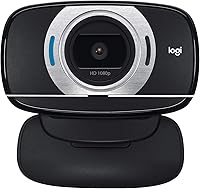
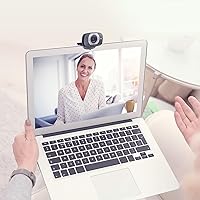
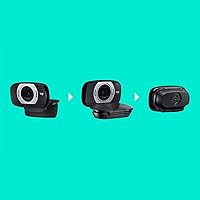
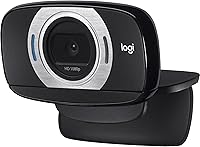
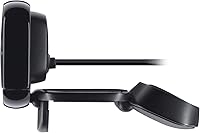
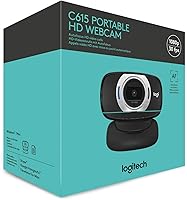
The Logitech C615 HD Webcam has been quietly holding its own in the mid-range webcam market since 2011 — which, in the world of consumer tech, is a genuinely long run. Built for remote workers, students, and casual streamers who want something better than a built-in laptop camera without overspending, it carved out a niche by prioritizing portability. The fold-and-go design lets it collapse flat and slip into a bag, a feature fixed-mount competitors simply don't offer. Plug it into a Windows, Mac, ChromeOS, or Android device and it works immediately — no drivers, no setup friction whatsoever.
Features & Benefits
The C615 records at full 1080p and steps down to smooth 720p for video calls, which is what most people actually need day-to-day. The autofocus system is a genuine standout — it tracks movement and adjusts quickly, so close-ups stay sharp rather than turning into a blurry mess. Low-light situations are handled by built-in automatic light correction, which doesn't perform miracles but makes a real difference in dim rooms or against bright windows. The mic filters out a reasonable amount of background noise for an omni-directional unit. A full 360-degree swivel and tripod-ready base give it versatility well beyond a standard clip-on.
Best For
This portable webcam is a natural fit for anyone who frequently works from different locations — a hotel room, a co-working space, a coffee shop. The fold-flat form factor means it takes up almost no bag space, making it far more practical than bulkier alternatives. Students attending online classes will appreciate the plug-and-play simplicity, especially when switching between devices. Home office users stepping up from a built-in camera will notice an immediate quality jump. It also suits budget-aware buyers who want autofocus — a feature that used to cost significantly more — without committing to a professional-tier device.
User Feedback
Among buyers who have used this Logitech webcam for extended periods, certain themes come up repeatedly. People consistently praise how easy it is to set up — plug in, open your app, done. The autofocus earns real compliments from users frustrated with the fixed-focus cameras built into their laptops. Where opinions split is on the microphone; in quiet rooms it performs adequately, but in open or noisy spaces it struggles to isolate the speaker cleanly. A handful of long-term owners have flagged the hinge durability as something to watch over time. Streamers, specifically, find the video output solid for calls but a step behind newer dedicated options.
Pros
- Folds completely flat and fits into a bag pocket, making it genuinely travel-friendly.
- Plug-and-play setup works instantly across all major operating systems without any software installation.
- Autofocus is a meaningful upgrade over fixed-focus built-in laptop cameras, especially for close-up shots.
- Automatic light correction keeps video usable in dim rooms or against bright windows.
- Full 360-degree swivel makes repositioning quick and tool-free in any desk configuration.
- Tripod-compatible base adds mounting flexibility that most clip-only webcams cannot match.
- Five-foot cable is long enough for most desk setups without needing an extension.
- The C615 delivers a clear and immediate image quality step up for anyone coming from a built-in camera.
- Broad OS compatibility means it works reliably whether you are on Windows, Mac, ChromeOS, or Android.
- Solid autofocus performance at a price point where many competitors still offer fixed-focus only.
Cons
- The built-in microphone struggles noticeably in noisy or open environments, often requiring a separate audio solution.
- The hinge mechanism can loosen over time with frequent daily folding, affecting the camera's ability to hold its angle.
- USB-A only connector requires an adapter on modern laptops that have moved entirely to USB-C.
- At current pricing, newer competing webcams offer better sensors and wider fields of view for similar money.
- The 78-degree field of view is too narrow for two-person shots or wider streaming compositions.
- Plastic construction scratches easily and does not feel premium relative to what the market now offers at this tier.
- Advanced camera controls like white balance and exposure locking require optional software that some users find cumbersome.
- Low-light correction has a practical ceiling — genuinely dark environments still produce grainy, detail-poor footage.
- Video output is serviceable for calls but shows compression artifacts that complicate any post-production editing.
- Noise cancellation is outpaced by dedicated microphones and even some newer webcam mics at comparable prices.
Ratings
The Logitech C615 HD Webcam has accumulated thousands of verified reviews across global markets, and our AI has analyzed that pool carefully — filtering out incentivized submissions and bot patterns — to produce the scores you see below. What emerges is an honest picture of a webcam that genuinely delivers in several areas while showing its age in others. Both the strengths and the frustrations are reflected here without sugarcoating.
Video Call Quality
Autofocus Performance
Portability & Design
Microphone Quality
Low-Light Performance
Setup & Compatibility
1080p Recording Quality
Build Quality & Durability
Value for Money
Field of View
Cable Length & Connectivity
Swivel & Mounting Flexibility
Software & Driver Experience
Noise Cancellation Effectiveness
Suitable for:
The Logitech C615 HD Webcam is a practical choice for anyone whose work or study life involves moving between locations regularly. Remote professionals who split their week between a home office, client sites, or co-working spaces will appreciate that this portable webcam folds flat, travels without fuss, and is ready to use the moment it is plugged in — no installation ritual required. Students attending online lectures from dorms, libraries, or shared apartments will find it a substantial upgrade over whatever camera is built into their laptop, without needing to spend a significant amount. Home office workers who want autofocus on a budget will get genuine value here, especially if their calls are conducted in relatively controlled environments. It also suits anyone juggling multiple operating systems, since the C615 works across Windows, Mac, ChromeOS, and Android without compatibility headaches.
Not suitable for:
Buyers who have more demanding expectations will likely find the Logitech C615 HD Webcam showing its age in key areas. Content creators, streamers, or anyone producing video intended for public consumption will notice that the image quality, while adequate for calls, does not hold up against newer dedicated webcams in the same price range. People who frequently work in noisy environments — open offices, cafes, shared households — should know upfront that the built-in microphone struggles to isolate a voice cleanly in those conditions, and a separate mic would almost certainly be necessary. Users who have already transitioned to USB-C-only laptops will need an adapter, which adds inconvenience. And anyone who demands a wide field of view for multi-person shots or a more cinematic streaming frame will find the viewing angle too narrow for those use cases.
Specifications
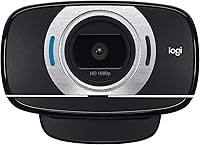
- Video Resolution: Records at full 1080p and steps down to 720p for fluid video calling on platforms like Zoom, Skype, and Google Meet.
- Autofocus: Equipped with premium autofocus that continuously adjusts to keep subjects sharp, including during close-up shots.
- Field of View: Offers a 78-degree diagonal field of view, suitable for single-person framing in standard desk setups.
- Light Correction: Automatic light correction adjusts exposure in real time to compensate for dim rooms or bright backlit environments.
- Microphone: Features one built-in omni-directional microphone with noise-reduction processing to reduce ambient background sound.
- Sensor: Uses a CMOS sensor rated at approximately 6 megapixels for still image capture.
- Connection: Connects via a standard USB-A plug-and-play interface requiring no driver installation on supported operating systems.
- Cable Length: Comes with a permanently attached cable measuring approximately 5 feet, giving reasonable reach in most desk configurations.
- Swivel Range: The camera head rotates a full 360 degrees, allowing flexible angle adjustment without moving the entire unit.
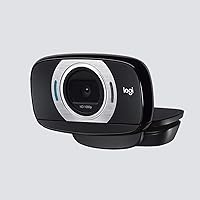
- Fold Design: The hinge folds flat against the body for compact storage and slip-into-a-bag portability between locations.
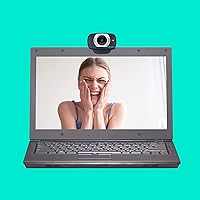
- Mounting: Includes a tripod-ready base in addition to a standard monitor or laptop-screen clip for versatile placement options.
- Dimensions: Measures approximately 8.25″ x 3″ x 6″ when fully open and positioned for use on a monitor.
- Weight: Weighs approximately 6.4 ounces, keeping it light enough to carry daily without adding noticeable bulk to a bag.
- OS Compatibility: Fully compatible with Windows 8 and later, macOS 10.10 and later, ChromeOS, and Android 5.0 or later.
- Color: Available in black with a matte plastic finish across the body and clip assembly.
- Video Format: Records video in MP4 format, which is broadly compatible with standard editing and sharing platforms.
- Audio Format: Supports AAC and MP3 audio formats for recorded video files.
- Platform Support: Works natively with major video calling services including Zoom, Skype, Google Meet, and FaceTime for Mac.
- Model Number: Manufactured by Logitech under model number 960-000733, with ASIN B004YW7WCY on Amazon.
- Launch Date: First made available in May 2011 and has remained in continuous production without manufacturer discontinuation.
Related Reviews
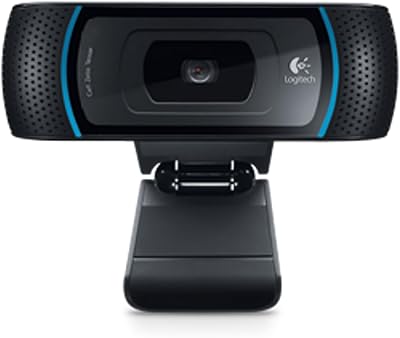
Logitech B910 HD Webcam
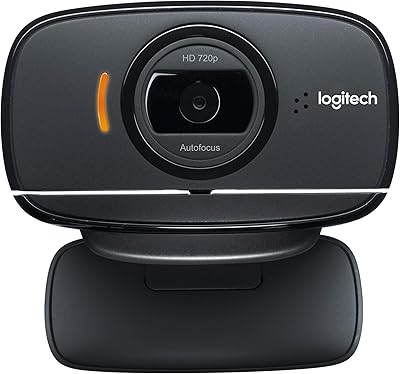
Logitech B525 HD Webcam
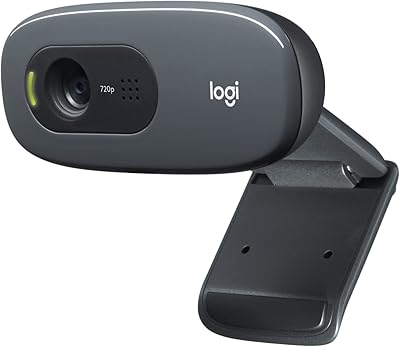
Logitech C270 HD Webcam
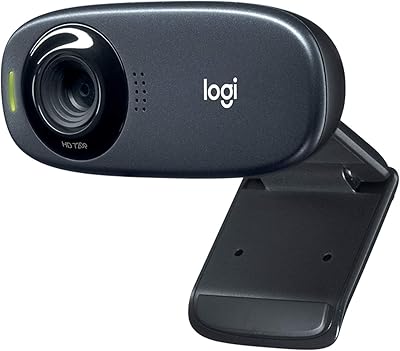
Logitech C310 HD Webcam
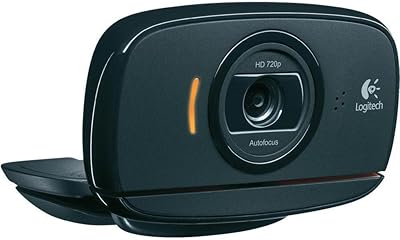
Logitech C525 USB HD Webcam
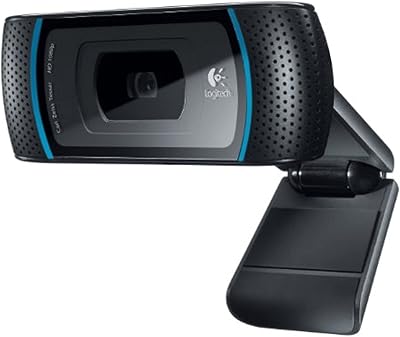
Logitech C910 HD Pro Webcam
Logitech C920S HD Pro Webcam
Logitech C920x HD Pro Webcam
Logitech Brio 500 Full HD Webcam