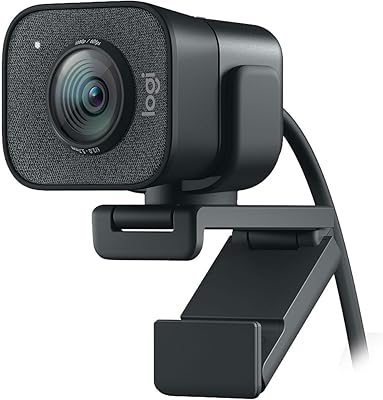
Logitech C922 Pro Stream Webcam




Overview
The Logitech C922 Pro Stream Webcam has been a fixture in the streaming world since 2016, and it still holds up as one of the more dependable mid-range options for content creators and remote workers alike. Plug it into a USB port and it works — no driver hunting, no configuration headaches. It plays nicely with Windows, macOS, and even Xbox, which gives it a broad appeal beyond just PC streamers. For anyone still relying on a built-in laptop camera, the jump in clarity and color accuracy alone makes this Logitech webcam worth a serious look.
Features & Benefits
The C922 shoots at 1080p and 30fps for standard streaming, or drops to 720p if you want smoother 60fps motion — useful for fast-paced game content where fluid movement matters more than raw resolution. The f/2.8 lens is genuinely one of the stronger low-light performers in its class, pulling in enough light to keep your face visible without blinding ring lights. The dual built-in microphones are serviceable for casual use, and the automatic exposure correction means the image adapts when you shift in your chair or the sunlight changes behind you. Background removal through Logitech Capture adds a practical layer for streamers who want a cleaner presentation.
Best For
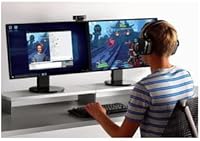
This streaming cam is a natural fit for Twitch and YouTube creators who want a reliable 1080p image without committing to a full camera-and-capture-card setup. Remote professionals who spend hours on Zoom or Teams calls will notice a real difference compared to a laptop's built-in optic. It also integrates cleanly with OBS and XSplit, which matters to anyone running a more involved broadcast setup. That said, if you need 1080p at 60fps, this is not the right choice — that combination is not supported, and it catches some buyers off guard. Worth knowing before you buy.
User Feedback
Owners are largely happy with image sharpness and color reproduction when the lighting is decent — that part of the reputation is well earned. Low-light results are more mixed; better than most webcams, but still noticeably softer when the room is dim. The autofocus occasionally hunts if the background behind you is busy, which can be distracting mid-stream. The included tripod adapter is a small but appreciated touch, though the monitor clip feels a little flimsy for the price. Buyers who have owned this Logitech webcam for two or three years generally report it holding up without issue, which says something about long-term build quality.
Pros
- Plug-and-play USB setup works immediately on Windows, macOS, and Xbox with zero driver hassle.
- Sharpness and color accuracy in well-lit environments are consistently praised by everyday users.
- The f/2.8 aperture gives the C922 a genuine low-light edge over most webcams at this price.
- Automatic exposure correction handles shifting light conditions without any manual intervention.
- Native OBS and XSplit compatibility makes this a practical choice for streamers with existing broadcast setups.
- The 78-degree field of view frames a single speaker naturally without distortion.
- Logitech has maintained driver and firmware support across multiple OS generations, adding long-term reliability.
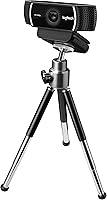
- The included tripod adapter adds meaningful mounting flexibility beyond the standard monitor clip.
- Long-term owners regularly report the hardware holding up reliably after years of daily use.
- Dual built-in mics handle casual calls and backup audio without needing an immediate separate purchase.
Cons
- 1080p at 60fps is not supported — a significant limitation that surprises many buyers post-purchase.
- The monitor clip feels noticeably cheap relative to the camera body and struggles with thinner bezels.
- Autofocus can visibly hunt in cluttered or busy backgrounds, which is distracting on a live stream.
- Software-based background removal produces choppy edge detection that looks unpolished in practice.
- The USB cable is fixed and non-detachable, so cable damage means replacing the entire unit.
- Built-in microphones pick up keyboard noise and ambient room sounds more than most users expect.
- Newer competitors now offer better sensors and higher frame rates at similar or lower price points.
- Logitech Capture has reported stability issues on certain Windows builds and runs heavier than expected.
- Edge softness and compression artifacts appear when there is significant background movement in frame.
Ratings
The Logitech C922 Pro Stream Webcam earns its reputation as a dependable mid-range streaming camera, and our AI-generated scores reflect that reality — built by analyzing thousands of verified global purchases while actively filtering out incentivized, bot, and spam reviews. The ratings below capture both what this webcam genuinely does well and where it falls short, so you get an honest picture before spending your money.
Image Quality in Good Lighting
Low-Light Performance
Autofocus Reliability
Microphone Quality
Frame Rate & Streaming Performance
Software & Compatibility
Build Quality & Materials
Setup & Ease of Use
Value for Money
Field of View & Framing
Background Removal
Mounting & Portability
Durability Over Time
Suitable for:
The Logitech C922 Pro Stream Webcam is a strong match for anyone stepping up from a built-in laptop camera for the first time — whether that means starting a Twitch channel, hosting regular Zoom meetings, or recording YouTube content from a home desk setup. Remote professionals who spend several hours a day on video calls will immediately appreciate the improved color accuracy and sharpness compared to what a laptop webcam typically offers. Streamers who want a reliable 1080p image without the complexity or cost of a full mirrorless camera and capture card setup will find this cam hits a practical sweet spot. It also suits creators already using OBS or XSplit, since the software integration is clean and requires very little configuration to get a broadcast-ready image. If your recording environment has decent ambient or desk lighting, this Logitech webcam will consistently deliver results that look polished and professional without a lot of fuss.
Not suitable for:
The Logitech C922 Pro Stream Webcam is not the right choice for buyers who specifically need 1080p footage at 60 frames per second — that combination is simply not supported, and it catches a meaningful number of buyers off guard. If you are streaming fast-moving games where both resolution and frame rate matter simultaneously, you will hit that ceiling quickly. Serious content creators who have already invested in lighting rigs and audio gear will likely find the sensor underwhelming compared to newer webcam models that have entered the market at comparable prices since 2020. Users who stream or record in genuinely dark rooms should also temper expectations — the f/2.8 lens helps, but it does not fully compensate for poor lighting conditions the way a larger camera sensor would. Anyone expecting studio-quality background removal without a physical green screen will also be disappointed by the software-based solution, which struggles with fine edge detection around hair and clothing.
Specifications
- Video Resolution: Captures full HD video at 1080p and 30fps for standard streaming and recording use.
- High Frame Mode: Supports 720p at 60fps for smoother motion output during fast-paced live content.
- Aperture: The lens has a maximum aperture of f/2.8, improving light intake in dimmer environments.
- Field of View: A 78-degree diagonal field of view frames a single subject naturally without visible barrel distortion.
- Autofocus: Automatic autofocus adjusts continuously to keep the subject sharp during movement.
- Sensor Type: Uses a CMOS image sensor optimized for the balance of color accuracy and low-light sensitivity expected at this price tier.
- Microphones: Dual built-in omnidirectional microphones capture audio from multiple directions without requiring an external mic for basic use.
- Connectivity: Connects via a fixed USB-A cable, compatible with standard USB 2.0 and 3.0 ports.
- Dimensions: The camera body measures 2.8 x 3.74 x 1.73 inches, making it compact enough for most monitor tops and small desks.
- Weight: Weighs 8.8 ounces including the mount, keeping it light enough to avoid tipping thinner monitors.
- Mount Type: Ships with a universal monitor clip and a standard tripod adapter thread for flexible positioning.
- Background Removal: Software-based background replacement is available through Logitech Capture without requiring a physical green screen.
- Software: Fully compatible with Logitech Capture, which provides scene control, exposure adjustment, and background replacement tools.
- Platform Support: Works natively on Windows 8.1 and later, macOS 10.10 and later, and Xbox One without additional drivers.
- Third-Party Apps: Recognized out of the box by OBS, XSplit, Zoom, Microsoft Teams, and most major streaming and conferencing platforms.
- Light Correction: Automatic light correction adjusts exposure in real time to compensate for changing ambient lighting conditions.
- Cable Type: The USB cable is permanently attached to the camera body and is not removable or replaceable independently.
- Warranty: Logitech provides a two-year limited hardware warranty covering manufacturing defects under standard use conditions.
Related Reviews
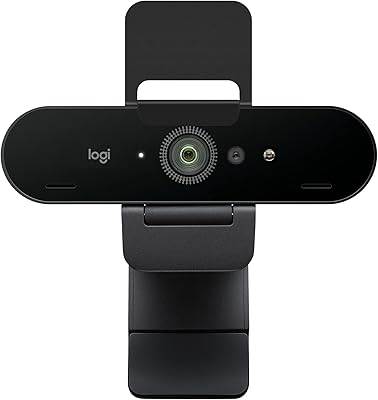
Logitech BRIO Stream Webcam
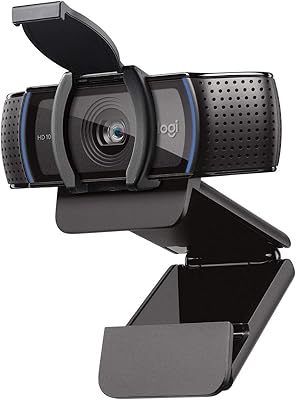
Logitech C920S HD Pro Webcam
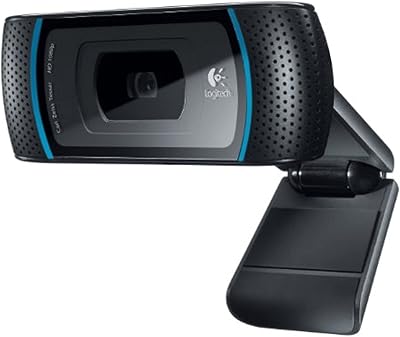
Logitech C910 HD Pro Webcam
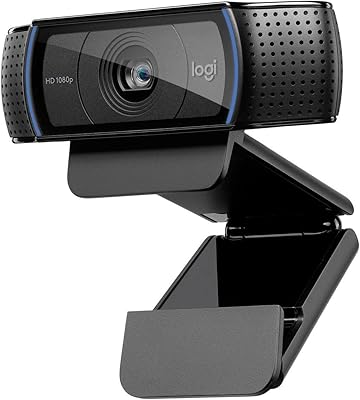
Logitech C920x HD Pro Webcam
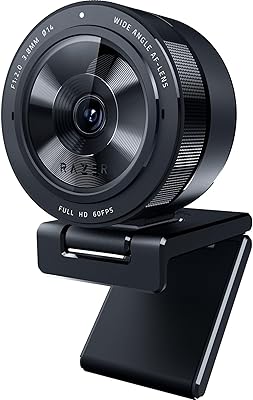
Razer Kiyo Pro Webcam
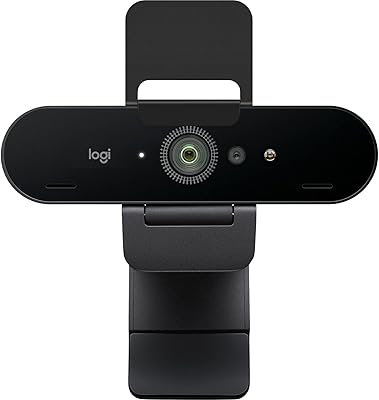
Logitech Brio 4K Pro Webcam
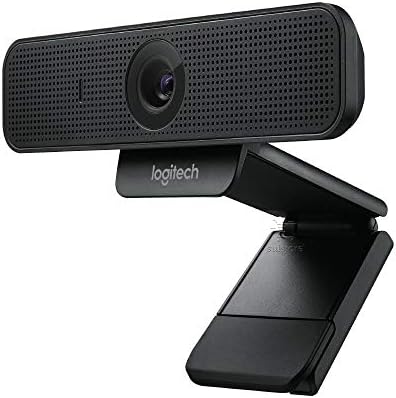
Logitech C925e
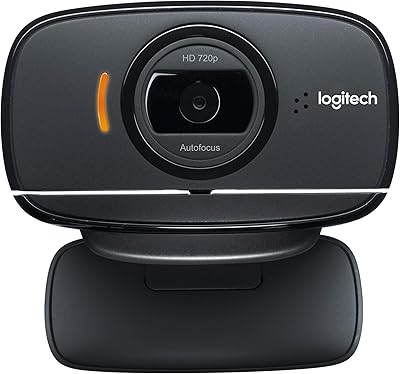
Logitech B525 HD Webcam
Logitech C270 HD Webcam