
Overview
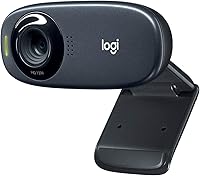
The Logitech C310 HD Webcam has been around since 2010, which tells you something useful: it's old enough to have a real track record, and Logitech still sells it. This is a no-frills webcam built for people who want reliable video calls without overthinking the purchase. It clips onto a monitor or laptop screen, plugs in via USB, and works — on Windows, on Mac, without drivers to hunt down or software to configure. For what it is, the C310 delivers a genuinely dependable experience that most built-in laptop cameras simply can't match.
Features & Benefits
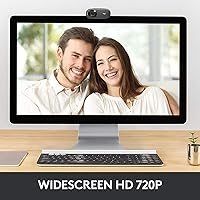
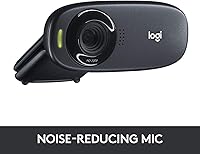
At its core, this webcam offers 720p video at 30fps — not cutting-edge, but more than adequate for Zoom, Google Meet, or Skype calls where you just need to show up clearly. The fixed focus lens is actually a practical choice; there is no autofocus hunting or sudden blurring mid-call. Automatic light correction takes a reasonable shot at compensating for dim rooms or backlit windows, though it won't work miracles. The built-in microphone handles casual conversation well enough, reducing background noise to an acceptable level. Rounding things out, the C310 also captures 5-megapixel still images, a useful bonus for occasional snapshots without reaching for your phone.
Best For
This Logitech camera makes the most sense for people who need a working webcam without making it a big decision. Remote workers and students doing daily calls are the obvious audience — something reliable that just works every morning. Desktop PC users with no built-in camera will find it an easy, affordable fix. It also suits households where multiple shared computers need a secondary camera on the cheap. That said, if you are streaming, creating video content, or spending long hours on camera professionally, this webcam is not your tool. Those users will quickly feel the limits of 720p fixed-focus video and want something with more control and clarity.
User Feedback
Buyers who pick up the C310 tend to come away satisfied — especially those who went in with realistic expectations. Easy setup is the most consistent praise: plug it in and it works, across platforms, without fuss. Longevity also comes up often, with plenty of reviewers noting they've used the same unit for years without issues. On the other side, the microphone draws mixed responses — fine for a quick call, but not something you'd rely on in a noisy room or a professional meeting. Low-light performance is another soft spot; the auto-correction helps, but only so much. The clip mount occasionally gets flagged as feeling loose on thinner monitor bezels, which is worth knowing before you buy.
Pros
- Plug-and-play USB setup works instantly on both Windows and macOS with zero driver headaches.
- 720p video is a meaningful, visible upgrade over weak or failing built-in laptop cameras.
- Fixed focus means no mid-call blurring or refocusing — what you see is what you get, consistently.
- Automatic light correction provides a genuine helping hand in moderately dim rooms.
- The Logitech C310 HD Webcam has a strong track record for lasting several years of regular use.
- Lightweight and compact enough to toss in a bag and use across multiple locations.
- Compatible with all major video calling platforms including Zoom, Skype, Teams, and Google Meet.
- Built-in noise-reducing mic handles quiet and moderate environments without needing a separate microphone.
- Comes backed by a two-year limited hardware warranty, which is reassuring at this price tier.
- Widescreen framing looks natural on modern displays without awkward cropping or aspect ratio issues.
Cons
- Low-light performance can disappoint — the auto-correction helps but won't rescue a poorly lit room.
- The built-in microphone struggles noticeably in noisy environments or professional meeting contexts.
- Fixed focus cannot adapt if you sit unusually close or far from the camera.
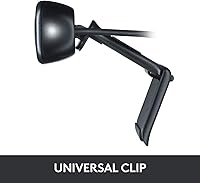
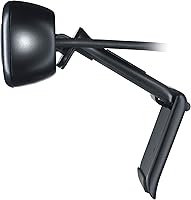
- The clip mount can feel insecure or wobbly on thinner modern laptop bezels.
- No official Logitech software means zero ability to manually adjust exposure, color, or white balance.
- Image detail looks noticeably soft compared to 1080p webcams available at slightly higher prices.
- Still photo output is underwhelming and unlikely to replace even a basic smartphone camera.
- No tripod thread or adjustable stand included, limiting flexible positioning for laptop users.
- Buyers expecting streaming-grade or professional video quality will find the ceiling here frustratingly low.
- As an older product, long-term OS update compatibility may occasionally require troubleshooting.
Ratings
Our AI rating system analyzed thousands of verified global buyer reviews for the Logitech C310 HD Webcam, actively filtering out incentivized, duplicate, and bot-generated submissions to surface what real everyday users actually experience. The scores below reflect both the genuine strengths that keep this webcam relevant over a decade after launch and the honest limitations that matter depending on how you plan to use it. Nothing is glossed over — the highs and the frustrations are both represented here.
Ease of Setup
Video Call Quality
Low-Light Performance
Built-in Microphone
Build Quality & Durability
Mount & Stability
Image Sharpness & Detail
Compatibility & Platform Support
Value for Money
Still Photo Capture
Size & Portability
Longevity & Reliability
Suitable for:
The Logitech C310 HD Webcam is a practical, no-nonsense choice for anyone whose primary need is reliable video calling without the complexity or cost of a more advanced camera. Remote workers who spend their days on Zoom or Google Meet but don't need broadcast-quality video will find it more than adequate for looking presentable on a call. Students attending virtual classes or tutoring sessions benefit from the plug-and-play simplicity — there's nothing to configure, no software to install, and no learning curve. Desktop PC users who have no built-in camera at all get an immediate, affordable fix that will serve them for years. Households that need a secondary camera for a shared family computer, a guest room setup, or a child's learning station will appreciate how little thought it requires once it's clipped on and plugged in. If your benchmark is your laptop's built-in camera and you simply want something noticeably better without spending much, this Logitech camera consistently delivers on that specific promise.
Not suitable for:
The Logitech C310 HD Webcam has clear limits, and being honest about them saves buyers from a frustrating return. Content creators, streamers, or anyone building a YouTube or Twitch presence will quickly outgrow 720p fixed-focus video — the image simply lacks the sharpness and depth that modern audiences expect from online content. Professionals who appear on camera frequently in client-facing meetings or recorded presentations will notice that the fixed focus and modest low-light handling make them look less polished than they'd like, especially compared to colleagues using 1080p or higher-resolution alternatives. Anyone working in a dimly lit room should know upfront that the automatic light correction has real limits — it helps, but it won't save a poorly lit environment the way a dedicated lens with a wider aperture might. Users who need precise control over image settings like exposure, white balance, or frame rate will find no official software support to work with. And if you're on a very thin ultrabook, the clip mount may not grip securely enough for a stable, worry-free setup.
Specifications
- Video Resolution: Records and streams video at 720p HD (1280×720) at up to 30 frames per second.
- Still Image: Captures still photos at up to 5 megapixels using software enhancement.
- Sensor Type: Uses a CMOS image sensor optimized for video calling in everyday lighting conditions.
- Focus System: Fixed focus lens requires no adjustment and eliminates autofocus hunting during calls.
- Light Correction: Automatic light correction is applied in real time to compensate for uneven or dim ambient lighting.
- Microphone: Single built-in microphone with noise reduction to reduce background ambient sounds during calls.
- Connectivity: Connects via USB-A and operates as a plug-and-play device requiring no additional drivers.
- Compatibility: Supports Windows 7 and all later Windows versions, as well as macOS, across multiple video calling platforms.
- Video Format: Captures and outputs video in ASF format; also supports ASF-based audio formats including WMA and MP3.
- Aperture: Maximum aperture of f/1.8 allows reasonable light intake for the fixed-focus lens under standard conditions.
- Focal Length: Maximum focal length of 12 millimeters, suited for close-range desktop video calling at typical monitor distances.
- Dimensions: Measures 1.02 × 1.23 × 2.8 inches, making it compact enough to sit unobtrusively on any monitor.
- Weight: Weighs 2.51 ounces, light enough to carry in a laptop bag without adding meaningful bulk.
- Mount Type: Universal monitor clip allows attachment to standard desktop monitors, laptop screens, and flat-panel displays.
- Color: Available in Black as the standard finish across all current retail units.
- Warranty: Covered by a two-year limited hardware warranty provided directly by Logitech.
- Power Source: Draws power entirely through the USB connection; no external power adapter or batteries are required.
- Platform Support: Compatible with Skype, Zoom, Google Meet, Microsoft Teams, FaceTime, and other major video calling applications.
Related Reviews
Logitech B525 HD Webcam
Logitech C270 HD Webcam
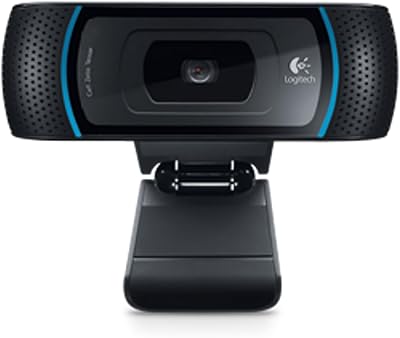
Logitech B910 HD Webcam
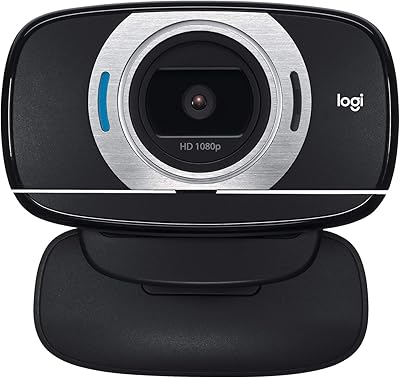
Logitech C615 HD Webcam
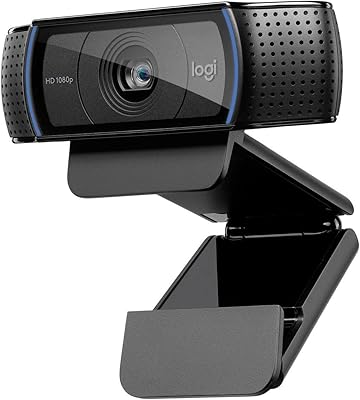
Logitech C920x HD Pro Webcam
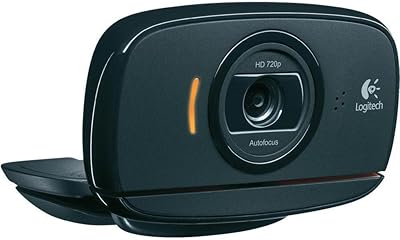
Logitech C525 USB HD Webcam
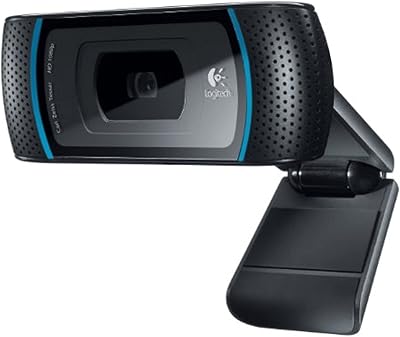
Logitech C910 HD Pro Webcam
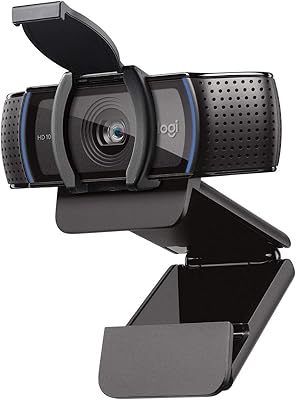
Logitech C920S HD Pro Webcam
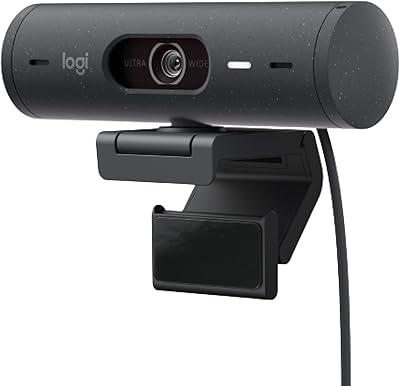
Logitech Brio 500 Full HD Webcam