Logitech B525 HD Webcam



Overview
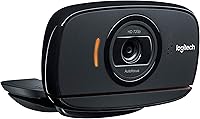
The Logitech B525 HD Webcam has been quietly holding its ground in the mid-range business webcam market since 2011 — and that staying power says something. This isn't a camera built for streamers or content creators; it's designed for professionals who need reliable call performance without fuss. The fold-and-go design is genuinely practical — fold it flat, slip it in a bag, and it's ready for the next meeting room or hotel desk. In a crowded segment where build quality and software compatibility can make or break the experience, this Logitech webcam competes on consistency and ease rather than spec-sheet glamour.
Features & Benefits
The B525 shoots at 720p — up to 30 frames per second — which is honest, workable HD for video calls, though it's worth noting that 1080p has become the market standard at this price tier. Autofocus handles itself quietly in the background, which matters more than people realize mid-meeting. The built-in stereo microphone covers basic audio needs in a quiet room, reducing desk clutter for most users. A 360-degree swivel gives you real physical control over framing, and the camera can be rotated away entirely when privacy matters. Low-light correction works automatically — reviewers generally find it softens harsh shadows reasonably well, though it won't rescue a very dark room. USB plug-and-play means no driver headaches.
Best For
This business-focused camera makes the most sense for a few specific types of buyers. If you're a remote or hybrid worker who spends most of the day on video calls and just needs things to work, the B525 delivers that without drama. Frequent travelers will appreciate the fold-flat body — it genuinely survives being tossed in a bag. Small teams standardized on Skype or Microsoft-based platforms will find the optimized compatibility a real advantage. It's also a meaningful step up for anyone still relying on a built-in laptop camera. It's less compelling for anyone who needs sharp video for recording or streaming.
User Feedback
Across 484 ratings, this Logitech webcam holds a 4.4-out-of-5 average — solid, though not the kind of score that signals a runaway category leader. Users consistently praise ease of setup and how reliably it holds up across years of daily use; several reviewers specifically mention multi-year durability. The most common criticism is the resolution ceiling — at a time when competing cameras at similar prices offer 1080p, 720p can feel like a concession. Microphone quality earns mixed marks: perfectly adequate in quiet rooms, but noticeably limited in noisier spaces. Overall, the feedback describes a dependable workhorse that earns trust through consistency.
Pros
- Plug-and-play setup works immediately on both Windows and macOS — no drivers, no configuration headaches.
- The fold-and-go design is genuinely travel-friendly and holds up well to repeated packing and unpacking.
- Autofocus operates quietly in the background, keeping your face sharp without any manual intervention during calls.
- Built-in stereo microphone reduces desk clutter and handles quiet office environments competently.
- The 360-degree swivel offers real flexibility in framing and doubles as a quick privacy solution.
- Automatic low-light correction softens harsh shadows and keeps your image reasonably consistent across lighting conditions.
- Optimized compatibility with Microsoft Lync and Skype makes it a reliable drop-in for business-focused workflows.
- A 4.4-star average across hundreds of ratings reflects a product that consistently meets buyer expectations.
- Multiple reviewers report years of reliable daily use, suggesting strong long-term build quality for the price.
- A meaningful and immediately noticeable upgrade over any standard built-in laptop camera.
Cons
- 720p resolution is below the 1080p standard now common among competing webcams at a similar price point.
- The built-in microphone struggles noticeably in louder or open-plan office environments.
- No software features like background blur, AI framing, or facial tracking are available.
- For a camera launched in 2011, the feature set has not kept pace with what newer rivals now offer at this tier.
- Video output can look soft or overly smoothed in brighter lighting conditions, according to some users.
- The stereo microphone, while adequate, won't satisfy buyers who care about audio quality on calls.
- No 1080p or higher resolution option exists within this model line — there is no upgraded variant to step up to.
- Larger physical footprint than some newer compact webcam alternatives on the market.
Ratings
The scores below reflect our AI-powered analysis of verified global buyer reviews for the Logitech B525 HD Webcam, with spam, bot-generated, and incentivized submissions actively filtered out before any scoring was applied. The result is an honest, data-driven picture of where this business-focused camera genuinely excels and where real users have run into limitations. Both the praise and the frustrations are represented transparently across every category.
Video Call Quality
Resolution & Sharpness
Ease of Setup
Build Quality & Durability
Portability & Design
Low-Light Performance
Microphone Quality
Software Compatibility
Value for Money
Privacy Controls
Mounting Stability
Latency & Stream Stability
OS & Platform Flexibility
Suitable for:
The Logitech B525 HD Webcam is a practical pick for anyone whose primary need is dependable video calling rather than high-end video production. Remote workers and hybrid professionals who spend their days on Microsoft Teams, Skype, or similar platforms will find it does exactly what it promises without requiring any setup fuss. Frequent travelers benefit noticeably from the fold-flat, compact body — it fits in a laptop bag without complaint and holds up to daily handling. If your current camera is a built-in laptop webcam, the B525 represents a genuine and immediately noticeable upgrade in both image clarity and audio. Small business teams that want a standardized, low-maintenance webcam solution across multiple desks will appreciate the plug-and-play simplicity and broad OS compatibility. For offices with variable lighting conditions, the automatic low-light adjustment reduces the need to fiddle with settings before every call.
Not suitable for:
Buyers who prioritize image sharpness and resolution will likely find the Logitech B525 HD Webcam underwhelming by today's standards. At 720p, this business-focused camera sits below the 1080p baseline that most competing webcams now offer at a comparable price, which is a real trade-off worth acknowledging. Content creators, YouTubers, streamers, or anyone recording video for an audience will want to look elsewhere — the resolution and feature set simply aren't built for that use case. Users in loud or open-plan offices should also temper expectations around the built-in stereo microphone; it handles quiet rooms well enough, but background noise becomes a noticeable problem. Anyone expecting software features like background blur, facial tracking, or AI-assisted framing won't find them here — this camera is deliberately straightforward. If a sharp, modern image is non-negotiable for your work, newer competitors at this price tier are worth a closer look.
Specifications
- Resolution: Captures video at 720p HD (1280x720 pixels), which is suitable for standard business video calls.
- Frame Rate: Records and streams at up to 30 frames per second for smooth, natural-looking motion during calls.
- Autofocus: Features built-in autofocus that continuously adjusts to keep the subject sharp without any manual input.
- Microphone: Includes a built-in stereo microphone designed to capture voice clearly in quiet to moderately quiet environments.
- Connectivity: Connects via USB 2.0 and is fully plug-and-play, requiring no driver installation on supported operating systems.
- OS Compatibility: Compatible with Windows and macOS, and is optimized specifically for Microsoft Lync and certified for Skype.
- Low-Light Mode: Automatically adjusts image exposure and brightness to compensate for dim or backlit environments.
- Design: Features a fold-and-go form factor with a 360-degree swivel mount that clips onto monitors or sits on a desk.
- Video Format: Encodes video using H.264 or MPEG-4 Part 2 compression for efficient streaming and recording.
- Dimensions: Measures 7 x 5.5 x 3.5 inches when unfolded, making it compact enough for travel and shared workspaces.
- Weight: Weighs 3.04 ounces, keeping it light enough to carry daily without adding meaningful bulk to a laptop bag.
- Color: Available in black with a clean, understated finish suited to professional office environments.
- Privacy Control: The 360-degree swivel allows the lens to be physically rotated away from the user as a manual privacy measure.
- Platform Ranking: Holds a Best Sellers Rank of #864 in the Webcams category, reflecting steady and sustained market demand.
- User Rating: Carries an average rating of 4.4 out of 5 stars based on 484 customer ratings on Amazon.
- Release Date: First made available in August 2011, with continuous availability indicating a stable and proven product line.
- Model Number: The official Logitech model number is 960-000841, useful for verifying authenticity or sourcing replacement parts.
- Hardware Platform: Designed for use with PC hardware running Windows or macOS operating systems.
Related Reviews
Logitech C270 HD Webcam
Logitech C310 HD Webcam
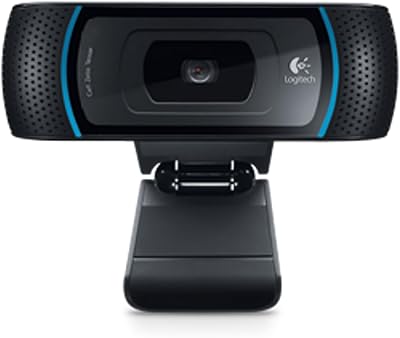
Logitech B910 HD Webcam
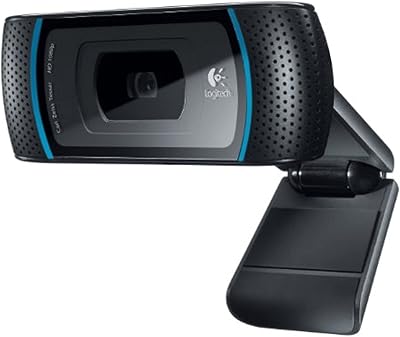
Logitech C910 HD Pro Webcam
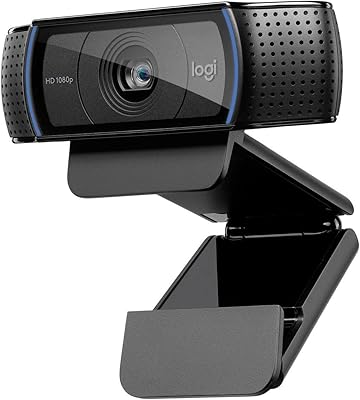
Logitech C920x HD Pro Webcam
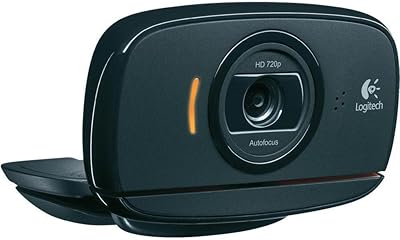
Logitech C525 USB HD Webcam
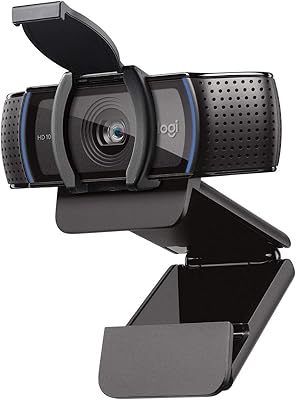
Logitech C920S HD Pro Webcam
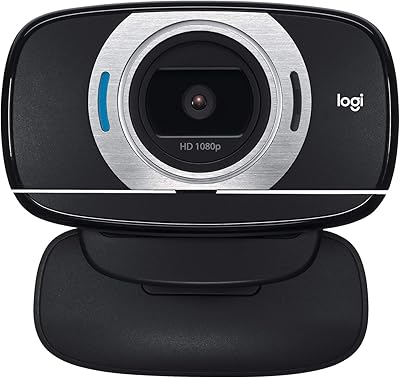
Logitech C615 HD Webcam
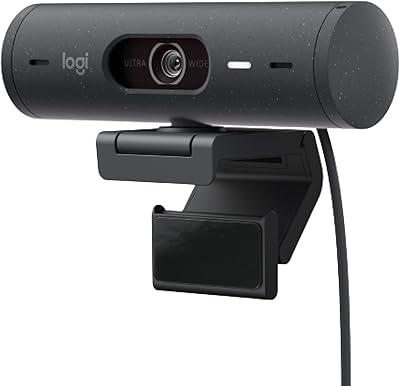
Logitech Brio 500 Full HD Webcam