Overview
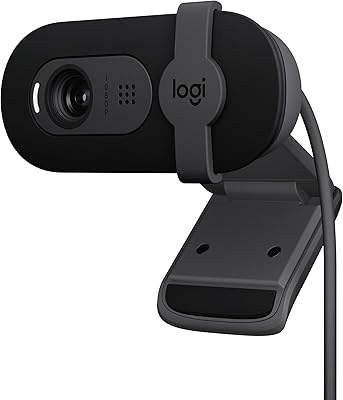
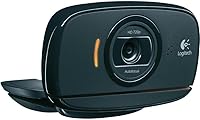
The Logitech C525 USB HD Webcam offers solid video performance with its 720p HD resolution, making it a great choice for video calls and streaming. This compact and foldable webcam is designed for portability, fitting easily into your bag or backpack. Thanks to its USB plug-and-play connectivity, setup is quick and hassle-free, ideal for users who need a simple solution for their video communication needs. Whether you're working from home or just connecting with friends and family, this webcam delivers a reliable, easy-to-use experience.
Features & Benefits
The Logitech C525 webcam comes equipped with a low-light correction feature that ensures your video quality remains sharp even in less-than-ideal lighting conditions. It also boasts a built-in noise-reducing microphone for clearer audio during video calls and meetings. Compatible with all major video platforms, including Skype, Zoom, and FaceTime, it provides seamless connectivity across PC, Mac, and laptop devices. The camera’s simple design and easy setup make it a versatile option for anyone looking for reliable video quality at an affordable price.
Best For
This Logitech webcam is best suited for casual users who need a budget-friendly option for video calls, whether for work or personal use. It’s a solid choice for remote workers and students, offering reliable performance for conferences and online learning. Additionally, streamers and content creators looking for an affordable webcam without compromising too much on quality will find this model a great fit for entry-level projects. Its compact design and ease of use also make it an ideal option for those who travel frequently.
User Feedback
Many users appreciate the ease of setup and the solid video quality of the Logitech C525 webcam, particularly when used in well-lit environments. The clear audio and overall image clarity in good lighting are often highlighted in positive reviews. However, some users have noted that the webcam's performance in very low light settings could be improved, as it may struggle to maintain clear visuals. Overall, it’s regarded as an excellent choice for everyday use at an affordable price, with some minor drawbacks in low-light scenarios.
Pros
- Easy to set up with USB plug-and-play functionality, making it perfect for beginners.
- Compact and lightweight design, ideal for portable setups or travel.
- 720p HD resolution delivers clear video quality for everyday video calls.
- Built-in noise-reducing microphone provides clear audio even in moderate noise environments.
- Compatible with popular video platforms like Skype, Zoom, and FaceTime.
- Affordable price point makes it a solid option for budget-conscious users.
Cons
- Low-light performance is subpar, producing grainy images in poorly lit rooms.
- Build quality feels lightweight, which may not appeal to users seeking durability.
- Limited resolution of 720p might not satisfy content creators or streamers requiring higher quality.
- Struggles to maintain good image quality in complete darkness.
- The microphone may pick up ambient noise in louder environments despite noise reduction.
- Lack of advanced features like autofocus or 1080p resolution makes it less suitable for professional use.
Ratings
After analyzing verified user reviews from multiple platforms and languages, the feedback on the Logitech C525 USB HD Webcam reflects a generally positive experience with some minor drawbacks. The scores account for a diverse range of real user experiences, with spam, bot, and exaggerated reviews filtered out to ensure accurate representation. Both strengths and pain points are considered in the ratings, providing a comprehensive view of this device's performance and value for money.
Video Quality
Ease of Use
Build Quality
Audio Clarity
Low-Light Performance
Portability
Compatibility
Setup and Installation
Value for Money
Size and Weight
Streaming Performance
Customer Support
Suitable for:
The Logitech C525 USB HD Webcam is ideal for casual users who need a budget-friendly, plug-and-play webcam for daily video calls and streaming. It's particularly well-suited for remote workers, students, and professionals who need a portable and easy-to-use device for meetings, conferences, or online classes. Those who prioritize ease of setup and convenience will appreciate its simple USB connectivity and compact, foldable design, making it a great choice for anyone who travels frequently or works from various locations. The decent video quality at 720p and noise-reducing microphone makes it a solid option for anyone in need of reliable, affordable webcam features for everyday use.
Not suitable for:
While the Logitech C525 USB HD Webcam is a great choice for casual users, it may not meet the needs of those seeking high-end performance or professional-grade video and audio quality. The webcam struggles in very low-light settings, producing grainy and less-clear images, making it unsuitable for individuals who work in poorly lit environments or require flawless video quality in every scenario. Streamers or content creators looking for superior visual performance may also be disappointed by its limited resolution and lack of advanced features. Additionally, users who require a sturdier, more durable build for frequent handling may find this webcam’s lightweight design less reliable for long-term use.
Specifications
- Video Resolution: Supports HD 720p video resolution for clear video calls and streaming.
- Microphone: Built-in noise-reducing microphone for clearer audio during calls and recordings.
- Connectivity: USB plug-and-play for easy connection with no additional drivers required.
- Low-Light Correction: Features low-light correction to enhance video quality in dimly lit environments.
- Design: Compact, fold-and-go design for portability, ideal for travel or quick setups.
- Compatibility: Works with most video calling platforms, including Skype, Zoom, FaceTime, and Google Hangouts.
- Platform Support: Compatible with PC, Mac, and laptops, offering versatile use across multiple platforms.
- Dimensions: Measures 5.91 x 3.15 x 8.27 inches, providing a compact form factor.
- Weight: Weighs just 3.17 ounces, making it lightweight and easy to transport.
- Power Supply: Requires one Lithium Ion battery for operation.
- Color: Comes in a sleek black color.
- Field of View: Has a moderate field of view, suitable for one or two people in frame during calls.
- Mounting: Includes a clip for easy mounting on a monitor, laptop, or stand.
- Video Frame Rate: Supports standard frame rates for smooth video calls, generally up to 30 frames per second.
- Operating Temperature: Designed to operate in typical room temperatures, with no extreme heat tolerance.
- Software Support: Compatible with standard video call applications without requiring additional software installations.
- Warranty: Typically comes with a standard manufacturer's warranty, varying by retailer.
Related Reviews
Logitech B910 HD Webcam
Logitech C310 HD Webcam
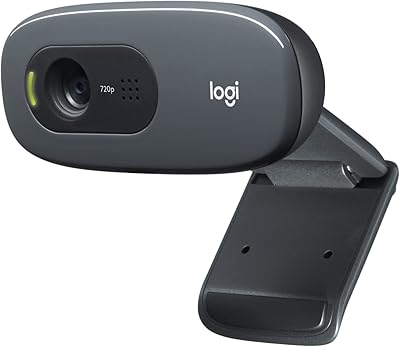
Logitech C270 HD Webcam
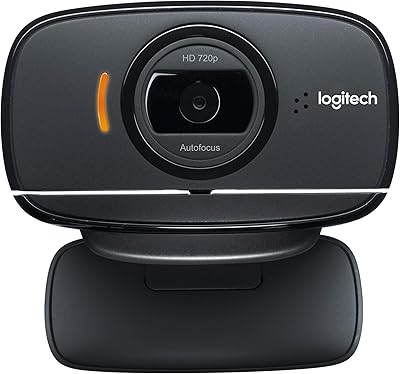
Logitech B525 HD Webcam
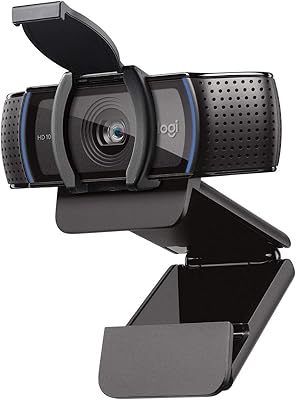
Logitech C920S HD Pro Webcam
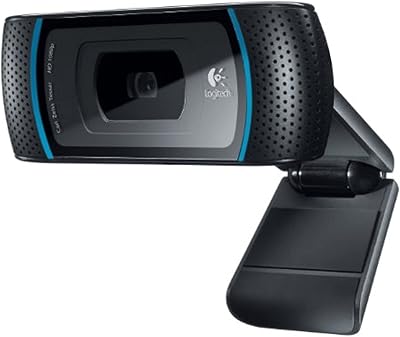
Logitech C910 HD Pro Webcam
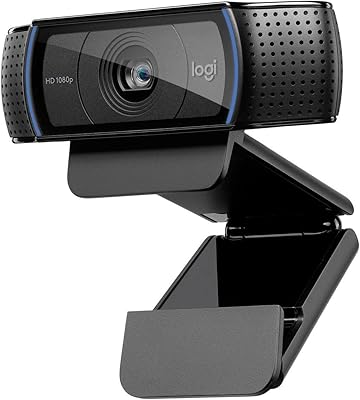
Logitech C920x HD Pro Webcam
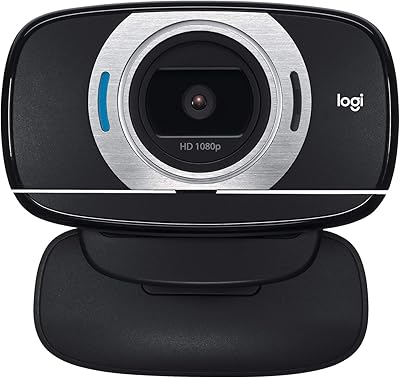
Logitech C615 HD Webcam
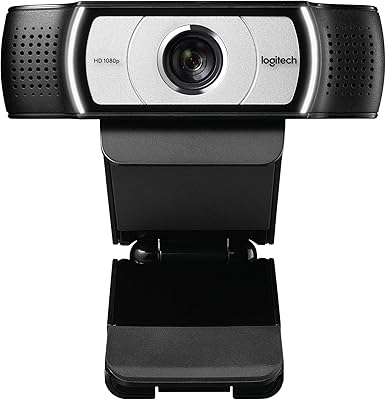
Logitech C930e