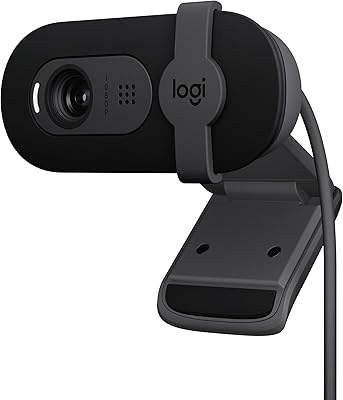
Logitech C270 HD Webcam


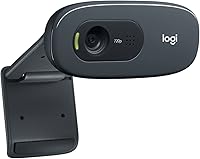


Overview
The Logitech C270 HD Webcam has been a fixture in the budget webcam space for years, and there’s a genuine reason it keeps selling. Logitech’s name carries real weight with peripheral buyers, and this webcam delivers on that reputation in a modest, unpretentious way. It connects via USB and works immediately on Windows, macOS, and ChromeOS — no driver installation, no configuration menus to wade through. The video tops out at 720p resolution, which sets honest expectations right away. If you’re hoping for 1080p clarity, you’ll need to spend more. But for home office calls and remote schooling, this budget webcam holds its own without any drama.
Features & Benefits
At its core, the C270 captures video at 720p and 30fps, which translates to smooth, watchable footage in well-lit conditions. The fixed-focus lens handles automatic light correction reasonably well, keeping your face from washing out under bright window light or going muddy in softer indoor lighting. There’s a built-in mono microphone with noise reduction — it picks up your voice clearly enough for a Zoom call, though don’t expect studio-quality results. The universal clip mount slides onto a laptop lid or sits atop a monitor without any adapters. At under three ounces, this webcam is also light enough to toss in a bag or move between rooms.
Best For
This budget webcam is an easy recommendation for anyone who needs reliable video calling without overthinking the decision. Remote workers joining daily standups, students sitting through online lectures, and parents setting up a camera for their kids’ virtual classes will all find it more than adequate. It’s also a smart pick for anyone still using an older laptop whose built-in camera has degraded to unusable quality. Casual tutors and hobbyist streamers who aren’t obsessing over image fidelity will get by fine with the C270. Just don’t expect it to carry a content creation setup — for that, you’d want something with proper 1080p and a dedicated microphone.
User Feedback
Across a large pool of verified buyers, the setup experience gets consistent praise — people appreciate that it works the moment it’s plugged in, with no software battles. Image quality earns positive marks from folks using it for standard video calls, though those expecting sharper output were occasionally disappointed. Low-light performance is where criticism clusters most visibly; dim rooms expose the lens’s limitations quickly. The microphone is serviceable for calls but clearly not designed for anything more demanding. A handful of buyers noted the clip loosening over extended use. That said, overall satisfaction among everyday users is genuinely strong for a camera at this price point.
Pros
- Plug-and-play setup works immediately on Windows, macOS, and ChromeOS with no drivers needed.
- 720p video at 30fps delivers smooth, watchable footage for daily video calls in good lighting.
- The built-in microphone handles voice pickup well enough for standard conferencing use.
- Automatic light correction adapts reasonably to changing room conditions during calls.
- The universal clip fits securely on most standard monitors and mid-thickness laptop lids.
- At under three ounces, this budget webcam is easy to move between rooms or pack in a bag.
- Broad compatibility with Zoom, Microsoft Teams, Google Meet, and most other platforms is confirmed by many buyers.
- Wired USB connection means no pairing issues, no battery concerns, and stable signal throughout calls.
- For households where multiple people share a single webcam for calls or virtual classes, the value is hard to beat.
Cons
- Low-light performance degrades noticeably in dim rooms, producing grainy and color-inaccurate footage.
- The mono microphone lacks presence and warmth, making it unsuitable for content creation or professional audio.
- Resolution tops out at 720p, which looks visibly soft on larger screens compared to 1080p alternatives.
- The monitor clip has been reported to loosen over time, particularly on thin or lightweight laptop lids.
- No companion software means there is no way to manually adjust exposure, white balance, or zoom.
- Frame rate can drop on older machines under load, affecting call smoothness in legacy PC setups.
- The fixed cable offers no flexibility in cable routing, which can make desk management untidy.
- Automatic exposure correction can overcorrect briefly, causing distracting flashes of washout mid-call.
Ratings
The Logitech C270 HD Webcam scores below are generated by AI after analyzing thousands of verified global buyer reviews, with spam, bot activity, and incentivized feedback actively filtered out. This analysis covers the full spectrum of real-world use cases — from daily remote work calls to student virtual classrooms — and reflects both the strengths and the honest shortcomings that repeat across buyer experiences. Where this budget webcam earns trust, the scores show it; where it falls short, those gaps are reflected just as transparently.
Ease of Setup
Video Quality
Low-Light Performance
Built-in Microphone
Build Quality & Durability
Clip & Mounting Stability
Compatibility
Value for Money
Weight & Portability
Audio-Video Sync
Frame Rate Consistency
Automatic Light Correction
Plug-and-Play Experience
Design & Aesthetics
Suitable for:
The Logitech C270 HD Webcam is a genuinely practical choice for anyone who needs a reliable, no-fuss camera for everyday video conferencing without overcomplicating the purchase. Remote workers who spend their days on Zoom or Teams calls, students attending virtual classes, and parents setting up a dedicated camera for their children’s online schooling will all find it more than capable of handling the job. It’s especially well-suited for first-time webcam buyers who are upgrading from a deteriorating built-in laptop camera and simply need something that works the moment it’s plugged in. Older PC users benefit here too, since the low system demand means it won’t strain aging hardware. Casual tutors or hobbyist streamers who are not prioritizing broadcast-quality visuals will also get respectable results without needing to invest significantly more.
Not suitable for:
The Logitech C270 HD Webcam is not the right tool for anyone whose work or content depends on sharp, detailed video output. Content creators, YouTubers, live streamers, or online educators who want their image to look polished and professional will quickly find 720p limiting, particularly when viewed on larger displays by audiences who expect 1080p as a baseline. If your home office or filming space has inconsistent or low lighting, this webcam will frustrate you — its low-light handling is one of its most consistent weaknesses, and no amount of positioning will fully compensate. The built-in mono microphone is similarly a dealbreaker for podcasters, musicians, or anyone recording audio that needs to sound clear and full. And if you’re particular about desk aesthetics or expect a mount that holds firm on ultra-thin laptop lids for years without loosening, you may find the build leaves you wanting more.
Specifications
- Video Resolution: Captures video at 720p HD (1280×720 pixels) at a consistent 30 frames per second.
- Microphone: Built-in mono microphone with automatic noise reduction to reduce ambient background sound during calls.
- Focus Type: Fixed-focus lens that does not require manual adjustment and maintains a stable focal point at typical desk distances.
- Light Correction: Automatic light correction technology adjusts exposure in real time to compensate for varying ambient lighting conditions.
- Connection: Wired USB 2.0 connection provides stable, driver-free operation with no wireless pairing or charging required.
- Plug-and-Play: No software installation is required; the camera is recognized automatically by compatible operating systems upon connection.
- Compatibility: Fully compatible with Windows 7, 8, 10, and 11, macOS 10.10 and later, and ChromeOS.
- Clip Mount: Universal monitor clip accommodates a range of screen thicknesses and fits securely on both laptop lids and flat-panel monitors.
- Weight: The camera body weighs 2.82 ounces, making it one of the lighter options in the entry-level webcam category.
- Dimensions: Physical dimensions measure 3.15 × 8.35 × 6.14 inches including the mounting clip assembly.
- Video Format: Records and streams video in MP4 format, compatible with all major conferencing and recording applications.
- Audio Format: Captured audio is encoded in AAC format, which is widely supported across video conferencing and recording platforms.
- Manufacturer: Designed and manufactured by Logitech, a Switzerland-based peripheral company with decades of experience in input and video devices.
- Model Number: The official model number is 960-001063, which can be used to verify authenticity and locate manufacturer support resources.
- Cable Type: Features a fixed, non-detachable USB 2.0 cable integrated directly into the camera body for simplified connectivity.
- Field of View: Offers a 60-degree diagonal field of view, which is suited to single-person framing at a standard desk distance.
- Photo Capture: In addition to video streaming, the camera supports still image capture at resolutions up to 3 megapixels via software interpolation.
- Platform Support: Works out of the box with Zoom, Microsoft Teams, Google Meet, Skype, and most other major video conferencing applications.
Related Reviews
Logitech C310 HD Webcam
Logitech B525 HD Webcam
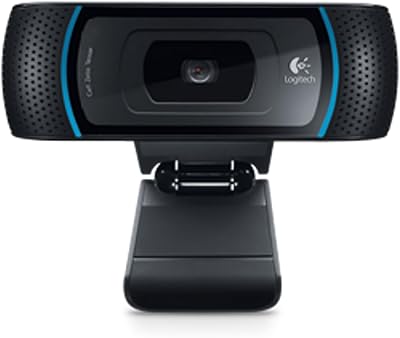
Logitech B910 HD Webcam
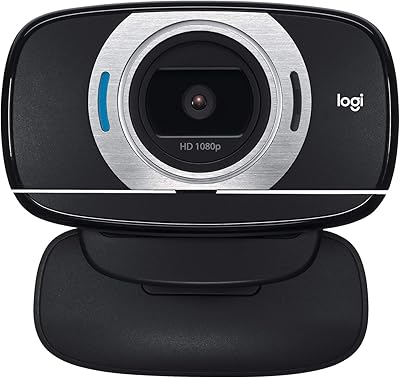
Logitech C615 HD Webcam
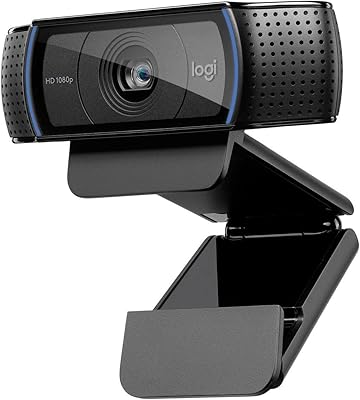
Logitech C920x HD Pro Webcam
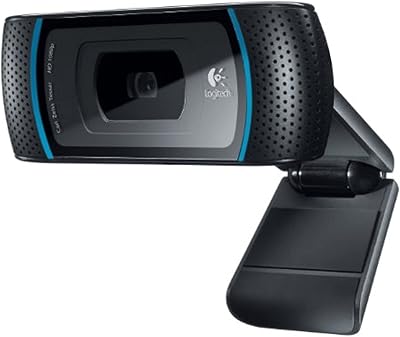
Logitech C910 HD Pro Webcam
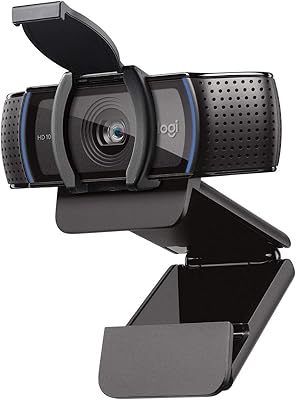
Logitech C920S HD Pro Webcam
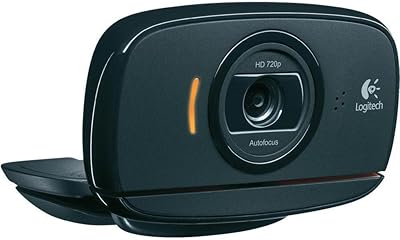
Logitech C525 USB HD Webcam
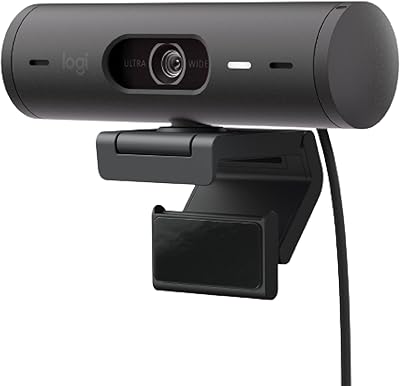
Logitech Brio 501