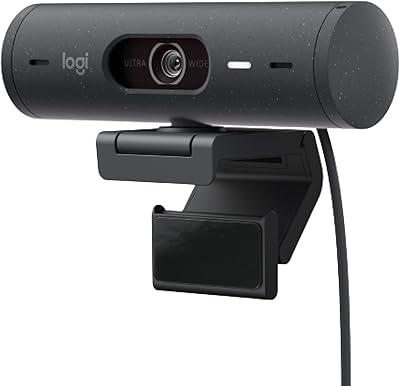
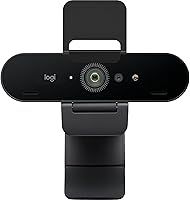
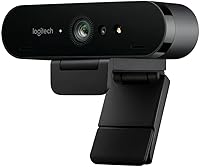
Logitech Brio 4K Pro Webcam




Overview
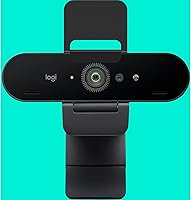
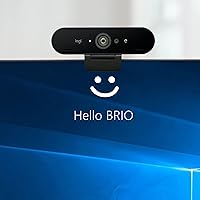
The Logitech Brio 4K Pro Webcam sits firmly at the top of Logitech's webcam lineup, and the gap between it and mid-range options becomes obvious the moment you compare footage side by side. Where a standard 1080p camera delivers acceptable results, this 4K webcam produces noticeably sharper detail — faces look like faces, not soft approximations of them. It is built for people who spend real hours on camera: remote professionals, streamers, and creators who need reliable image quality without managing a full camera rig. The price reflects that positioning, and for anyone whose work depends on how they appear on screen, the investment holds up.
Features & Benefits
Shooting at up to 90 frames per second is where this Logitech camera quietly outpaces most competitors. Standard webcams cap at 30fps, which means any quick movement — gesturing, turning your head, demoing a physical product — can appear choppy. At 90fps, motion stays smooth and natural. The 5x digital zoom paired with continuous autofocus means you can sit further back from your desk or hold up a document without hunting for a manual focus ring. The BSI CMOS sensor and f/2.1 aperture handle reasonably lit rooms well, pulling in enough light to avoid that muddy, grainy look. The built-in microphone is usable for calls, though serious streamers will likely want a dedicated mic alongside it.
Best For
This 4K webcam makes the most sense for remote professionals who appear on video calls daily and want their image to match the quality of their work. It also suits streamers and content creators who want high-frame-rate footage without mounting a mirrorless camera above their monitor. If you are working from a compact home office where space is limited, the Brio clips onto most monitors without fuss and weighs almost nothing. It is also a strong pick for anyone stepping up from a built-in laptop camera for the first time — the difference in sharpness and color accuracy is immediate and hard to go back from.
User Feedback
Across verified buyer reviews, this Logitech camera holds a strong 4.5-star average, with most praise directed at color accuracy and sharpness in well-lit environments. Buyers consistently note that daytime or well-lit room performance is excellent. The criticisms worth paying attention to involve low-light situations, where performance drops more than some users expected at this price tier, and occasional reports of software dependency for unlocking certain settings. A handful of buyers mention driver setup friction on first use. Long-term build quality feedback is generally positive — the hardware feels solid and most owners report it holding up well over extended daily use. Overall, the consensus leans clearly positive for the right use case.
Pros
- Crystal-clear 4K resolution makes a visible difference on professional video calls and recorded content.
- 90fps frame rate keeps motion smooth in a way that standard 30fps webcams simply cannot match.
- Reliable autofocus handles document presentations and position changes without manual adjustment.
- Accurate color reproduction in well-lit environments makes skin tones look natural rather than processed.
- Weighing under an ounce, the Brio clips onto virtually any monitor and travels without adding bulk.
- Plug-and-play USB-A setup means it works immediately across most PCs and laptops without driver headaches.
- 5x digital zoom allows flexible framing without physically repositioning the camera.
- Long-term build quality holds up well, with owners reporting consistent performance after years of daily use.
- Recognized natively by all major video platforms including Zoom, Teams, and Google Meet.
- Continuous autofocus recovers quickly when switching focus between the speaker and a physical object.
Cons
- Low-light performance drops noticeably without a dedicated light source, undermining the premium price point.
- Companion software has a history of bugs and broken features following operating system updates.
- Unlocking the full 90fps output requires manual configuration rather than working correctly out of the box.
- USB-C users need an adapter or hub, which introduces an extra cost and potential connectivity issues.
- Built-in microphone is not sufficient for streaming or content production without a separate audio solution.
- Maximum digital zoom introduces visible softness and artifacting that reduces the camera's core image appeal.
- Advanced settings like color tuning and frame rate control are locked behind software, not accessible natively.
- Cable length is short enough to limit monitor placement options in larger or unconventional desk setups.
- Some users report intermittent disconnection issues when connected through a USB hub rather than directly.
- Buyers without a good lighting setup may never experience the image quality they purchased this camera for.
Ratings
The Logitech Brio 4K Pro Webcam has been rated by our AI system after a thorough analysis of verified global buyer reviews, with spam, bot-generated, and incentivized feedback actively filtered out. Across thousands of real-world experiences — from daily remote work calls to live streaming setups — this 4K webcam consistently draws strong praise alongside a few recurring frustrations. The scores below reflect both where the Brio genuinely excels and where it falls short of expectations for the price.
Video Quality
Frame Rate Performance
Low-Light Performance
Autofocus Reliability
Built-In Microphone
Build Quality & Durability
Ease of Setup
Software Experience
Compatibility
Value for Money
Zoom Functionality
Mounting & Portability
Color Accuracy
Latency & Reliability
Suitable for:
The Logitech Brio 4K Pro Webcam is a natural fit for remote professionals and hybrid workers who spend significant time on video calls and want their on-screen presence to reflect the quality of their work. Consultants, coaches, educators, and executives who are essentially always on camera will notice an immediate and sustained improvement over any mid-range or built-in option. Content creators and streamers who want smooth, high-frame-rate footage without committing to a full mirrorless camera setup will find the 90fps capability particularly valuable for motion-heavy content. It also suits compact home office setups where a lightweight, clip-on solution is preferable to bulky equipment, and anyone who regularly presents documents, products, or slides on camera will appreciate the responsive autofocus and zoom range. If your work or creative output lives on screen, this 4K webcam is built for exactly that context.
Not suitable for:
Buyers who only hop on occasional calls and have no particular need to impress on camera will find it genuinely difficult to justify this price tier when capable 1080p webcams exist at a fraction of the cost. The Logitech Brio 4K Pro Webcam also has real limitations in low-light environments — if your workspace lacks a dedicated lighting setup, you will not extract the image quality you are paying for, and a ring light becomes an additional, unplanned expense. Users who rely heavily on companion software to manage settings may find the experience frustrating given the app's mixed reliability history across OS updates. Those using modern laptops with only USB-C ports will need an adapter or hub, which adds cost and occasional connectivity headaches. And for anyone who expects a built-in microphone to cover their audio needs entirely — whether for streaming or recorded content — this camera will likely leave them wanting more without a separate mic in the mix.
Specifications
- Resolution: Captures video at 4K UHD (3840 x 2160 pixels), delivering sharp, detailed footage suitable for professional video calls and content creation.
- Frame Rate: Supports up to 90 frames per second, with lower frame rate modes also available depending on resolution and software settings.
- Sensor: Uses a BSI CMOS image sensor, which improves light capture efficiency compared to standard CMOS sensors in similar-sized webcams.
- Aperture: Fixed aperture of f/2.1 allows more light into the sensor, providing better exposure in moderately lit environments.
- Digital Zoom: Offers up to 5x digital zoom, allowing flexible framing without physically repositioning the camera or adjusting your desk setup.
- Autofocus: Continuous autofocus system adjusts focus automatically as the subject moves or changes, with no manual focus ring required.
- Microphone: Built-in microphone is included and supports AAC, MP3, and PCM audio formats for basic voice capture during calls.
- Connectivity: Connects via USB-A, providing broad compatibility with desktop PCs and laptops without requiring a hub or adapter on most systems.
- Dimensions: Measures 5.4 x 5 x 3.1 inches, making it compact enough to sit on most monitor tops without obstructing the screen.
- Weight: Weighs 0.95 oz, light enough to travel easily and to mount on thin monitor bezels without causing tilt or instability.
- Video Format: Records and outputs video in MP4 format when used with compatible recording software.
- Audio Formats: Supports AAC, MP3, and PCM audio capture formats through the integrated microphone.
- Still Resolution: Captures still images at up to 8.3 megapixels, suitable for snapshots or profile image capture through companion software.
- Compatibility: Compatible with Windows and macOS-based PCs and laptops; works natively with major platforms including Zoom, Teams, and Google Meet.
- Color: Available in Black, with a matte finish that reduces glare and blends into most monitor and desk setups.
- Model Number: Official model number is 960-001390, part of Logitech's 4K Pro Webcam series released in August 2021.
- Operating System: Runs on proprietary embedded firmware; no complex OS installation is required for basic plug-and-play functionality.
- Max Still Resolution: Produces still images at up to 8.3 MP, which is sufficient for clear profile photos and document snapshots.
Related Reviews
Logitech BRIO Stream Webcam
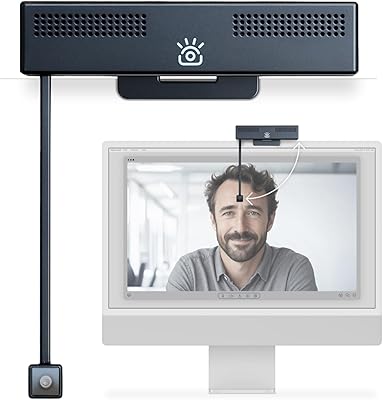
iContact Camera Pro 4K Webcam
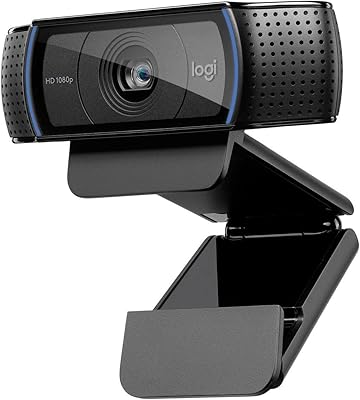
Logitech C920x HD Pro Webcam
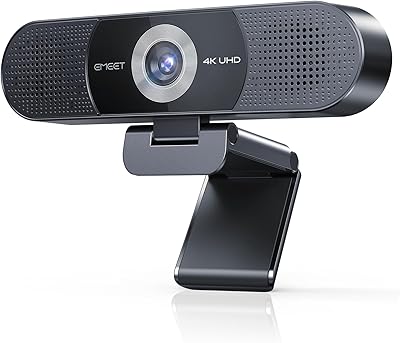
EMEET C980 Pro
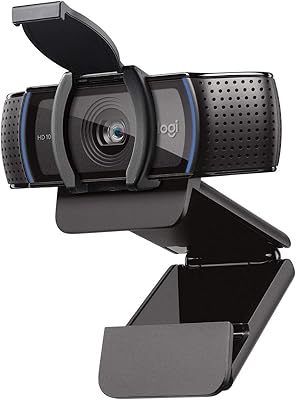
Logitech C920S HD Pro Webcam
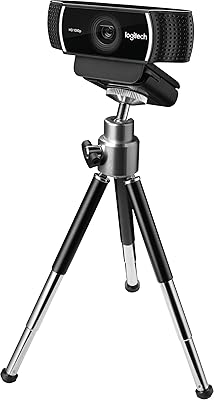
Logitech C922 Pro Stream Webcam
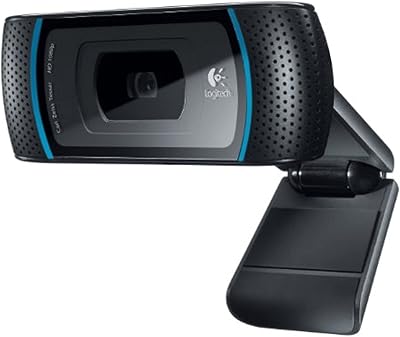
Logitech C910 HD Pro Webcam
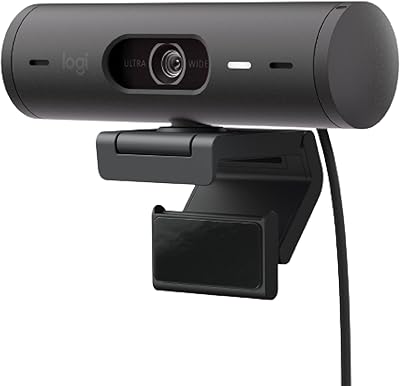
Logitech Brio 501