iContact Camera Pro 4K Webcam


Overview
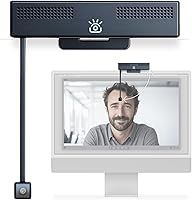
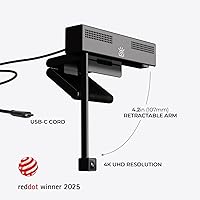
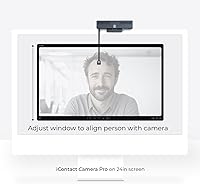
The iContact Camera Pro 4K Webcam takes a genuinely different approach to video calls by solving a problem most people have quietly accepted: the awkward, slightly-downward gaze that comes from a camera mounted at the top of your monitor. A retractable 4-inch arm swings down to bring the lens to true eye level, so whoever you're talking to actually feels like you're looking at them — not at their forehead. This is a premium-priced device aimed squarely at professionals who spend real hours on video calls and feel the difference that natural eye contact makes. Zoom Certified and compatible with Teams, Meet, and most major platforms, this eye-contact webcam is a niche but well-considered solution for people who treat video presence as a professional asset.
Features & Benefits
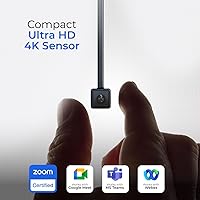
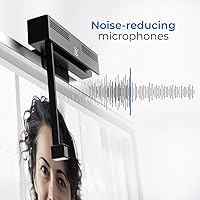
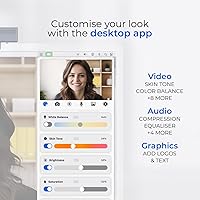
The 12-megapixel sensor captures 4K video at 30 frames per second with a 78° field of view, and the automatic exposure and white balance adjustments hold up well in mixed or tricky lighting — less fiddling than you'd expect. The retractable arm clicks into position with reasonable firmness. Two built-in noise-cancelling microphones handle the typical office environment well enough that you won't feel rushed to grab a separate mic for most calls. Connecting is simply plug-and-play via USB-C — no driver hunting, no restarts. The free companion app adds real flexibility: adjust focus, fine-tune skin tone rendering, tweak brightness, or add on-screen graphics. At roughly 14 ounces, it sits solidly on a monitor without wobbling.
Best For
This retractable-arm camera makes the most sense for remote professionals and executives who are on video calls for hours each day and have started noticing that their camera angle makes them look distracted or disengaged. It's also a smart pick for people working with large external monitors, where a standard top-mounted camera creates that exaggerated chin-up angle. Streamers and content creators who want sharp 4K output without managing a mirrorless camera setup will find it capable. If you're still on a 1080p webcam and feeling the quality gap during client calls, this is a meaningful upgrade — provided you're comfortable with the premium price tag and are primarily working at a fixed desk.
User Feedback
Buyers who've put the iContact Camera Pro to regular use tend to praise image clarity and the immediate impact of eye-level positioning — most report that colleagues notice the difference on calls without being told about the camera change. The setup process draws near-universal approval: truly plug-and-play with no configuration drama. On the critical side, some users flag that the arm feels less rigid than expected over time, and a handful have encountered minor bugs in the companion app on specific macOS versions. A few reviewers note that the built-in microphones, while solid for casual calls, don't quite match a dedicated USB microphone at a similar price point — a fair trade-off worth knowing upfront.
Pros
- The eye-contact effect is real — colleagues notice without being told, especially on large monitor setups.
- True plug-and-play via USB-C means zero driver headaches across Windows and macOS.
- 4K image quality is a noticeable step up from standard 1080p webcams in sharpness and color accuracy.
- Automatic lighting and white balance adjustments handle mixed home-office conditions without manual fiddling.
- The free companion app offers granular controls that most webcam software never bothers to include.
- Built-in noise-cancelling mics are a genuine upgrade over typical laptop audio for day-to-day calls.
- Zoom Certified status makes IT approval in managed corporate environments straightforward.
- Broad platform compatibility covers virtually every major video conferencing and streaming app out of the box.
- The retractable arm flips up cleanly when not in use, keeping your monitor top uncluttered.
Cons
- The arm hinge can loosen with repeated daily use, with some buyers reporting less secure positioning over time.
- Companion app stability has been inconsistent, with crash reports on certain macOS versions still unresolved.
- Locked to 30fps — there is no option to trade resolution for a higher frame rate for streaming purposes.
- Built-in microphones fall short of dedicated USB mics at a comparable price point, which undercuts the all-in-one appeal.
- The companion app requires a manual download from the manufacturer website rather than a standard app store.
- Some Apple Silicon Mac users have reported camera recognition failures following operating system updates.
- Developer update cadence is slow, and known bugs have persisted across multiple app versions.
- The clamp mount feels insecure on thinner ultrabook-style laptop lids, limiting reliability for mobile use.
Ratings
The iContact Camera Pro 4K Webcam earns its scores from AI-driven analysis of verified global buyer reviews, with spam, bot activity, and incentivized feedback actively filtered out before any scoring takes place. Across thousands of real-world responses from remote workers, streamers, and executives alike, this eye-contact webcam shows genuine strengths in video quality and setup simplicity — alongside honest pain points around arm durability and value perception that are fully reflected below.
Eye Contact Effect
Video Quality
Build Quality & Arm Stability
Microphone Quality
Setup & Ease of Use
Companion App Functionality
Compatibility
Value for Money
Mounting Versatility
Lighting Adaptation
Audio Noise Cancellation
Frame Rate & Motion
Software Update Support
Portability & Travel Use
Suitable for:
The iContact Camera Pro 4K Webcam was built for a specific kind of professional, and it shows. If you spend several hours a day on video calls — client pitches, leadership check-ins, remote team meetings — and you've started noticing that a top-mounted camera makes you look distracted or disengaged, this retractable-arm camera directly solves that problem in a way no software filter can. It's especially well-suited to people working at large external monitors, where the typical camera-to-eye distance creates the most pronounced downward gaze. Content creators and streamers who want sharp, color-accurate 4K output without the complexity of a mirrorless camera setup will also find it capable. Mac and Windows power users who want fine-grained control over their image — color temperature, focus, brightness — will appreciate having a companion app that actually delivers those controls. If you work from a fixed desk and treat how you appear on camera as a professional asset worth investing in, this eye-contact webcam makes a compelling case for itself.
Not suitable for:
The iContact Camera Pro 4K Webcam is a harder sell once you move outside that core use case. If you're a laptop user who works from coffee shops, co-working spaces, or a mix of locations, the arm adds bulk and the clamp doesn't always grip thinner lids securely enough for consistent on-the-go use. Buyers who primarily need a great microphone should know upfront that the built-in mics — while decent — won't replace a dedicated USB mic, so if audio quality is your main concern, the value equation shifts. Those hoping to capture 60fps content for streaming or fast-paced tutorial recording will hit a hard ceiling at 30fps with no workaround. Users running the latest Apple Silicon Mac builds should check current compatibility reports before committing, as some have encountered recognition issues after OS updates. And if you're comparing purely on image quality per dollar spent, there are competing 4K webcams at a lower price point that get you most of the picture quality without the arm mechanism — this retractable-arm camera only justifies its premium if the eye-contact positioning genuinely matters to how you work.
Specifications
- Resolution: Captures 4K Ultra HD video at 30 frames per second for sharp, detailed image quality on calls and recordings.
- Sensor: Powered by a 12-megapixel imaging sensor that delivers four times the pixel density of standard 1080p webcams.
- Field of View: Features a 78° field of view, capturing a natural, well-framed shot suitable for single-person desk use.
- Aperture: Fixed aperture of f/3.5 balances depth of field and light intake for consistent exposure in typical office environments.
- Arm Extension: Retractable mounting arm extends approximately 4 inches downward to position the lens at eye level on most monitors.
- Microphones: Dual built-in noise-cancelling microphones reduce ambient background noise for clearer voice capture during calls.
- Connectivity: Connects via USB-C with true plug-and-play functionality — no drivers or software installation required to start using.
- Dimensions: Measures 3.3 x 5.2 x 5.5 inches, making it a moderately compact unit suited to fixed desk configurations.
- Weight: Weighs 13.7 ounces, which provides stable monitor placement without requiring additional adhesive or counterweight.
- Compatibility: Officially supports Windows 7 through 11, macOS 10.7 and higher, Chrome OS, and Linux operating systems.
- Certifications: Zoom Certified and verified compatible with Microsoft Teams, Google Meet, Webex, and most major conferencing platforms.
- Companion App: Free desktop app available for Mac and PC offers manual control over brightness, focus, color temperature, skin tone, and on-screen overlays.
- Video Format: Records and streams in MP4 format, compatible with major editing, streaming, and conferencing software pipelines.
- Audio Format: Supports AAC and MP3 audio formats for recorded output alongside live call audio capture.
- Mount Type: Designed to clip onto monitors, desktop displays, and laptop lids with an adjustable clamp mechanism.
- Color: Available in Black; the housing uses a matte finish that minimizes reflections under direct desk lighting.
- Model Number: Manufactured under model number ICCP01LP by iContact Camera, released in the fourth quarter of 2024.
- Flash Memory: Includes internal flash memory for storing firmware and select app settings directly on the device.
Related Reviews
Hiseeu WK-8HB615-CT 8-Camera 5MP NVR Security System
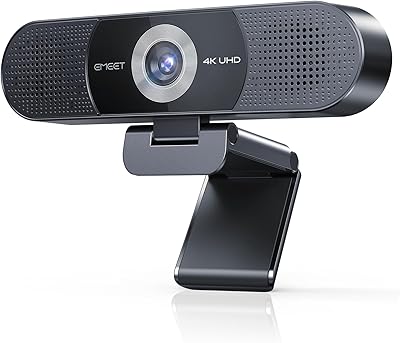
EMEET C980 Pro
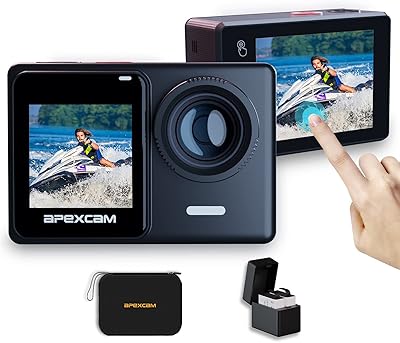
Apexcam X80 Pro 4K Action Camera
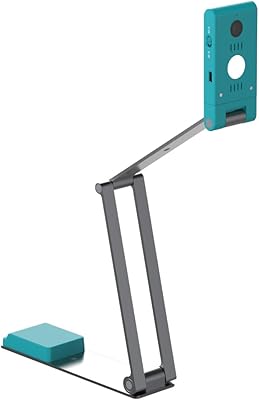
IRIScan Visualizer V7 4K Document Camera
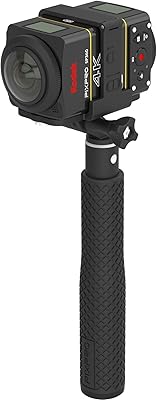
Kodak PIXPRO SP360 4K 360-Degree Action Camera
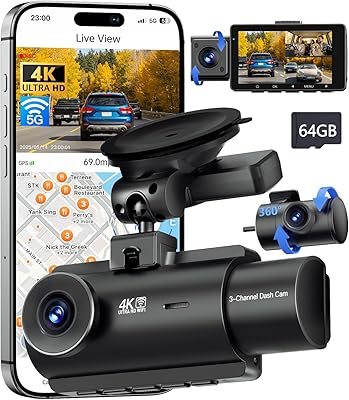
QCONTROL J08 Pro 3-Channel Dash Cam
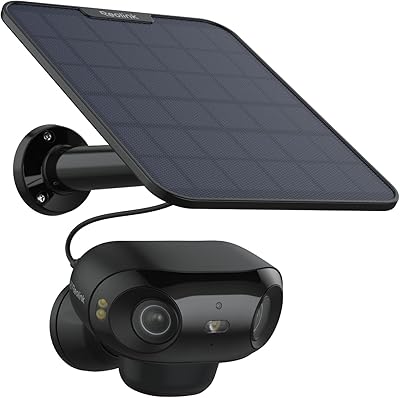
Reolink Argus 4 Pro Solar Security Camera
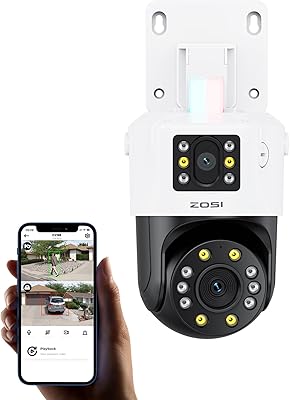
ZOSI C298 Pro Dual-Lens PTZ Security Camera
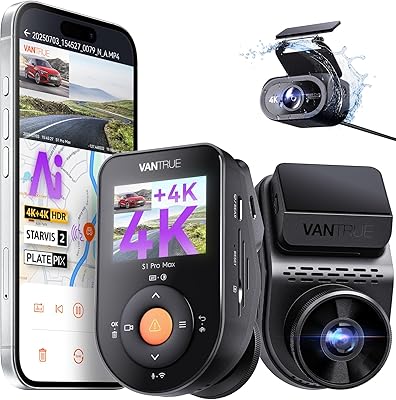
Vantrue S1 Pro Max 4K+4K