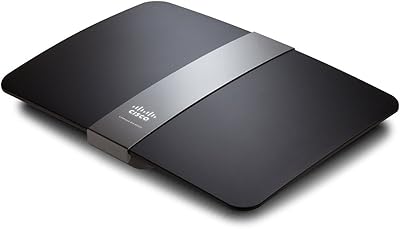
Linksys EA6900 AC1900 Dual-Band Wi-Fi Router
Overview
The Linksys EA6900 AC1900 Dual-Band Wi-Fi Router sits squarely in the mid-range home networking space — capable enough for most households, straightforward enough that you don't need a networking background to get it running. AC1900 refers to the combined theoretical throughput across two bands: a 2.4 GHz band for broader coverage and a 5 GHz band for faster, shorter-range connections. Yes, this Linksys router launched back in 2013, which means it predates today's mesh systems by several years. That said, for a single-floor home or apartment, it still holds its own. The Smart Wi-Fi app makes initial setup genuinely painless — no CD, no complicated browser interface required.
Features & Benefits
The EA6900 splits its wireless signal across two bands, which in practice means your 4K streaming TV can grab the fast 5 GHz lane while older smart home gadgets stay on the 2.4 GHz band without crowding each other out. Beamforming technology is worth noting here — instead of broadcasting signal in all directions equally, the router focuses toward whichever device is actively connected, which noticeably helps when you carry a laptop from room to room. The dual-core processor keeps things moving when multiple devices hit the network at once. Two USB ports let you plug in an external hard drive and share it across the network, which is a handy bonus.
Best For
This dual-band router is a solid pick for medium-sized, single-floor homes — think a typical apartment or a ranch-style house where the router can reach most rooms without obstruction. Streaming households will appreciate having dedicated 5 GHz bandwidth for video while other devices run on the 2.4 GHz band. If you've ever wanted a basic network-attached storage setup without spending extra on dedicated hardware, the USB 3.0 port makes that possible with a simple external drive. Families who want to limit screen time or block certain sites will find the built-in parental controls genuinely useful without needing to install anything extra. Not ideal for large multi-story homes.
User Feedback
Owners consistently praise the EA6900 for its quick, app-guided setup — many report being up and running in under ten minutes, which is rare for a router in this class. Signal strength on a single floor draws consistent compliments too. Where things get more mixed is firmware support: Linksys has been slow with updates for this model, and some long-term users report the software feeling increasingly dated. Range on a second floor drops noticeably, so buyers with multi-story homes should factor that in. The USB NAS feature works, though transfer speeds are decent rather than impressive. A handful of users also report occasional reboots needed after a year or two of continuous use.
Pros
- Setup takes under ten minutes using the Smart Wi-Fi app — no disc, no complicated browser config required.
- Dual-band operation keeps streaming devices on fast 5 GHz while other gadgets use 2.4 GHz without conflicts.
- Beamforming actively focuses the signal toward your devices as you move around, improving real-world connection stability.
- Four Gigabit LAN ports handle wired desktops, consoles, and smart TVs without any speed compromise.
- Built-in parental controls let families set limits or block sites without subscribing to a third-party service.
- The USB 3.0 port doubles as a basic NAS — plug in an external drive and share files across the whole network.
- The dual-core processor keeps traffic moving smoothly even when several devices are active simultaneously.
- Remote network management through the app means you can check or adjust settings from anywhere.
- At its current price point, the EA6900 delivers reliable branded hardware that outperforms many no-name alternatives.
- DLNA certification makes it straightforward to stream media from a connected drive to compatible TVs and devices.
Cons
- Firmware updates have been rare for years, leaving the router without meaningful security or performance patches.
- Signal coverage drops noticeably between floors, making it a poor choice for two-story or larger homes.
- As a 2013 design, it lacks Wi-Fi 6 support, which matters if you have newer devices that benefit from it.
- USB file transfer speeds are acceptable for light use but frustratingly slow for anyone moving large media libraries.
- The Smart Wi-Fi app has received mixed reliability reviews, with occasional disconnections from the router dashboard.
- No mesh compatibility means you cannot expand coverage by pairing it with additional nodes if your needs grow.
- Some users report needing to reboot the router periodically after extended uptime to restore stable performance.
- The 2.4 GHz band can feel congested in apartment buildings where neighboring networks compete for the same channels.
Ratings
The scores below were generated by our AI system after analyzing thousands of verified global user reviews for the Linksys EA6900 AC1900 Dual-Band Wi-Fi Router, with spam, bot activity, and incentivized submissions actively filtered out before processing. Each category reflects the genuine distribution of buyer sentiment — strengths are credited where they are earned, and recurring frustrations are not glossed over. The result is a balanced, data-driven picture of what living with this router actually looks like.
Ease of Setup
Wi-Fi Speed & Performance
Wireless Range
Beamforming Effectiveness
Build Quality & Design
USB NAS Performance
App & Software Experience
Parental Controls
Firmware & Software Updates
Long-Term Reliability
Value for Money
Multi-Device Handling
Wired Connectivity
Guest Network
Suitable for:
The Linksys EA6900 AC1900 Dual-Band Wi-Fi Router is a strong fit for renters and homeowners in medium-sized, single-floor spaces who want dependable wireless coverage without the complexity of a mesh system. If your household regularly streams video on multiple TVs or tablets at the same time, the dual-band setup lets you assign bandwidth-hungry devices to the faster 5 GHz band while everything else runs on 2.4 GHz — keeping things from stepping on each other. Families who want basic parental controls baked right in will appreciate not needing a separate app or subscription to manage screen time. It also suits buyers who want a light NAS setup: plug an external hard drive into the USB 3.0 port, and you have network-wide file sharing without buying dedicated hardware. Non-technical users will find the Smart Wi-Fi app approachable, making initial setup and ongoing management far less intimidating than older browser-based interfaces.
Not suitable for:
Anyone living in a multi-story home or a larger property should think carefully before committing to the Linksys EA6900 AC1900 Dual-Band Wi-Fi Router, as signal drop-off between floors is a well-documented limitation that no amount of antenna adjustment will fully resolve. Power users who demand the latest Wi-Fi 6 speeds, lower latency for competitive gaming, or robust long-term firmware support will find this router increasingly behind the curve — it launched in 2013 and software updates have been sparse. If you are building out a whole-home mesh network, this single-unit router simply was not designed for that architecture and cannot be paired into a mesh setup. Those who need high-throughput USB file transfers will also likely be underwhelmed, as the NAS performance is adequate for occasional use but not for anyone moving large files regularly. In short, buyers with growing or complex network demands are better served by a newer platform.
Specifications
- Brand & Model: Manufactured by Linksys under the model designation EA6900, part of the Smart Wi-Fi router lineup.
- Wi-Fi Standard: Operates on the 802.11ac (Wi-Fi 5) standard, offering backward compatibility with 802.11a/b/g/n devices.
- Frequency Bands: Dual-band design transmits simultaneously on both 2.4 GHz and 5 GHz frequencies for flexible device assignment.
- Max Throughput: Combined theoretical maximum of AC1900, consisting of up to 600 Mbps on 2.4 GHz and 1300 Mbps on 5 GHz.
- Processor: Equipped with a dual-core 800 MHz CPU to handle concurrent network traffic across multiple connected devices.
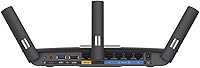
- LAN Ports: Includes four Gigabit Ethernet LAN ports for wired device connections at speeds up to 1000 Mbps each.
- WAN Port: One Gigabit Ethernet WAN port connects the router to your modem or internet service provider gateway.
- USB Ports: Features one USB 3.0 port and one USB 2.0 port, supporting external storage and shared network printing.
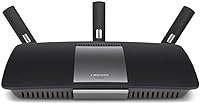
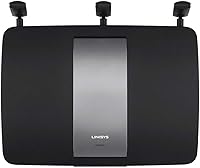
- Antennas: Three adjustable external antennas provide omnidirectional signal coverage and can be repositioned to improve reception.
- Beamforming: Active beamforming technology focuses wireless signal toward connected client devices rather than broadcasting uniformly in all directions.
- DLNA Support: DLNA certified, allowing media stored on a connected USB drive to be streamed to compatible TVs and players on the network.
- App Support: Managed via the Linksys Smart Wi-Fi app, available for both iOS and Android, enabling remote access and network control.
- Parental Controls: Built-in parental controls allow administrators to restrict internet access by device, schedule, or content category without additional software.
- Guest Network: Supports creation of a separate guest Wi-Fi network to give visitors internet access without exposing the primary network.
- Dimensions: Measures 1.58 x 10.1 x 7.26 inches (L x W x H), designed for horizontal placement on a flat surface.
- Weight: Weighs 1.18 pounds without cables, making it lightweight enough to reposition easily during setup.
- Power Input: Operates at 12 volts DC; a compatible power adapter is included in the box.
- Color & Finish: Available in a matte black finish that blends into most home and office environments without drawing attention.
- OS Compatibility: Compatible with Windows XP SP3 through Windows 8, and Mac OS X Leopard 10.5.8 through Mountain Lion 10.8 and later.
- Release Date: First made available in September 2013, positioning it as a mature, well-reviewed product with an established user base.
Related Reviews
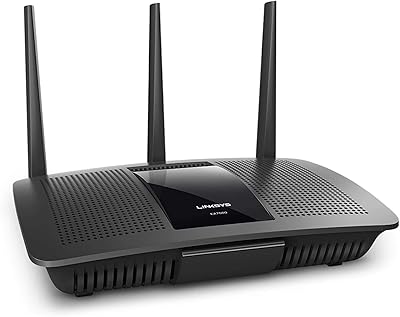
Linksys EA7500 AC1900 Dual-Band Router
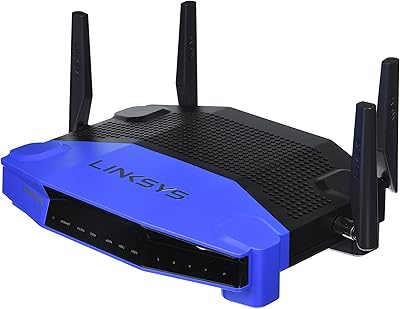
Linksys WRT1900AC Dual-Band Wi-Fi Router
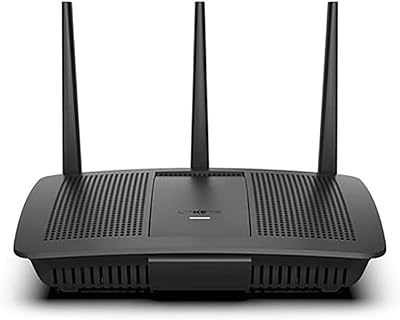
Linksys EA7200 AC1750 Dual-Band Wi-Fi Router
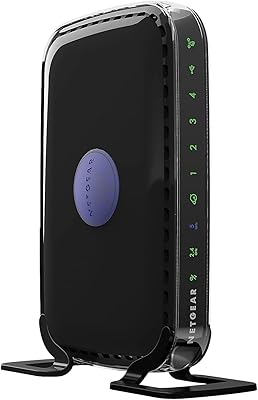
NETGEAR WNDR3400 N600 Dual Band Wi-Fi Router
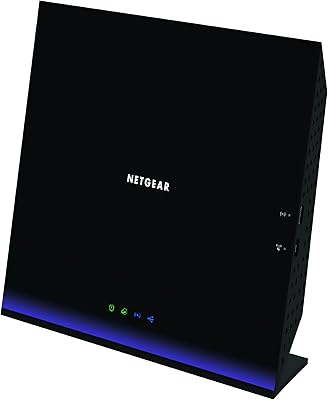
NETGEAR R6250 AC1600 Dual Band Wi-Fi Router
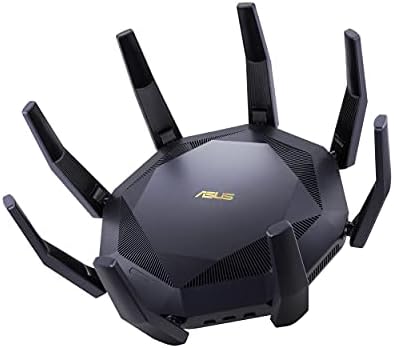
ASUS RT-AX89X AX6000 Dual Band Wi-Fi Router
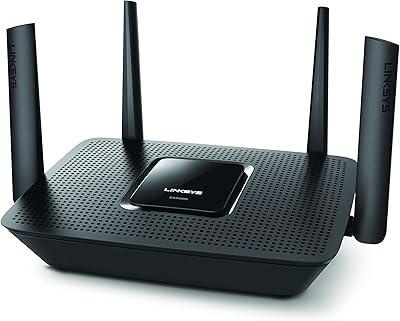
Linksys EA8300 Tri-Band Wi-Fi Router
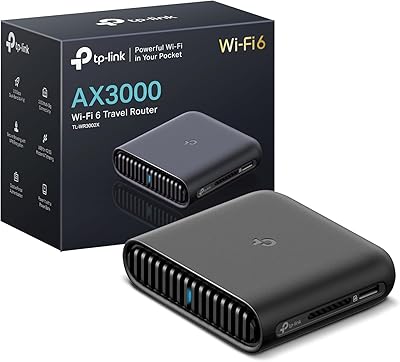
TP-Link TL-WR3002X AX3000 Wi-Fi 6 Travel Router
Linksys EA2700 Dual-Band Router