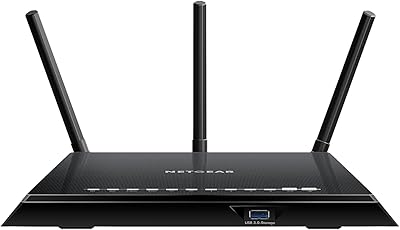
NETGEAR WNDR3400 N600 Dual Band Wi-Fi Router



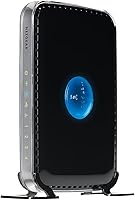

Overview
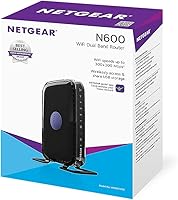
The NETGEAR WNDR3400 N600 Dual Band Wi-Fi Router is designed to deliver fast and reliable internet throughout medium to large homes. This router offers the convenience of both 2.4GHz and 5GHz bands, helping to reduce interference and enhance overall performance. With the inclusion of NETGEAR genie software, setting up and managing your network becomes a seamless process. This router’s intuitive interface ensures that even users with minimal technical experience can easily get it up and running. Whether you're streaming video or working from home, this dual-band Wi-Fi router is built to provide a steady and reliable connection.
Features & Benefits
This dual-band Wi-Fi router offers a range of features to improve the user experience. With support for both 2.4GHz and 5GHz bands, it delivers faster speeds and less interference, ensuring that your network runs smoothly. The N600 technology provides up to 300Mbps on each band, offering improved Wi-Fi performance. The parental controls give users the ability to manage online access, while the built-in Quality of Service (QoS) allows for priority settings on important traffic like video calls or streaming. Additionally, ReadySHARE enables easy file sharing across your network, making it a versatile option for home and small office use.
Best For
The NETGEAR WNDR3400 N600 Dual Band Wi-Fi Router is well-suited for medium to large homes that require a stable, high-speed connection for multiple devices. It is perfect for users who want to set up a network with minimal hassle, thanks to the straightforward installation process. If you have a growing family or a small home office, this router is an excellent choice for ensuring that all your devices—smartphones, laptops, or smart TVs—can connect reliably. It's ideal for streaming content, gaming, or handling regular work tasks without interruptions.
User Feedback
Users have praised the NETGEAR WNDR3400 for its easy setup, with many highlighting the NETGEAR genie app as an intuitive tool that makes installation a breeze. The dual-band feature is particularly appreciated for reducing interference, which results in a more stable connection for devices spread throughout the home. However, some users have noted occasional drops in connection, particularly on the 5GHz band, which may affect high-speed tasks like streaming or gaming. Despite this, the router’s reliable performance for general use and its value for money have been commonly mentioned in reviews.
Pros
- Dual-band functionality helps reduce interference and improve speeds, especially in busy households.
- Simple and quick setup using the NETGEAR genie app makes installation easy for non-tech-savvy users.
- Reliable performance for streaming and browsing in medium to large homes with multiple devices.
- ReadySHARE feature makes file sharing over the network quick and convenient.
- Parental controls and QoS provide better network management for families with children.
- Compact design fits easily in most home setups without taking up too much space.
Cons
- Occasional connection drops on the 5GHz band may disrupt high-bandwidth activities like streaming.
- Range may not be sufficient for very large homes or homes with multiple floors.
- Lacks advanced features like mesh networking or higher-end security options found in pricier routers.
- Some users report that performance decreases slightly with heavy usage or multiple devices connected.
- May not provide the most robust coverage for users in areas with many competing Wi-Fi networks.
- Not ideal for high-demand gaming setups, where latency and consistency are crucial.
Ratings
After analyzing verified user reviews from a variety of platforms and languages, we’ve gathered a comprehensive look at the NETGEAR WNDR3400 N600 Dual Band Wi-Fi Router. The scores reflect genuine user experiences, excluding spam, bot-generated, and exaggerated feedback. Both positive features and pain points have been considered in these ratings, offering an honest evaluation from a diverse range of sources.
Performance
Ease of Setup
Dual-Band Performance
Connection Stability
Parental Controls
Wi-Fi Range
Value for Money
File Sharing (ReadySHARE)
Compatibility
Build Quality
Software/App Experience
Customer Support
Suitable for:
The NETGEAR WNDR3400 N600 Dual Band Wi-Fi Router is a solid choice for medium to large homes with multiple devices that require stable, high-speed internet. Families or individuals who stream videos, browse the web, or use smart home devices will benefit from its dual-band capabilities, which help reduce interference and provide faster speeds. It's also well-suited for users who need easy-to-manage network features, like parental controls and QoS, making it ideal for homes with children or those that want better control over their internet use. Additionally, the straightforward setup via the NETGEAR genie app makes it perfect for tech novices who want a quick and hassle-free installation process.
Not suitable for:
However, this router may not be the best option for users in large homes with multiple floors or areas with thick walls, where signal strength might weaken at longer distances. Those who require ultra-reliable performance, especially for activities like high-end gaming or large file transfers, may experience occasional connection drops, particularly on the 5GHz band. Additionally, while the dual-band feature is useful, it may not be ideal for users who need a more advanced network setup or are looking for premium features like mesh networking or advanced security options. If you are looking for top-tier performance or need a router that can handle extensive, heavy-duty use, this model might fall short.
Specifications
- Wi-Fi Standard: Supports 802.11n Wi-Fi standard for reliable, high-speed wireless connectivity.
- Dual-Band: Operates on both 2.4GHz and 5GHz bands to reduce interference and optimize performance.
- Maximum Speed: Provides up to 300Mbps on each band for fast and stable internet access.
- Ethernet Ports: Includes 4 Ethernet ports for wired connections to devices such as computers and consoles.
- USB Port: Features a USB port for connecting external drives for file sharing via ReadySHARE.
- Quality of Service (QoS): Offers QoS functionality to prioritize traffic for smoother streaming and gaming experiences.
- Parental Controls: Includes built-in parental controls for monitoring and managing internet usage for connected devices.
- Dimensions: Measures 6.89 x 4.53 x 1 inches, offering a compact design suitable for home setups.
- Weight: Weighs 8 ounces, making it lightweight and easy to place or mount in various locations.
- Security: Supports WPA and WPA2 wireless security protocols to safeguard your network from unauthorized access.
- Setup Method: Easy setup via the NETGEAR genie app for hassle-free installation and management.
- Compatibility: Compatible with most Wi-Fi-enabled devices, including laptops, smartphones, tablets, and smart TVs.
- Beamforming: Utilizes beamforming technology to focus Wi-Fi signals towards connected devices for improved performance.
- Traffic Management: Features built-in traffic management for balancing network load and ensuring reliable connections.
- Warranty: Comes with a limited hardware warranty to ensure reliability and support.
- Streaming Support: Ideal for streaming HD video and gaming, particularly on the 5GHz band for less interference.
- Modem Compatibility: Works with most cable and DSL modems for flexible broadband connection options.
- Network Coverage: Suitable for medium to large homes with multiple devices, offering solid coverage.
Related Reviews
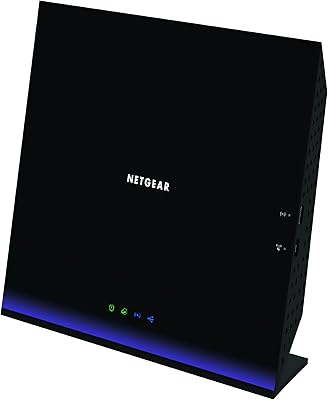
NETGEAR R6250 AC1600 Dual Band Wi-Fi Router
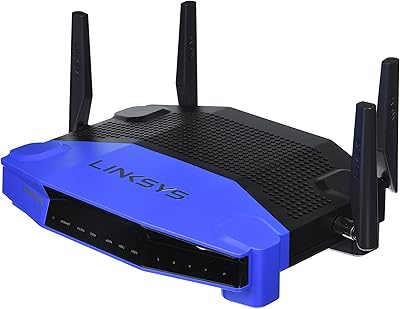
Linksys WRT1900AC Dual-Band Wi-Fi Router
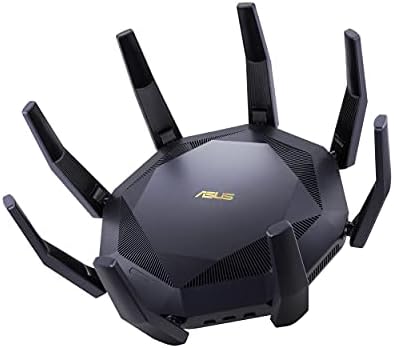
ASUS RT-AX89X AX6000 Dual Band Wi-Fi Router
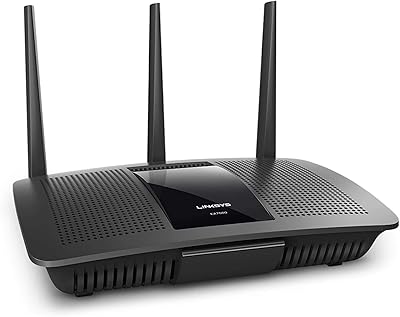
Linksys EA7500 AC1900 Dual-Band Router
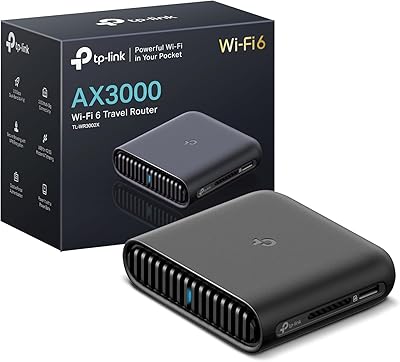
TP-Link TL-WR3002X AX3000 Wi-Fi 6 Travel Router
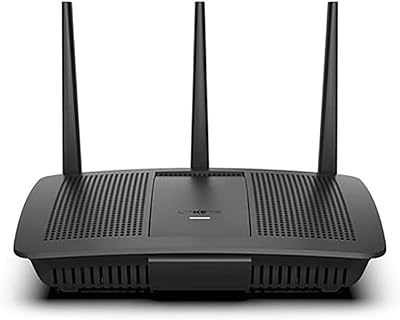
Linksys EA7200 AC1750 Dual-Band Wi-Fi Router
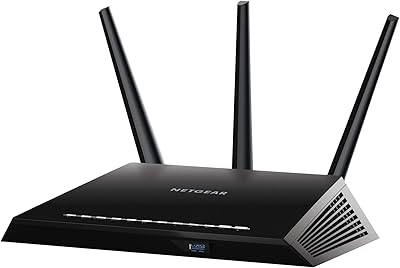
NETGEAR Nighthawk R6900P Wi-Fi Router
NETGEAR WAX202 WiFi 6 Dual-Band Router
Netgear WNDR4300 N750 Dual Band Gigabit Router