LG 32″ 4K UHD webOS Smart Monitor


Overview
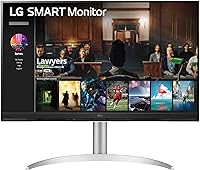
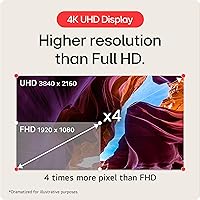
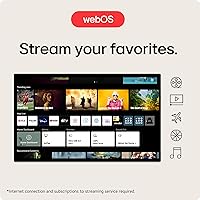
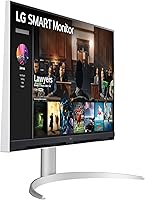
The LG 32″ 4K UHD webOS Smart Monitor sits in an interesting middle ground — part productivity display, part living room TV, all packed into a desk-friendly package. The 32-inch 4K panel (3840x2160) with DCI-P3 90% color coverage looks genuinely sharp whether you're editing a spreadsheet or watching a nature documentary. What sets it apart from a conventional monitor is the built-in webOS22 platform, which eliminates the need for a Roku stick, Chromecast, or Apple TV box. The ergonomic stand — height and tilt adjustable — often gets overlooked but adds real comfort for long work sessions. At its mid-range price point, it competes well for buyers who want one screen to handle both jobs.
Features & Benefits
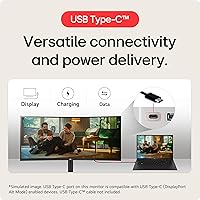
The matte 4K panel is the obvious headline — at this resolution on a 32-inch screen, text is crisp for detailed work and images carry real depth. The DCI-P3 90% color coverage is solid for everyday use, though it falls short of what a professional photo editor would need, so set expectations accordingly. webOS22 brings Netflix, Prime Video, Disney+, HBO Max, and the Apple TV app directly to the screen with no extra hardware required. Plug in a MacBook via USB-C and 65W power delivery means you can charge your laptop and drive the display with a single cable. Three USB 2.0 ports handle keyboard, mouse, or external drive connections.
Best For
This LG smart monitor makes the most sense for a specific kind of buyer: someone who works from home during the day and wants the same screen to handle Netflix or YouTube at night, without a second device. Mac and iPhone users get particular value from AirPlay 2 support — mirroring your phone or casting from a MacBook takes just a few taps. It also works well for studio apartments where a dedicated TV simply does not fit the room. Casual gamers will enjoy the 4K image quality. That said, if fast-paced competitive gaming is your priority, the refresh rate ceiling on this all-in-one screen will not satisfy.
User Feedback
With 193 ratings and a 3.8 out of 5, the 32-inch webOS display earns broadly positive marks, though a few recurring frustrations are worth noting. Most praise centers on picture quality and the convenience of built-in streaming — buyers appreciate not needing a separate stick or box. On the downside, several reviewers flag that the Magic Remote is sold separately, which feels like a meaningful omission. Some users also note that the webOS app library has occasional gaps compared to a dedicated smart TV. The matte panel reportedly handles glare well in bright rooms, and the stand gets decent marks for stability, though some wish the height adjustment range extended a bit further.
Pros
- Built-in webOS22 means no streaming stick or external box needed — just turn it on and watch.
- The 4K matte panel looks sharp and handles glare well in bright, window-lit rooms.
- USB-C with 65W power delivery lets you charge a laptop and drive the display with one cable.
- AirPlay 2 support makes mirroring from an iPhone or MacBook genuinely effortless.
- At 32 inches, the display size hits a practical sweet spot between desk monitor and small TV.
- The height-adjustable, tilt-capable stand reduces neck strain during long work sessions.
- Native access to Netflix, Prime Video, Disney+, HBO Max, and Apple TV app covers most streaming needs.
- Three USB 2.0 ports allow keyboard, mouse, and storage to stay plugged in simultaneously.
- The free LG Channels library adds over 300 options for background viewing at no extra cost.
- webOS interface is clean and relatively quick to navigate compared to budget smart TV platforms.
Cons
- The Magic Remote, which significantly improves navigation, is not included and must be purchased separately.
- Refresh rate limitations make this all-in-one screen a poor fit for fast-paced or competitive gaming.
- Color accuracy at DCI-P3 90% is good for everyday use but not reliable for professional color work.
- The webOS app library has occasional gaps — some niche streaming services are simply not available.
- At 20 pounds, the 32-inch webOS display is bulky enough that repositioning it on a desk takes effort.
- Some users report the height adjustment range is narrower than expected, limiting ergonomic flexibility for taller setups.
- webOS update frequency can lag behind dedicated smart TV platforms, leaving some features feeling dated sooner.
- No built-in speakers of note — audio quality is minimal and most users will need external speakers or headphones.
Ratings
The LG 32″ 4K UHD webOS Smart Monitor earns a nuanced set of scores below, built by our AI engine after processing verified buyer reviews from multiple global markets — with spam, incentivized posts, and bot activity actively filtered out. The result is an honest picture of where this all-in-one screen genuinely excels and where real-world buyers have run into friction. Both the strengths and the sticking points are reflected transparently so you can make a confident decision.
Picture Quality
Smart Platform (webOS)
USB-C Connectivity
AirPlay 2 & Apple Ecosystem
Value for Money
Glare & Matte Coating
Ergonomics & Stand
Build & Aesthetics
Refresh Rate & Gaming
Port Selection
Remote & Navigation
Setup & Initial Configuration
Connectivity for Apple Users
Streaming Content Library
Suitable for:
The LG 32″ 4K UHD webOS Smart Monitor is purpose-built for people who want one screen to cover two roles without compromise. Remote workers who spend the day in spreadsheets and video calls, then switch to streaming at night, get the most mileage here — no HDMI dongle or extra box required. Mac and iPhone users will particularly appreciate the AirPlay 2 and HomeKit integration, which lets you cast from your devices without any additional setup. If you live in a smaller space and have been debating whether to buy a monitor or a budget TV, this all-in-one screen makes that choice unnecessary. The single USB-C cable setup is a genuine time-saver for laptop users who hate managing a tangle of connections on their desk.
Not suitable for:
The LG 32″ 4K UHD webOS Smart Monitor has some clear limitations that will matter depending on how you plan to use it. Competitive or fast-paced gamers should look elsewhere — the refresh rate is not built for high-frame-rate gaming, and no amount of 4K sharpness compensates for that if response time is your priority. Professional photo editors or colorists will also find the DCI-P3 90% color coverage useful but insufficient for color-critical work, where factory-calibrated displays with higher accuracy are the standard. Buyers expecting a complete out-of-the-box experience should know the Magic Remote is sold separately, which adds to the real-world cost. If you already own a streaming device you are happy with and need a pure productivity monitor with high refresh rates, this 32-inch webOS display is likely more screen than you need in the wrong direction.
Specifications
- Screen Size: The display measures 32 inches diagonally, offering enough screen real estate for side-by-side windows at a typical desk distance.
- Resolution: Native resolution is 3840x2160 (4K UHD), delivering sharp text and detailed imagery across both productivity tasks and video content.
- Panel Surface: The matte anti-glare coating reduces reflections from ambient light sources, making it more comfortable in bright or window-facing rooms.
- Color Gamut: Color coverage reaches DCI-P3 90% (Typ.), which is suitable for everyday media consumption and general creative work, though not calibrated for professional color grading.
- Smart OS: The built-in webOS22 platform provides direct access to major streaming services and the LG Channel library without any external device.
- Streaming Apps: Pre-installed apps include Netflix, Prime Video, Disney+, Apple TV, and HBO Max, plus over 300 free LG Channels available at no subscription cost.
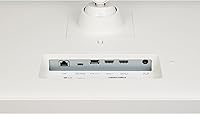
- USB-C Port: A single USB-C port supports video input and up to 65W of power delivery, enabling one-cable laptop connectivity for both display and charging.
- USB Ports: Three USB 2.0 ports are available for connecting peripherals such as keyboards, mice, or external storage drives.
- Wireless: Apple AirPlay 2 and HomeKit are supported natively, allowing content casting and smart home control from iOS and macOS devices without additional hardware.
- Aspect Ratio: The panel uses a standard 16:9 aspect ratio, which is compatible with the vast majority of video content and desktop operating systems.
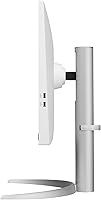
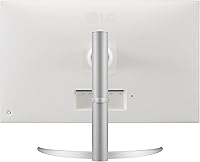
- Stand Adjustments: The included ergonomic stand supports both height adjustment and tilt, allowing users to position the screen for comfortable long-session use.
- Magic Remote: The display is compatible with LG Magic Remote (with voice command support), but the remote is not included in the box and must be purchased separately.
- Dimensions: With the stand attached, the unit measures approximately 28.1 inches wide, 23.5 inches tall, and 10.2 inches deep.
- Weight: The fully assembled unit weighs 20.1 pounds, which is typical for a 32-inch monitor with an integrated stand.
- Power Input: The display operates on AC power at up to 240 volts, compatible with standard outlets using the appropriate regional adapter if needed.
- Model Number: The exact model identifier is 32SQ730S-W, which can be used to confirm firmware updates and official LG support documentation.
Related Reviews
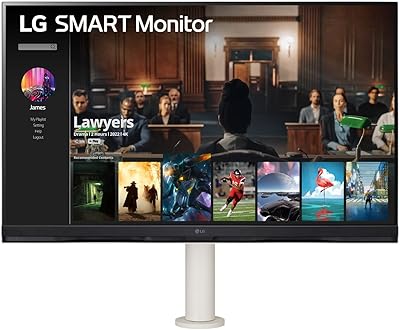
LG 32SQ780S 32-inch 4K Smart Monitor
LG 32UL500-W 32-Inch 4K VA Monitor
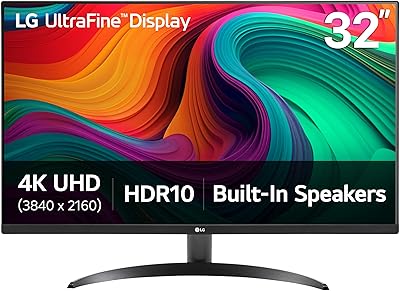
LG 32UR500K-B 32-inch 4K UHD Monitor
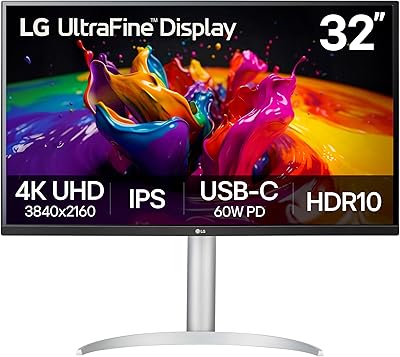
LG 32UP83A-W 32-inch 4K UHD Monitor
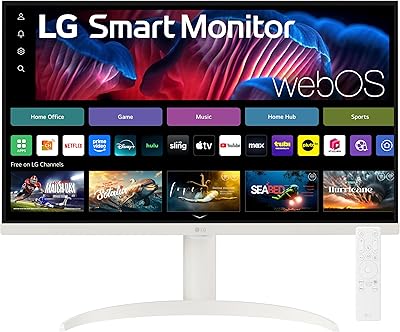
LG 27SR75U-W 27-inch 4K Smart Monitor
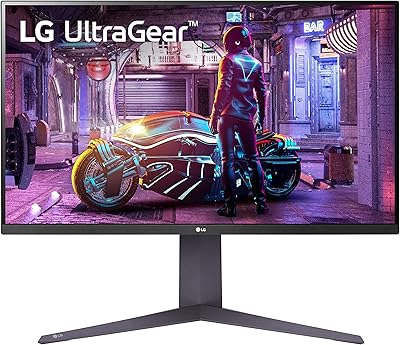
LG 32GQ750-B 32-inch 4K Gaming Monitor
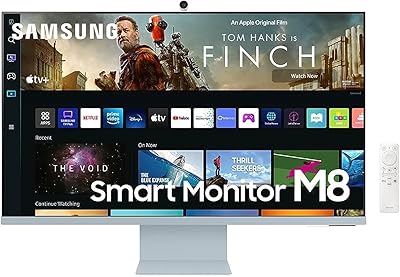
Samsung M8 32-Inch 4K Smart Monitor
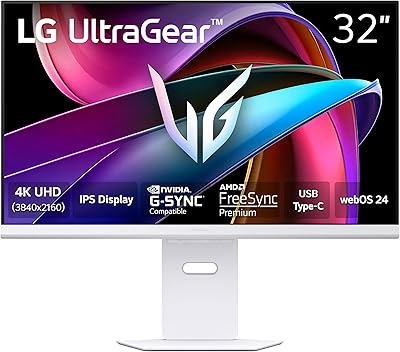
LG 32G810SA-W 32-inch UltraGear Gaming Monitor

ViewSonic VX3267U-4K 32-inch 4K IPS Monitor
