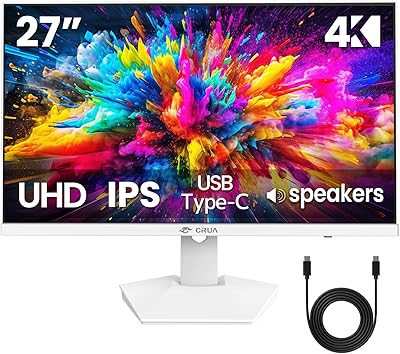
LG 27US500-W 27″ 4K UHD Monitor


Overview
The LG 27US500-W 27″ 4K UHD Monitor arrived in mid-2024 and has quietly earned a top-30 spot among monitors on Amazon — a fast climb that reflects genuine buyer satisfaction rather than hype. It sits in a competitive mid-range tier where finding a true IPS 4K panel with HDR support at this kind of price is still relatively uncommon. The borderless white design is a real differentiator; most monitors here are black and boxy, so this one genuinely stands out on a desk. One thing worth flagging early: the 60Hz refresh rate is perfectly capable for productivity and creative work, but if you are cross-shopping gaming monitors, this is not the right fit.
Features & Benefits
The IPS panel produces a sharp 3840×2160 image with a 1000:1 contrast ratio, keeping colors punchy and blacks looking genuinely dark rather than grey. HDR10 with 90% DCI-P3 coverage is the headline specification — that color range is genuinely useful for photo editors or video reviewers who need the display to accurately represent what the source file contains. Reader Mode and Flicker Safe reduce eye strain noticeably during extended sessions. LG's Onscreen Control software lets you split the screen or adjust brightness without touching any physical buttons, which is a small but appreciated convenience. Connectivity covers HDMI and DisplayPort, but the lack of USB-C is a real gap for users with modern laptops.
Best For
This LG UltraFine display is a natural choice for photographers, graphic designers, and video editors who want wide-gamut color accuracy without paying professional-tier prices. Remote workers and students will notice the difference that 4K resolution makes during long days of documents, video calls, and browser work. It suits Mac or PC users who care about desk aesthetics — the white, borderless frame fits cleanly into minimalist setups. If you are upgrading from a 1080p panel and have no need for high refresh rates, the value proposition here is hard to argue with. It also holds up well as a secondary screen for streaming HDR content where richer color fidelity is actually noticeable.
User Feedback
Across more than 3,700 ratings, buyers of the 27US500-W consistently highlight out-of-box color accuracy — many report skipping manual calibration entirely because the panel just looks right from the start. The white borderless aesthetic gets repeated praise, especially from users building clean desk setups. On the downside, the stand draws frequent criticism: it only tilts, with no height adjustment, which becomes a real ergonomic issue during long work days. The absent USB-C port comes up regularly, particularly from MacBook users. A smaller group mentions slight backlight uniformity issues near panel edges — a known IPS trait at this price tier, and worth factoring into your expectations before purchasing.
Pros
- Produces genuinely accurate color straight out of the box — minimal calibration needed for most creative workflows.
- The 4K IPS panel renders fine detail with impressive sharpness, making a noticeable difference over 1080p displays.
- HDR10 support with wide DCI-P3 coverage brings richer color to streaming and creative content alike.
- Reader Mode and Flicker Safe meaningfully reduce eye strain during long desk sessions.
- The white borderless design stands out visually and fits minimalist desk setups that most black monitors simply do not suit.
- Onscreen Control software makes adjusting settings and splitting the screen genuinely convenient.
- Includes an HDMI cable in the box — a small but appreciated touch that gets you up and running immediately.
- Strong value proposition for a 4K IPS panel with HDR support at this price tier.
- Matte screen surface handles reflections well in typical home office and studio lighting conditions.
- The 27US500-W has earned a top-30 monitor ranking on Amazon backed by over 3,700 verified ratings — a reliable signal of broad buyer satisfaction.
Cons
- No USB-C port is a real connectivity gap for modern laptop users and cannot be worked around without an adapter or dock.
- The stand offers tilt only — no height adjustment means many users will need a separate monitor arm to avoid neck strain.
- 60Hz refresh rate makes this a non-starter for fast-paced gaming or anyone upgrading from a high-refresh display.
- No built-in USB hub ports limits the monitor's usefulness for users trying to simplify cable management on their desk.
- Some units show slight backlight uniformity issues near panel edges, which can surface during photo editing or on light backgrounds.
- Onscreen Control software requires a separate download and can reset saved presets after updates.
- The white finish attracts dust and fingerprints on the bezels noticeably more than darker monitors.
- Peak brightness can feel insufficient in very bright rooms or near large uncovered windows.
- No height or swivel adjustment on the stand limits flexibility for multi-monitor or shared-desk setups.
- The HDR effect, while real, falls short of the dramatic contrast boost that high-brightness premium panels deliver.
Ratings
The LG 27US500-W 27″ 4K UHD Monitor scores below are generated by AI after analyzing thousands of verified global buyer reviews, with spam, bot activity, and incentivized feedback actively filtered out. This LG UltraFine display earns strong marks in several key areas — but the ratings also reflect genuine frustrations that real users have voiced, particularly around connectivity and stand ergonomics. Both the standout strengths and the honest trade-offs are transparently baked into every score you see here.
Image Sharpness & Clarity
Color Accuracy
HDR Performance
Stand & Ergonomics
Connectivity
Eye Comfort & Fatigue
Design & Aesthetics
Setup & Installation
Onscreen Control Software
Value for Money
Backlight Uniformity
Refresh Rate & Motion Handling
Brightness & Glare Handling
Suitable for:
The LG 27US500-W 27″ 4K UHD Monitor is a genuinely strong fit for photographers, graphic designers, and video editors who want accurate, wide-gamut color without paying professional-tier prices. The sharp 4K resolution and solid DCI-P3 coverage mean that editing images or reviewing footage on this display gives you a reliable sense of how the final output will actually look. Remote workers and students who spend long hours at a desk will also appreciate the eye comfort features — Reader Mode and Flicker Safe are not just marketing checkboxes; users consistently report real reductions in fatigue during extended sessions. If you are upgrading from a 1080p monitor and your workload is centered around productivity, content creation, or general computing, the jump in clarity is immediately noticeable and hard to go back from. The white borderless design also makes this a natural choice for anyone building a clean, minimal desk setup where aesthetics matter as much as performance.
Not suitable for:
The LG 27US500-W 27″ 4K UHD Monitor has a 60Hz refresh rate, and that is a hard ceiling — if you play fast-paced games or competitive titles, this display will feel sluggish compared to anything running at 144Hz or above, and no setting or workaround changes that reality. Buyers who rely on USB-C for video output — particularly MacBook users or anyone with a modern ultrabook — will hit a frustrating wall immediately, since this monitor offers only HDMI and DisplayPort, likely forcing you to buy an adapter or dock on top of the monitor cost. The stand only tilts, with no height adjustment whatsoever, which is a genuine ergonomic problem for taller users or anyone who needs the screen positioned precisely during long work days — most serious users end up budgeting for a separate monitor arm. If you work in a very bright, sunlit room, the peak brightness may feel limiting. And if you need pixel-perfect backlight uniformity across the entire panel for critical color work, the slight edge falloff that some units exhibit could be a concern worth testing within the return window.
Specifications
- Screen Size: The display measures 27 inches diagonally, offering a spacious viewing area well suited to 4K content and multi-window productivity workflows.
- Resolution: Native resolution is 3840×2160 (4K UHD), delivering approximately 163 pixels per inch for sharp, highly detailed image rendering.
- Panel Type: Uses an IPS (In-Plane Switching) panel, which provides wide viewing angles and consistent color representation across the screen.
- Refresh Rate: The panel runs at a fixed 60Hz refresh rate, appropriate for productivity, photo editing, and video work but not suited to fast-paced gaming.
- HDR Support: Supports the HDR10 standard, enabling compatible content to display with expanded color depth and improved highlight detail.
- Color Gamut: Covers up to 90% of the DCI-P3 color space, making it a capable choice for photo editors and video reviewers who need broad color fidelity.
- Contrast Ratio: Rated at 1000:1 native contrast ratio, which is standard for IPS panels and produces reasonably deep blacks in typical lighting conditions.
- Screen Surface: Features a matte anti-glare coating that reduces reflections in ambient and overhead lighting without significantly softening image clarity.
- Connectivity: Offers one HDMI port and one DisplayPort input; there is no USB-C video input and no built-in USB hub.
- Stand Adjustment: The included stand supports tilt adjustment only, with no height, swivel, or pivot functionality available without a third-party arm.
- Dimensions: The monitor with stand measures approximately 24.15 inches wide, 17.87 inches tall, and 8.46 inches deep.
- Weight: The complete unit including the stand weighs 12.13 pounds, making it manageable for a single person to place and reposition on a desk.
- Design: Features a borderless bezel design with a white finish on the front frame and stand, a distinctive look that differs from the standard black monitors in this category.
- Eye Care Features: Includes Reader Mode for reduced blue light output and Flicker Safe technology to eliminate backlight flicker during extended use.
- Software: Compatible with LG Onscreen Control software, which allows users to manage display settings and configure screen layouts directly from their computer.
- In-Box Contents: The package includes the monitor, stand body and base, screws, a power adapter, an HDMI cable, and a quick start guide.
- Power: The monitor uses an external power adapter included in the box; no internal power supply brick is built into the chassis.
- Date Available: This model was first made available in July 2024 and has since accumulated over 3,700 verified ratings on Amazon.
Related Reviews
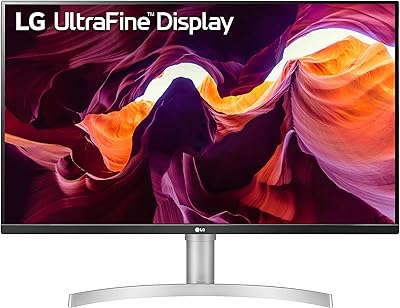
LG 27UL550-W 27-inch 4K UHD Monitor
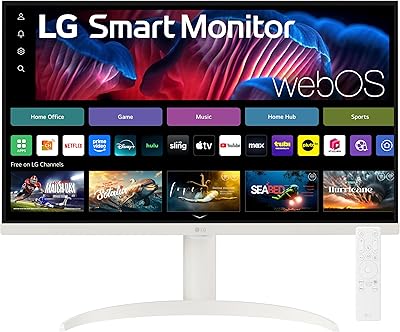
LG 27SR75U-W 27-inch 4K Smart Monitor
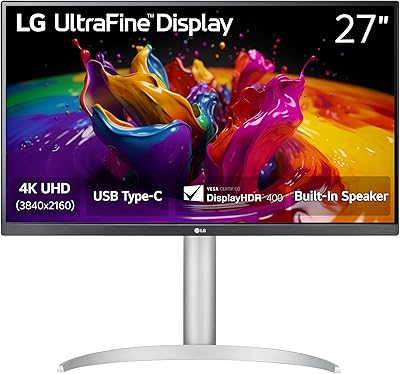
LG 27UP850K-W 27-inch 4K IPS Monitor
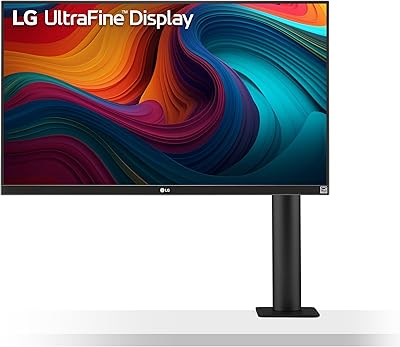
LG 27UN880-B 27-inch 4K IPS Monitor
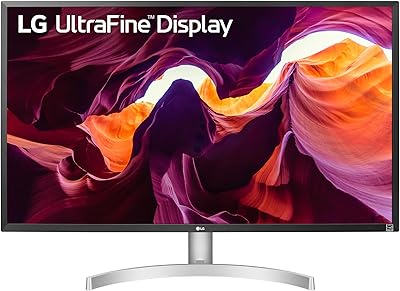
LG 32UL500-W 32-Inch 4K VA Monitor
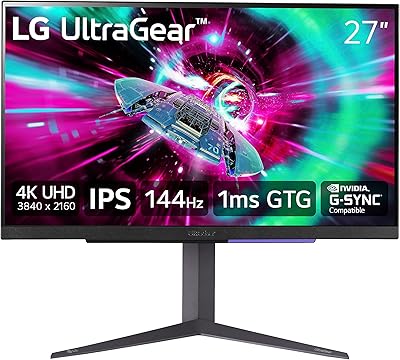
LG 27GR93U 27″ UltraGear 4K Gaming Monitor
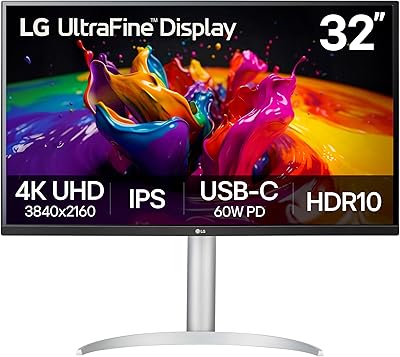
LG 32UP83A-W 32-inch 4K UHD Monitor
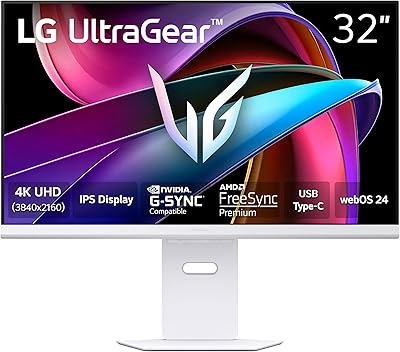
LG 32G810SA-W 32-inch UltraGear Gaming Monitor

ViewSonic VX2776-4K-MHDU 27-inch 4K IPS Monitor