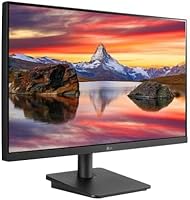
Overview
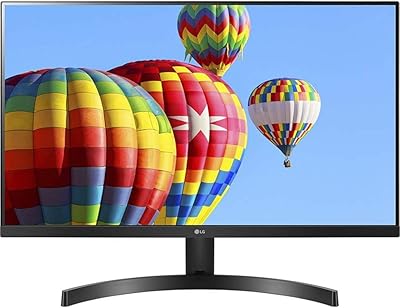
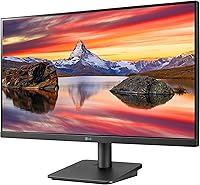
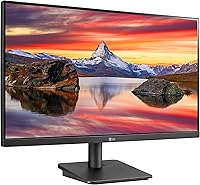
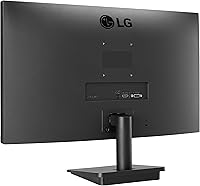
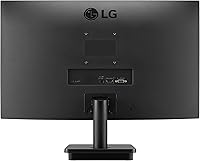
The LG 24MP400-B 24-inch IPS Monitor is a solid, no-frills display aimed at everyday users who want reliable picture quality without stretching their budget. The three-side borderless bezel keeps things looking clean on a desk, and it pairs nicely with modern setups whether you're working from home or just browsing. At 1080p with a 75Hz refresh rate, it hits a comfortable sweet spot for general use and light gaming. Connectivity is straightforward — HDMI and D-Sub cover most common configurations. Just be clear-eyed going in: this isn't a powerhouse for competitive gaming or professional color work, but for everyday tasks it punches solidly at its price tier.
Features & Benefits
The IPS panel is probably the 24MP400-B's biggest practical advantage over cheaper TN-based alternatives — colors stay consistent whether you're viewing from the side or straight on, which makes a real difference during long work sessions. AMD FreeSync keeps things smooth when paired with a compatible Radeon GPU, reducing the tearing you'd otherwise notice in fast-moving content. Reader Mode and Flicker Safe technology are genuinely useful if you spend hours in front of a screen; the blue light reduction is subtle but effective over time. The OnScreen Control software lets you adjust brightness and input settings directly from your mouse, which beats hunting for tiny physical buttons. The narrow bezel rounds things out well for side-by-side arrangements.
Best For
This LG IPS display makes the most sense for students and remote workers who need a dependable, easy-on-the-eyes screen for spreadsheets, documents, and video calls. It's also a reasonable pick for casual gamers who want a step up from a basic screen without spending on a high-refresh gaming monitor — FreeSync helps, but don't expect 144Hz-level responsiveness. If you're building a dual-monitor setup, the slim bezels on three sides make the pairing feel cohesive rather than cluttered. AMD Radeon GPU owners will get the most out of the FreeSync range here. Those needing precise color accuracy for photo or video editing, or who require built-in speakers, should probably look elsewhere.
User Feedback
Across a large number of verified reviews, the 24MP400-B earns high marks overall, and the most consistent praise centers on out-of-box image quality — most buyers report colors look good right away without much calibration needed. Setup is generally described as quick and painless, with the monitor arriving well-packaged and ready to use within minutes. On the critical side, the stand's limited adjustability comes up regularly — tilt is all you get, so if you need height or pivot adjustment, a third-party arm is worth considering. The absence of built-in speakers is another frequent note, though not a dealbreaker for users with external audio. Most buyers ultimately land on the same conclusion: the value for money is hard to argue with at this price point.
Pros
- IPS panel provides wide viewing angles and consistent color that TN panels at this price simply cannot match.
- AMD FreeSync keeps gameplay noticeably smoother when paired with a compatible Radeon GPU.
- Reader Mode and Flicker Safe genuinely reduce eye fatigue during long work or study sessions.
- Out-of-box color accuracy is solid — most users won't need to calibrate before daily use.
- The three-side borderless design looks clean on a desk and works especially well in dual-monitor setups.
- OnScreen Control software makes adjusting settings fast and intuitive without touching physical buttons.
- VESA 75x75mm compatibility means upgrading to a monitor arm is straightforward and affordable.
- Setup is quick and well-documented — most buyers report being up and running within minutes.
- At its price tier, the 24MP400-B delivers a level of image quality that consistently exceeds buyer expectations.
- Compact footprint and manageable weight make it easy to reposition or transport if needed.
Cons
- No built-in speakers means you need external audio — an added expense many buyers overlook upfront.
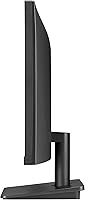
- The stand only tilts, with no height, swivel, or pivot adjustment, which limits ergonomic flexibility.
- 75Hz and 5ms response time are adequate for casual use but will frustrate competitive or fast-paced gamers.
- Color gamut coverage at 72% NTSC is too narrow for professional creative work like photo or video editing.
- Only HDMI and D-Sub inputs are available — no DisplayPort or USB-C for users with modern laptops.
- IPS glow is noticeable in very dark scenes or low-light environments, which some users find distracting.
- The plastic build feels utilitarian rather than premium, which may disappoint buyers used to higher-end monitors.
- No height adjustment on the stand can cause posture issues for taller users without a third-party arm.
Ratings
The scores below reflect an AI-driven analysis of verified buyer reviews for the LG 24MP400-B 24-inch IPS Monitor, with spam, bot activity, and incentivized feedback actively filtered out to ensure reliability. Thousands of real user experiences — from students and remote workers to casual gamers — were synthesized to produce these category-level scores. Both the genuine strengths and the recurring frustrations are captured transparently, so you can make a fully informed decision.
Image Quality
Value for Money
Eye Comfort
Gaming Performance
Build Quality
Stand & Ergonomics
Connectivity
Setup Experience
OnScreen Control
Color Accuracy Out of Box
Bezel & Aesthetics
Brightness & Contrast
Speaker Absence Impact
Multi-Monitor Suitability
Suitable for:
The LG 24MP400-B 24-inch IPS Monitor is a strong fit for students, remote workers, and home office users who spend long hours in front of a screen and want comfortable, consistent image quality without a significant investment. The IPS panel means colors and contrast hold up well even when viewed from an angle — a real practical benefit if you frequently share your screen with someone sitting beside you. Casual gamers with AMD Radeon GPUs will also get genuine value here; FreeSync smooths out the experience noticeably in everyday gaming, even if this isn't a dedicated gaming display. If you're building a dual-monitor workstation, the slim three-side bezel keeps the arrangement looking clean and cohesive. It's also an ideal first upgrade for anyone moving away from an aging or undersized monitor and looking for a reliable, well-rounded daily driver.
Not suitable for:
The LG 24MP400-B 24-inch IPS Monitor has real limitations that make it the wrong choice for certain buyers, and it's worth being straightforward about them. Competitive or serious gamers who rely on fast reaction times will find the 75Hz refresh rate and 5ms response time underwhelming compared to dedicated gaming monitors running at 144Hz or higher. Creative professionals who need accurate, wide-gamut color representation for photo editing, video grading, or design work should also look elsewhere, as the 72% NTSC color gamut falls short of what those workflows demand. There are no built-in speakers, so if you don't already have external audio, that's an added cost to factor in. The stand only tilts — no height, swivel, or pivot adjustment — which can be a genuine ergonomic issue for taller users or those with specific monitor positioning needs. Anyone needing USB-C connectivity or a broader range of ports will also find the HDMI and D-Sub input selection limiting.
Specifications
- Panel Type: This monitor uses an IPS (In-Plane Switching) panel, which provides consistent color and contrast across wide horizontal and vertical viewing angles.
- Screen Size: The active display area measures 24 inches diagonally, making it a practical fit for most standard desk setups.
- Resolution: Native resolution is 1920x1080 (Full HD), delivering clear, sharp visuals suited to everyday productivity and casual media consumption.
- Refresh Rate: The panel runs at a maximum of 75Hz, offering a moderate step up from the standard 60Hz found on many entry-level displays.
- Response Time: Rated at 5ms GtG (gray-to-gray), the response time is adequate for general use and casual gaming but not optimized for fast-paced competitive play.
- Aspect Ratio: The screen uses a standard 16:9 widescreen aspect ratio, compatible with the vast majority of video content, games, and productivity layouts.
- Color Gamut: Color coverage is rated at 72% NTSC, which is suitable for everyday use but falls below the threshold recommended for professional color-critical work.
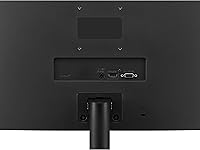
- Connectivity: The monitor includes one HDMI port and one D-Sub (VGA) port; there is no DisplayPort or USB-C input available.
- AMD FreeSync: FreeSync adaptive sync technology is supported, reducing screen tearing and stuttering when used with compatible AMD Radeon graphics cards.
- Bezel Design: Three sides of the monitor feature an ultra-narrow borderless bezel, making it particularly well-suited for side-by-side multi-monitor configurations.
- VESA Mount: The monitor is compatible with 75x75mm VESA wall or arm mounts, allowing buyers to replace the stock stand with a third-party solution.
- Stand Adjustment: The included stand supports tilt adjustment only; there is no height, swivel, or pivot functionality built in.
- Speakers: No built-in speakers are included; users will need external audio output such as headphones or a separate speaker system.
- Eye Care: Reader Mode reduces blue light emission and Flicker Safe technology minimizes screen flicker to help reduce eye fatigue during extended sessions.
- OnScreen Control: LG's OnScreen Control software allows users to adjust monitor settings such as brightness, input source, and picture mode directly from their computer mouse.
- Dimensions: The monitor measures approximately 21.3″ wide, 16.3″ tall, and 7.5″ deep with the stand attached.
- Weight: The full unit with stand weighs 5.7 pounds, making it lightweight enough to reposition or transport without difficulty.
- Power Input: The monitor is rated for 240 volts input, and buyers in regions with different voltage standards should verify compatibility with local power infrastructure.
Related Reviews
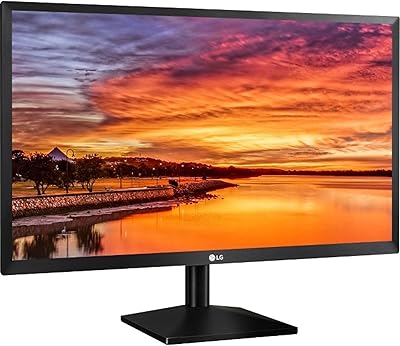
LG 24BK430H-B 24-Inch FHD IPS Monitor
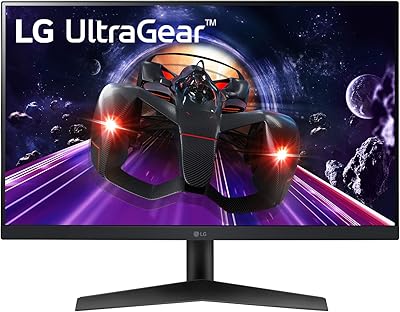
LG 24GN60R-B 24-inch FHD Gaming Monitor
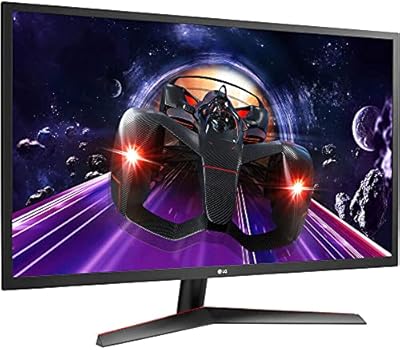
LG 24MP60G-B 24-inch IPS Monitor
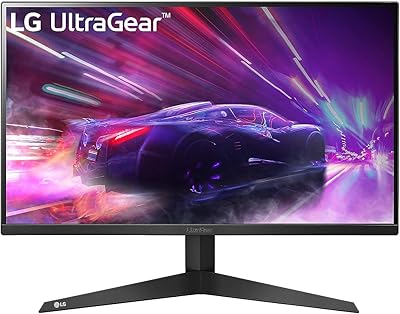
LG 24GQ50F-B 24-inch Gaming Monitor
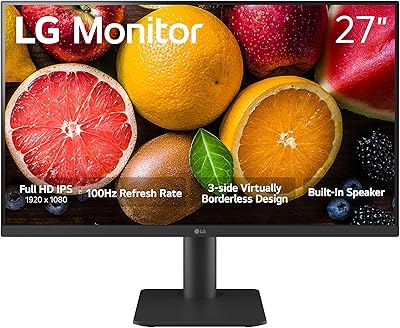
LG 27MS550-B 27-inch IPS Monitor
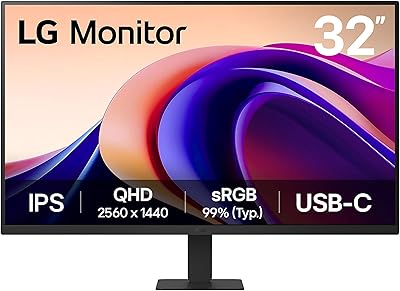
LG 32U631A-B 32-inch QHD Monitor
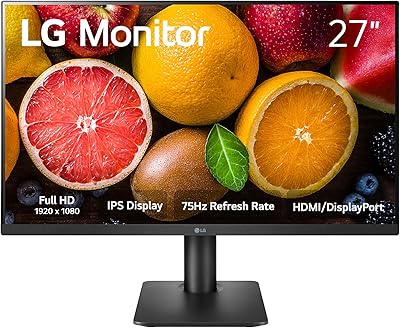
LG 27MP450 27-inch FHD IPS Monitor
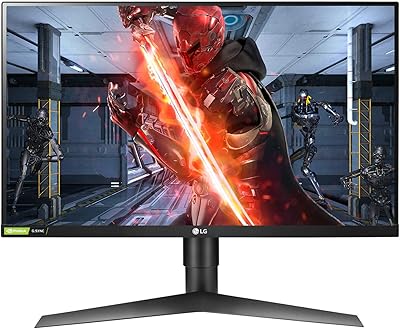
LG 27GL650F-B 27-Inch Full HD IPS Gaming Monitor

ViewSonic VG2448A 24-inch IPS Monitor