Overview
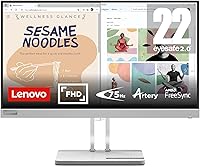
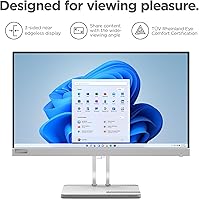
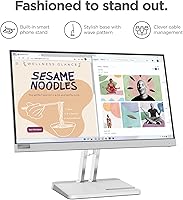
The Lenovo L22e-40 21.5-inch Monitor arrived in late 2023 as a straightforward, no-frills option for anyone building or refreshing a home office setup without spending a lot. It sits firmly in the entry-level tier, but that does not mean it cuts corners carelessly. The VA panel is a meaningful choice here — VA technology generally delivers richer contrast and deeper blacks than comparably priced IPS alternatives, which makes everyday content look more grounded and less washed out. The compact footprint and understated cloud grey finish work well on tighter desks. With a 4.5-star average across over 260 ratings, it has clearly earned its place in this category.
Features & Benefits
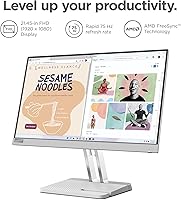
At 21.5 inches with a 1920x1080 resolution, the L22e-40 hits a comfortable pixel density for everyday tasks — text is sharp enough for long reading sessions and spreadsheet work without any noticeable softness. The 75Hz refresh rate paired with AMD FreeSync keeps scrolling and cursor movement noticeably smoother than a standard 60Hz panel, which is a small but real quality-of-life improvement even outside gaming. The Natural Low Blue Light feature is hardware-level, not a software filter, which matters for people spending six or more hours in front of a screen daily. Connectivity covers both HDMI 1.4 and VGA, handy for older machines. The tilt-adjustable stand helps, though the lack of height adjustment is a genuine limitation worth knowing upfront.
Best For
This 21.5-inch display is a natural fit for remote workers, students, and anyone who spends most of their day in a browser, document editor, or video call. Upgrading from a laptop screen, the jump in screen real estate alone makes a noticeable difference in how much you can keep visible at once. The low blue light design makes it a thoughtful pick for long daily work sessions where eye comfort builds up over months, not just hours. Light casual gamers will appreciate the FreeSync support at 75Hz for a smoother experience, though dedicated gamers should look elsewhere. It also suits anyone still running older hardware, since the VGA port means no adapter required for legacy desktops.
User Feedback
Across its ratings, the Lenovo monitor holds a 4.5-star average from over 260 buyers, and the recurring praise centres on how good the picture looks straight out of the box and how straightforward the setup is — no driver headaches, no complicated calibration. Buyers in this price bracket also tend to highlight the solid build quality relative to what they paid. The criticism that surfaces most often involves the stand: tilt-only adjustment leaves taller users at a fixed height that does not suit everyone. A few reviewers in brighter rooms note that 250 nits can feel limiting when there is strong ambient light. On balance, the value perception among verified buyers is strong for what this monitor is designed to do.
Pros
- The VA panel produces noticeably richer contrast than most IPS monitors at a comparable price point.
- Out-of-box image quality is consistently praised by verified buyers, requiring little to no manual calibration.
- Hardware-level low blue light reduces eye strain during long daily work sessions without distorting colours as badly as software filters.
- The 75Hz refresh rate with AMD FreeSync delivers visibly smoother scrolling and cursor movement compared to standard 60Hz panels.
- Both HDMI 1.4 and VGA ports are included, covering older hardware without needing a separate adapter.
- Setup is quick and straightforward, with no complicated driver installation required.
- The compact footprint and neutral cloud grey finish work well on smaller or tidier desk setups.
- At its price tier, the overall build quality has earned consistent positive mentions from buyers in this segment.
- 1080p resolution at 21.5 inches hits a comfortable sharpness level for text-heavy work and everyday computing.
Cons
- The tilt-only stand offers no height or swivel adjustment, which is a real ergonomic drawback for taller users.
- At 250 nits, brightness can feel insufficient in rooms with strong natural or overhead lighting.
- The glossy screen surface is more prone to reflections than a matte alternative, compounding the brightness limitation in bright environments.
- No built-in speakers means you will need external audio hardware for any sound output.
- HDMI 1.4 rather than HDMI 2.0 limits future-proofing if you plan to connect newer high-bandwidth devices.
- The stand cannot be removed and replaced with a VESA arm without a separate adapter bracket, adding cost for mount users.
- Colour accuracy is functional but not reliable enough for any professional creative or colour-critical work.
- The glossy panel finish attracts fingerprints and smudges more readily than matte-coated alternatives.
Ratings
Based on a thorough AI analysis of verified global buyer reviews for the Lenovo L22e-40 21.5-inch Monitor — with spam, bot-generated, and incentivized feedback actively filtered out — the scores below reflect what real users consistently praised and where they felt let down. Strengths and trade-offs are both represented transparently, so you get a balanced picture before committing to a purchase.
Value for Money
Image Quality
Brightness & Visibility
Eye Comfort
Stand & Ergonomics
Refresh Rate & Smoothness
Build Quality
Connectivity
Setup & Installation
Viewing Angles
Gaming Performance
Colour Accuracy
Desk Footprint
Suitable for:
The Lenovo L22e-40 21.5-inch Monitor is a strong match for home office workers, students, and anyone who spends the bulk of their day doing document work, browsing, or video calls. If you are coming from a laptop screen and want more breathing room without a major investment, the jump to a dedicated 21.5-inch 1080p display makes an immediate practical difference. The hardware-level low blue light design is genuinely useful for people who clock six or more hours at a desk daily, since eye fatigue tends to accumulate gradually rather than hit you all at once. The inclusion of a VGA port is a quiet but real advantage for anyone still running an older desktop PC or a machine without a spare HDMI output. Light casual gamers who want a noticeably smoother experience over a standard 60Hz display, without needing high frame rates, will also find the L22e-40 a reasonable fit for their setup.
Not suitable for:
The Lenovo L22e-40 21.5-inch Monitor is not the right choice for buyers who need serious ergonomic flexibility, since the stand only tilts and offers no height or swivel adjustment — a real limitation for taller users or shared workstations. Anyone working in a bright room with large windows facing their desk will likely find 250 nits of peak brightness underwhelming, as the display can appear dim and washed out under strong ambient light. Creative professionals who depend on colour accuracy for photo editing, video grading, or graphic design should look past this monitor entirely, as VA panels at this price tier are not calibrated for that kind of precision work. Competitive or enthusiast gamers will also want to move on quickly — 75Hz is a practical refresh rate for casual use, but it is nowhere near sufficient for fast-paced titles where 144Hz or higher makes a meaningful difference. Finally, buyers hoping to adjust their screen to a portrait orientation or a specific fixed height are out of luck with the hardware provided.
Specifications
- Panel Type: This monitor uses a VA (Vertical Alignment) panel, which provides deeper contrast ratios and richer blacks compared to IPS alternatives at a similar price.
- Screen Size: The display measures 21.5 inches diagonally, offering a comfortable viewing area for everyday office work and general home use.
- Resolution: Native resolution is 1920x1080 (Full HD), delivering clear and sharp visuals at a pixel density well suited to a 21.5-inch screen size.
- Refresh Rate: The panel runs at a 75Hz refresh rate, providing noticeably smoother motion than standard 60Hz displays for everyday tasks and casual gaming.
- Adaptive Sync: AMD FreeSync support is built in, reducing screen tearing and stuttering when connected to a compatible AMD graphics card or APU.
- Brightness: Peak brightness is rated at 250 nits, which is adequate for most indoor environments but may feel limited under strong direct or ambient lighting.
- Aspect Ratio: The display uses a standard 16:9 widescreen aspect ratio, compatible with virtually all modern media, applications, and operating systems.
- Surface Finish: The screen has a glossy surface coating, which enhances colour vibrancy but can produce visible reflections in brightly lit rooms.
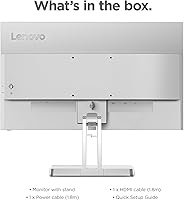
- Ports: Connectivity includes one HDMI 1.4 port and one VGA port, supporting both modern and legacy devices without requiring additional adapters.
- Blue Light: The monitor carries a Natural Low Blue Light certification, achieved at the hardware level rather than through a software overlay or filter.
- Stand Adjustment: The included stand supports tilt adjustment only, with no option for height, swivel, or pivot adjustments out of the box.
- VESA Mount: The monitor supports VESA mounting, though users wishing to use a third-party arm may require a compatible adapter bracket depending on the mount pattern.
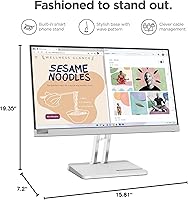
- Dimensions: With the stand attached, the monitor measures 19.35 inches wide, 15.81 inches tall, and 7.2 inches deep.
- Weight: The complete unit including stand weighs 8.38 pounds, making it manageable for a single person to position or reposition on a desk.
- Color: The exterior finish is described as Cloud Grey, a neutral and understated tone that blends into most home office or workspace aesthetics.
- Model Number: The official model number is 67AFKCCBUS, which can be used to verify compatibility, find replacement parts, or reference Lenovo support documentation.
- First Available: The L22e-40 was first listed for sale in August 2023, making it a relatively recent release within Lenovo's entry-level monitor lineup.
Related Reviews
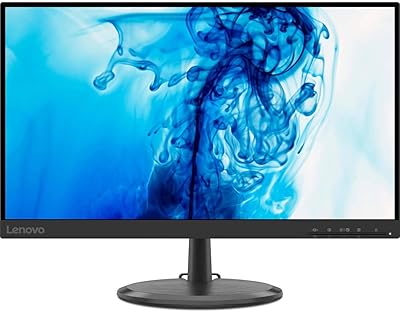
Lenovo D22e-20 21.5-inch FHD Monitor
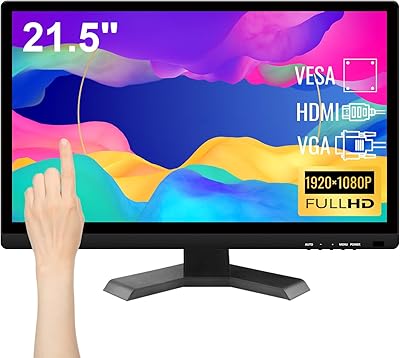
Pisichen HD-215TS 21.5-inch Touchscreen Monitor
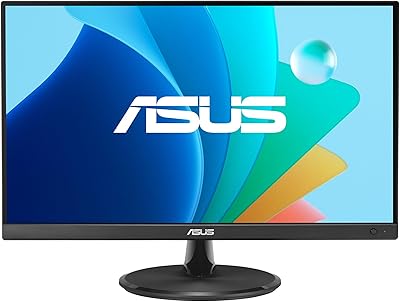
ASUS VP229Q 21.5-inch IPS Monitor
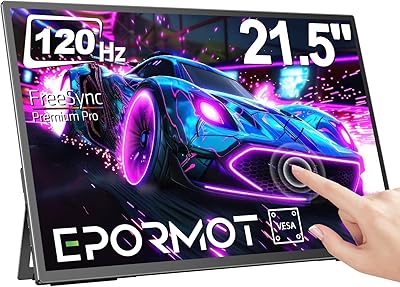
EPORMOT 21.5-inch Portable Touchscreen Monitor
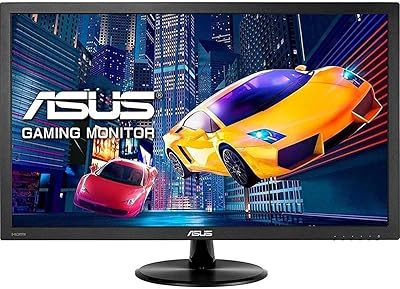
ASUS VP228HE 21.5-inch Gaming Monitor
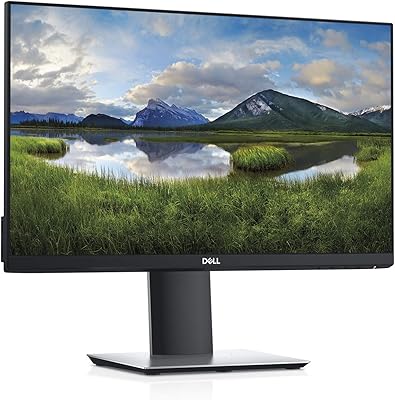
Dell P2219H 21.5-inch FHD Monitor
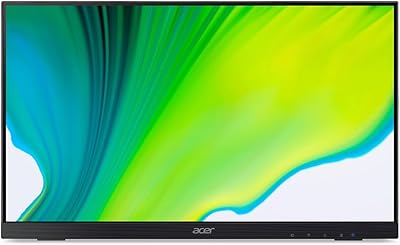
Acer UT222Q 21.5″ Touch Monitor
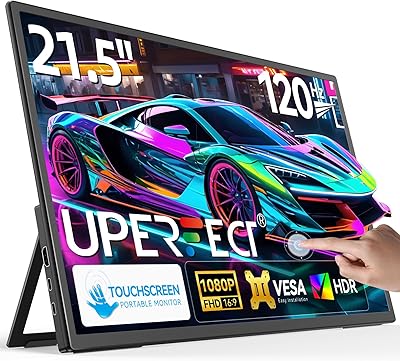
UPERFECT 21.5-inch 120Hz Touchscreen Portable Monitor
LG 22MK430H 22-inch FHD IPS Monitor