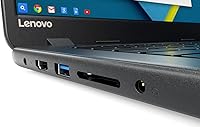
Overview
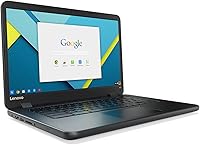
The Lenovo IdeaPad N42-20 14″ Chromebook is a certified refurbished entry-level laptop aimed at buyers who need a reliable machine for everyday tasks without overspending. At just 3 pounds with a 14-inch frame, this Chromebook is genuinely easy to carry between home, school, or a coffee shop. Chrome OS is the operating system here, so traditional desktop software won't run — but for web browsing, Google Workspace, and streaming, it does the job well. The refurbishment process includes testing and reconditioning, and the unit ships with a minimum 90-day warranty. Cosmetic wear may be present, but that is par for the course at this price tier.
Features & Benefits
The Intel Celeron N3060 processor is not going to win any speed contests, but for Chrome OS tasks — opening tabs, writing in Google Docs, watching a YouTube video — it keeps up without drama. The 16GB eMMC storage is the spec that trips people up most often; it sounds fine until you realize local files fill it quickly, so leaning on Google Drive is essentially required. Four gigabytes of RAM is workable for light use, though opening a dozen tabs at once will remind you of the hardware's limits. On the upside, fast boot times and solid 802.11ac Wi-Fi make daily use smooth, and the claimed 10-hour battery holds up reasonably well in real conditions.
Best For
This budget laptop is a natural fit for K-12 and college students who live inside Google Classroom, Docs, and Slides — the whole experience is built around those tools. It also makes sense as a secondary device for adults who want something light to browse the web, check email, or stream video without risking their main machine. Parents who want a kid-friendly computer that is largely immune to malware and easy to manage will find Chrome OS genuinely useful here. If you are already invested in the Google ecosystem and rarely need to run local software, the refurbished Lenovo fills that role without the cost of buying new. It is not built for power users or creative work.
User Feedback
Buyers consistently praise this Chromebook for its quick startup time and how easy it is to pick up and use — especially those who had never used Chrome OS before and found the simplicity refreshing. Portability and strong value for the price come up often as genuine strengths. The recurring criticisms are worth noting: some users report the keyboard feels a bit soft, build quality is on the plasticky side, and battery life can vary depending on the condition of the individual refurbished unit. A few reviews mention cosmetic scratches and generic packaging. Chrome OS itself divides opinions — users embedded in Google's ecosystem tend to love it, while those coming from Windows may feel limited by the lack of traditional app support.
Pros
- Boots up in seconds — Chrome OS keeps startup times impressively short for daily use.
- At just 3 pounds, this Chromebook is easy to carry all day without shoulder strain.
- Battery life comfortably covers a full school day for most light-use tasks.
- Chrome OS is virtually immune to traditional malware, making it a safer pick for kids.
- 802.11ac Wi-Fi delivers solid wireless performance for video calls and streaming.
- The refurbished Lenovo offers genuine usability at a fraction of the cost of buying new.
- Google Workspace integration is tight — Docs, Drive, and Meet work without any setup friction.
- The 14-inch screen size hits a practical sweet spot between portability and usability.
- Certified refurbishment process includes functionality testing and a minimum 90-day warranty.
- Quiet, fanless operation makes it a pleasant companion in libraries or shared spaces.
Cons
- 16GB of local storage fills up fast and forces heavy reliance on Google Drive.
- The display resolution of 1366x768 looks noticeably soft next to modern mid-range laptops.
- Refurbished battery health varies by unit, so real-world battery life is not guaranteed.
- The Celeron processor struggles visibly when too many browser tabs are open at once.
- Build quality feels plasticky — the chassis flexes under moderate pressure and lacks premium feel.
- Only two USB ports total limits connectivity when you need to plug in multiple peripherals.
- Chrome OS will feel restrictive to anyone accustomed to running Windows or Mac desktop apps.
- Keyboard feel has been described as soft and shallow, which bothers touch typists over time.
- Cosmetic wear like scratches or scuffs may be present depending on the individual refurbished unit.
- No optical drive and limited ports make it a poor fit for legacy hardware or older workflows.
Ratings
The scores below for the Lenovo IdeaPad N42-20 14″ Chromebook were generated by AI after analyzing thousands of verified global user reviews, with spam, bot-submitted, and incentivized feedback actively filtered out. Each category reflects a genuine synthesis of what real buyers experienced — the wins and the frustrations alike — so you can make a grounded decision without sifting through hundreds of individual opinions yourself.
Value for Money
Portability
Battery Life
Local Storage
Performance
Display Quality
Build Quality
Keyboard Comfort
Refurbished Condition
Chrome OS Experience
Wi-Fi & Connectivity
Setup & Ease of Use
Audio Quality
Suitable for:
The Lenovo IdeaPad N42-20 14″ Chromebook is purpose-built for buyers who want a simple, low-maintenance computer for everyday web-based tasks and are not looking to run traditional desktop software. Students in K-12 or early college get the most out of it — Google Classroom, Docs, Sheets, and Meet all run well, and the lightweight build makes it easy to toss in a backpack. Parents looking for a safe first laptop for younger children will appreciate that Chrome OS is inherently resistant to the kind of malware that plagues Windows machines, and the interface is genuinely easy to manage remotely through Google Family Link. It also works well as a secondary device for adults who want something dedicated to browsing, streaming, or light email tasks without using their main computer. Anyone already living inside the Google ecosystem — Gmail, Drive, Calendar, YouTube — will feel right at home here with minimal adjustment.
Not suitable for:
The Lenovo IdeaPad N42-20 14″ Chromebook is a poor fit for anyone who relies on Windows or Mac software, whether that means Adobe Creative Suite, Microsoft Office desktop apps, specialized business tools, or PC gaming. The 16GB of onboard storage is genuinely tight — if you plan to save files locally, download large apps, or work offline frequently, you will hit that ceiling faster than expected. Power users who multitask heavily will find the Celeron processor and 4GB of RAM limiting; this is not a machine for running ten browser tabs alongside a video call and a spreadsheet at the same time. The 1366x768 screen resolution, while acceptable for documents, will frustrate anyone who does photo editing, detailed design work, or simply prefers a sharper display. And because this is a refurbished unit, buyers who need a guaranteed pristine condition or a long warranty period should look elsewhere or budget up for a new device.
Specifications
- Brand & Model: This unit is a Lenovo N42-20, a Chromebook from Lenovo's IdeaPad line designed for everyday computing tasks.
- Condition: Sold as certified refurbished, meaning the unit has been tested, reconditioned, and repackaged by the manufacturer or an authorized third-party refurbisher.
- Warranty: Includes a minimum 90-day warranty covering functionality, though the exact terms may vary depending on the seller.
- Display Size: The screen measures 14 inches diagonally, offering a practical balance between portability and screen real estate.
- Resolution: The display runs at 1366x768 pixels, which is standard HD resolution suitable for documents, video streaming, and general web use.
- Processor: Powered by an Intel Celeron N3060 dual-core processor running at 1.6 GHz, built for low-power, light-workload computing.
- RAM: Equipped with 4GB of DDR3 SDRAM, which is adequate for Chrome OS under normal, light-use conditions.
- Storage: Includes a 16GB eMMC SSD for local storage, providing fast access speeds but limited capacity for offline files.
- Operating System: Runs Chrome OS, a cloud-first operating system optimized for web-based applications and Google Workspace tools.
- Wi-Fi: Supports 802.11ac wireless networking for fast and reliable connectivity on modern home and school routers.
- Bluetooth: Bluetooth is included, enabling wireless connection to peripherals such as headphones, keyboards, and mice.
- Battery Life: Rated for up to 10 hours of use on a single charge, though real-world performance will vary by unit condition and workload.
- Weight: The laptop weighs approximately 3 pounds, making it light enough for daily transport in a backpack or bag.
- Dimensions: The chassis measures 8.7 x 12.8 x 0.69 inches, a slim and compact form factor typical of 14-inch Chromebooks.
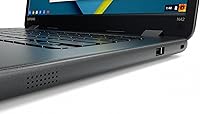
- USB Ports: Features one USB 2.0 port and one USB 3.0 port for connecting external drives, mice, and other accessories.
- Graphics: Uses integrated Intel HD Graphics 400, which handles standard video playback and light visual tasks but is not designed for gaming or GPU-intensive work.
- Optical Drive: No optical drive is included, which is standard for thin, modern Chromebooks in this category.
- Power Source: Runs on a built-in rechargeable lithium-ion battery; an AC adapter is included for charging.
Related Reviews
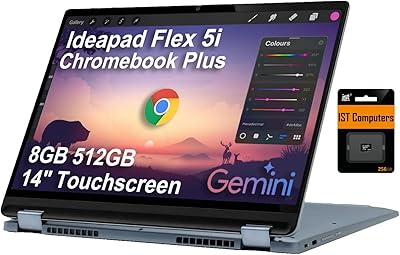
Lenovo IdeaPad Flex 5i Chromebook Plus Laptop
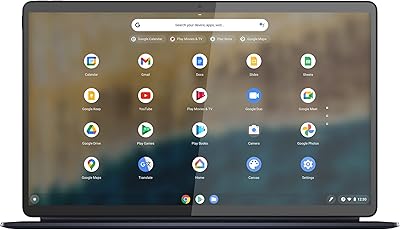
Lenovo IdeaPad Duet 5 Chromebook
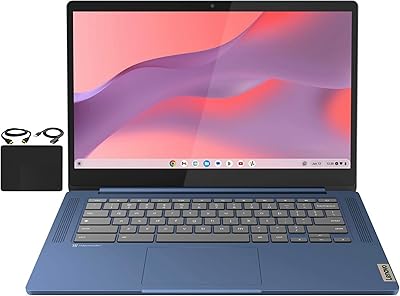
Lenovo Chromebook 14 (Kompanio 520, 4GB, 64GB)
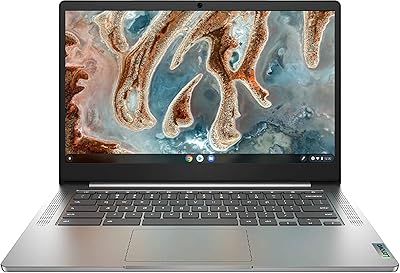
Lenovo Chromebook 3 14″ FHD Touchscreen, MediaTek MT8183, 4GB RAM, 64GB eMMC
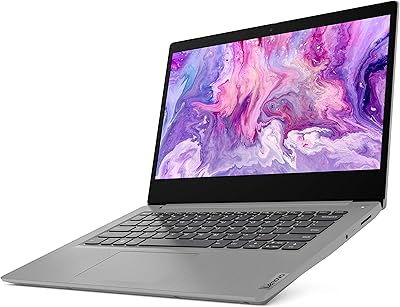
Lenovo IdeaPad 3i 14″ i5-10210U 8GB 512GB
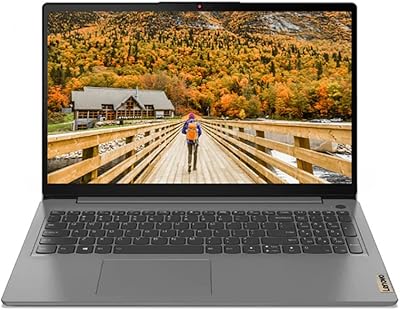
Lenovo IdeaPad 3 14-inch Laptop
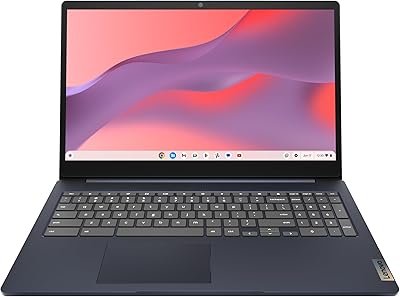
Lenovo IdeaPad 3i Chromebook 15.6″ (8GB RAM, 64GB eMMC)
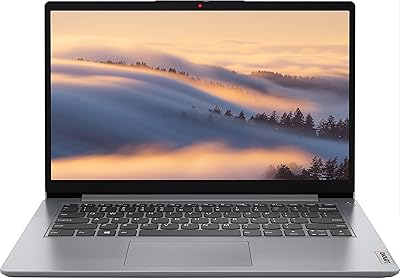
Lenovo Ideapad 1i 14-inch Laptop, Intel Celeron N4020, 4GB RAM, 64GB eMMC
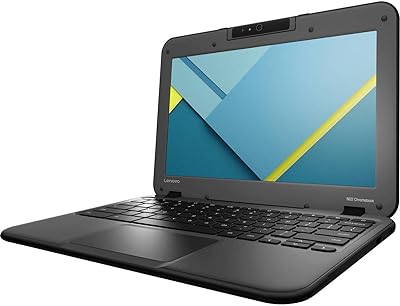
Lenovo N22-20 11.6″ Chromebook