Koolertron One-Handed Macro 23-Key Mechanical Keypad
Overview
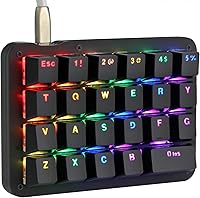
The Koolertron One-Handed Macro 23-Key Mechanical Keypad is a compact, purpose-built input device aimed at anyone who spends serious time triggering shortcuts or custom commands without a full keyboard cluttering their desk. It sits comfortably in the mid-range tier — not a budget throwaway, but not an enthusiast splurge either. The red linear switches give it a smooth, responsive feel that works equally well for rapid gaming inputs or repetitive creative tasks. A detachable USB cable makes it easy to pack away or reroute cables cleanly, and plug-and-play setup means there is no driver drama just to get started.
Features & Benefits
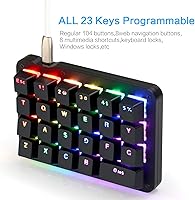
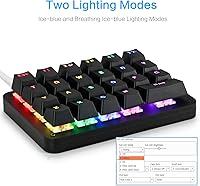
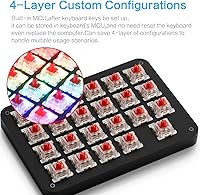
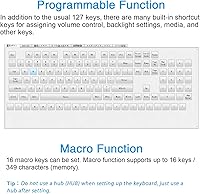
Every one of the 23 keys can be remapped to virtually anything — standard keystrokes, multimedia commands, or web shortcuts — but the real draw is the macro sequencing engine. Each key can store a chain of up to 349 individual commands, so something like a copy-paste-format routine becomes a single tap. Four configuration profiles live directly on the keypad's onboard MCU memory, meaning your setups survive a computer swap or fresh OS install without any reconfiguration. The RGB lighting goes well beyond a basic color toggle, offering dozens of brightness and saturation combinations, and the configuration software covers both Windows and macOS users.
Best For
This macro keypad has a fairly specific sweet spot, and knowing whether you fall into it matters before buying. Video editors working in Premiere Pro or After Effects will get immediate value from binding complex multi-step operations to a single key, and the same goes for Photoshop users who constantly cycle through tools. Gamers running ability rotations or custom hotkey builds will find the layout intuitive once configured. Streamers can map scene changes or mute toggles without reaching across a full board. If you are dealing with limited desk space or any mobility considerations, the compact footprint is a genuine practical advantage.
User Feedback
Owners of the Koolertron one-handed pad tend to agree on a few things. Build quality gets consistent praise — it feels more substantial than the price suggests, and the red switches draw positive comments for their tactile response. Where things get complicated is the software. The configuration interface is functional but visually dated, and first-time macro users often report spending more time than expected figuring out how to chain commands correctly. Keycap wear is not a widespread complaint, though a handful of longer-term users do mention some label fading. Overall, value sentiment leans positive — most buyers feel the feature depth justifies what they paid.
Pros
- All 23 keys are fully remappable, giving you genuine flexibility across very different workflows.
- Onboard MCU storage means your four configuration profiles survive computer changes without any re-setup.
- Red linear switches feel smooth and responsive, punching above the weight of the price tier.
- The macro engine handles sequences of up to 349 commands per key, covering even complex multi-step automations.
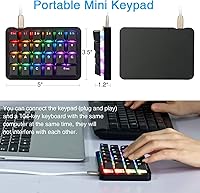
- At just 5″ x 3.5″, this macro keypad takes up very little desk space while remaining easy to reposition.
- Configuration software supports both Windows and macOS without requiring third-party workarounds.
- The detachable USB cable makes transport cleaner and reduces wear on the port over time.
- RGB lighting customization is genuinely deep, with dozens of color, brightness, and saturation combinations available.
- Plug-and-play setup gets you operational quickly, even before you start customizing profiles.
- Build quality feels solid and appropriately weighted for extended daily use.
Cons
- The configuration software UI looks and feels outdated, with a learning curve that can slow down first-time setup considerably.
- Chaining complex multi-step macros requires patience and trial-and-error — the logic is not immediately intuitive.
- No wireless option exists, which limits placement flexibility and rules it out for cable-free desk builds.
- Some users report keycap label fading after extended use, which can become an issue if you rely on visual reference.
- The keypad is heavier than expected at 15.2 ounces, which may surprise buyers expecting a featherweight portable device.
- Hub connectivity is not supported, adding a constraint if your USB ports are already occupied.
- Software documentation is thin, meaning new users often have to rely on community guides or trial-and-error for advanced features.
- The 23-key layout may feel cramped for users who want broader macro coverage without switching between configuration layers.
Ratings
Our AI rating system analyzed verified global user reviews for the Koolertron One-Handed Macro 23-Key Mechanical Keypad, actively filtering out incentivized submissions, duplicate accounts, and bot-generated feedback to surface what real buyers actually experience. The scores below reflect a balanced synthesis of genuine praise and recurring frustrations — nothing is inflated, and the pain points are represented as clearly as the strengths. If a category scored low, you will know exactly why.
Build Quality
Switch Feel
Programmability
Configuration Software
Onboard Memory
RGB Lighting
Portability
Compatibility
Keycap Durability
Value for Money
Setup Experience
Macro Depth
Desk Footprint
Multi-Platform Software
Suitable for:
The Koolertron One-Handed Macro 23-Key Mechanical Keypad is a strong match for anyone whose daily workflow revolves around repetitive keyboard commands or complex shortcut sequences. Video editors working in Premiere Pro or After Effects will find real time savings by binding multi-step operations to a single key, and Photoshop users who constantly switch tools or apply adjustments will appreciate the same logic. Gamers who run ability rotations or maintain elaborate keybind setups get a dedicated pad that does not interfere with their main keyboard. Streamers benefit from having scene switches, mute toggles, and clip commands within easy reach, while programmers can trigger entire code snippets or IDE actions with one press. If desk space is limited or you have any mobility constraints that make stretching across a full keyboard uncomfortable, this programmable keypad fits neatly into a corner of your setup without demanding much room.
Not suitable for:
The Koolertron One-Handed Macro 23-Key Mechanical Keypad is not a good fit for buyers expecting a ready-to-go experience straight out of the box. Getting meaningful value from it requires time invested in the configuration software, and that software is functional but genuinely dated — if you are not patient with clunky interfaces, the setup process will frustrate you. Casual users who only want a volume knob or a couple of media keys are overpaying significantly for features they will never touch. The device also lacks wireless connectivity, so anyone building a clean cable-free desk will have a problem. It is not designed as a standalone typing solution, so if you are hoping to replace or meaningfully supplement a keyboard for general text entry, this is the wrong tool entirely.
Specifications
- Key Count: The keypad features 23 fully programmable keys, each independently assignable to any function or macro sequence.
- Switch Type: Red linear mechanical switches provide smooth, consistent actuation with no tactile bump, suited for both rapid gaming inputs and repetitive shortcut use.
- Dimensions: The unit measures 5″ L x 3.5″ W x 1.2″ H, keeping the footprint small enough to sit beside a full-size keyboard without crowding the desk.
- Weight: At 15.2 ounces, the keypad is heavier than it looks, which contributes to stability during use but is worth noting for portability.
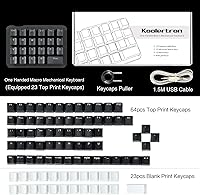
- Connectivity: Connection is via a detachable USB cable, with plug-and-play support across PC, laptop, tablet, and compatible Android devices.
- Configuration Layers: Four independent profiles can be stored directly on the keypad's onboard MCU, allowing quick switching between distinct setups without relying on a connected computer.
- Macro Depth: Each key can store a macro sequence of up to 349 individual key commands, supporting complex multi-step automation chains.
- RGB Lighting: Backlighting supports 8 dynamic effects, 30 brightness levels, 32 saturation levels, and 32 distinct color options including static monochrome settings.
- Software Support: Dedicated configuration software is available for both Windows and macOS, downloadable from the manufacturer's hosted links.
- Onboard Memory: All programmed configurations are saved to the keypad's internal MCU, so settings persist across different computers and OS reinstalls without reconfiguration.
- Compatibility: Works with PC, laptop, tablet, and Android devices; no hub support is available, so a direct USB port connection is required.
- Cable Design: The USB cable is detachable, reducing long-term wear on the port and making the keypad easier to pack or store when not in use.
- Brand: Manufactured by Koolertron, a peripheral brand specializing in compact and programmable input devices.
- Model Number: The exact model number for this variant is AE-AMAG23-BKD, useful for identifying the correct firmware and software version.
- Backlight Control: Backlight brightness can be adjusted across 30 levels or turned off entirely, giving users full control over visibility and power preference.
Related Reviews
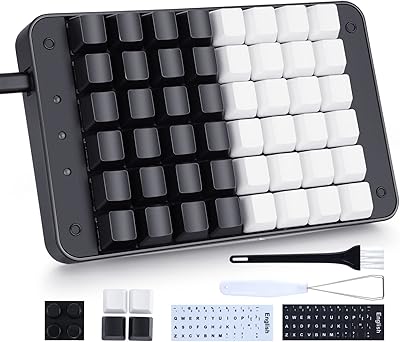
Koolertron 48-Key One-Handed Mechanical Keyboard
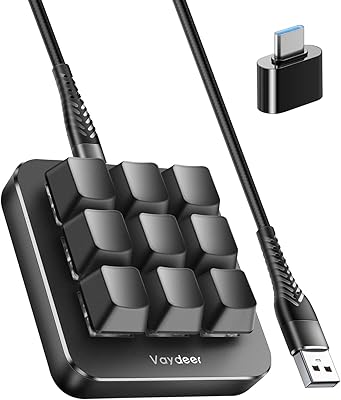
Vaydeer JP1011-C 9-Key Macro Mechanical Keypad
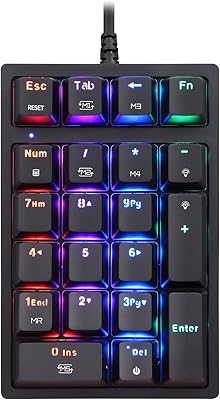
MOTOSPEED MSK24 21-Key Mechanical Numpad
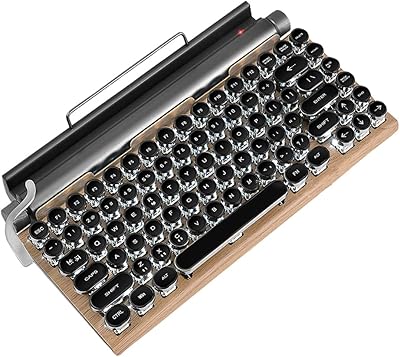
GUAZI 83-Key Retro Typewriter Bluetooth Mechanical Keyboard
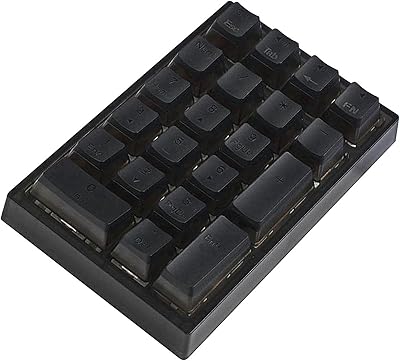
BOYI TD21 Mechanical Numeric Keypad
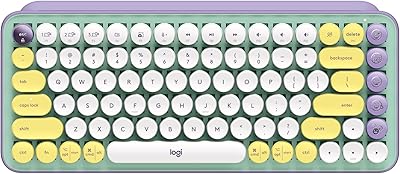
Logitech POP Keys Mechanical Wireless Keyboard
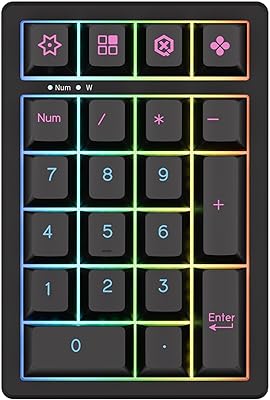
KEYCOOL K21 Wireless Mechanical Numeric Keypad
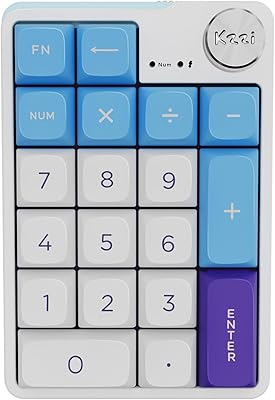
KZZI K20 Mechanical Wireless Numeric Keypad
Ducky One 3 Mini 60% Mechanical Keyboard