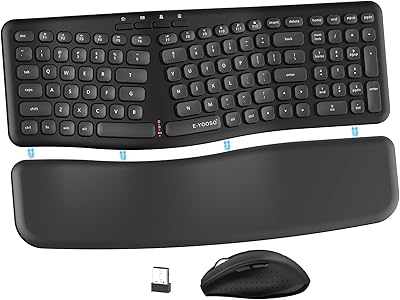
Kensington Pro Fit Ergonomic Wireless Keyboard Mouse



Overview
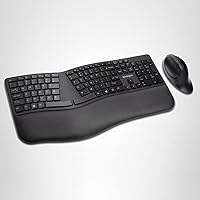
The Kensington Pro Fit Ergonomic Wireless Keyboard Mouse is a mid-range combo aimed squarely at office workers who are starting to notice the toll that long typing sessions take on their wrists and forearms. What sets it apart from a standard wireless pairing is its split, sloped keyboard design, which angles your hands into a more natural position rather than forcing them flat. It supports both 2.4GHz and Bluetooth 4.0 LE connectivity, adding genuine flexibility for multi-device users. Compatible with Windows, macOS, and Chrome OS, it covers most setups without fuss. Just keep expectations grounded — this is a solid ergonomic entry point, not a specialist-grade device.
Features & Benefits
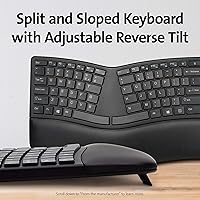
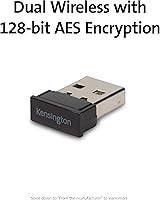
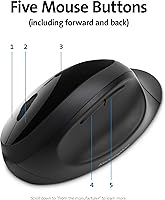
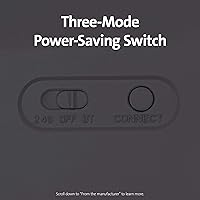
The split and reverse-tilt layout is the centerpiece here — it positions your wrists in a more neutral alignment, which matters a lot after four or five hours at a desk. Switching between the USB dongle and Bluetooth is straightforward, and the 128-bit AES encryption means you are not sacrificing security for convenience. The keys and mouse clicks are noticeably quiet, a real plus in shared office environments where every clack carries. The five-button mouse adds forward and back navigation that quickly becomes second nature during research-heavy workdays. A three-mode power switch — rather than simple auto-sleep — gives you real control over battery conservation. Batteries are included, so setup is immediate.
Best For
This ergonomic combo makes most sense for people who spend the majority of their workday typing and are starting to feel early signs of wrist strain. It is also well-suited for remote workers juggling multiple devices, since the Bluetooth option lets you pair with a laptop or tablet without pulling out a dongle. The quiet operation makes it a natural pick for library regulars or anyone sharing a workspace. Price-wise, it sits at a point where you are getting genuine comfort engineering without the steep cost of dedicated ergonomic brands. If you are coming from a flat, traditional keyboard, the split layout here is approachable — steep learning curves are not really part of this experience.
User Feedback
Across more than 2,500 ratings, the Kensington wireless set lands at 3.8 stars — which reflects a genuinely split crowd. Most satisfied buyers point to the comfortable typing angle and how easy it was to get running straight out of the box. The quiet clicks get consistent praise from people in shared spaces. That said, recurring complaints are worth noting: the mouse tends to feel small for users with larger hands, and the split keyboard layout takes real adjustment time — some people mention one to two weeks before it feels natural. Battery life and connectivity reliability appear broadly acceptable, but durability opinions diverge noticeably between early impressions and longer-term use reports.
Pros
- The split, reverse-tilt keyboard design noticeably reduces forearm tension during long typing sessions.
- Dual wireless support — both 2.4GHz and Bluetooth — makes device-switching genuinely effortless.
- Government-grade AES encryption means you are not trading security for wireless convenience.
- Keys and mouse clicks are quiet enough for library or open-office use without disturbing others.
- The five-button mouse with forward and back navigation cuts down on repetitive browser and file-manager clicks.
- A three-mode power switch gives active control over battery usage, not just passive auto-sleep.
- AA batteries are included, so the combo is ready to use within minutes of unboxing.
- Compatible with Windows, macOS, and Chrome OS — one combo covers most household or office devices.
- The split keyboard layout is more approachable than fully contoured ergonomic keyboards, easing the transition.
- At its price point, it delivers genuine ergonomic design features that most standard combos simply do not offer.
Cons
- The bundled mouse runs small and will feel cramped for users with medium-to-large hands.
- Adapting to the split keyboard layout takes one to two weeks and can slow typing speed initially.
- The all-plastic build feels noticeably lightweight, which some users associate with lower long-term durability.
- No rechargeable battery option means ongoing AA battery costs and eventual replacement hassle.
- Long-term durability reports are inconsistent — some users note wear issues after extended daily use.
- The single-color backlight is dim and limited, making low-light typing less comfortable than expected.
- Bluetooth pairing can require re-establishing the connection after the device has been idle for a while.
- There is no wrist rest included, which slightly undermines the ergonomic pitch for all-day typists.
- The keyboard footprint at 22.5 inches wide is large and may crowd smaller desks or dual-monitor setups.
- A 3.8-star average across thousands of ratings signals a meaningful share of buyers who were left underwhelmed.
Ratings
The scores below were generated by our AI after analyzing thousands of verified global user reviews for the Kensington Pro Fit Ergonomic Wireless Keyboard Mouse, with spam, bot activity, and incentivized feedback actively filtered out before any scoring was applied. Each category reflects the honest distribution of buyer sentiment — where this split-keyboard bundle earns real praise and where it consistently falls short. Nothing has been softened or inflated to make the product look better than the evidence supports.
Ergonomic Design
Keyboard Feel & Typing Experience
Mouse Comfort & Usability
Wireless Connectivity
Security
Noise Level
Battery Life
Build Quality & Durability
Setup & Ease of Use
OS & Device Compatibility
Value for Money
Backlight Quality
Portability
Suitable for:
The Kensington Pro Fit Ergonomic Wireless Keyboard Mouse is a strong match for office workers who spend the bulk of their day at a keyboard and are starting to notice discomfort in their wrists, forearms, or shoulders. It is particularly well-suited for people who want to address those early warning signs without committing to the steep price or steep learning curve of high-end ergonomic brands. Remote workers who regularly switch between a desktop and a laptop will appreciate having both a USB dongle and Bluetooth in one package — no adapter juggling, no re-pairing headaches. Anyone working in a shared space, whether a co-working setup, open-plan office, or library study room, will find the quiet keys and low-noise mouse a genuine day-to-day comfort. It also works well for Mac, Windows, and Chromebook users alike, making it one of the few combos that truly covers mixed-OS households or small businesses without compatibility concerns.
Not suitable for:
The Kensington Pro Fit Ergonomic Wireless Keyboard Mouse is not the right call for everyone, and being honest about that matters. If you have larger hands, the included mouse is likely to feel cramped — this is one of the most consistent frustrations reported by buyers, and no amount of adjustment fixes a mouse that is simply undersized for your grip. Users who are already experiencing significant repetitive strain injury or diagnosed wrist conditions should consult a specialist before relying on this combo, as the split design here is an entry-level comfort measure, not a medical-grade intervention. Hardcore gamers or fast-paced data-entry professionals will probably find the keyboard feel and mouse responsiveness fall short of what dedicated performance peripherals offer. If you are not willing to go through a week or two of adjustment while your hands learn the split layout, the transition period could genuinely hurt your productivity before it helps. Finally, buyers seeking a premium, premium-built feel in the hardware itself may find the all-plastic construction underwhelming at this price point.
Specifications
- Brand: Manufactured by Kensington, a company with a long track record in office peripherals and ergonomic accessories.
- Model: This combo carries the model designation K75406US, part of the Pro Fit product series.
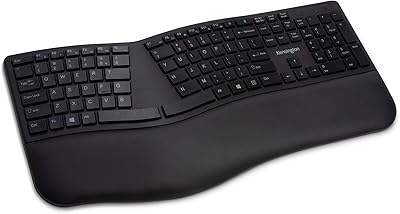
- Keyboard Type: Features a split ergonomic layout with a reverse-tilt design to encourage neutral wrist and forearm positioning during extended use.
- Wireless Modes: Supports both 2.4GHz wireless via USB nano-dongle and Bluetooth 4.0 LE, allowing connection to two different devices without re-pairing.
- Encryption: All wireless communication is protected by 128-bit AES encryption, meeting government-grade security standards.
- Mouse Buttons: The included mouse has five buttons: left-click, right-click, scroll wheel click, and dedicated forward and back navigation buttons.
- OS Compatibility: Works across Windows, macOS, and Chrome OS without requiring additional driver installation for basic functionality.
- Dimensions: The keyboard measures 22.5 x 10 x 2.6 inches, making it a full-width layout that requires adequate desk space.
- Weight: The full combo weighs approximately 3 pounds, which is typical for a keyboard-and-mouse bundle of this size.
- Power Source: Both the keyboard and mouse are powered by AA batteries, which are included in the box and ready to use immediately.
- Power Modes: A three-position switch cycles between 2.4GHz mode, Bluetooth mode, and off, giving users direct control over power consumption.
- Backlight: The keyboard includes single-color backlighting to aid visibility in lower-light environments, though brightness is modest.
- Material: The keyboard and mouse housings are constructed from plastic, keeping the overall weight low but reflecting the mid-range build tier.
- Color: Available in black, with a matte finish that resists minor smudging during daily office use.
- Batteries Included: Two AA batteries are bundled with the combo so no separate battery purchase is needed before first use.
Related Reviews
Kensington Pro Fit Ergonomic Wireless Keyboard
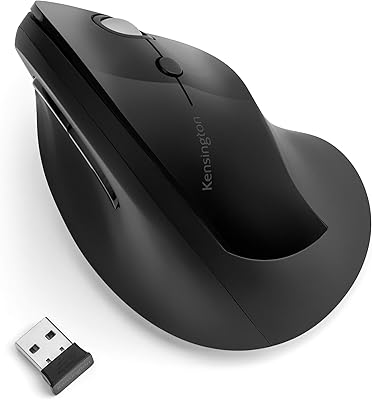
Kensington Pro Fit Ergo Vertical Wireless Mouse
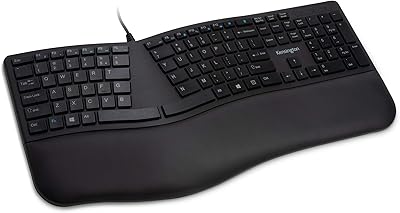
Kensington Pro Fit Ergo Wired Keyboard
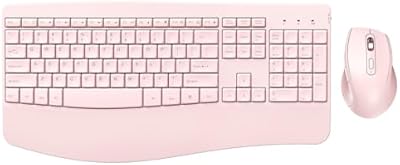
PEIOUS Wireless Ergonomic Keyboard and Mouse Combo
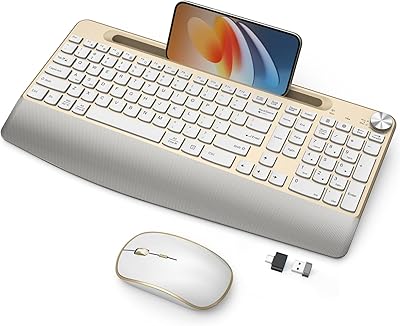
JOYACCESS Ergonomic Wireless Keyboard and Mouse Combo
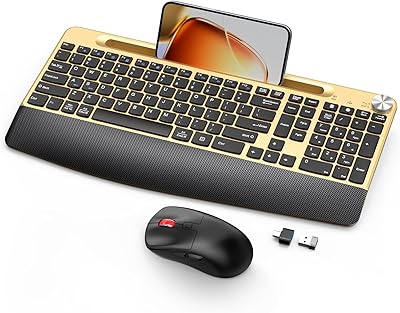
GAMCATZ Ergonomic Wireless Keyboard and Mouse Combo
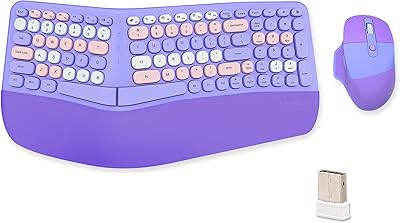
Lomiluskr Wireless Ergonomic Keyboard and Mouse Combo
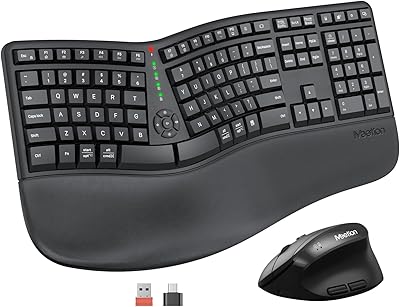
MEETION DirectorC Split Ergonomic Keyboard Mouse Combo
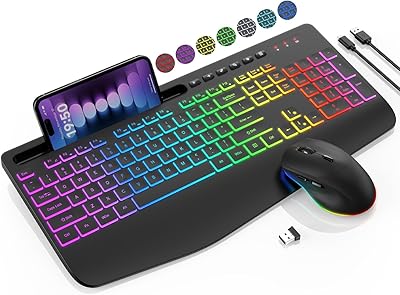
SABLUTE KL3 Pro