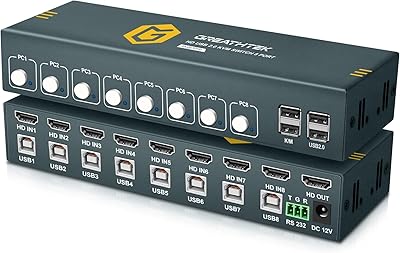
KAGO A072 7-Port HDMI Switch 4K@60Hz
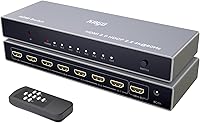
Overview
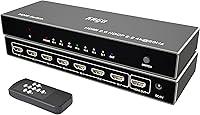
The KAGO A072 7-Port HDMI Switch 4K@60Hz tackles a problem most home theater and desk setups eventually hit: you run out of HDMI ports before you run out of devices. Unlike the flimsy plastic boxes that dominate the budget end of this category, this 7-port HDMI switch is built around an aluminum alloy housing that feels noticeably more solid in hand. Setup is genuinely straightforward — plug in your devices, connect the output to your display, and you are done. No drivers, no configuration menus. That said, signal performance does depend on cable quality and length, so do not expect miracles if you are running long, cheap cables.
Features & Benefits
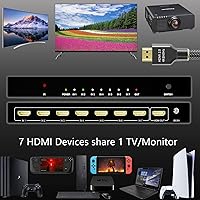
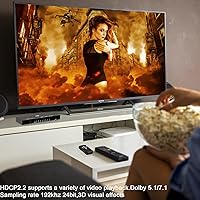
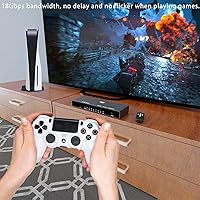
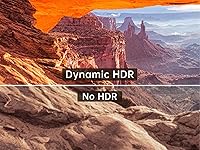
Seven inputs is the headline here, and it genuinely sets this aluminum HDMI selector apart from the sea of 3- and 5-port alternatives. Running a PS5, Xbox, PC, streaming stick, and a couple more sources off a single display is no longer a cable-swapping exercise. The switch handles 4K at 60Hz with 18Gbps of bandwidth and full HDCP 2.2 compliance, meaning modern HDR content and protected streams pass through without issue. Audio is not shortchanged either — DTS-HD, Dolby TrueHD, and LPCM 7.1 are all supported for proper home theater pass-through. The infrared remote works reliably at up to 30 feet, and per-port LED indicators make it immediately obvious which source is active.
Best For
This 7-port HDMI switch makes the most sense for people whose device count has simply outgrown their TV's input options. The obvious crowd is the living room gamer with a PS5, Xbox, and a PC all competing for the same screen — add a streaming stick and a Blu-ray player, and suddenly seven ports does not feel excessive. It also fits well in small offices or classrooms where multiple presentation sources share a single projector or monitor. If you want something that will not look out of place on an AV shelf, the aluminum build delivers. Just note that no HDMI cables are included, so budget for quality cables separately.
User Feedback
Buyers consistently highlight the build quality and remote responsiveness — for a mid-range accessory, the aluminum construction leaves a better impression than the price tier might suggest. Port count gets praised often, particularly by users who had outgrown smaller switches. On the downside, a recurring complaint is the absence of auto-switching, where the unit would automatically activate the correct input when a source powers on. Some HDR handshake inconsistencies have been reported with certain 4K displays, though many of these cases trace back to substandard cables rather than the unit itself. Customer support responses appear generally prompt, with the brand's lifetime support claim holding up in most documented cases.
Pros
- Seven HDMI inputs is genuinely rare at this price point — most competing switches top out at five.
- The aluminum housing feels noticeably more solid and premium than the plastic-bodied alternatives nearby on the shelf.
- Full 4K at 60Hz with HDCP 2.2 means modern consoles, streaming devices, and protected 4K content all work without workarounds.
- The IR remote handles source switching from across the room reliably, a convenience most budget switches simply skip.
- Per-port LED indicators make it immediately obvious which source is active — no guessing when managing multiple devices.
- DTS-HD, Dolby TrueHD, and LPCM 7.1 pass-through keeps the KAGO switch from being an audio bottleneck in a proper home theater chain.
- Plug-and-play setup requires zero software, zero configuration — most buyers have everything running within minutes of unboxing.
- Passive aluminum cooling keeps the unit quietly warm during extended use rather than requiring a noisy fan.
- The slim profile fits neatly on an AV shelf without dominating the rack or looking out of place.
Cons
- No auto-switching on signal detection — you must manually select inputs every time a source changes.
- HDR handshake failures have been reported with certain OLED and Bravia displays, occasionally requiring a power cycle to resolve.
- No HDMI cables are included, and the unit is sensitive enough to cable quality that budget cables will surface problems fast.
- The IR sensor requires clear line of sight, making cabinet or enclosed rack installations genuinely inconvenient.
- 4K signal quality drops noticeably with cable runs longer than 5 meters on inputs or 8 meters on the output.
- The 2 AA batteries needed for the remote are not in the box — a small but avoidable frustration on day one.
- Seven cables populated simultaneously creates a cramped rear panel that makes cable management messy and unwieldy.
- Customer support quality is inconsistent — some buyers receive detailed help while others get templated non-answers.
- No mounting hardware or adhesive feet included, so the unit tends to slide on smooth shelf surfaces under cable tension.
Ratings
The KAGO A072 7-Port HDMI Switch 4K@60Hz was evaluated by our AI system after processing hundreds of verified global buyer reviews, with spam, bot-generated, and incentivized submissions actively filtered out before scoring. The ratings below reflect a balanced synthesis of real-world praise and documented frustrations — nothing is glossed over. Strengths in build quality and port count are genuine, but recurring concerns around auto-switching and HDR consistency are reflected honestly in the scores.
Build Quality
Port Count & Versatility
4K & HDR Signal Integrity
Remote Control Usability
Auto-Switching Capability
Audio Pass-Through
Setup & Ease of Use
Value for Money
Heat Management
LED Indicators & Port Identification
HDCP 2.2 Compatibility
Physical Footprint & Design
Customer Support Experience
Cable Compatibility & Signal Sensitivity
Suitable for:
The KAGO A072 7-Port HDMI Switch 4K@60Hz is a strong fit for anyone whose device collection has simply grown faster than their TV's input panel. If you are juggling a PS5, an Xbox, a gaming PC, a streaming stick, and a Blu-ray player all competing for the same screen, seven ports is not excessive — it is exactly what you need. Home theater enthusiasts who want full-bandwidth 4K at 60Hz with HDR and lossless audio pass-through will find the feature set legitimately capable for the price tier. The aluminum HDMI selector also suits small offices and classrooms where multiple PCs or presentation sources need to share a single projector or monitor without a rats-nest of manual cable swapping. The included IR remote makes it a comfortable couch-side solution for living rooms, and the plug-and-play setup means even less technically confident users can get everything running in a few minutes.
Not suitable for:
The KAGO A072 7-Port HDMI Switch 4K@60Hz is not the right choice for users who depend on automatic input switching — if you expect the box to detect which device just powered on and switch to it automatically, you will be disappointed every single day. Anyone running a smart home or automation system that relies on source switching triggers should look at actively managed alternatives. Buyers with very long cable runs should also be cautious: 4K signal integrity starts to degrade beyond roughly 5 meters on the input side and 8 meters on the output, so large rooms with distant equipment racks may see inconsistent results. If your primary concern is rock-solid HDR handshake reliability with a demanding OLED TV, the occasional negotiation hiccup reported by some users could be a frustrating trade-off. And if you only need three or four ports, there are more optimized, lower-cost switches that will serve you better without paying for capacity you will never use.
Specifications
- Input Ports: The switch provides 7 HDMI 2.0 input ports, allowing up to seven source devices to be connected simultaneously.
- Output Ports: There is a single HDMI 2.0 output port, designed to connect to one display such as a TV, monitor, or projector.
- Max Resolution: Supports up to 3840x2160 (4K UHD) at 60Hz, as well as 1080p at 60Hz for older source devices.
- Bandwidth: Maximum data bandwidth is 18Gbps, in line with the HDMI 2.0 specification for high-resolution, high-framerate content.
- HDMI Version: Compliant with HDMI 2.0 and HDCP 2.2 standards, ensuring compatibility with protected 4K content from streaming services and Blu-ray players.
- Audio Formats: Supports DTS-HD, Dolby TrueHD, Dolby AC3, LPCM 7.1, and DSD audio pass-through for home theater use.
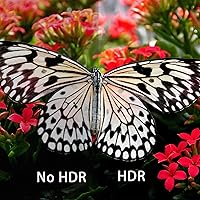
- HDR Support: HDR (High Dynamic Range) video pass-through is supported, enabling compatible displays to render expanded color and contrast.
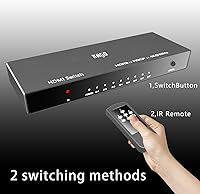
- Control Methods: Switching can be performed via the front-panel manual button or the included infrared remote control, which operates within a 30-foot range.
- LED Indicators: Individual LED indicators are positioned on the front panel to show which of the seven input ports is currently active.
- Housing Material: The enclosure is constructed from aluminum alloy, which provides passive heat dissipation and a more durable feel than plastic alternatives.
- Dimensions: The unit measures 220 x 75 x 27 mm (8.66 x 2.95 x 1.06 in), giving it a slim, shelf-friendly profile.
- Weight: The switch weighs 420g (1.39 lbs), which is moderate for an aluminum-housed device of this port count.
- Power Supply: Powered via USB at 5V/1A; a compatible USB power adapter is included in the box.
- 4K Cable Distance: For reliable 4K signal transmission, input cable runs should not exceed 5m and output cable runs should not exceed 8m using AWG24 HDMI standard cable.
- 1080p Cable Distance: At 1080p resolution, input and output cable runs can each extend up to 10m using AWG24 HDMI standard cable without signal degradation.
- Operating Temp: The unit is rated to operate between -40°C and +85°C, making it suitable for a wide range of indoor installation environments.
- Operating Humidity: Specified operating humidity range is 5% to 90% relative humidity, with no condensation permitted.
- Remote Batteries: The infrared remote requires 2 AA batteries, which are not included in the package and must be sourced separately.
- Package Contents: The box includes the HDMI switch unit, one IR remote control, one USB power adapter, and one printed user guide; no HDMI cables are included.
- Warranty & Support: The manufacturer offers lifetime technical support, with a stated response time of within 24 hours for customer inquiries.
Related Reviews
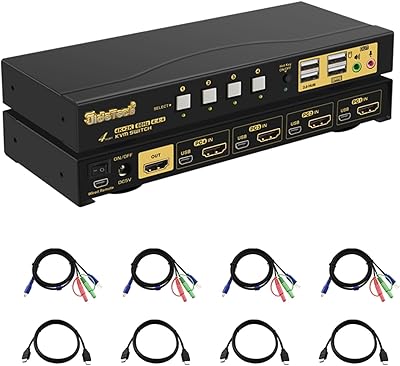
JideTech 64H2UA 4-Port HDMI KVM Switch
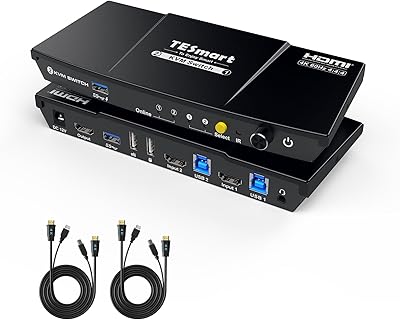
TESmart HKS201-P23 2-Port HDMI KVM Switch
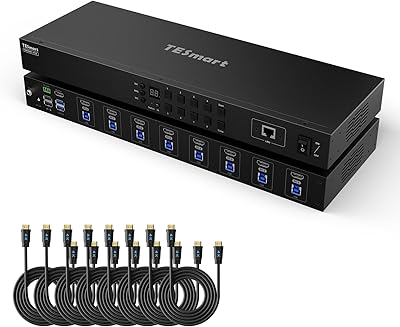
TESmart HKS801-P23 8-Port Rackmount HDMI KVM Switch
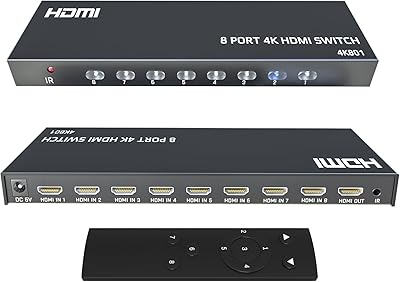
KAGO 4K801 HDMI Switch 8-in-1
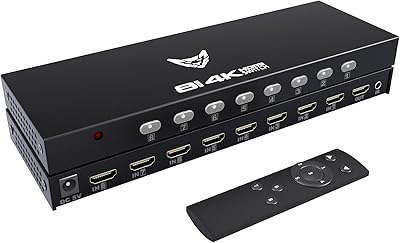
DiamondTiger 4K801 8-Port HDMI Switch
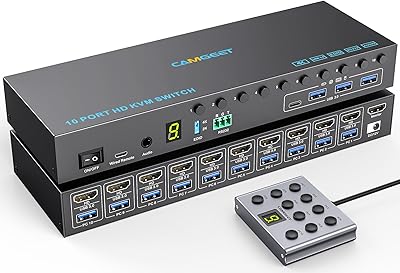
Camgeet 10-Port HDMI KVM Switch
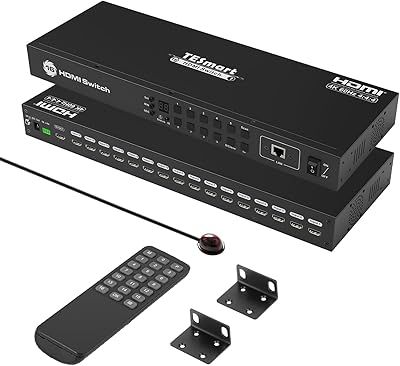
TESmart HSW1601A1U 16-Port HDMI Switch
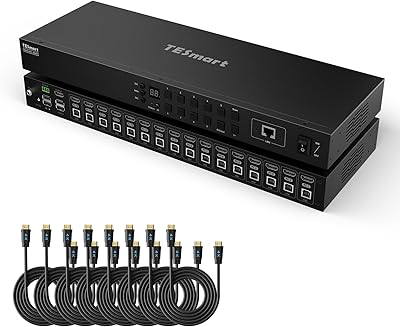
TESmart HKS1601 16-Port HDMI KVM Switch
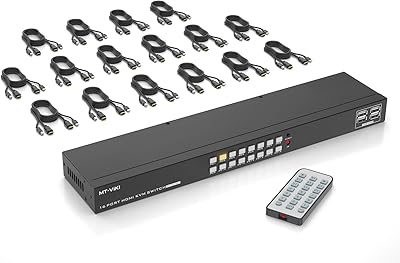
MT-VIKI MT-1601HK-C 16-Port HDMI KVM Switch