Overview
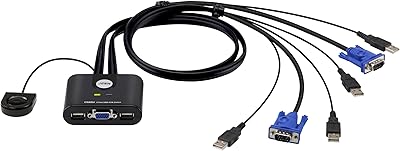
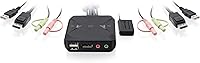
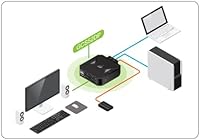
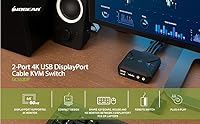
The IOGEAR 2-Port USB DisplayPort KVM Switch allows you to control two computers with a single monitor, keyboard, and mouse. This compact device supports 4K UHD resolution up to 4096 x 2160 at 30Hz, offering crisp, clear visuals for both work and entertainment. The plug-and-play installation makes it easy to set up, as no additional software is required. Designed with built-in cables, this KVM switch ensures a tidy and space-efficient workspace. If you're looking for a simple way to switch between multiple systems, this KVM device provides a seamless solution.
Features & Benefits
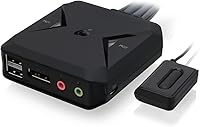
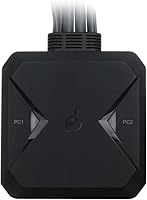
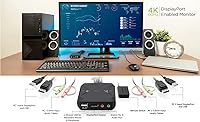
With the IOGEAR 2-Port USB DisplayPort KVM Switch, you can switch between two DisplayPort computers using a single set of peripherals. The remote push-button control allows for quick and easy transitions, while the device supports expandable USB hubs for additional peripherals. It’s bus-powered, meaning no external power adapter is required for basic setups, although one is available for more demanding needs. This KVM switch offers convenience for those who need to control multiple computers without the clutter of extra cables.
Best For
This KVM switch is ideal for anyone with dual DisplayPort-equipped computers who needs to streamline their setup. Professionals who work with graphic design, video editing, or other high-resolution tasks will appreciate its 4K support and ease of switching. It’s also a great option for those who want a compact, efficient solution for home or office use. Both Mac and Windows users will find this device versatile, as it is compatible with a range of operating systems, making it a solid choice for cross-platform environments.
User Feedback
Users appreciate the easy installation and the ability to switch between computers quickly with the remote button. However, some have reported occasional signal loss during transitions between systems, especially when using higher refresh rates. The 4K resolution is praised, but some users mention limitations when pushing the device to its higher settings. A few reviewers also noted the lack of an integrated power adapter, which can be a drawback for setups requiring additional power. Overall, it's a solid option for most users, with minor concerns regarding performance in specific use cases.
Pros
- Plug-and-play installation makes setup quick and easy without the need for extra software.
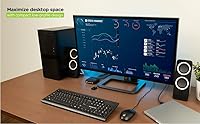
- Compact design with built-in cables helps keep your workspace tidy and organized.
- Supports 4K UHD resolution at 30Hz, providing clear and sharp visuals for professional tasks.
- Great for users with dual DisplayPort-equipped computers who need a single set of peripherals.
- Compatible with both Mac and Windows, making it a versatile solution for mixed-system environments.
- Expandable USB hub support allows for more peripheral connectivity as needed.
Cons
- Some users report occasional signal loss when switching between computers, which can be disruptive.
- The 4K resolution is limited to 30Hz, which may not be suitable for gaming or high-refresh-rate tasks.
- Lack of an integrated power adapter may be problematic for demanding setups that require more stability.
- Not the best option for users who need seamless, high-performance video switching in professional video editing environments.
- Limited to DisplayPort inputs, which could be a drawback for those needing HDMI or other port compatibility.
- A few users have found the remote push-button control to be less responsive than expected.
Ratings
The IOGEAR 2-Port USB DisplayPort KVM Switch has garnered a range of user feedback from across multiple platforms and languages, with a focus on ease of use and display performance. After filtering out spam, bot-driven, and low-quality reviews, the aggregated scores reflect both the positive aspects and occasional concerns raised by users. The feedback highlights key features such as its 4K resolution support and compact design, but some users have reported occasional signal loss and the absence of an integrated power adapter for demanding setups.
Ease of Use
Display Quality
Build Quality
Compatibility with Mac and Windows
Setup Process
Compactness and Design
Power Supply and Stability
Remote Switching Feature
Signal Stability
Value for Money
USB Hub Expansion
Customer Support and Warranty
Suitable for:
The IOGEAR 2-Port USB DisplayPort KVM Switch is ideal for professionals, home office users, and anyone with dual DisplayPort-equipped computers who needs to streamline their workspace. Its plug-and-play setup and compatibility with both Mac and Windows make it a versatile solution for those working with different operating systems. Creative professionals who require high-resolution output, such as graphic designers or video editors, will particularly benefit from the 4K support. The compact design makes it a great fit for smaller desks or offices, where space-saving solutions are key.
Not suitable for:
This KVM switch may not be the best choice for users with high-refresh-rate display requirements or those looking for a solution that can handle multiple high-speed tasks simultaneously. The 4K resolution is limited to 30Hz, which might be insufficient for gamers or those doing intensive video work. Additionally, users who need a more robust power solution may find the lack of an integrated power adapter inconvenient, particularly in demanding setups. If you're after a more feature-packed or high-performance device for complex workflows, this might not be the right match.
Specifications
- Ports: Supports two DisplayPort input ports for connecting two computers.
- Resolution: Supports 4K UHD resolution up to 4096 x 2160 at 30Hz for high-quality display output.
- Connectivity: Uses DisplayPort connections for video output and USB for keyboard and mouse control.
- USB Ports: Includes two USB 2.0 ports for keyboard and mouse connection, expandable via an additional USB hub.
- Compatibility: Compatible with both Mac and Windows systems for cross-platform usage.
- Power: Bus-powered from connected computers, with an optional external power supply for added stability.
- Installation: Plug-and-play design with no additional software required for setup.
- Switching: Allows easy switching between computers with a remote push-button control.
- Dimensions: Compact design with dimensions of 3.3 x 1.1 x 3.4 inches, making it space-efficient.
- Weight: Weighs 14.4 ounces for a lightweight and portable setup.
- Cable Management: Built-in cables help to keep the workspace tidy and reduce cable clutter.
- Video Output: Supports 4K video output at 30Hz for smooth and detailed visual performance.
- Form Factor: Compact and lightweight form factor, suitable for home or office use.
- Signal Loss: Some users report occasional signal loss when switching between computers.
- Power Adapter: Does not include an integrated power adapter, which may be needed for demanding setups.
- Switching Method: Switching between computers is done via a remote push-button, ensuring ease of use.
Related Reviews
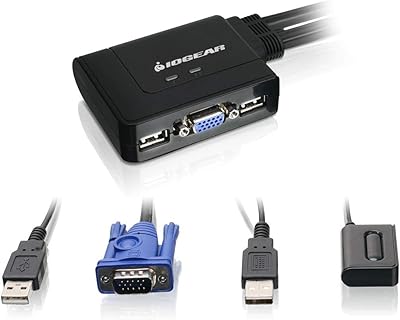
IOGEAR 2-Port USB VGA KVM Switch
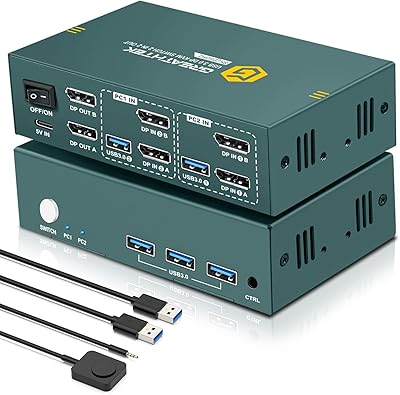
EVATEK 8K DP 2-Monitor 2-PC KVM Switch
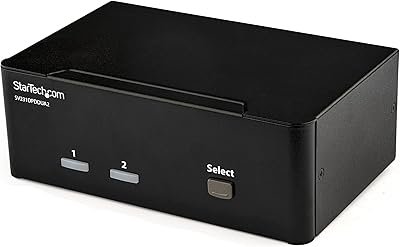
StarTech SV231DPDDUA2 Dual-Monitor DisplayPort KVM Switch
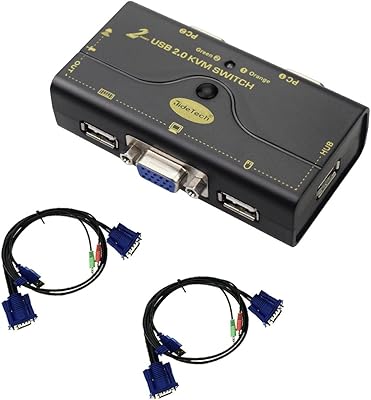
JideTech JD-21UA 2-Port VGA KVM Switch
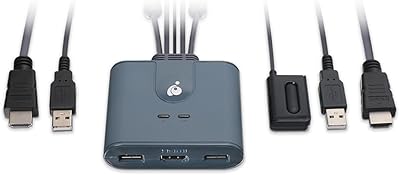
IOGEAR GCS32HU 2-Port HDMI KVM Switch
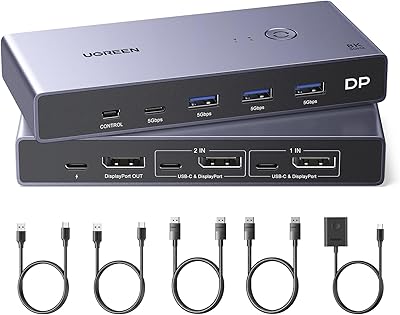
UGREEN 8K DisplayPort KVM Switch
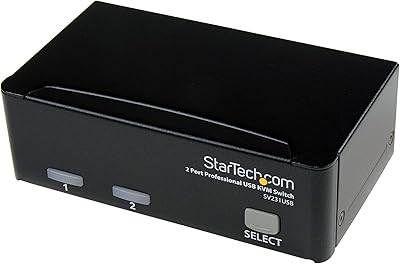
StarTech SV231USB 2-Port VGA USB KVM Switch
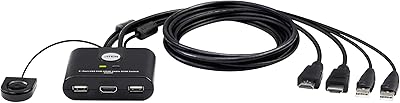
ATEN CS22HF 2-Port HDMI KVM Switch
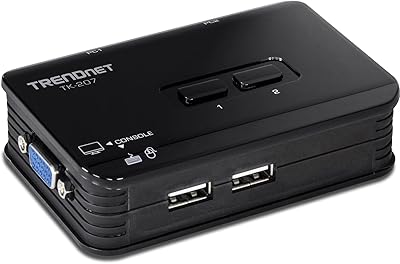
TRENDnet TK-207K 2-Port USB KVM Switch