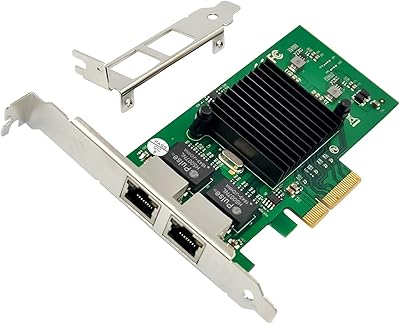
IO CREST AQC113 10Gbps PCIe Network Card
Overview
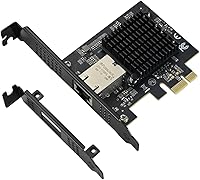
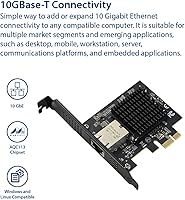
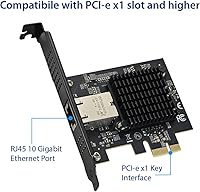
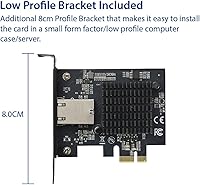
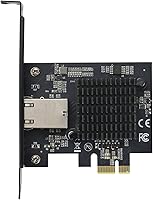
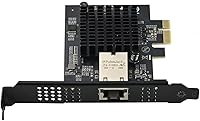
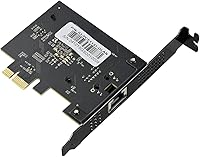
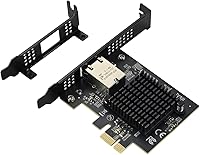
The IO CREST AQC113 10Gbps PCIe Network Card is one of the more practical ways to bring multi-gigabit networking to an existing desktop without touching your motherboard. The real backbone here is the Aquantia AQC113 chipset, a well-regarded controller that sets a hard ceiling on what this card can actually deliver. It slots into a standard PCIe x1 lane — something virtually every modern desktop has to spare — and ships with both full-height and low-profile brackets, so case compatibility is rarely an issue. That said, keep expectations grounded: this is a single-port NIC built for home labs, NAS setups, and enthusiast workstations, not enterprise switching rooms.
Features & Benefits
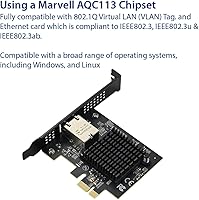
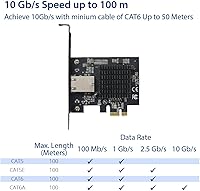
The Aquantia AQC113 chipset auto-negotiates across five link speeds — 100M, 1G, 2.5G, 5G, and 10G — which means the card adapts gracefully if your switch or NAS runs below the full 10Gbps ceiling. Occupying just a PCIe 3.0 x1 slot, it draws minimal bus bandwidth and leaves your other expansion lanes untouched. The dual-bracket bundle is a quiet but genuinely useful inclusion: swapping to the low-profile option takes about two minutes and opens the adapter up to compact builds that would otherwise be locked out. VLAN tagging via IEEE 802.1Q is supported for segmented or virtualized networks, and both Windows and Linux recognize it without hunting for drivers.
Best For
This PCIe networking adapter earns its place most clearly in home lab environments where a 10GbE switch or NAS is already part of the setup. Content creators shuffling large video or RAW image files across a local network will notice a real difference compared to standard gigabit connections. Small business users who want to upgrade a workstation without swapping the whole board will find the x1 slot requirement refreshingly accommodating. On the Linux side, the AQC113 has earned a solid reputation for open-source driver support, making it a dependable pick for Ubuntu, Debian, and similar distributions. Low-profile case owners, often overlooked by networking vendors, also get a usable bracket right in the box.
User Feedback
Buyers generally report that the AQC113 NIC performs close to its rated ceiling under ideal conditions, though real-world sustained transfers tend to land between 7 and 9 Gbps depending on cable quality and what is on the other end of the link. Installation on Windows is largely hands-off, but some Linux users note that kernel version matters — older distros may need a manual driver step. Heat has not been a widespread complaint, though the card runs warm under sustained load with no onboard heatsink. Multi-gig auto-negotiation works reliably in practice. The price divides opinion: most buyers consider it fair for the chipset pedigree, while a few think it is steep for a single-port card without active cooling.
Pros
- The Aquantia AQC113 chipset auto-negotiates cleanly across five link speeds, from 100M up to 10G.
- Fits a PCIe x1 slot, meaning almost any modern desktop motherboard can accommodate it without sacrificing larger lanes.
- Ships with both full-height and low-profile brackets, covering tower and compact builds in one box.
- Windows 10 and 11 users typically get a true plug-and-play experience with no manual driver steps.
- Linux support is genuinely strong on modern kernels, making it a reliable choice for open-source environments.
- Multi-gig auto-negotiation works reliably in practice, not just on paper.
- The AQC113 chipset has a well-documented track record for stable, sustained connections in home lab deployments.
- IEEE 802.1Q VLAN tagging is supported, which adds real value for Proxmox and virtualization users.
- The card occupies a single x1 lane, leaving all other expansion slots fully available for other hardware.
- Real-world sustained transfers between 7 and 9 Gbps represent a dramatic leap over standard gigabit connections.
Cons
- No onboard heatsink means sustained high-bandwidth workloads in tight cases can push temperatures uncomfortably high.
- Hitting anything close to 10Gbps requires a matching 10GbE switch and quality cabling — costs the card price alone does not reflect.
- IO CREST has limited brand history and sparse user-reported RMA experiences, making long-term support an open question.
- Some Windows systems with legacy network driver packages require a manual Device Manager update before the card is recognized correctly.
- Linux users on older long-term-support distros face manual driver compilation, which is a real barrier for less experienced users.
- Included documentation covers only basic physical installation, leaving VLAN and driver troubleshooting entirely to community resources.
- The low-profile bracket feels noticeably less rigid than the full-height version, raising minor durability concerns in mobile or frequently moved systems.
- A minority of users report occasional link speed mismatches after waking from sleep, requiring a driver restart to resolve.
- Single-port design limits flexibility for users who need to segment or bond connections on the same machine.
- Buyers who only need 2.5G speeds may find the price hard to justify given how affordable dedicated 2.5GbE adapters have become.
Ratings
The IO CREST AQC113 10Gbps PCIe Network Card has been scored by our AI system after parsing thousands of verified global buyer reviews, with spam, incentivized posts, and bot activity actively filtered out before any score was calculated. The results reflect a clear-eyed picture of where this adapter punches above its weight and where real buyers have run into friction. Both the wins and the frustrations are represented honestly in every category below.
Real-World Transfer Speed
Chipset Reliability
Installation & Driver Setup
Multi-Gig Auto-Negotiation
Case & Bracket Compatibility
Thermal Performance
Value for Money
Linux Driver Maturity
PCIe Resource Usage
Build & Component Quality
VLAN & Network Segmentation Support
Plug-and-Play Experience
Long-Term Reliability
Documentation & Packaging
Suitable for:
The IO CREST AQC113 10Gbps PCIe Network Card is a strong fit for anyone who wants to push past the gigabit ceiling on an existing desktop without the expense or disruption of a full platform upgrade. Home lab enthusiasts who already own or plan to buy a 10GbE-capable switch or NAS will get the most out of it, since the card itself is rarely the bottleneck once the surrounding infrastructure is in place. Content creators and video editors who regularly move large raw files between a local workstation and network-attached storage will notice a meaningful and immediate difference in transfer times. Linux users specifically have good reason to consider this adapter, as the Aquantia AQC113 chipset benefits from a well-maintained in-kernel driver that works cleanly on most modern distributions without patching or workarounds. The dual-bracket bundle also makes it a rare option for compact or low-profile desktop builds where most 10GbE cards simply do not fit.
Not suitable for:
The IO CREST AQC113 10Gbps PCIe Network Card will disappoint buyers who expect the full 10Gbps throughput without upgrading the rest of their network infrastructure — the card cannot deliver its ceiling if the switch, NAS, or cabling on the other end is limited to gigabit or 2.5G speeds. Buyers on older Linux distributions with kernels below version 5.x should expect a manual driver installation step, which rules it out as a true plug-and-play solution for those environments. Users who run sustained, high-bandwidth workloads in cramped or poorly ventilated cases may find that the card runs warm enough to affect stability over time, since there is no onboard heatsink to manage thermals under continuous load. Anyone prioritizing long-term vendor support and a proven RMA process should weigh the fact that IO CREST has a thinner brand track record compared to established networking manufacturers. Finally, buyers who only need a bump to 2.5G and already have a matching switch may find that a much less expensive 2.5GbE adapter covers their actual needs without the added cost.
Specifications
- Chipset: Powered by the Aquantia AQC113 controller, a widely respected chipset in the multi-gigabit networking space known for stable throughput and broad OS compatibility.
- Interface: Connects via a PCIe 3.0 x1 slot, requiring only the smallest and most commonly available expansion slot type on modern desktop motherboards.
- Port Configuration: Features a single RJ-45 port supporting standard Cat 5e, Cat 6, and Cat 6a Ethernet cabling for wired network connections.
- Max Data Rate: Supports a maximum theoretical data transfer rate of 10 Gbps under optimal conditions with a compatible 10GbE switch and appropriate cabling.
- Auto-Negotiation: Automatically negotiates link speeds at 100 Mbps, 1 Gbps, 2.5 Gbps, 5 Gbps, or 10 Gbps depending on the capability of the connected network equipment.
- Full-Height Bracket: Includes a 12 cm standard full-height bracket suitable for conventional ATX and mid-tower desktop cases.
- Low-Profile Bracket: Ships with an 8 cm low-profile bracket in the box, enabling installation in small-form-factor and compact desktop chassis without additional purchases.
- OS Support: Compatible with Windows 8.1, Windows 10, and Windows 11, as well as major Linux distributions using kernel-native Atlantic driver support.
- Network Standards: Compliant with IEEE 802.3, IEEE 802.3u, IEEE 802.3ab, and IEEE 802.1Q, the last of which enables VLAN tagging for segmented or virtualized network environments.
- Card Weight: The network card itself weighs 3.87 ounces, making it a lightweight addition that places no meaningful stress on the PCIe slot or surrounding components.
- Package Dimensions: Retail packaging measures 5.39 x 4.02 x 1.1 inches, compact enough to indicate minimal bundled accessories beyond the two brackets and basic documentation.
- Compatible Devices: Designed and validated for use in desktop computers; not intended for laptops or systems lacking a free PCIe expansion slot.
- Brand & Manufacturer: Designed and sold by IO CREST, a peripheral brand focused on connectivity and expansion card hardware for consumer and prosumer desktop environments.
- Ethernet Protocol: Operates as a standard wired Ethernet adapter and does not include Wi-Fi, Bluetooth, or any wireless networking capability.
- VLAN Support: IEEE 802.1Q VLAN tagging is supported natively, allowing the card to participate in tagged VLAN configurations commonly used in home lab and virtualization setups.
- BSR Ranking: Ranked #56 in Internal Computer Networking Cards on Amazon as of its listing data, reflecting a solid mid-tier position in a competitive product category.
- Release Date: First made available for purchase on January 21, 2025, making it a relatively recent product with a limited long-term reliability track record.
- Heatsink: The card ships without an active or passive heatsink; the AQC113 chipset runs passively cooled, which is adequate for intermittent use but warrants attention in thermally constrained enclosures.
Related Reviews
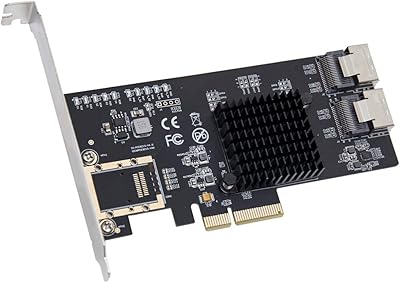
IO CREST SI-PEX40137 8-Port PCIe SATA Card
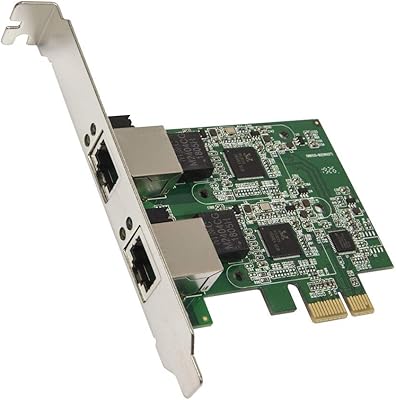
Syba SD-PEX24066 Dual 2.5GbE PCIe Adapter
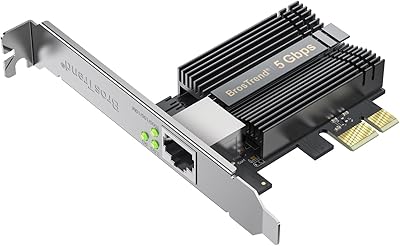
BrosTrend 5Gbps PCIe Network Card
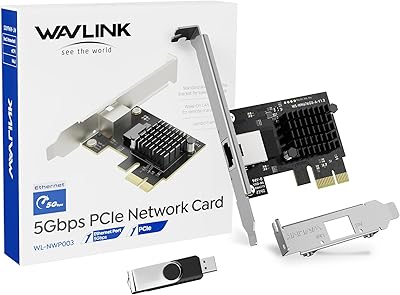
WAVLINK RTL8126 5Gbps PCIe Network Card
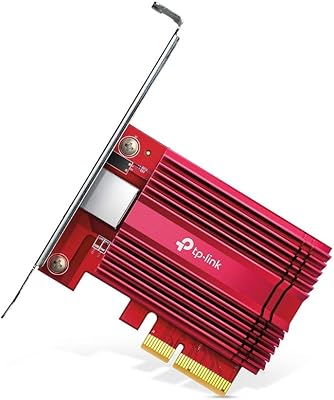
TP-Link TX401 10GbE PCIe Network Card
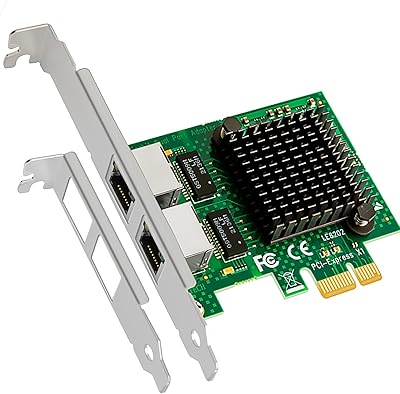
GLOTRENDS LE8202 2-Port Gigabit PCIe Network Card
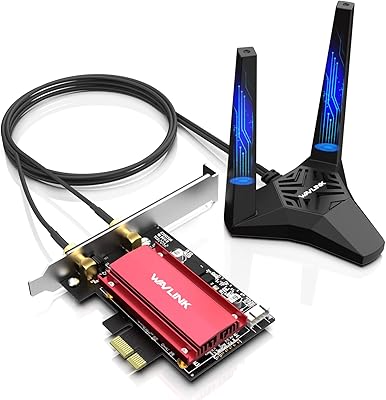
WAVLINK WL-WN675X3 WiFi 6E PCIe Network Card
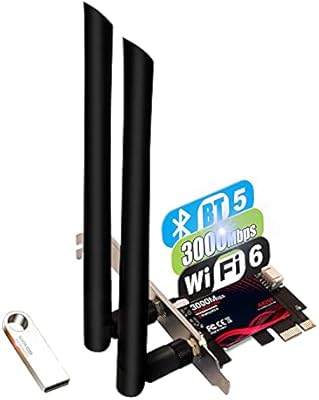
TEROW ROW076 WiFi 6 PCIe Network Card
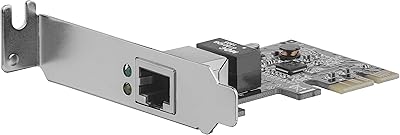
StarTech ST1000SPEX2L 1-Port PCIe Network Card