Intel Core i9-14900KF 14th Gen Desktop Processor


Overview
The Intel Core i9-14900KF 14th Gen Desktop Processor sits at the top of Intel's Raptor Lake Refresh lineup — the KF suffix telling you two important things upfront: the multiplier is unlocked for overclocking, and there is no integrated graphics. This chip uses the same FCLGA1700 socket as 13th Gen, meaning it drops into existing 600-series boards with a BIOS update or pairs natively with any 700-series motherboard. Compared to its 13900KF predecessor, the gains are measured rather than dramatic. This is firmly a premium enthusiast chip, built for builders who want the best Intel has to offer and have the budget and cooling setup to support it.
Features & Benefits
The 14th Gen flagship chip runs a 24-core hybrid design — 8 Performance cores handling the heavy lifting and 16 Efficiency cores managing background tasks — giving you 32 threads total for workloads that can use them. The max boost reaches 6.0 GHz, which translates to sharp responsiveness in fast-paced titles at 1440p and beyond. Builders get flexibility too: DDR4 and DDR5 memory platforms are both supported, so you are not forced into an expensive DDR5 kit. The 36 MB of combined cache helps keep latency-sensitive tasks from stalling. One non-negotiable: no integrated graphics means a discrete GPU is required before this system posts.
Best For
This unlocked Intel processor makes the most sense in a few specific scenarios. It is the obvious choice for high-refresh-rate gaming rigs where per-core speed drives frame rates, particularly at 1440p or 4K with a capable GPU alongside it. Creators who regularly export video, render 3D scenes, or stream while gaming will appreciate how the Efficiency cores absorb background load without starving the main task. Enthusiast builders on a Z790 or Z690 board who want genuine overclocking headroom will find the unlocked multiplier genuinely useful. It also works well as a straightforward LGA1700 platform upgrade without a motherboard swap.
User Feedback
Buyers generally praise this i9-14900KF for its multitasking muscle — video editors and streamers in particular report strong results when running demanding applications in parallel. Gaming feedback is positive but tempered; most agree the real-world jump over the 13th Gen is modest in games. The recurring criticism is heat and power draw: sustained loads push well past 200W, and owners consistently warn that a 360mm AIO or high-end air cooler is not optional here — it is essential. Some buyers also question the value when AMD alternatives at a similar price compete closely in productivity benchmarks. A handful of early units saw stability concerns addressed through microcode updates.
Pros
- 24 cores and 32 threads handle heavy multitasking without breaking a sweat during video exports or 3D renders.
- The 6.0 GHz max boost delivers sharp, responsive performance in fast-paced competitive titles at high refresh rates.
- Unlocked multiplier gives enthusiasts real overclocking flexibility on compatible Z-series boards.
- DDR4 and DDR5 memory support lets builders reuse existing kits or invest in faster next-gen RAM.
- LGA1700 compatibility with 600-series boards means many existing Intel users can upgrade without a full platform swap.
- 36 MB of combined cache keeps latency-sensitive workloads running smoothly without frequent memory bottlenecks.
- The 14th Gen flagship chip performs reliably across both gaming and professional creative workloads in a single build.
- Strong ecosystem of aftermarket coolers and Z-series motherboards supports flexible, customized build configurations.
Cons
- Sustained all-core loads push power draw well past 200W, demanding a high-quality PSU of 850W or more.
- No integrated graphics means the system will not boot or display output without a discrete GPU installed.
- Real-world gaming gains over the 13th Gen predecessor are modest and unlikely to justify a same-platform upgrade.
- A 360mm AIO or premium air cooler is essentially mandatory — mid-range cooling options simply cannot keep up under load.
- Early firmware versions caused intermittent boot and stability issues, requiring BIOS updates before reliable operation.
- Older 600-series board users may face a chicken-and-egg BIOS update problem without a spare compatible CPU on hand.
- Competing AMD processors at a similar price point match or beat this unlocked Intel processor in threaded workloads with lower power consumption.
- The LGA1700 platform is likely terminal with no clear CPU upgrade path beyond this generation.
Ratings
The Intel Core i9-14900KF 14th Gen Desktop Processor has been evaluated using AI-driven analysis of verified global buyer reviews, with spam, bot-generated, and incentivized feedback actively filtered out before scoring. The result is an honest, balanced picture of where this chip genuinely excels and where it asks a lot from the builder. Scores reflect real-world sentiment across gaming, productivity, thermal management, and platform flexibility — strengths and frustrations alike.
Gaming Performance
Multitasking & Productivity
Thermal Management
Power Consumption
Overclocking Headroom
Platform Compatibility
Memory Flexibility
Value for Money
Out-of-Box Setup Experience
Stability & Firmware Reliability
Cache & Latency Performance
Integrated Graphics
Cooler Compatibility
Long-Term Relevance
Suitable for:
The Intel Core i9-14900KF 14th Gen Desktop Processor is built for a specific kind of builder — one who knows exactly what they need and is willing to invest in the full ecosystem to get it. It makes the most sense for enthusiast PC gamers targeting high-refresh-rate 1440p or 4K setups, where the 6.0 GHz boost ceiling and strong per-core throughput translate directly into tighter frame times and smoother gameplay. Content creators who render video, work in 3D applications, or run a live stream while gaming in the background will find the 24-core hybrid architecture genuinely earns its keep during those parallel workloads. Overclockers who want real headroom on a Z790 or Z690 board — and have the cooling infrastructure to support it — will appreciate the fully unlocked multiplier. It also suits anyone already on an LGA1700 platform who wants a meaningful CPU upgrade without committing to an entirely new motherboard and memory ecosystem, especially if they own quality DDR4 kits they want to carry forward.
Not suitable for:
The Intel Core i9-14900KF 14th Gen Desktop Processor is a poor fit for buyers who have not budgeted for everything the chip demands beyond the CPU itself. Without a 360mm AIO or a top-tier air cooler, sustained workloads will push temperatures to throttling territory — this is not a chip you pair with a mid-range tower cooler and call it a day. Builders on older 650W or 750W power supplies may also face an unplanned PSU upgrade once they see real-world power draw under load. Anyone without a dedicated GPU should look elsewhere entirely, since the KF variant outputs no display signal without a discrete graphics card installed. Budget-conscious builders and those who primarily run lightly-threaded applications — office work, casual gaming, basic media consumption — will find the performance ceiling here largely irrelevant to their daily use. Finally, if you are comparing this chip directly against competing AMD options and threading efficiency under power constraints matters to you, the value equation is genuinely harder to justify on Intel's side at this price tier.
Specifications
- CPU Family: This processor belongs to Intel's Core i9 14th Gen lineup, based on the Raptor Lake Refresh microarchitecture.
- Core Count: The chip features 24 cores in a hybrid configuration: 8 Performance cores (P-cores) and 16 Efficiency cores (E-cores).
- Thread Count: With Intel's Hyper-Threading active on the P-cores, the processor supports a total of 32 threads simultaneously.
- Base Clock: The rated base clock speed for the Performance cores is 3.2 GHz under sustained all-core workloads.
- Max Boost Clock: Using Intel Turbo Boost Max 3.0, individual P-cores can reach up to 6.0 GHz for short-burst, single-threaded tasks.
- L3 Cache: The processor includes 24 MB of Intel Smart Cache (L3), shared across all cores to reduce memory latency.
- L2 Cache: A total of 20 MB of L2 cache is distributed across the core complex, bringing combined cache to 36 MB.
- Socket: This chip uses the FCLGA1700 socket, physically compatible with Intel 600-series and 700-series motherboards.
- Chipset Support: Full support is provided for Intel 700-series chipsets natively, and 600-series chipsets with a BIOS update applied.
- Memory Support: The processor officially supports DDR5 at up to 5600 MT/s and DDR4 at up to 3200 MT/s, depending on the platform chosen.
- PCIe Lanes: A total of 20 CPU-direct PCIe lanes are available for connecting discrete GPUs, NVMe storage, and other high-bandwidth peripherals.
- Base Power (TDP): The processor base power is rated at 125W, though maximum turbo power (MTP) can significantly exceed this under sustained load.
- Integrated Graphics: The KF designation means no integrated graphics are included; a discrete GPU is required for any display output.
- Overclocking: The unlocked multiplier allows full CPU and memory overclocking on compatible Z-series motherboards such as Z790 and Z690.
- Turbo Boost Max: Intel Turbo Boost Max Technology 3.0 is supported, enabling the processor to identify and preferentially boost the two fastest cores.
- Item Weight: The processor weighs 3.17 oz (approximately 89.9 g) without a cooler or retention bracket attached.
- Dimensions: Physical dimensions measure 4.6″ x 1.9″ x 3.9″ including the integrated heat spreader and LGA contact array.
- Cooler Included: No CPU cooler is included in the box; a third-party cooler rated for high TDP workloads is required for proper operation.
Related Reviews
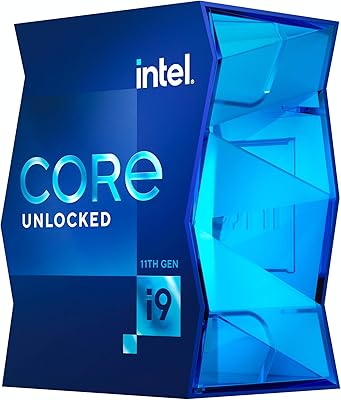
Intel Core i9-11900K Desktop Processor
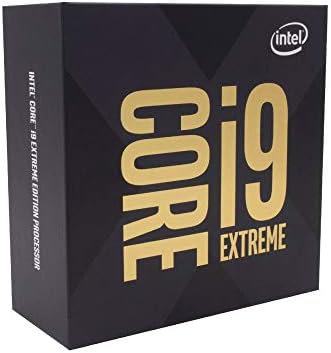
Intel Core i9-10980XE Desktop Processor
Intel Core i9-11900 Desktop Processor
Intel Core i9-9900K Desktop Processor
Intel Core i9-13900KS Desktop Processor
Intel Core i9-12900KS Desktop Processor
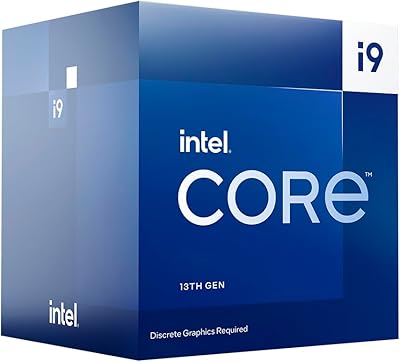
Intel Core i9-13900F Desktop Processor
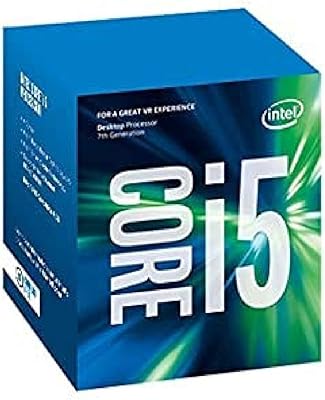
Intel Core i5-7600 7th Gen Desktop Processor
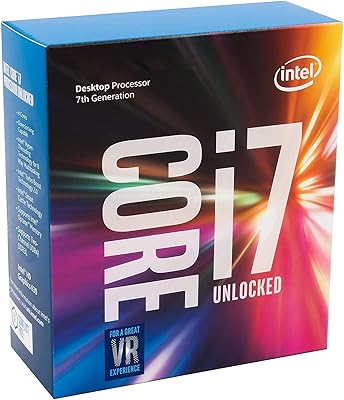
Intel Core i7-7700K Desktop Processor