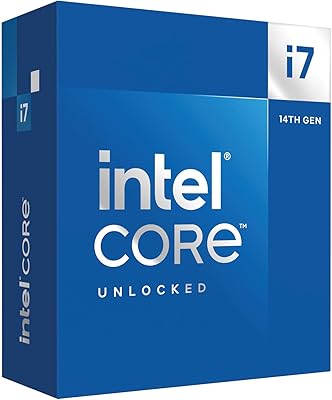
Intel Core i7-8700 8th Gen Processor
Overview
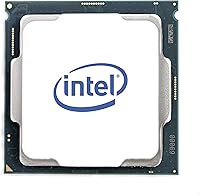
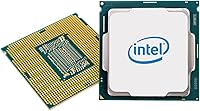
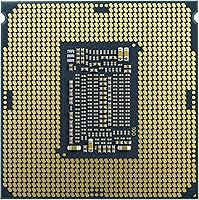
The Intel Core i7-8700 8th Gen Processor is Intel's Coffee Lake answer to users who outgrew their quad-core systems and wanted something with real headroom. Launched in late 2017, it landed in the upper mid-range — not a flagship, but priced close enough to punch above its weight. Before buying, know that this chip requires an Intel 300 Series motherboard on the LGA1151 socket; older boards are a hard no. For those who can pair it correctly, the i7-8700 still holds up well given what it costs today. The onboard Intel UHD Graphics 630 also gives you display output without a discrete GPU, which is useful during builds.
Features & Benefits
Six cores and 12 threads might sound like a spec-sheet line item, but in practice it means this Coffee Lake i7 can handle a gaming session, a live stream, and background tasks simultaneously without the CPU becoming the bottleneck. The base clock is 3.2 GHz, though what most users actually notice is the 4.6 GHz Turbo Boost ceiling — single-core tasks feel genuinely snappy. The 12 MB Smart Cache helps in data-heavy scenarios like video scrubbing or large code compilations. DDR4 memory support up to 3200 MHz is well-suited to dual-channel configurations, and AVX2 instruction support means demanding media tools can extract real performance from this chip rather than leaving muscle on the table.
Best For
This 8th Gen six-core chip makes the most sense for a specific kind of buyer. If you already own or can source a Z370 or B360 motherboard, building around the i7-8700 is a cost-effective route to a genuinely capable desktop. Gamers running CPU-sensitive titles — open-world games, strategy titles, or anything with complex AI simulation — will find it holds up without strangling a mid-range GPU. Light video editors and streamers will appreciate the multi-threaded breathing room during exports and live encodes. It's also a dependable pick for system integrators and refurbishers who want a well-supported platform with years of community documentation behind it.
User Feedback
Buyers who've put this Coffee Lake i7 through its paces generally come away satisfied. The chip earns high marks for performance consistency, and thermal management gets specific praise — most users report stable temperatures under typical workloads. Installation is another recurring positive, with broad aftermarket cooler compatibility making the setup process straightforward. The most common gripe isn't about performance at all: there's no bundled cooler in the box, so factor that into your build budget. Some longer-term owners also flag the platform's age as a consideration before committing to a new motherboard purchase. That said, buyers who made the jump from older quad-core Intel chips consistently describe the real-world difference as immediately felt.
Pros
- Six cores and twelve threads handle gaming, streaming, and multitasking simultaneously without noticeable slowdown.
- Turbo Boost up to 4.6 GHz keeps single-core tasks feeling sharp and responsive under real-world conditions.
- The 12 MB Smart Cache reduces latency noticeably in video editing, code compilation, and large file processing.
- DDR4 memory support up to 3200 MHz pairs cleanly with fast dual-channel kits for a well-balanced system.
- A 65W TDP keeps power draw modest and makes it compatible with a wide range of aftermarket coolers.
- Integrated UHD Graphics 630 provides a reliable display fallback when no dedicated GPU is installed.
- AVX2 and SSE4.2 instruction support helps professional media and productivity software extract more from the chip.
- Buyers upgrading from older quad-core Intel systems consistently report an immediately noticeable day-to-day improvement.
- Strong community documentation and broad cooler compatibility make the build and troubleshooting process straightforward.
Cons
- No cooler is included in the box, so you will need to budget separately for a thermal solution.
- Requires an Intel 300 Series chipset motherboard specifically — Z270 and all older boards are fully incompatible.
- The LGA1151 platform is at end of life, leaving no viable in-socket CPU upgrade path for the future.
- Demanding workloads like 3D rendering, broadcast encoding, or machine learning can push the i7-8700 close to its limits.
- Fresh platform builders must account for a compatible motherboard purchase on top of the CPU cost itself.
- Newer-generation processors offer meaningfully better multi-core throughput and efficiency for a comparable total spend.
- Intel Optane Memory support is largely obsolete today, as NVMe SSDs have made it a rarely relevant feature.
- Platform age is a genuine concern for anyone planning to use this chip as the anchor of a long-term workstation build.
Ratings
Our AI rating engine processed thousands of verified global reviews for the Intel Core i7-8700 8th Gen Processor, actively removing bot-generated and incentivized submissions to reflect only what real buyers consistently reported. The scores below cover both where this 8th Gen six-core chip genuinely earns its praise and where it falls short — no trade-offs are obscured. Each category is evaluated independently to give you a transparent, complete picture before making a purchase decision.
Multi-Core Performance
Single-Core Performance
Gaming Performance
Thermal Management
Value for Money
Platform Compatibility
Memory Performance
Integrated Graphics
Power Efficiency
Content Creation Performance
Installation & Setup
Long-Term Reliability
Overclocking Potential
Software & Driver Support
Future-Proofing
Suitable for:
The Intel Core i7-8700 8th Gen Processor is a strong fit for PC builders who already have access to a compatible Z370, B360, or H370 motherboard and want a capable desktop CPU without committing to a newer, more expensive platform. Gamers who spend most of their time in CPU-sensitive titles — strategy games, open-world sandboxes, or anything with complex AI simulation — will find the i7-8700's six-core, twelve-thread setup more than adequate for smooth frame rates alongside a mid-range GPU. Content creators handling light-to-moderate workloads like streaming, photo editing, or short-form video work will get real value from the multi-threaded headroom this Coffee Lake i7 offers. Home office power users who routinely juggle multiple demanding applications simultaneously will notice a meaningful improvement over older dual- or quad-core chips. System integrators and refurbishers rebuilding Coffee Lake-era machines will also appreciate the well-documented compatibility and depth of community support behind this platform.
Not suitable for:
The Intel Core i7-8700 8th Gen Processor is not the right pick for anyone building a new system from scratch without an existing compatible board, since the mandatory Intel 300 Series chipset requirement adds meaningful cost before the CPU itself is even factored in. Buyers chasing top-tier performance in heavily threaded professional workloads — 3D rendering, large-scale video production, or machine learning pipelines — will hit the ceiling of this 8th Gen chip faster than they would on a current-generation platform. Anyone who prioritizes long-term upgradeability should weigh this carefully, as the LGA1151 socket has no remaining in-socket upgrade path worth pursuing. For those comparing total build costs from the ground up, newer platforms increasingly deliver comparable or better performance per dollar across the full system. If you need a CPU that will anchor a primary workstation for the next five or more years, the platform's age is a real constraint rather than a minor footnote.
Specifications
- Architecture: Built on Intel's Coffee Lake microarchitecture using a 14nm++ process, delivering improved clock speed headroom and power efficiency compared to prior Intel desktop generations.
- Core Count: Equipped with 6 physical cores, doubling the core count of the quad-core processors that dominated the mid-range desktop segment at the time of its release.
- Thread Count: Intel Hyper-Threading Technology enables 12 simultaneous logical threads, allowing more parallel workloads to be handled without requiring additional physical cores.
- Base Clock: Operates at a sustained base frequency of 3.2 GHz across all cores, providing a consistent performance floor for multi-threaded tasks under continuous load.
- Turbo Boost: Intel Turbo Boost 2.0 allows single-core frequency to climb up to 4.6 GHz when thermal and power headroom permits, improving responsiveness in lightly threaded applications.
- L3 Cache: Includes 12 MB of Intel Smart Cache shared across all six cores, reducing memory access latency in data-intensive scenarios such as video encoding and large file compilation.
- CPU Socket: Designed for the LGA1151 socket and requires an Intel 300 Series chipset motherboard such as Z370, B360, H370, or H310 — earlier 200 Series boards are electrically incompatible despite sharing the same socket form factor.
- Chipset Support: Exclusively compatible with Intel 300 Series chipsets; Z270, Z170, and other earlier LGA1151 motherboards will not recognize or boot this processor.
- Memory Type: Supports DDR4 SDRAM in dual-channel configuration, with memory speeds up to 3200 MHz depending on the motherboard and memory kit specifications.
- Integrated Graphics: Includes Intel UHD Graphics 630, which supports basic display output, hardware video decode, and light desktop tasks when no discrete GPU is installed.
- Instruction Set: Implements the 64-bit x86-64 instruction set, ensuring full compatibility with modern 64-bit operating systems and software.
- ISA Extensions: Supports SSE4.1, SSE4.2, and AVX2 instruction set extensions, which improve performance in applications optimized for vectorized and parallel data processing.
- Optane Support: Compatible with Intel Optane Memory modules for storage acceleration on supported 300 Series platforms, typically paired with a traditional hard drive to reduce access latency.
- TDP: Rated at 65W thermal design power, making it manageable for most mid-tower and some compact builds, with broad compatibility across third-party CPU cooler options.
- Item Weight: The processor package weighs 0.811 oz (approximately 23 g), consistent with standard LGA1151 desktop CPU dimensions and mounting requirements.
Related Reviews
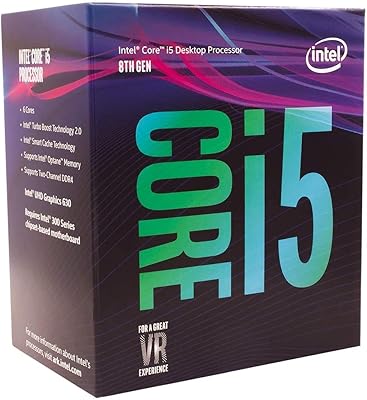
Intel Core i5-8400 8th Gen Processor
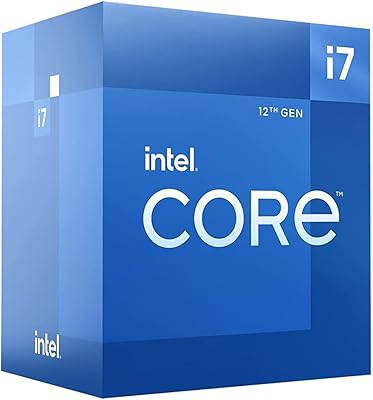
Intel Core i7-12700F 12th Gen Desktop Processor
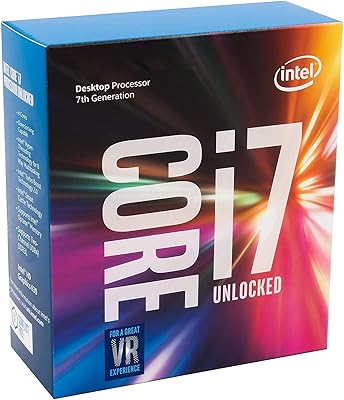
Intel Core i7-7700K Desktop Processor
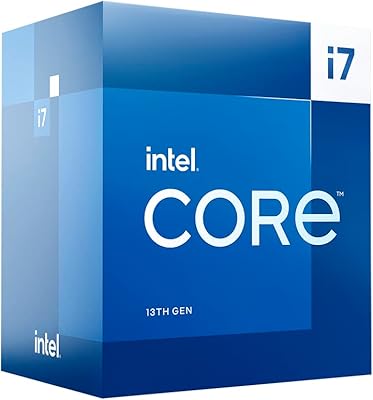
Intel Core i7-13700 13th Gen Desktop Processor
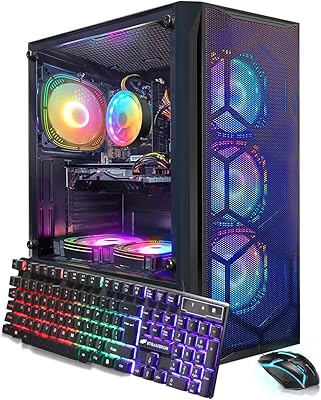
STGAubron Gaming PC Desktop, Intel Core i7 8th Gen, Radeon RX 580 8GB, 16GB RAM, 1TB SSD
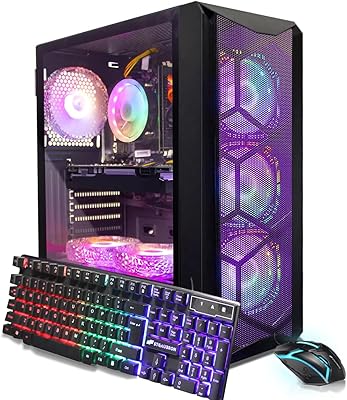
STGAubron ABR1924 Gaming Desktop i7-8th Gen, RTX 3050 6G, 16GB DDR4, 512GB SSD
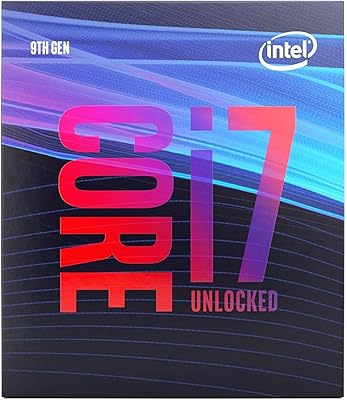
Intel Core i7-9700K Octa-Core Desktop Processor
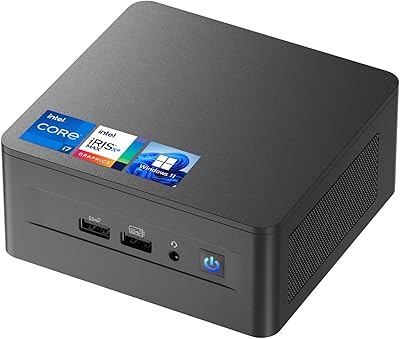
ASUS NUC 12 NUC12WSHi7 16GB/512GB
Intel Core i7-6850K Desktop Processor