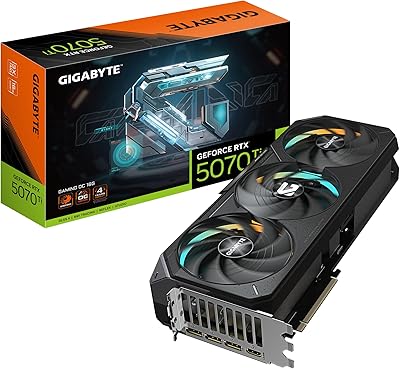
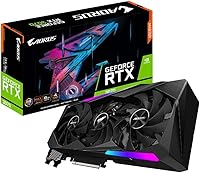
GIGABYTE AORUS RTX 3070 Master Graphics Card

Overview
The GIGABYTE AORUS RTX 3070 Master Graphics Card sits at the top of GIGABYTE's RTX 3070 lineup, representing their enthusiast-tier AORUS brand rather than a value or mid-range option. Launched in late 2020 alongside NVIDIA's RTX 30-series generation, it separates itself from the Founders Edition primarily through a substantial triple-fan WINDFORCE cooling setup and more robust power delivery. If you're shopping for an RTX 3070, this isn't the cheapest route — but it's built for buyers who want thermal headroom and quieter operation. Expect strong 1440p performance and a capable, if not dominant, entry point into 4K gaming.
Features & Benefits
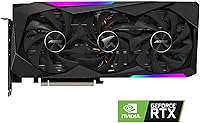
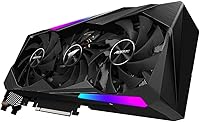
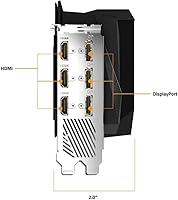
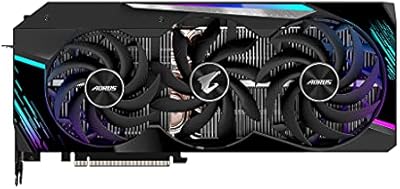
The triple WINDFORCE 3X fan array uses an alternate-spin design where the middle fan rotates opposite the outer two, reducing air turbulence and channeling heat away more efficiently than a conventional setup. Memory-wise, the card packs 8GB of GDDR6 on a 256-bit bus at 19 Gbps — plenty for 1440p, though at 4K ultra settings you may occasionally brush against that ceiling. NVIDIA's Ampere architecture adds second-generation RT Cores for ray tracing and third-generation Tensor Cores powering DLSS upscaling. The AORUS Master PCB also carries a beefier VRM than GIGABYTE's own Eagle or Gaming OC versions, giving overclockers real headroom. Display outputs cover HDMI 2.1 and DisplayPort 1.4a, supporting up to 8K connectivity.
Best For
This RTX 3070 variant is built around competitive 1440p gaming, where it consistently pushes past 100 fps in demanding titles — a sweet spot that makes high-refresh monitors actually worthwhile. The oversized cooler makes it a strong pick for anyone sensitive to fan noise; it runs nearly silent at idle and stays composed under sustained load. Content creators doing video editing or dabbling in AI-assisted workflows will appreciate Tensor Core support, even if this isn't a workstation card. Builders chasing overclocking potential will find the AORUS Master tier worthwhile over a base model. And if you're still on a GTX 10-series or early RTX 20-series card, the generational uplift here is genuinely substantial.
User Feedback
With a 4.5-out-of-5 rating across 78 reviews, the GIGABYTE AORUS Master has earned broadly positive marks — though that's a relatively small sample, so treat the consensus as encouraging rather than definitive. Buyers frequently highlight low operating temperatures and how quiet the card stays day-to-day, with out-of-box performance drawing consistent praise. On the flip side, the near-12-inch length and triple-slot width can create real fit issues in tighter mid-tower cases — worth measuring before ordering. The 8GB VRAM question surfaces occasionally too; most users find it sufficient today, but it's a fair concern for anyone planning to hold onto this card for several years without upgrading.
Pros
- Triple WINDFORCE fans keep thermals impressively low even during extended gaming sessions.
- Near-silent at idle — you will not hear this AORUS Master card at the desktop.
- DLSS support provides a meaningful frame rate boost in compatible titles with minimal visual trade-off.
- The AORUS Master tier VRM offers real overclocking headroom over base RTX 3070 models.
- Solid out-of-box performance with no significant tuning required for most users.
- HDMI 2.1 output future-proofs connectivity for next-generation display standards.
- Ray tracing performance is genuinely usable in this generation, not just a checkbox feature.
- Strong generational leap for anyone still on Pascal or early Turing architecture cards.
- The build quality feels premium — this is not a cut-corner reference-cooler design.
Cons
- At nearly 12 inches long and triple-slot width, case compatibility is a real concern worth checking before buying.
- 8GB VRAM may become a limiting factor in VRAM-hungry titles over a multi-year ownership window.
- The small review pool of 78 ratings makes it harder to draw firm conclusions about long-term reliability.
- Coil whine has been mentioned by a subset of users, though severity appears to vary unit to unit.
- The premium AORUS Master pricing over standard RTX 3070 variants is hard to justify for light or casual users.
- 4K ultra gaming is possible but not consistently smooth — buyers expecting a true 4K card may be disappointed.
- Power consumption is substantial; budget PSU owners may need to upgrade their power supply alongside this card.
- No significant factory overclock over reference clocks despite the premium cooling and VRM investment.
Ratings
The scores below reflect our AI-driven analysis of verified global buyer reviews for the GIGABYTE AORUS RTX 3070 Master Graphics Card, with spam, bot-submitted, and incentivized feedback actively filtered out before scoring. Each category is rated independently based on real ownership patterns — not manufacturer claims — so both the genuine strengths and the recurring frustrations are represented without softening. With a relatively modest review pool of 78 ratings, scores carry slightly wider uncertainty margins than higher-volume products, and we have weighted them accordingly.
Thermal Performance
Noise Levels
1440p Gaming Performance
4K Gaming Capability
VRAM Adequacy
Build Quality
Ray Tracing Performance
DLSS & AI Features
Physical Fit & Compatibility
Overclocking Headroom
Display Connectivity
Value for Money
Out-of-Box Setup
Suitable for:
The GIGABYTE AORUS RTX 3070 Master Graphics Card is an excellent fit for PC gamers who have settled on a 1440p high-refresh-rate monitor as their primary display and want a card that can sustain triple-digit frame rates in demanding titles without thermal throttling. Builders who run their systems for long sessions — whether gaming marathons or extended creative work — will appreciate the oversized triple-fan cooler, which keeps temperatures in check and noise levels genuinely low. If you're upgrading from a GTX 10-series or early RTX 20-series card, the performance jump here is large enough to feel transformative across nearly every modern title. Content creators doing video editing, 3D rendering at a hobbyist level, or experimenting with AI-assisted tools will find the Ampere architecture's Tensor Cores provide a meaningful productivity boost beyond gaming. Overclocking enthusiasts will also find the AORUS Master tier's stronger VRM and PCB implementation more accommodating than GIGABYTE's own entry-level RTX 3070 variants.
Not suitable for:
Buyers hoping to push 4K ultra settings in the most VRAM-hungry modern titles may find themselves bumping into the limits of this RTX 3070 variant sooner than expected — 8GB of GDDR6, while perfectly capable today, is a genuine consideration if you plan to keep the card for four or more years without upgrading. Anyone building in a compact or mid-tower case with limited GPU clearance should measure carefully before purchasing; at nearly 12 inches long and occupying three slots, the GIGABYTE AORUS RTX 3070 Master Graphics Card is a physically large piece of hardware that will not fit everywhere. Budget-conscious shoppers who primarily game at 1080p are overpaying for cooling and VRM quality they will never fully utilize — a less premium RTX 3070 version, or even a step-down GPU, would serve them equally well at lower cost. Similarly, professional GPU compute users or those running machine learning workloads at scale will find the 8GB VRAM ceiling a real obstacle and should look toward higher VRAM options in the RTX 30-series or current-generation cards.
Specifications
- GPU: Built on the NVIDIA GeForce RTX 3070 Ampere architecture, released in October 2020 as part of NVIDIA's 30-series generation.
- VRAM: Equipped with 8GB of GDDR6 memory, sufficient for 1440p gaming and light creative workloads.
- Memory Bus: Uses a 256-bit memory interface, providing solid bandwidth headroom for high-resolution textures.
- Memory Speed: GDDR6 modules operate at an effective speed of 19 Gbps, placing it among the faster RTX 3070 implementations available.
- Cooling System: Features GIGABYTE's triple WINDFORCE 3X fan array, with the center fan spinning in the opposite direction to the outer two to reduce turbulence.
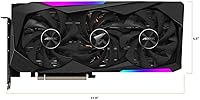
- Slot Width: Occupies three expansion slots, requiring adequate spacing in the host chassis and potentially blocking adjacent slots.
- Dimensions: Measures 11.42 x 5.16 x 2.36 inches, making it one of the larger RTX 3070 AIB partner designs on the market.
- Weight: Weighs 2.64 pounds, which is typical for a triple-fan enthusiast-class card with a full metal backplate.
- Display Outputs: Offers three DisplayPort 1.4a connectors and one HDMI 2.1 port, supporting up to four simultaneous displays.
- Max Resolution: Officially supports output up to 7680x4320 (8K) via compatible cables and displays.
- RT Cores: Includes second-generation RT Cores, delivering improved real-time ray tracing performance over the previous Turing generation.
- Tensor Cores: Houses third-generation Tensor Cores that power NVIDIA DLSS upscaling and accelerate certain AI-assisted creative applications.
- PCB & VRM: The AORUS Master tier uses a higher-grade PCB and more robust voltage regulation than GIGABYTE's own Eagle and Gaming OC RTX 3070 variants.
- Brand Tier: Positioned as GIGABYTE's enthusiast sub-line under the AORUS Master designation, sitting above the Gaming OC and Eagle product families.
- Power Connector: Requires two 8-pin PCIe power connectors; NVIDIA recommends a minimum 650W power supply for stable operation.
- API Support: Compatible with DirectX 12 Ultimate, OpenGL 4.6, Vulkan 1.3, and OpenCL 3.0 for broad application and game engine support.
- User Rating: Holds a 4.5-out-of-5-star average rating based on 78 verified user ratings on Amazon as of the time of review.
- Launch Date: First became available for purchase on October 29, 2020, as part of the initial wave of RTX 30-series AIB partner cards.
Related Reviews
Gigabyte AORUS RTX 3080 Ti Graphics Card
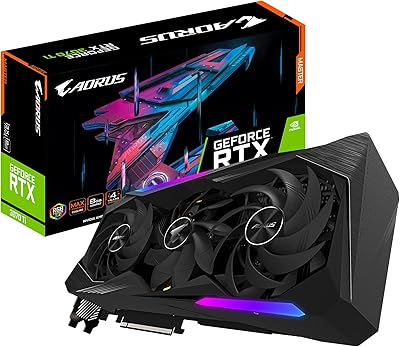
GIGABYTE AORUS RTX 3070 Ti 8GB Graphics Card
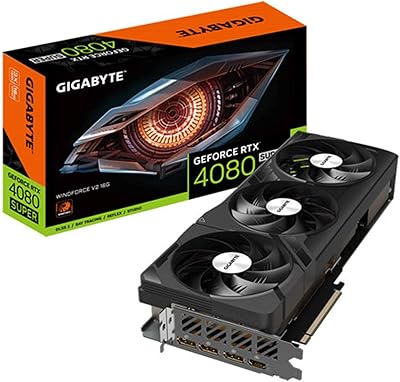
Gigabyte GeForce RTX 4080 SUPER WINDFORCE V2 Graphics Card
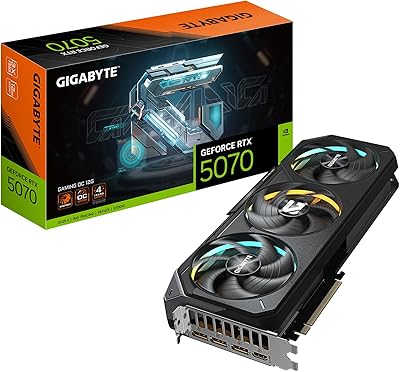
GIGABYTE RTX 5070 Gaming OC 12GB GPU
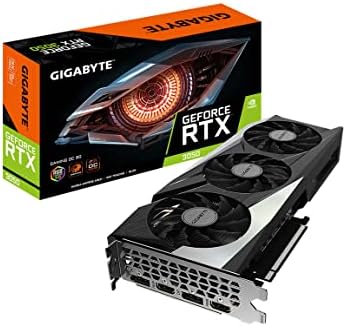
GIGABYTE GeForce RTX 3050 Gaming OC 8GB Graphics Card
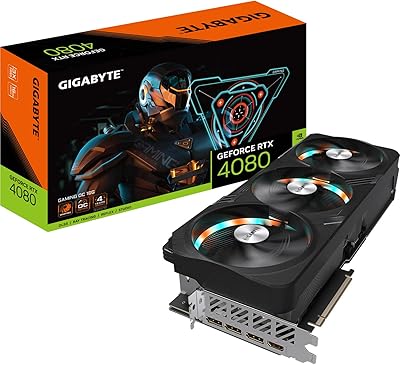
GIGABYTE RTX 4080 Gaming OC 16GB GPU
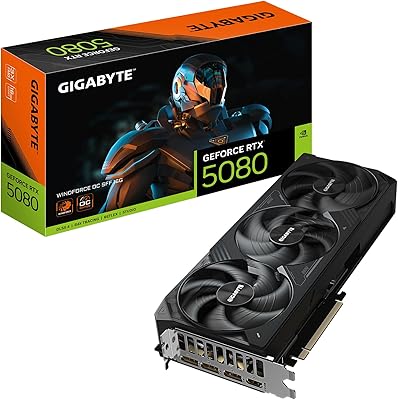
GIGABYTE GeForce RTX 5080 WINDFORCE OC SFF 16G
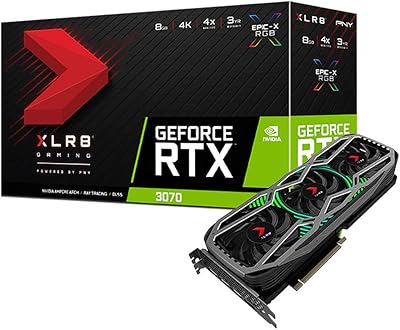
PNY GeForce RTX 3070 8GB Graphics Card
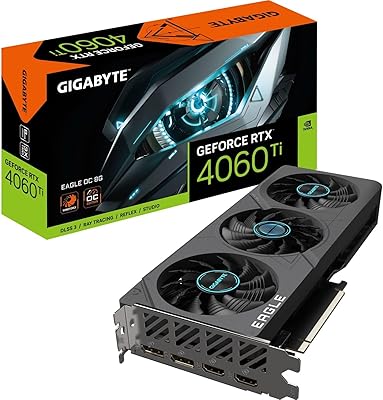
Gigabyte RTX 4060 Ti Eagle OC GPU