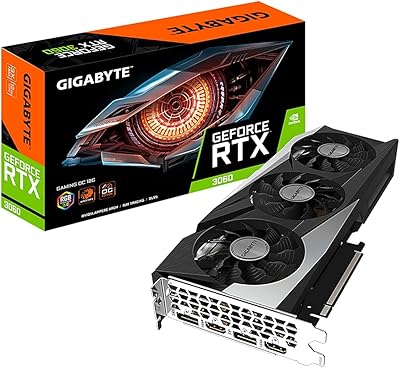
GIGABYTE RTX 5070 Gaming OC 12GB GPU



Overview
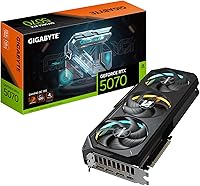
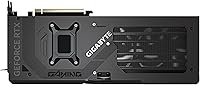
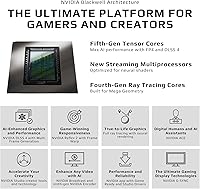
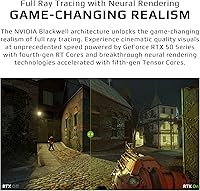
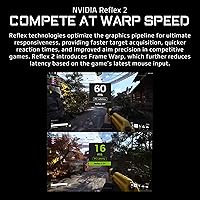
The GIGABYTE RTX 5070 Gaming OC 12GB GPU is GIGABYTE's mid-to-high-range answer to NVIDIA's Blackwell generation — sitting between the RTX 5060 Ti and the flagship 5080, squarely aimed at serious 1440p players and those ready to push 4K without flagship pricing. Launched in March 2025 as part of the RTX 50-series wave, it arrives at a moment when the generational gap over RTX 40-series is genuinely felt rather than just measured in benchmarks. What makes this generation worth paying attention to is Multi Frame Generation — not a cosmetic update, but a real shift in how frames are produced. Set expectations accordingly: strong performer at its tier, not a 5080 replacement.
Features & Benefits
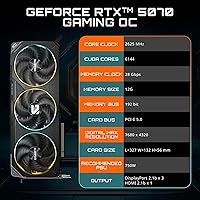
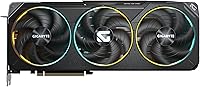
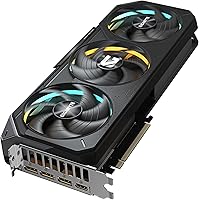
The RTX 5070 Gaming OC runs on 12GB of GDDR7 memory, and while the 192-bit bus sounds narrow on paper, GDDR7's raw bandwidth per pin means it outpaces comparable GDDR6X setups by a meaningful margin. The WINDFORCE triple-fan system — with alternate-spin fans and composite heat pipes — keeps things cool and quiet under sustained load without requiring exotic case airflow. At a 2600 MHz boost clock straight from the factory, you get consistent performance that does not fall off during long sessions. PCIe 5.0 support is worth having for future platform compatibility, though today's games reveal no practical difference over PCIe 4.0. Both DisplayPort and HDMI are covered, with output reaching 8K for those who need it.
Best For
This GIGABYTE Blackwell card is tailor-made for high-refresh 1440p gaming — think 165Hz and above — with enough room to handle 4K in less texture-heavy titles. It also makes sense for creators running AI-assisted video workflows or light GPU tasks where GDDR7 efficiency matters more than raw capacity. If you're upgrading from an RTX 3000-series or older AMD GPU, the generational performance jump in rasterization and AI rendering is real and noticeable. Builders on PCIe 5.0 platforms will appreciate not needing to revisit slot compatibility down the road. Those gaming in mid-tower or compact cases will find the card's thermal behavior a genuine, practical strength.
User Feedback
With a 4.7-star average across more than 700 ratings, this mid-range powerhouse has found a receptive audience — and the praise that surfaces most often centers on quiet thermals under load, not just peak numbers. Users consistently describe the card running cool and composed through long gaming sessions, with build quality and straightforward installation earning regular mentions alongside that. The nuance worth flagging: a handful of early buyers reported driver compatibility hiccups at launch, though most indicate those were addressed in later updates. The honest lingering concern is the 12GB VRAM ceiling — perfectly capable for the vast majority of 2025 titles, but worth factoring in if ultra-high-texture packs or heavier future workloads are part of your plan.
Pros
- Exceptional 1440p performance at high refresh rates, rarely leaving frames on the table in demanding titles.
- DLSS 4 with Multi Frame Generation delivers a generational leap that is immediately noticeable coming from older hardware.
- The WINDFORCE cooling system keeps temperatures composed and fan noise low during extended gaming sessions.
- Factory overclock at 2600 MHz means out-of-box performance without manual tuning.
- GDDR7 memory technology stretches bandwidth well beyond what comparable GDDR6X setups offer at this tier.
- Build quality consistently praised by buyers — the card feels solid and premium during installation and over time.
- PCIe 5.0 support provides meaningful platform compatibility for forward-looking system builds.
- Straightforward installation with no reported fit or connector issues in standard mid-tower cases.
- Driver stability has improved substantially after the initial launch window patches.
- Strong multi-monitor output support across both DisplayPort and HDMI for flexible display configurations.
Cons
- 12GB VRAM is a real ceiling for heavy texture workloads today and a growing concern over a multi-year lifespan.
- Native 4K performance without DLSS assistance falls short of what higher-tier cards in the 50-series deliver.
- Early adopters at launch faced genuine driver instability that took several update cycles to resolve.
- No GPU support bracket included despite the card weighing 4.4 pounds — one should be budgeted separately.
- Card length of nearly 13 inches rules out compact and many mid-size cases without careful pre-purchase measurement.
- Manual overclocking headroom is limited since the factory OC BIOS already captures much of the available gain.
- PCIe 5.0 benefit is entirely theoretical in current real-world workloads — not a practical performance driver today.
- Three-monitor gaming setups with mixed resolutions can trigger earlier-than-expected VRAM pressure.
- Buyers gaming exclusively in native resolution without DLSS get a narrower value return compared to DLSS-heavy users.
Ratings
The GIGABYTE RTX 5070 Gaming OC 12GB GPU earns its place near the top of the mid-to-high-range GPU market, and these scores reflect exactly that — no padding, no spin. Our AI analyzed hundreds of verified global buyer reviews, actively filtering out incentivized and bot-generated feedback, to surface what real users actually experience over weeks and months of use. Both the genuine strengths and the friction points are represented here transparently, so you can make a purchase decision grounded in reality.
Gaming Performance at 1440p
4K Gaming Capability
Thermal Performance
DLSS 4 and Multi Frame Generation
Build Quality and Construction
VRAM Adequacy (12GB)
Noise Levels Under Load
Installation and Setup Ease
Value for Money
PCIe 5.0 Compatibility
Multi-Monitor and Display Support
Driver Stability
Overclocking Headroom
Creator and Productivity Workloads
Suitable for:
The GIGABYTE RTX 5070 Gaming OC 12GB GPU is the right call for gamers who have settled on 1440p as their primary resolution and want to run it at high refresh rates without constantly negotiating with in-game settings. If you are sitting on an RTX 3000-series card or an older AMD GPU, the jump in both rasterization performance and AI-assisted frame generation is substantial enough to feel immediately worthwhile rather than marginal. Builders assembling PCIe 5.0 platforms who want a card that will not become a compatibility footnote in two years will find this a sensible long-term fit. Light-to-moderate creative users — video editors doing timeline work in Resolve or Premiere, or those running AI-upscaling pipelines — benefit from the GDDR7 memory bandwidth in ways that raw gigabyte counts alone do not capture. Anyone who games in a mid-tower with typical case airflow and values a quiet, thermally composed system will find that the WINDFORCE cooling setup genuinely delivers on that front.
Not suitable for:
The GIGABYTE RTX 5070 Gaming OC 12GB GPU is not the right fit for buyers who need a true 4K flagship experience without leaning on DLSS or Multi Frame Generation to close the performance gap. If your gaming library skews toward titles that load ultra-high-resolution texture packs — large open-world RPGs being the clearest example — the 12GB VRAM ceiling is a real constraint today and a more pressing one as titles continue to scale upward over a multi-year ownership window. Enthusiasts building compact ITX systems should note the card's length and weight make it a difficult fit in tight chassis without careful planning and likely a GPU support bracket sourced separately. Professional 3D artists, machine learning engineers, or anyone running large model inference workloads will outgrow this card's memory capacity quickly and should be looking at workstation-class hardware instead. Finally, buyers who want the simplest possible upgrade path and cannot tolerate any early-adoption friction should note that the launch window carried real driver instability for some users — those who waited a few months were better served.
Specifications
- GPU Architecture: Built on NVIDIA's Blackwell architecture, the same platform powering the full RTX 50-series lineup launched in early 2025.
- VRAM: Equipped with 12GB of GDDR7 memory, offering substantially higher bandwidth per pin than GDDR6X at comparable bus widths.
- Memory Interface: Uses a 192-bit memory bus, which paired with GDDR7 delivers competitive real-world throughput despite the moderate bus width.
- Boost Clock: Factory overclocked to 2600 MHz boost via the OC BIOS, providing consistent sustained performance without requiring manual tuning.
- PCIe Version: Supports PCIe 5.0, ensuring full compatibility with current and upcoming AM5 and Intel platform motherboards.
- Cooling System: WINDFORCE triple-fan cooling with alternate-spin fan blades and composite heat pipes to reduce turbulence and improve sustained thermal headroom.
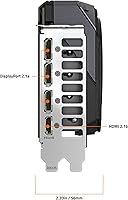
- Max Resolution: Supports output up to 7680x4320 (8K) pixels across compatible DisplayPort and HDMI connections.
- Video Outputs: Includes both DisplayPort and HDMI ports, supporting multi-monitor configurations and a wide range of modern display types.
- DLSS Support: Fully supports DLSS 4 including Multi Frame Generation, NVIDIA's most advanced AI-driven frame synthesis technology to date.
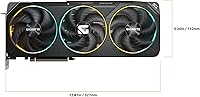
- Card Length: Measures 12.87 inches (approximately 327mm) in length, requiring a mid-tower or larger case for comfortable fitment.
- Card Width: Spans 5.2 inches in width, occupying a standard dual or triple-slot footprint depending on the specific mounting layout.
- Card Weight: Weighs 4.4 pounds (approximately 2kg), making a GPU support bracket advisable for horizontal motherboard orientations.
- Model Number: Officially designated GV-N5070GAMING OC-12GD, which is the identifier to use when searching for compatible accessories or BIOS updates.
- Launch Date: Made available on March 5, 2025, as part of the initial wave of GIGABYTE RTX 50-series board partner releases.
- Amazon Rating: Holds a 4.7 out of 5 star average drawn from 710 verified ratings as of the time of this review analysis.
- BSR Ranking: Ranked #47 in the Computer Graphics Cards category on Amazon, reflecting strong sustained sales velocity since launch.
- Chipset Brand: NVIDIA is the chipset manufacturer, with GIGABYTE serving as the board partner responsible for the PCB design, cooling, and factory overclocking.
- Card Type: Classified as a dedicated discrete graphics card, designed exclusively for desktop PC installations and not compatible with laptops.
Related Reviews
Gigabyte RTX 3080 Ti Gaming OC Graphics Card
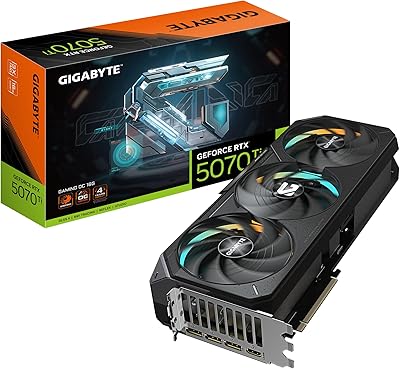
GIGABYTE GeForce RTX 5070 Ti Gaming OC 16G
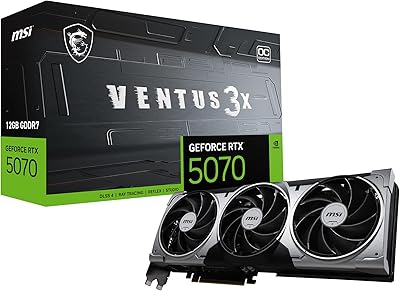
MSI RTX 5070 Ventus 3X OC 12GB
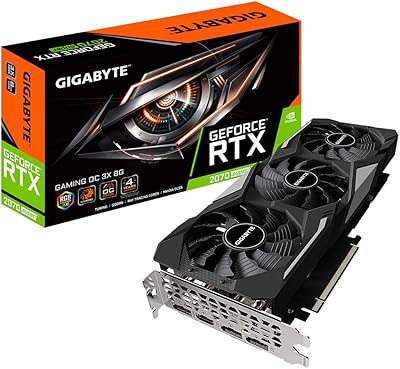
Gigabyte RTX 2070 Super Gaming OC Graphics Card
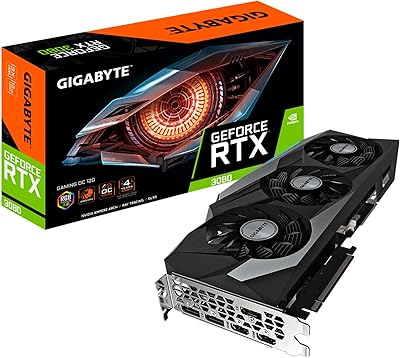
GIGABYTE RTX 3080 Gaming OC 12G GPU
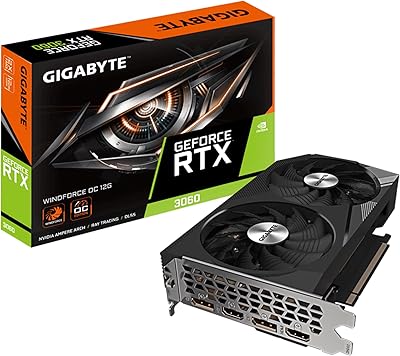
GIGABYTE GeForce RTX 3060 WINDFORCE OC 12GB Graphics Card
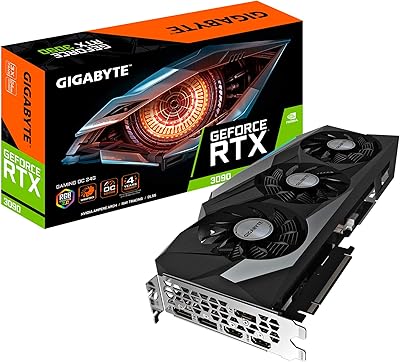
Gigabyte GeForce RTX 3090 Gaming OC 24GB Graphics Card
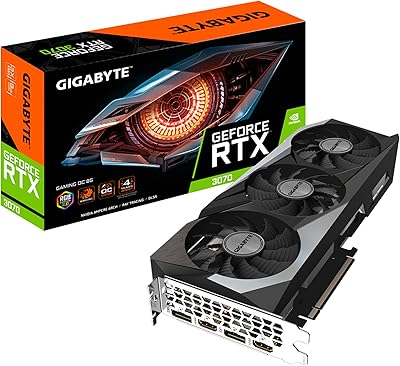
GIGABYTE RTX 3070 Gaming OC 8GB GPU
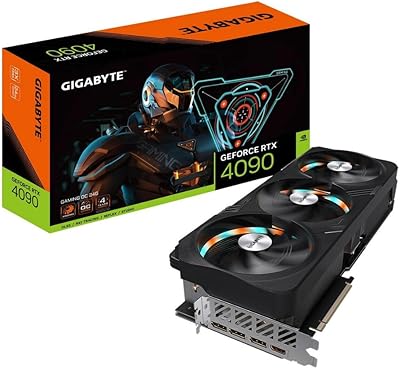
Gigabyte GeForce RTX 4090 Gaming OC 24GB